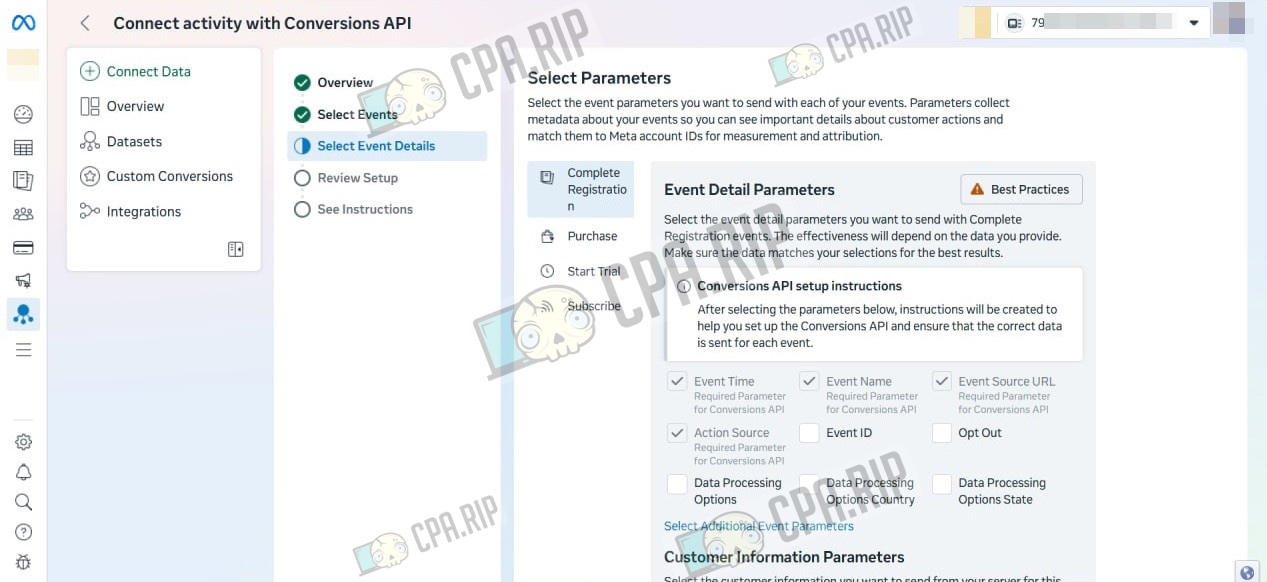
A simple way to resolve the error "Developer access restricted for user. You should verify your account by visiting https://developers.facebook.com/apps/", which may appear when manually setting up event tracking via the Conversions API in Facebook Events Manager.
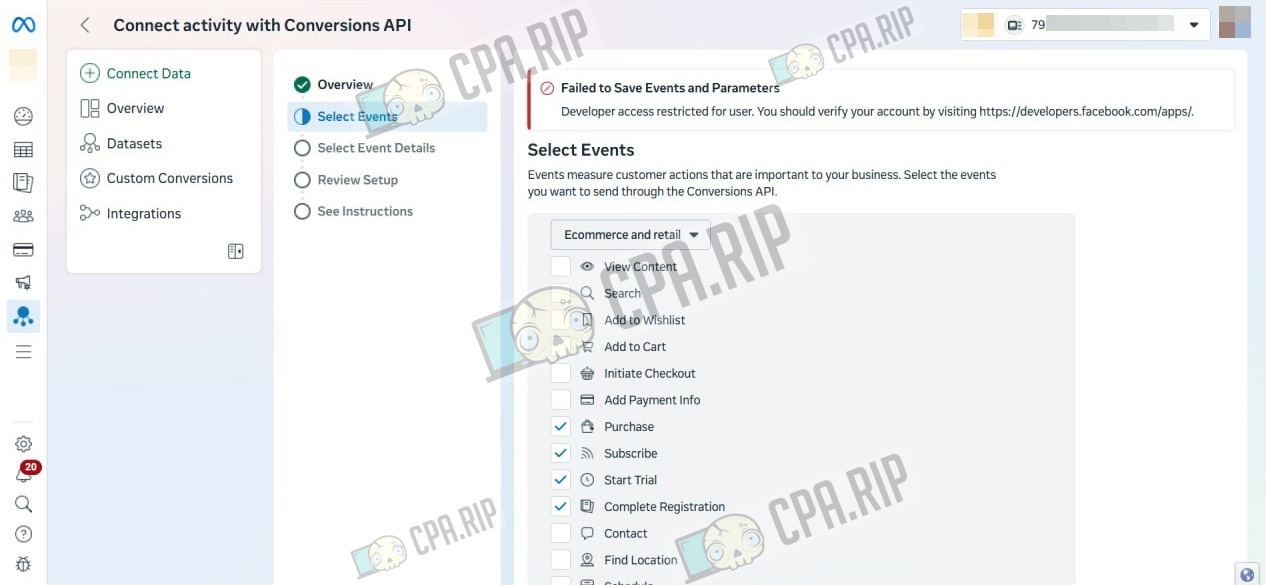
This is the error that appears on some accounts during setup:
- Add a new administrator with full access to the Meta Business Suite:
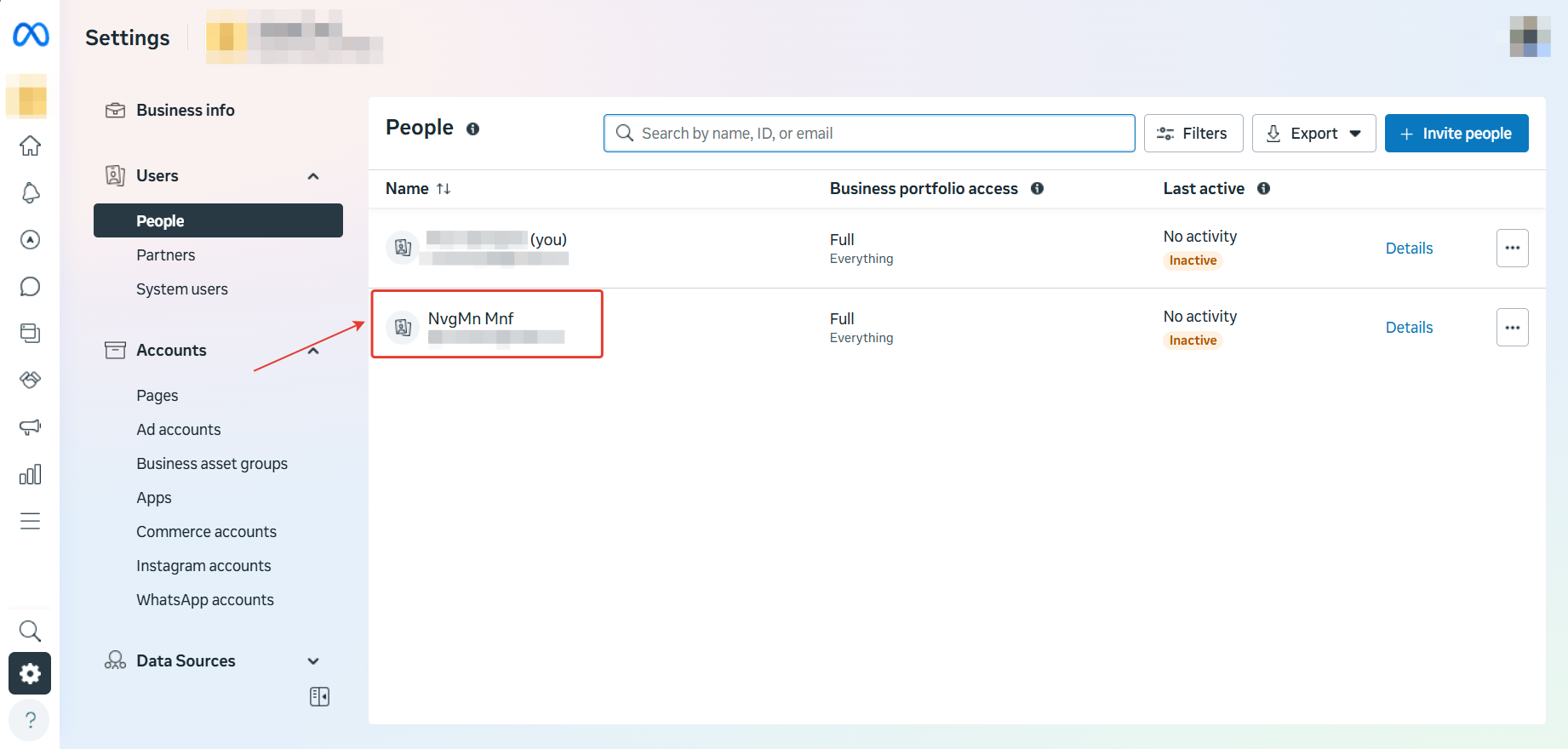
Important: this must be an account that has previously been used to configure the Conversions API in Events Manager within another Business Manager, otherwise the error will persist. If you don’t have such an account, take a free Facebook account and complete the Conversions API setup in Facebook Events Manager on any Business Manager first, then add it to the Business Manager where the error occurs.
- Next, open the Conversions API settings using the newly added account — the error will disappear.