
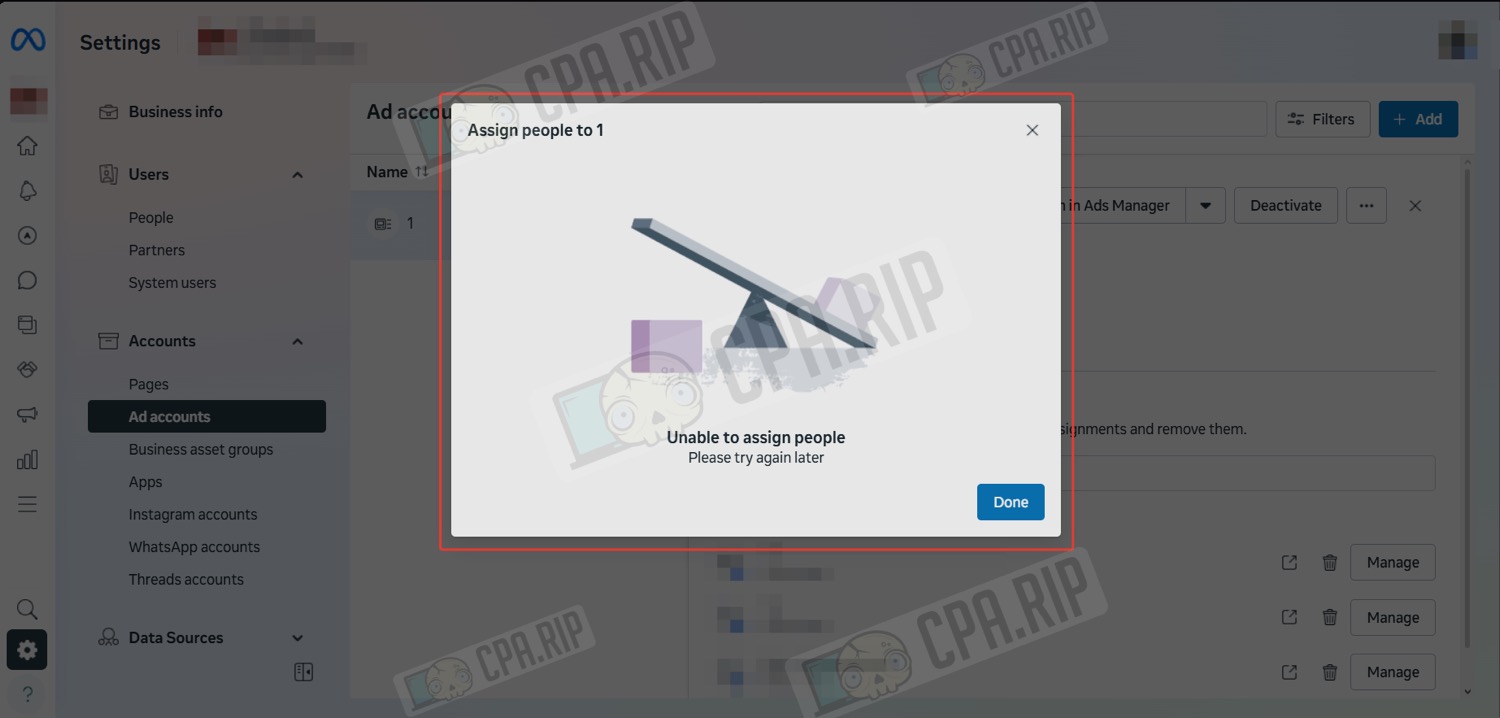
Step-by-step instructions on how to assign users in the Business Portfolio (BM) advertising account when the error ‘Unable to assign people’ occurs.
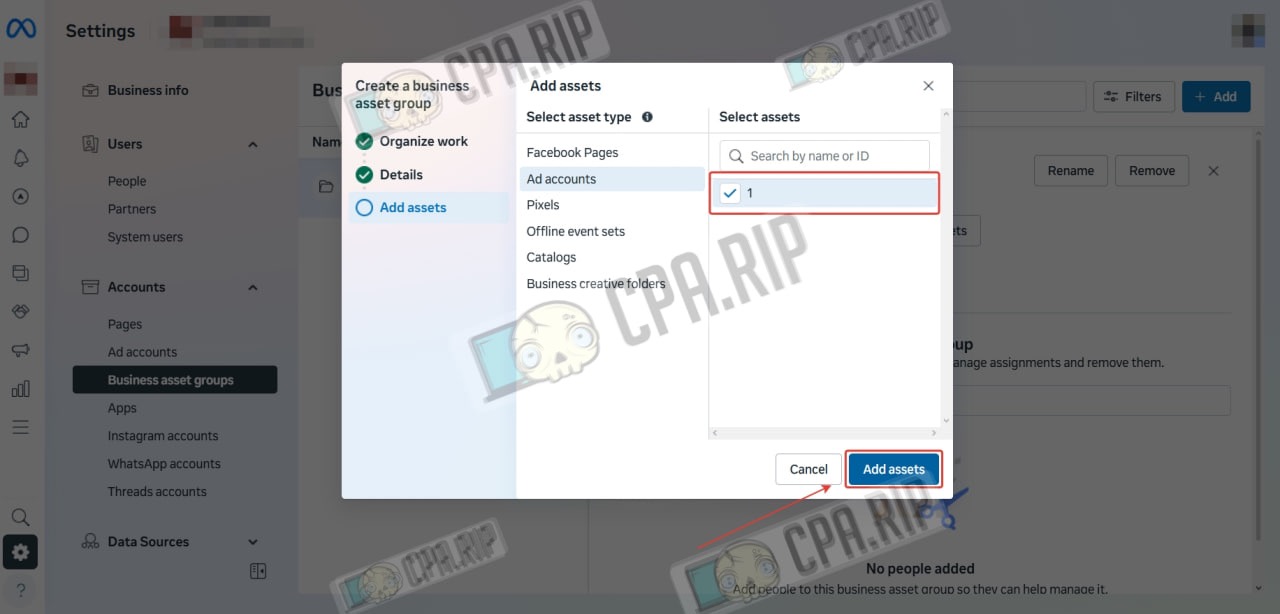
To work around the error, create a group of objects in Business Manager, add an advertising account to it, and grant users access to the group.
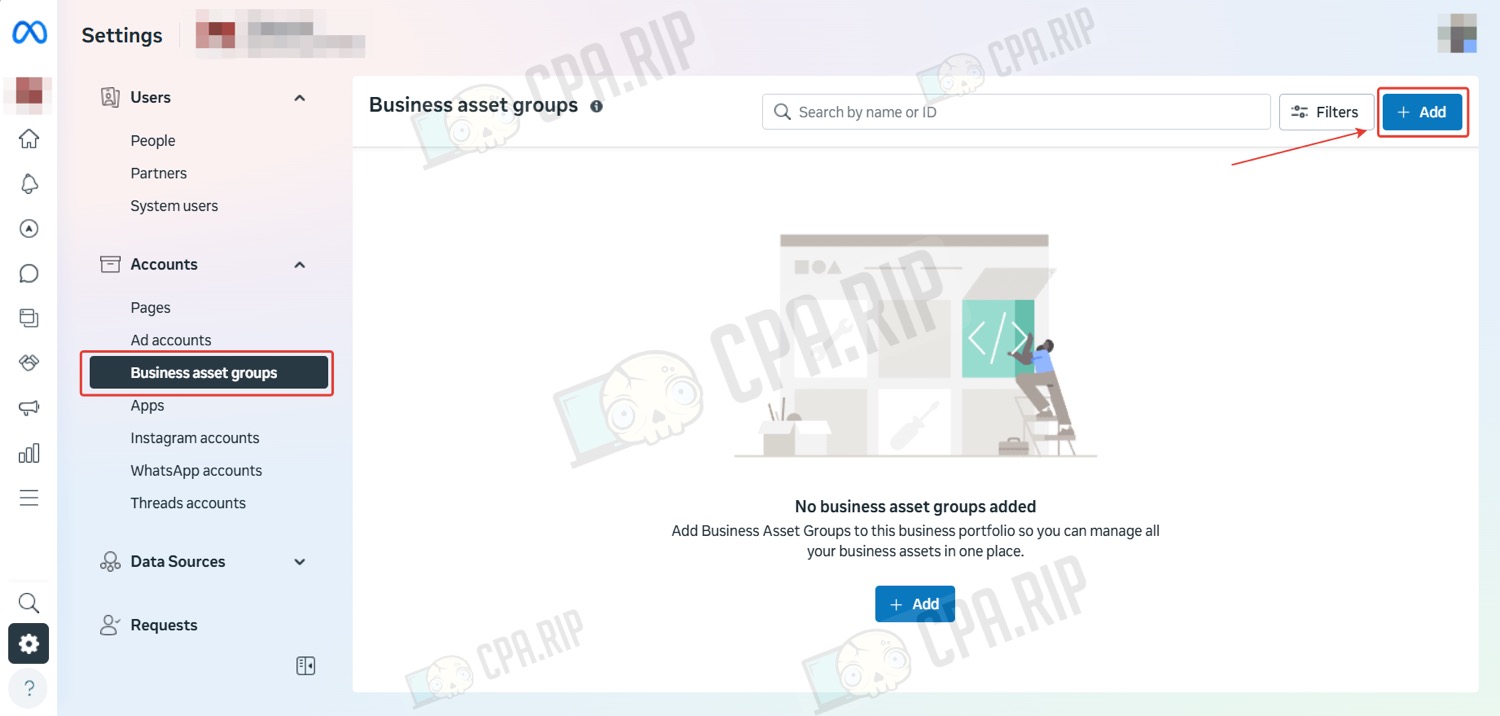
- Go to the ‘Business asset groups’ section and click ‘Add’ to create a group of objects.
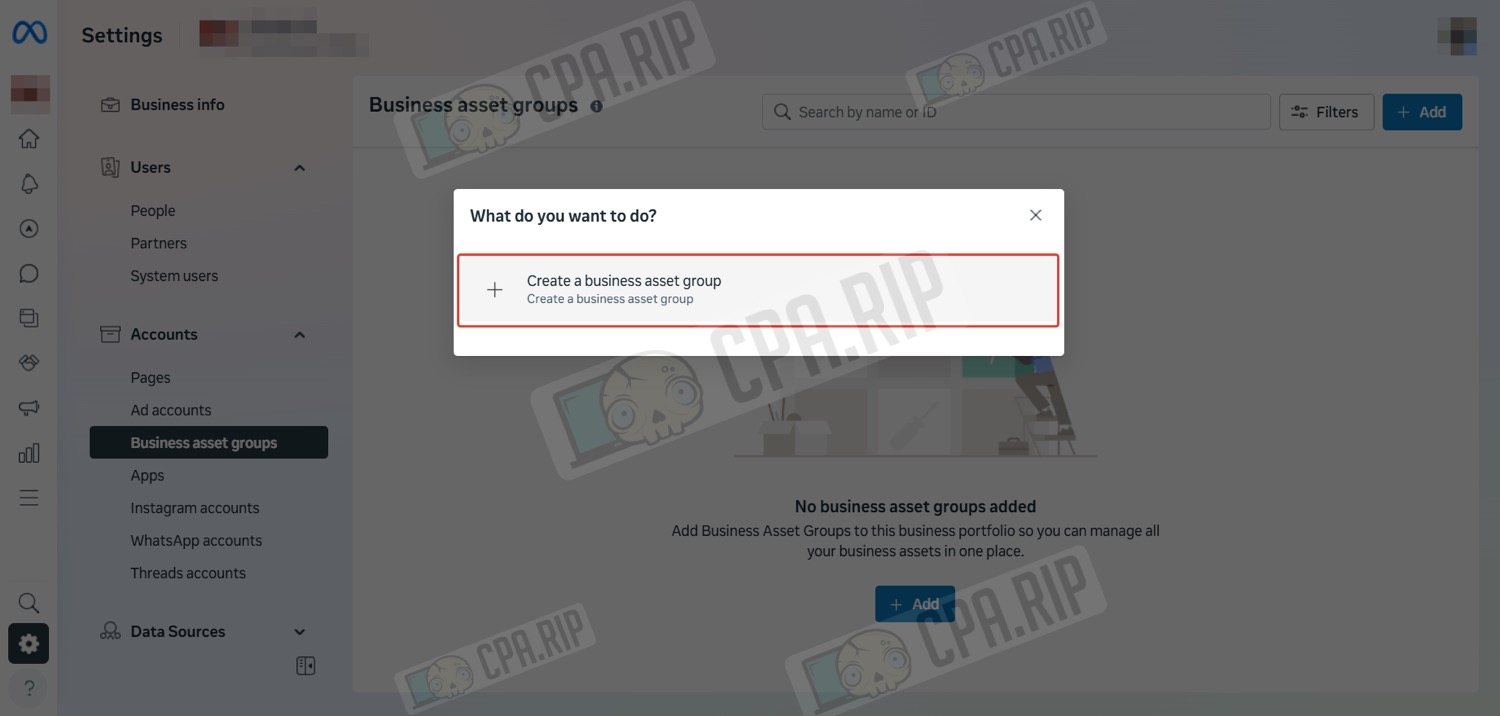
- Click ‘Create a business asset group’.
- Select ‘Other’ or any other option and click ‘Next’.

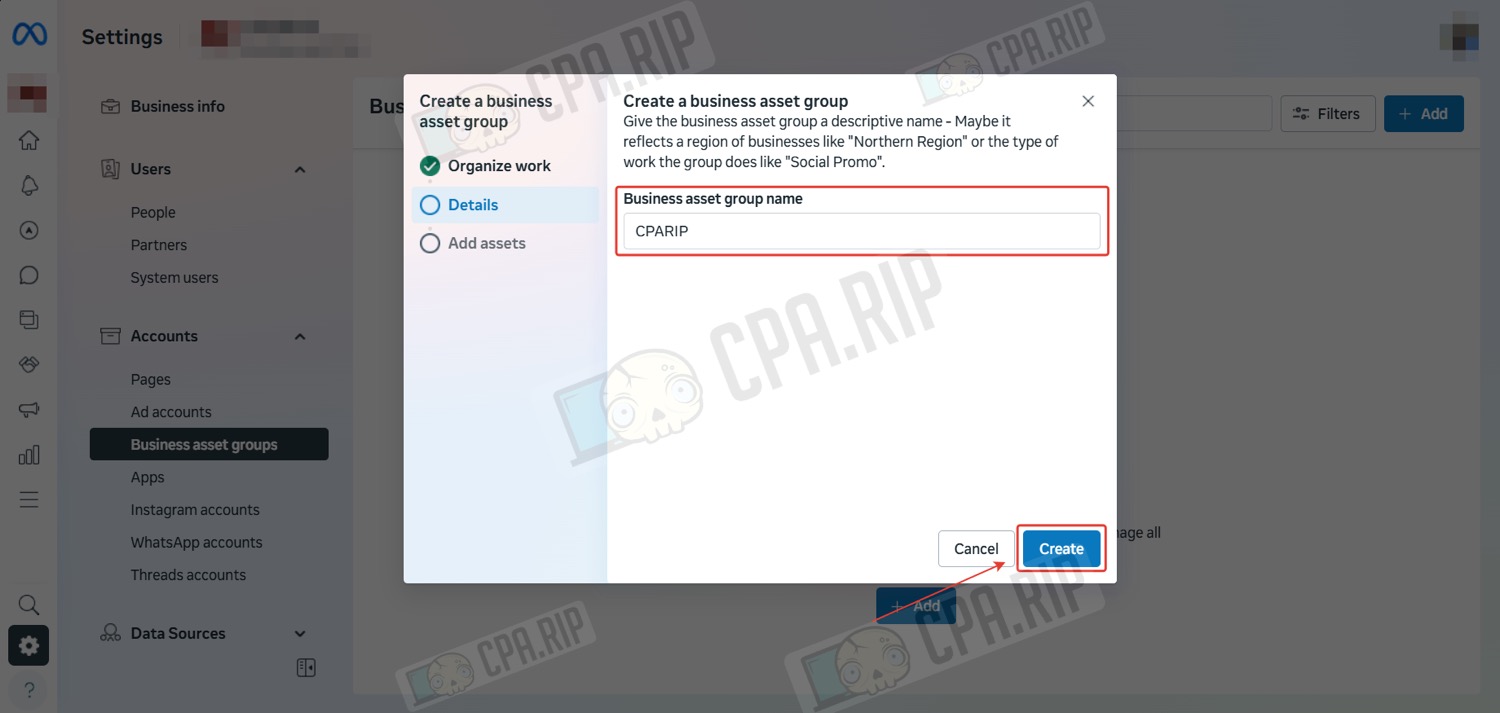
- Enter a name and click ‘Create’.
- Select the advertising account to which you want to assign users and click ‘Add assets’.
- Select the user you want to add to the advertising account, set the access level, and click ‘Assign’.