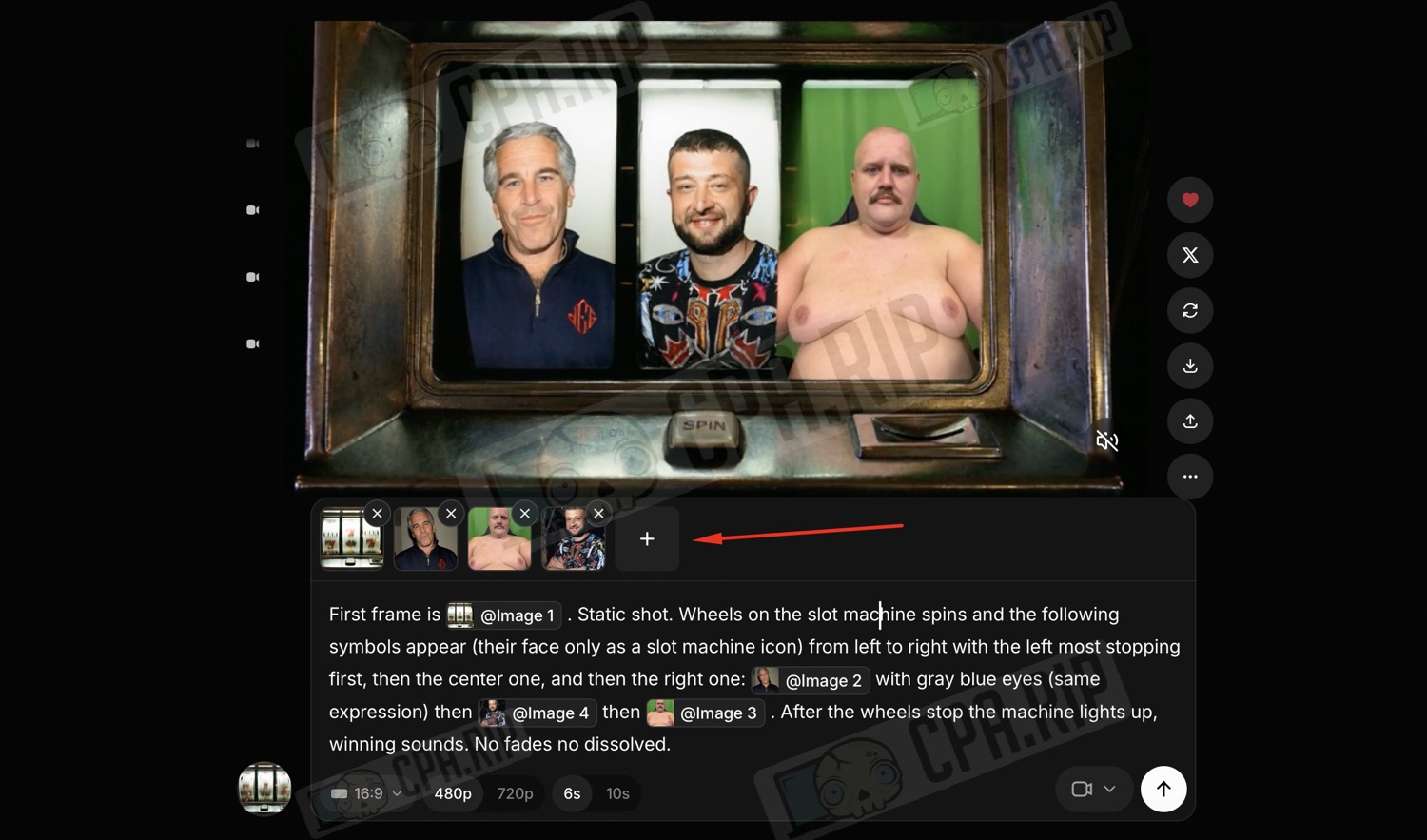
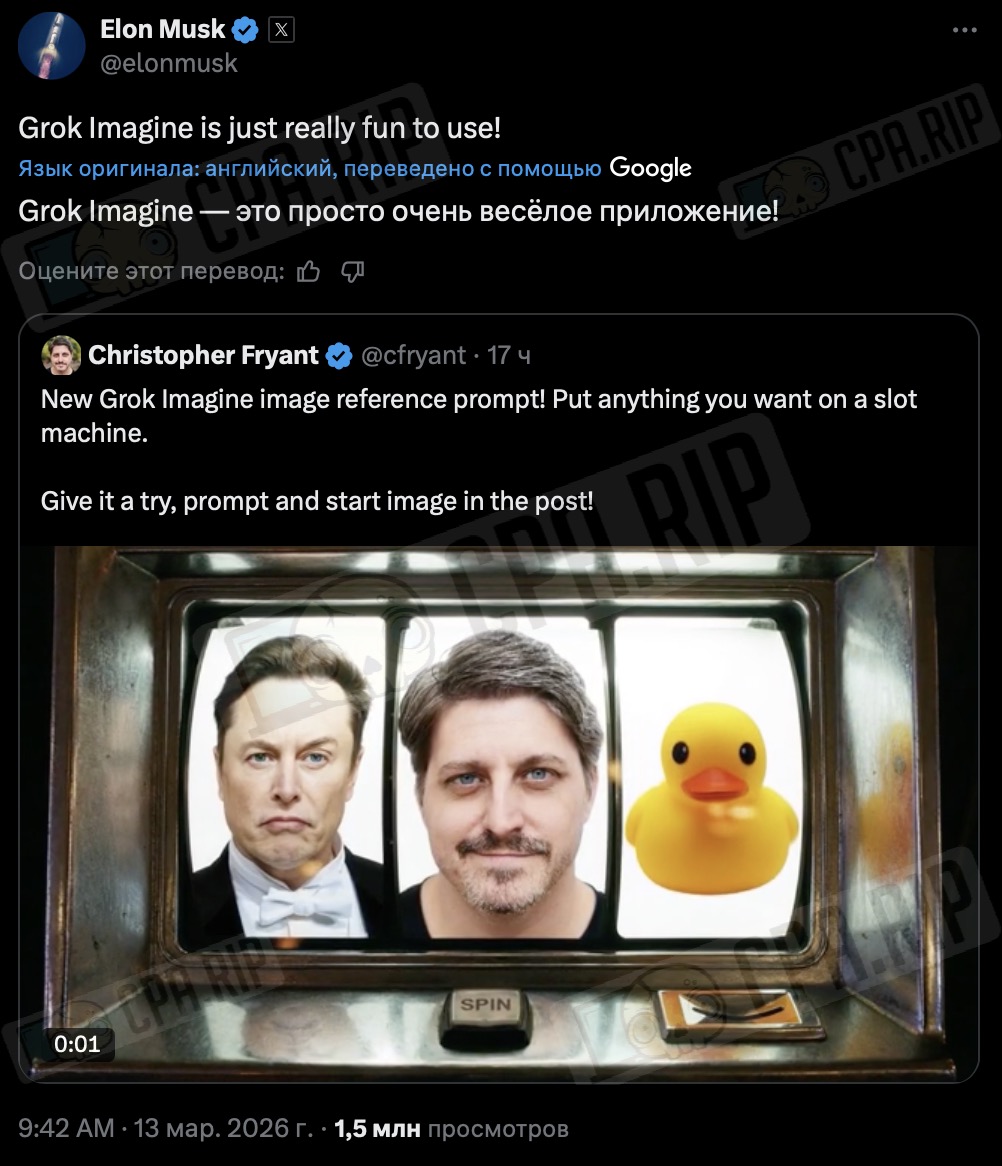
Following Elon Musk’s repost on X, a prompt for the Grok Imagine neural network went viral, creating a short video featuring a slot machine with the option to insert your own faces or images into the reels. We tested how this prompt works and how to use it. This approach could be useful for creating iGaming creatives.
Generation result
The logic is simple: you specify the starting frame, then use @image1, @image2, @image3, and @image4 to indicate what should appear in the first frame and which images should appear on the reels. The output is a ready-made generated video:
Essentially, this is a standard image-to-video script with image references. It’s not a separate new feature, but simply a ready-made prompt that can be quickly adapted for memes and, perhaps, other creative content.
Prompt’s example
First frame is @image1. Static shot. Wheels on the slot machine spins and the following symbols appear (their face only as a slot machine icon) from left to right with the left most stopping first, then the center one, and then the right one: @image2 with gray blue eyes (same expression) then @image3 then @image4. After the wheels stop the machine lights up, winning sounds. No fades no dissolved.
Starting image
You can download the starting image from the example here: https://drive.google.com/file/d/10XpTLxtN8xD9oY35w4hGV22xdP0sYJMB/view?usp=sharing
How it works
You can try it out for free here: https://grok.com/imagine
Here’s how it works:
- take the starting frame;
- insert the required images using @image1, @image2, @image3, @image4;
- specify via a prompt how the reels should spin and in what order they should stop, or insert a ready-made prompt;
- Grok will compile a short video from this.