Step-by-step instructions for creating a trending video using neural networks for Instagram and TikTok. It is suitable for gaining subscribers or sending New Year’s greetings to partners, and the techniques described can also be used when creating more complex videos.
Below is an example of a viral video that we have created using neural networks and recognisable images from the arbitration community:
Which neural networks to use
First, you need to decide which AI tools to use.
Photo generators
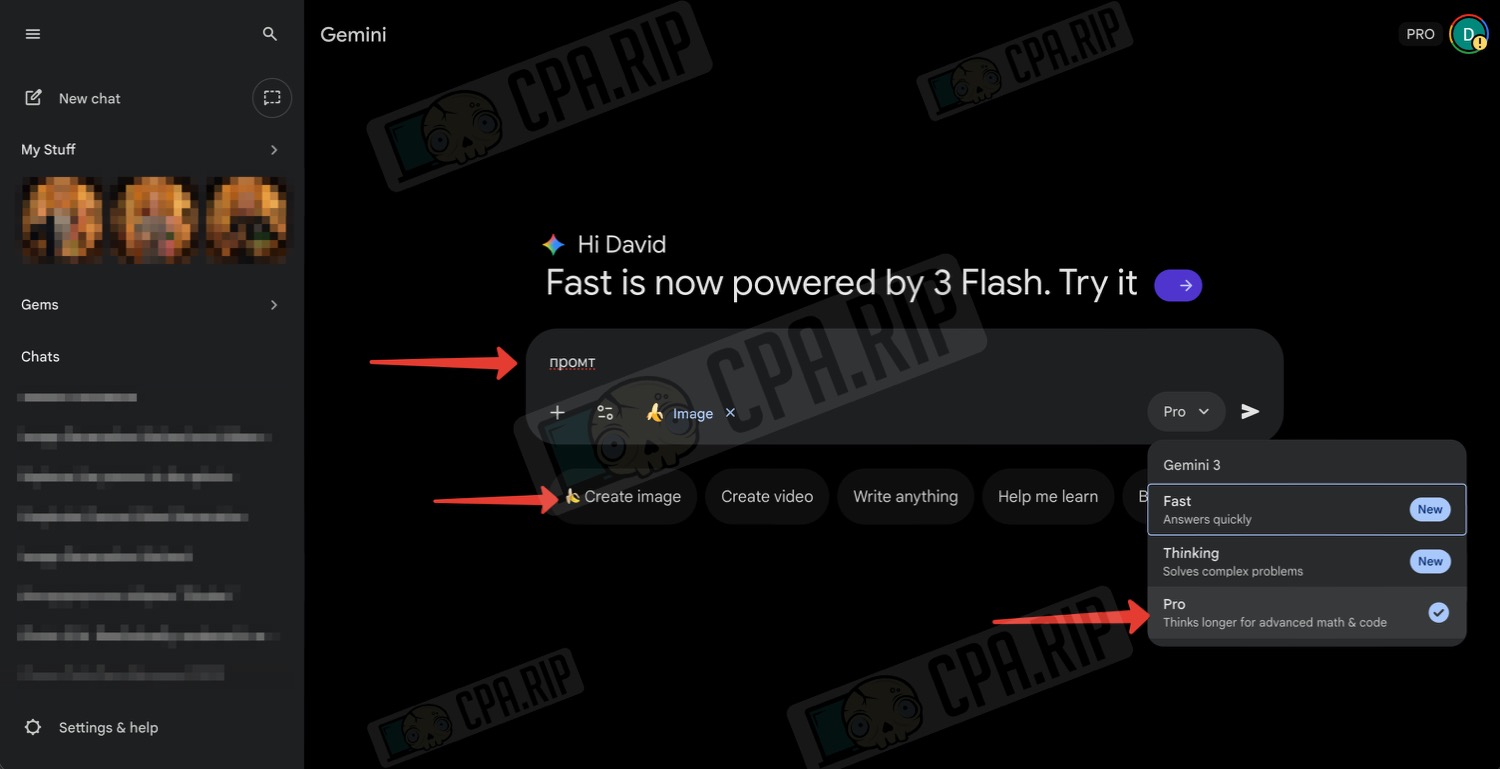
- Nano Banana Pro from Google is an advanced AI generator and image editor. To get Nano Banana Pro for free, follow the link https://cpa.rip/en/ai/gemini-enterprise-free/.
- The new ChatGPT Images is a good alternative to OpenAI’s original ChatGPT. To learn how to access ChatGPT Go for free, visit: https://cpa.rip/en/services/chatgpt-go-free/.
Video generators
- Kling O1 Video — we have used this model (paid) to create our video, as it creates videos based on the start and end frames without artefacts. You can work directly on the website https://app.klingai.com/global/omni/new or in any neural network aggregator, for example https://higgsfield.ai/create/video — generating 5-second videos costs only 10 credits on the paid Pro plan.
- Veo 3.1 — works worse when transitioning from the start frame to the end frame. Still, by experimenting with the prompt and regenerating the video multiple times, you can get the desired result.
Preparing references
Let’s look at the example of Nano Banana Pro, which we will work with directly from the Gemini chat at https://gemini.google.com/app:
To continue generating the video, we need a starting frame showing a door with a peephole and an end frame showing the guest behind the door through the peephole.
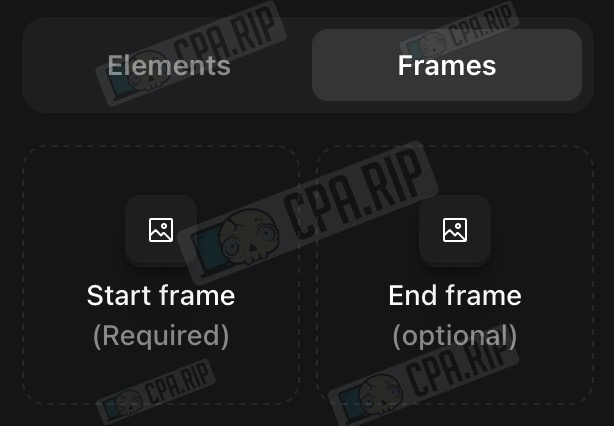
To do this, we can take a similar video from someone else and take screenshots of the first and last frames. Next, change the character using Nano Banana Pro. Or generate frames from scratch — we will discuss how to do this later.
Starting frame
The prompt for creating the first frame with the door (you can type it in free form, in either Russian or English):
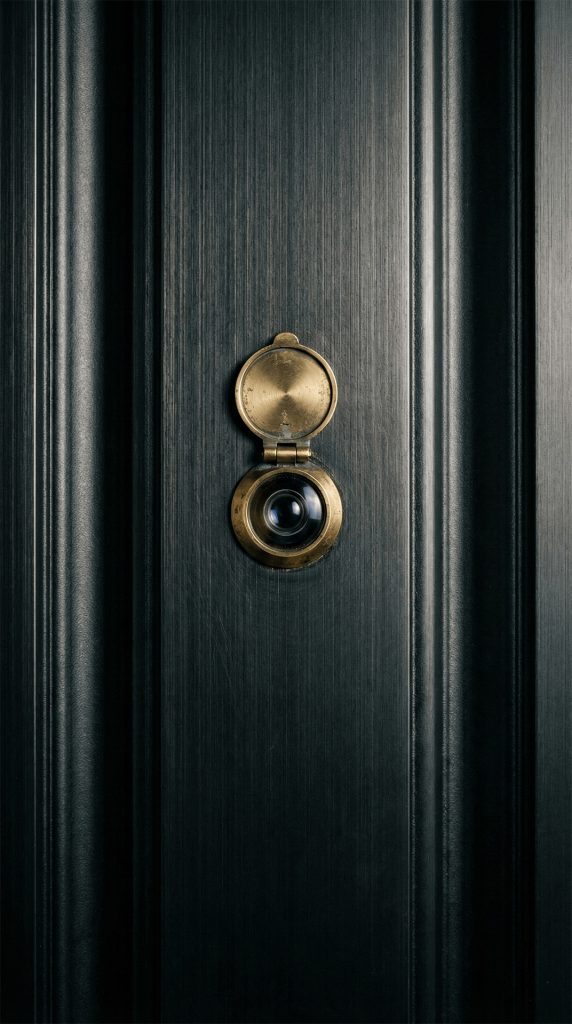
Create a photo in 9:16 format. The image shows a close-up of a front door. The door is metal, dark graphite or black in color, with a matte finish and a pronounced vertical texture resembling brushed metal. Along the edges, slightly recessed vertical lines are visible, giving the door a sense of weight and strictness.

At the center of the frame is a door peephole. The peephole consists of two circular elements: the main lens at the bottom and a hinged cover above it. The lens itself is dark, with a subtle light reflection in the center that creates a sense of depth. Around the lens is a metal ring in a muted brass tone, slightly worn.

The lighting is soft and directional, without harsh shadows. The light emphasizes the texture of the door and the metallic sheen of the peephole, making the composition minimalistic and slightly cinematic. There are no people or other objects in the frame; all attention is focused on the peephole, creating a feeling of observation, anticipation, or mystery.
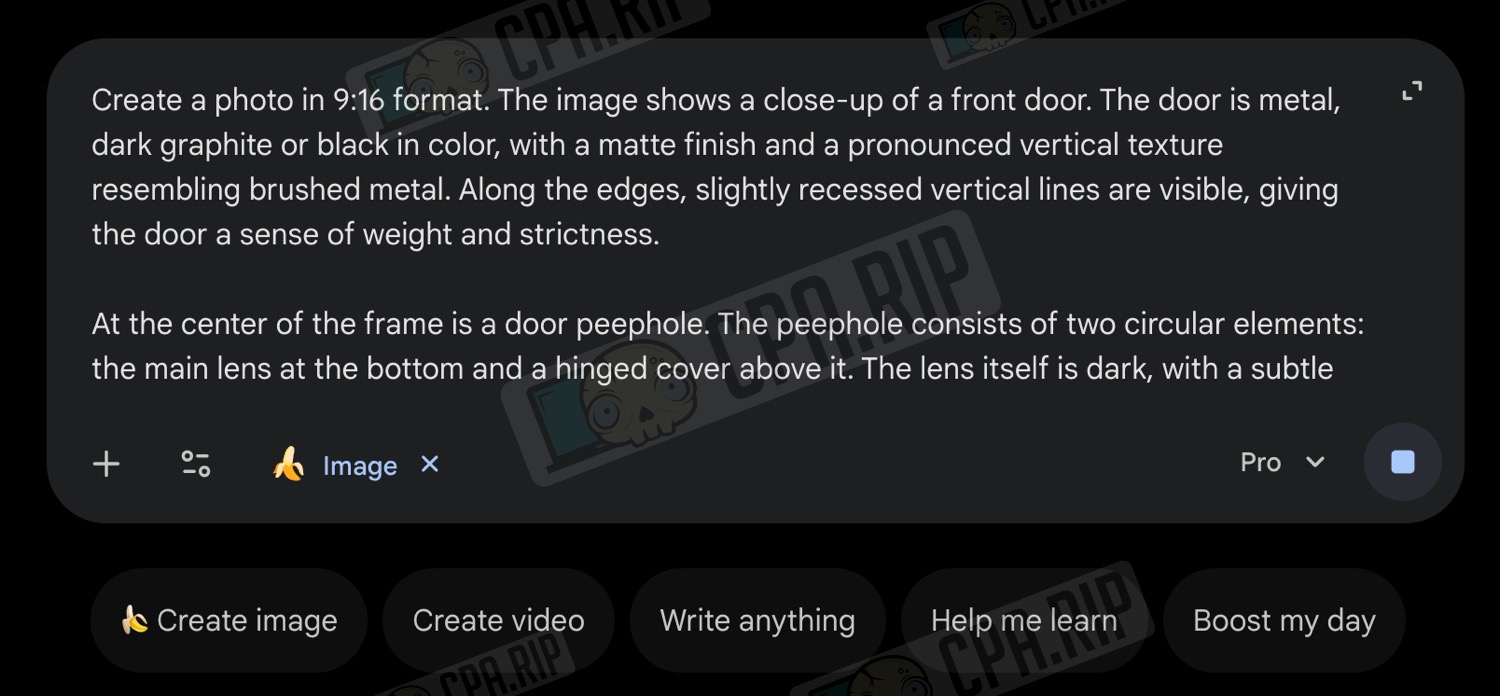
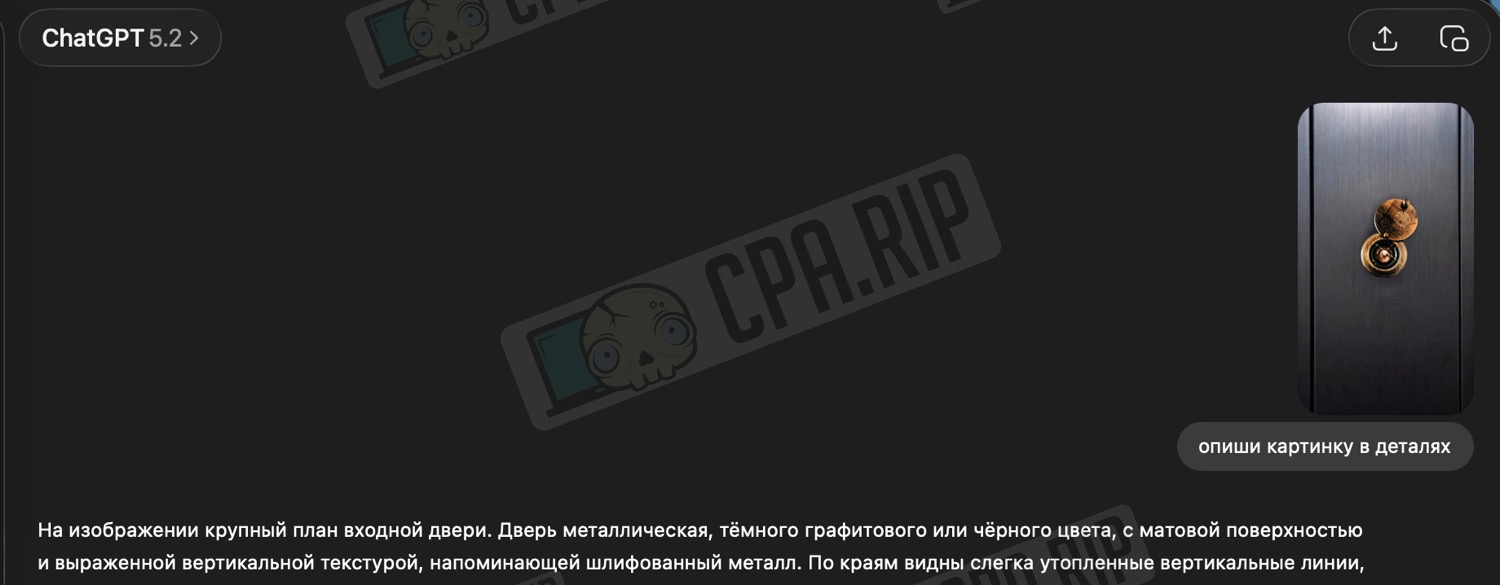
A little life hack: You can upload a suitable image to ChatGPT and ask it to describe it in detail, thus obtaining an almost ready-made prompt for further generation of similar images.
The result:
Final frame
The prompt for creating the end frame with a view through the peephole:
Photo 9:16. Realistically rendered in a New Year's style, in warm tones. View from the peephole onto the front entrance of an apartment building decorated for the New Year.
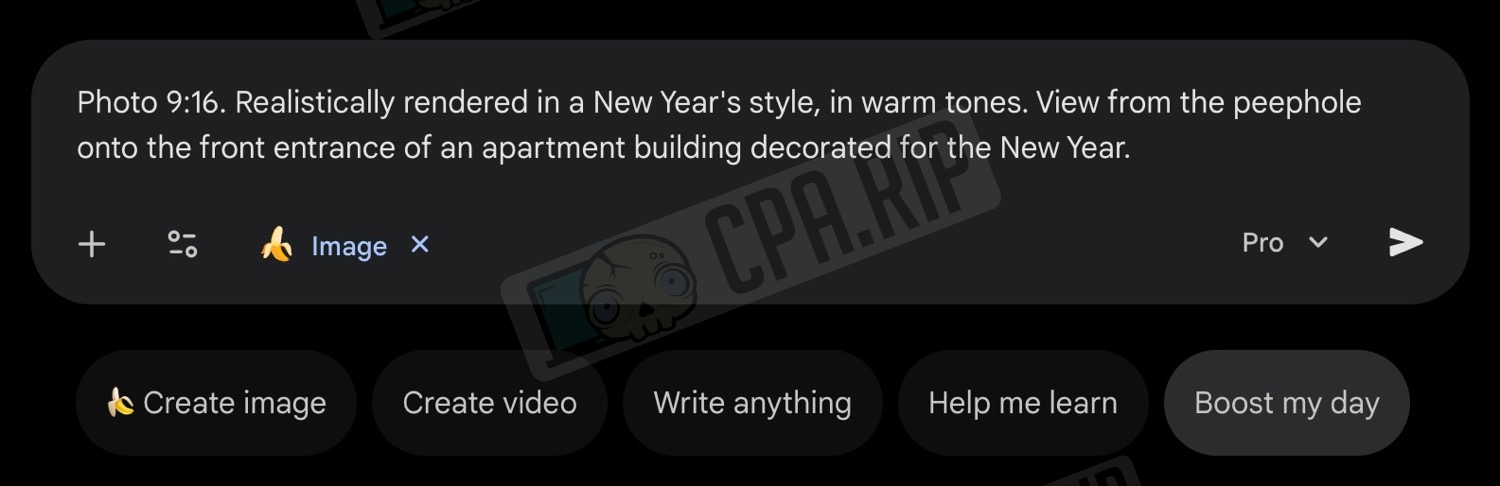
Here, we have used the simplest prompt possible and regenerated until we got the desired result:
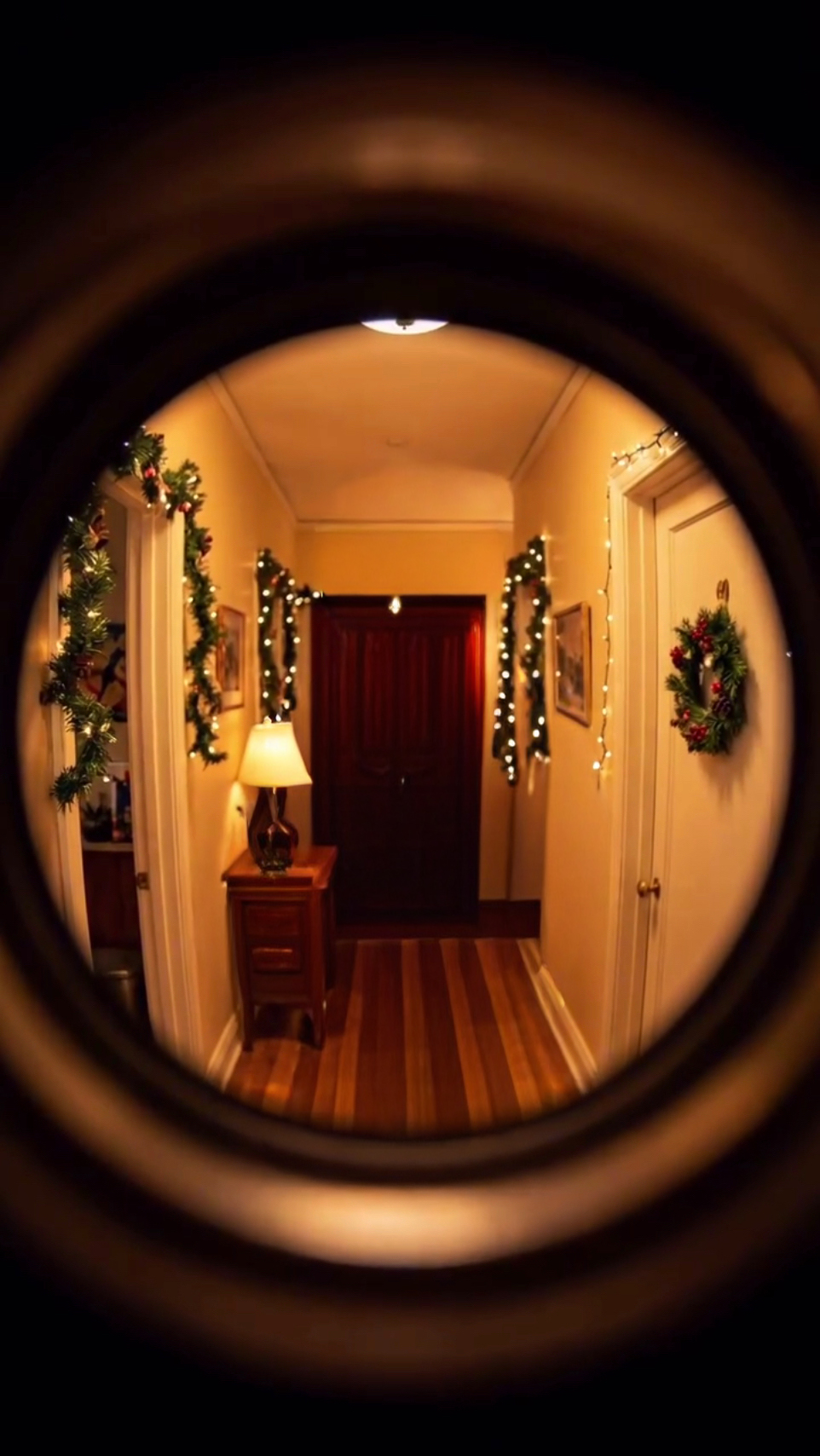
Next, we need to add the person we want behind the door. We load the end frame we obtained earlier into the neural network, load a photo of the person, and, if desired, a photo of the object he should hold:
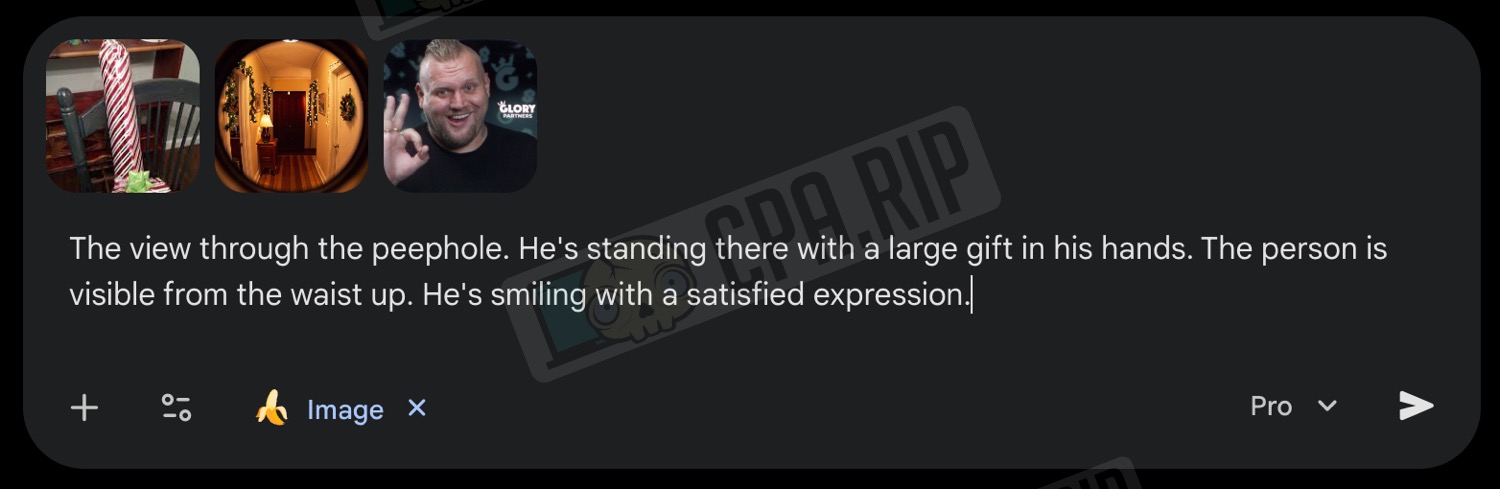
Type the following prompt and generate:
Photo 9:16. The view through the peephole. He's standing there with a large gift in his hands. The person is visible from the waist up. He's smiling with a satisfied expression.
The result:
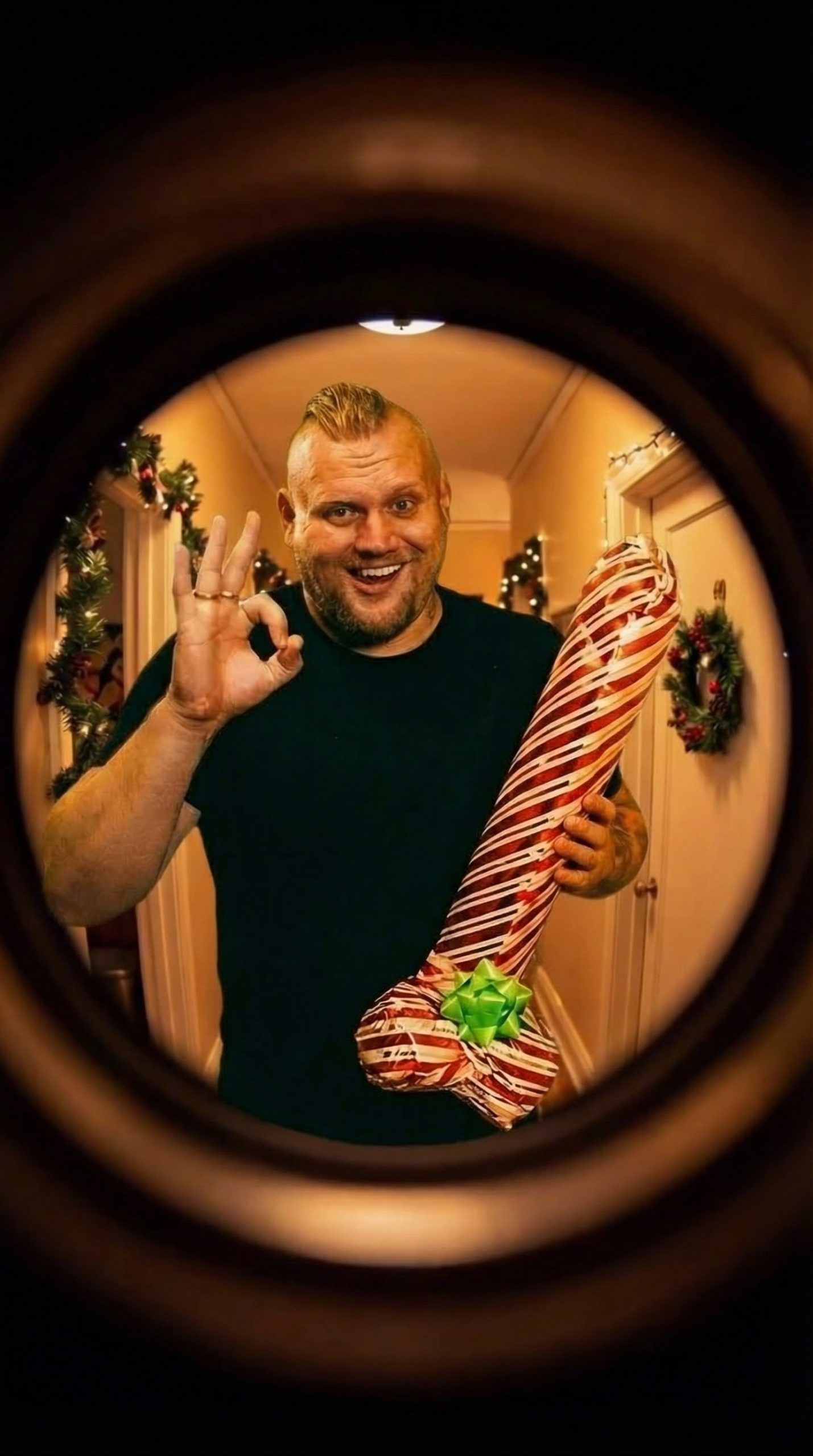
If you are not satisfied with the result, you can regenerate it, including adding new information to the prompt. Or give the following command to the neural network if you just need to make changes to an already created image.
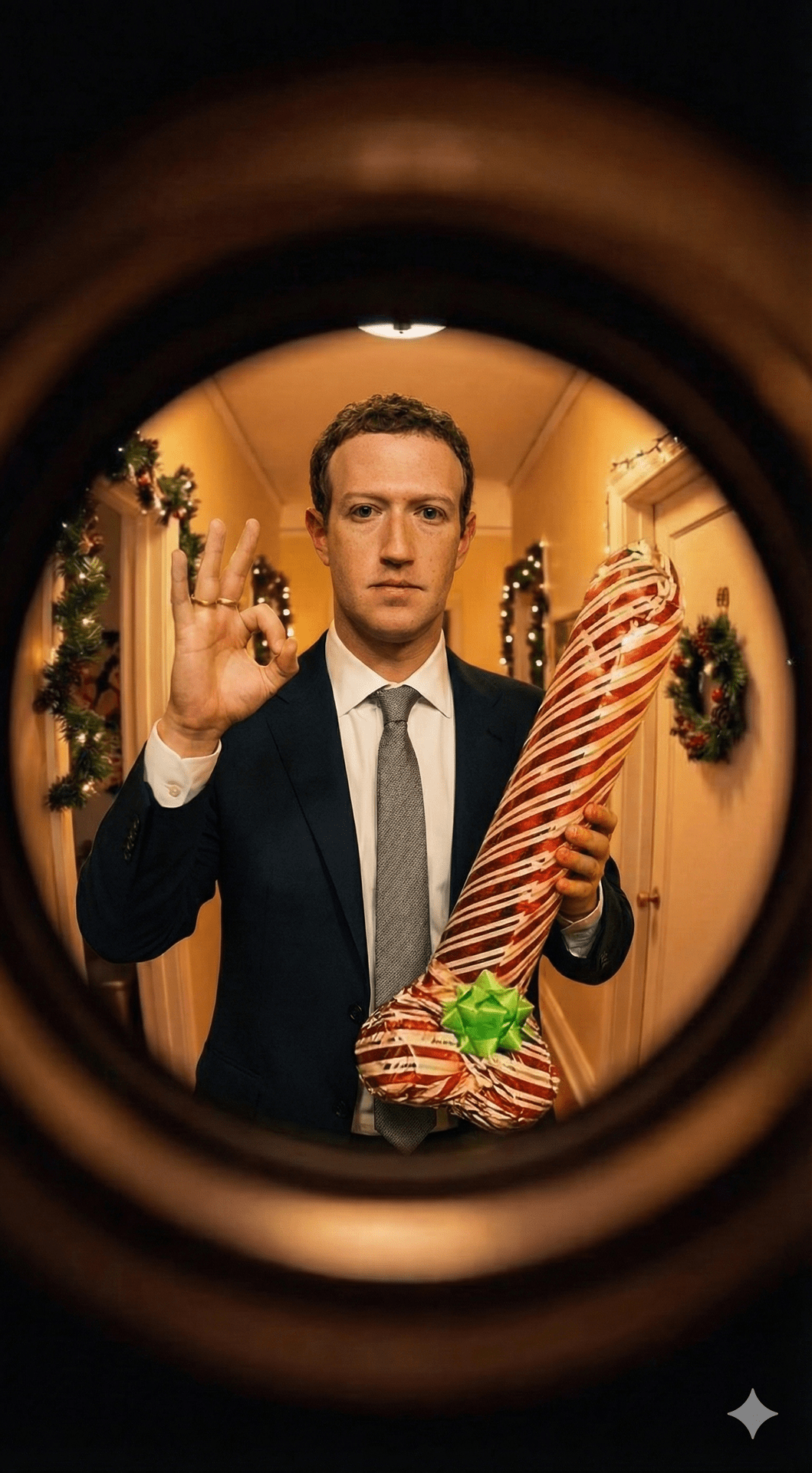
Sometimes Nano Banana Pro refuses to generate photos with real people. But if you send it an image with a person and ask it to replace him with another, it will do so without any problems, even with famous people:
Video generation in Kling O1
Let’s look at creating a video using the Kling O1 neural network in the higgsfield.ai service
- Select Video — Create Video or follow the link https://higgsfield.ai/create/video
- Select the Kling O1 Video model
- Upload the Start Frame and End Frame
- Type the following prompt:
The camera quickly moves toward the peephole in the center of the frame. From the far end of the hallway, a man approaches the door and shows a gift. The man remains silent and says nothing. He smiles and dances.
In the prompt, change the details as needed: character (male or female), what gift he/she is holding, and what he/she is doing.
- Next, select a duration of 5 seconds and an aspect ratio of 9:16.
- Click ‘Generate’.
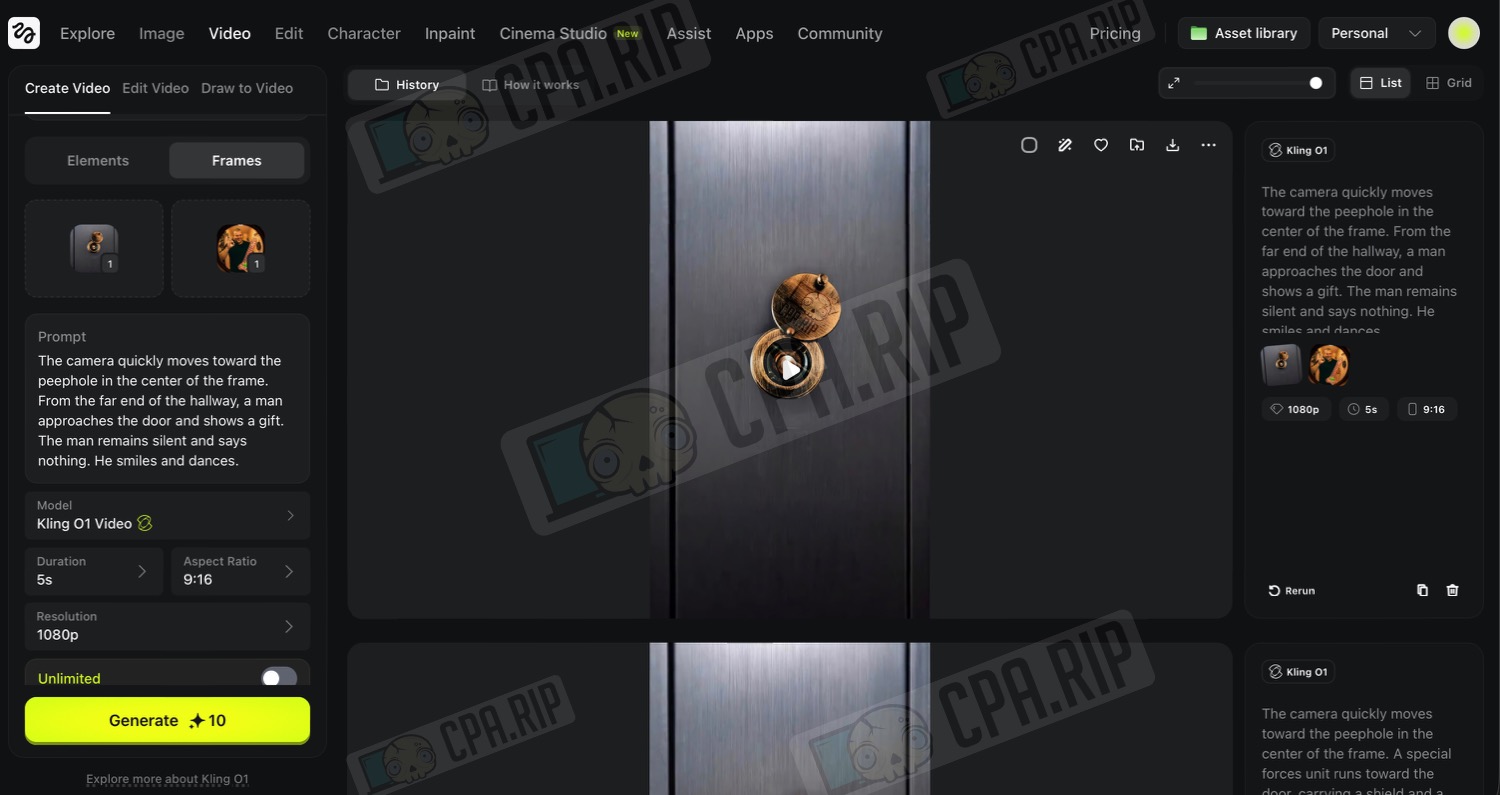
Generation usually takes less than a minute. If you are satisfied with the result, download it.
Video generation in Veo 3.1
To generate in Veo 3.1
- Go to https://labs.google/fx/tools/flow
- Create a new project
- Select Frames to Video mode.
- Select the Veo 3.1 — Fast generation model and vertical video format
- At the bottom, click ‘+’ to upload the start and end frames
- Type the prompt
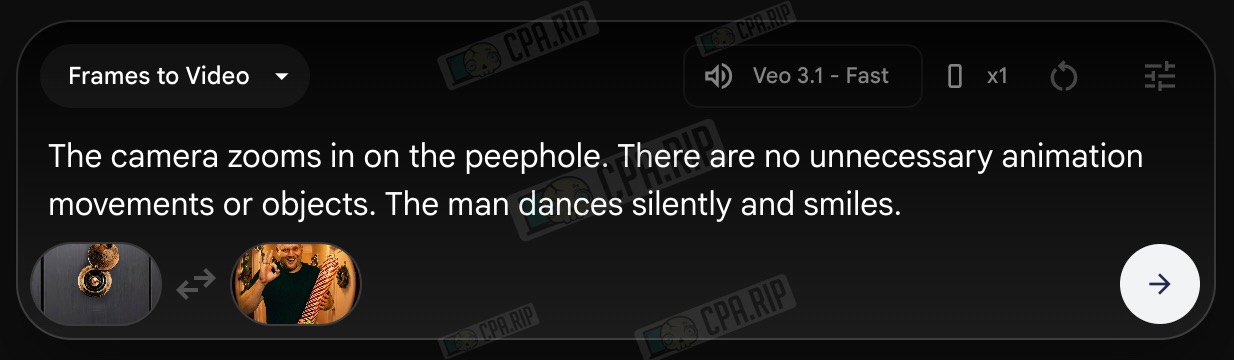
- Click the arrow button to start generation.
The Gemini Enterprise from our instructions is not available on the trial plan (https://labs.google/fx/tools/flow), but you can generate videos directly in the Gemini chat (limited to 2 videos per day).
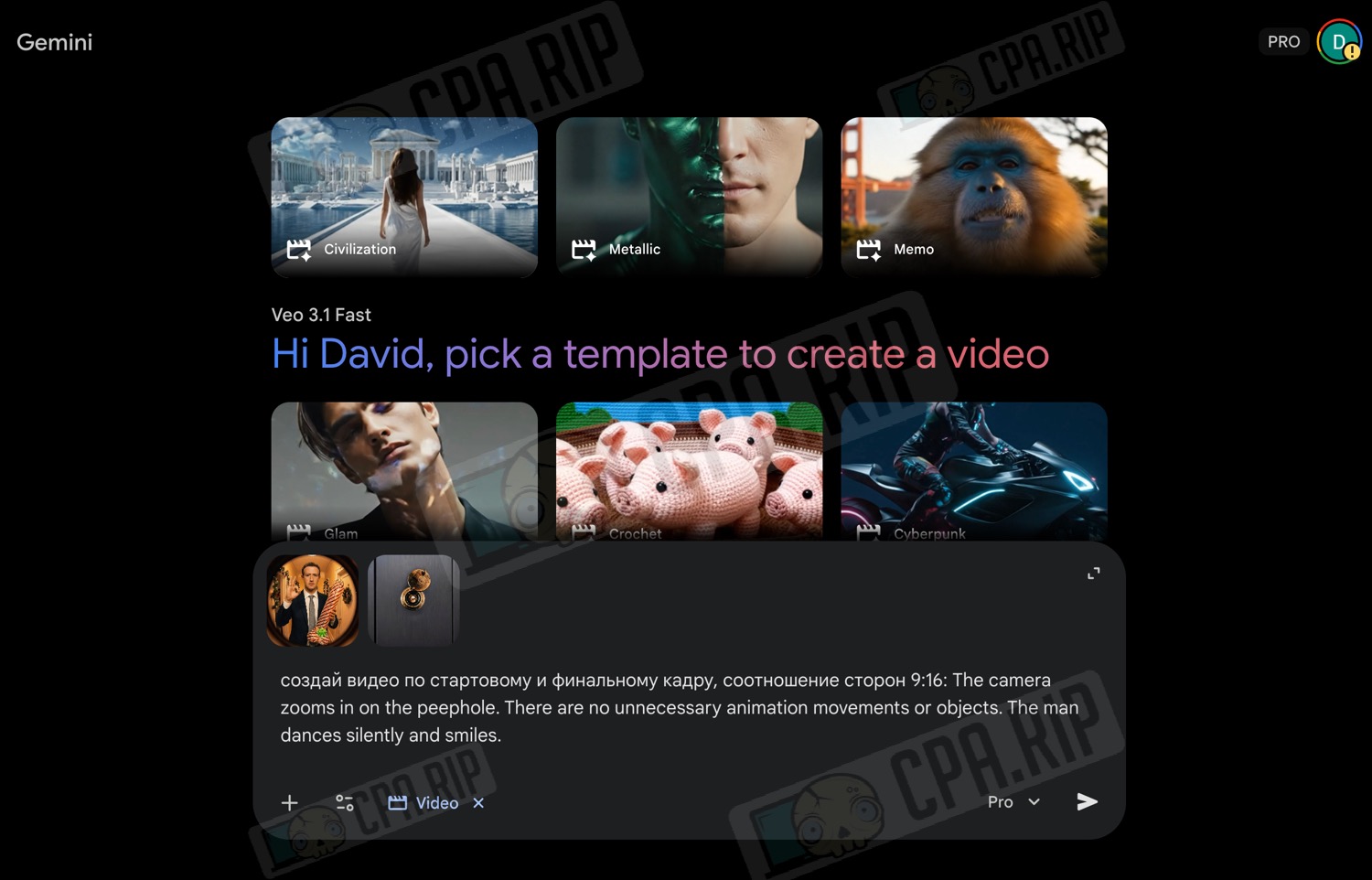
Final project assembly
You can use any video editor for the final assembly of the video. We use CapCut for PCs. We won’t go into too much detail about how to use this programme, but will only describe the basic steps.
- Upload all previously generated videos to the app
- Transfer them to the timeline in the desired order
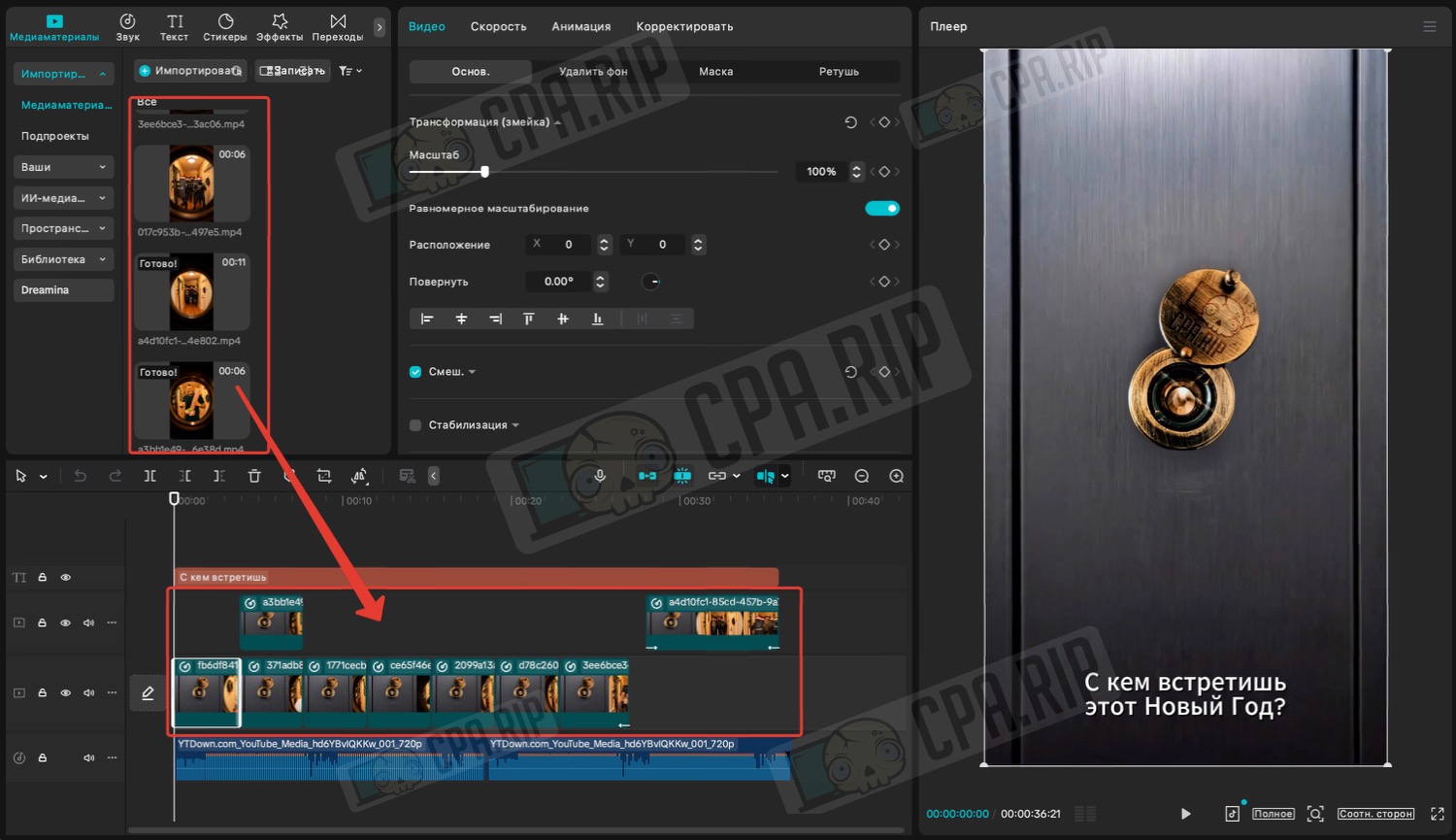
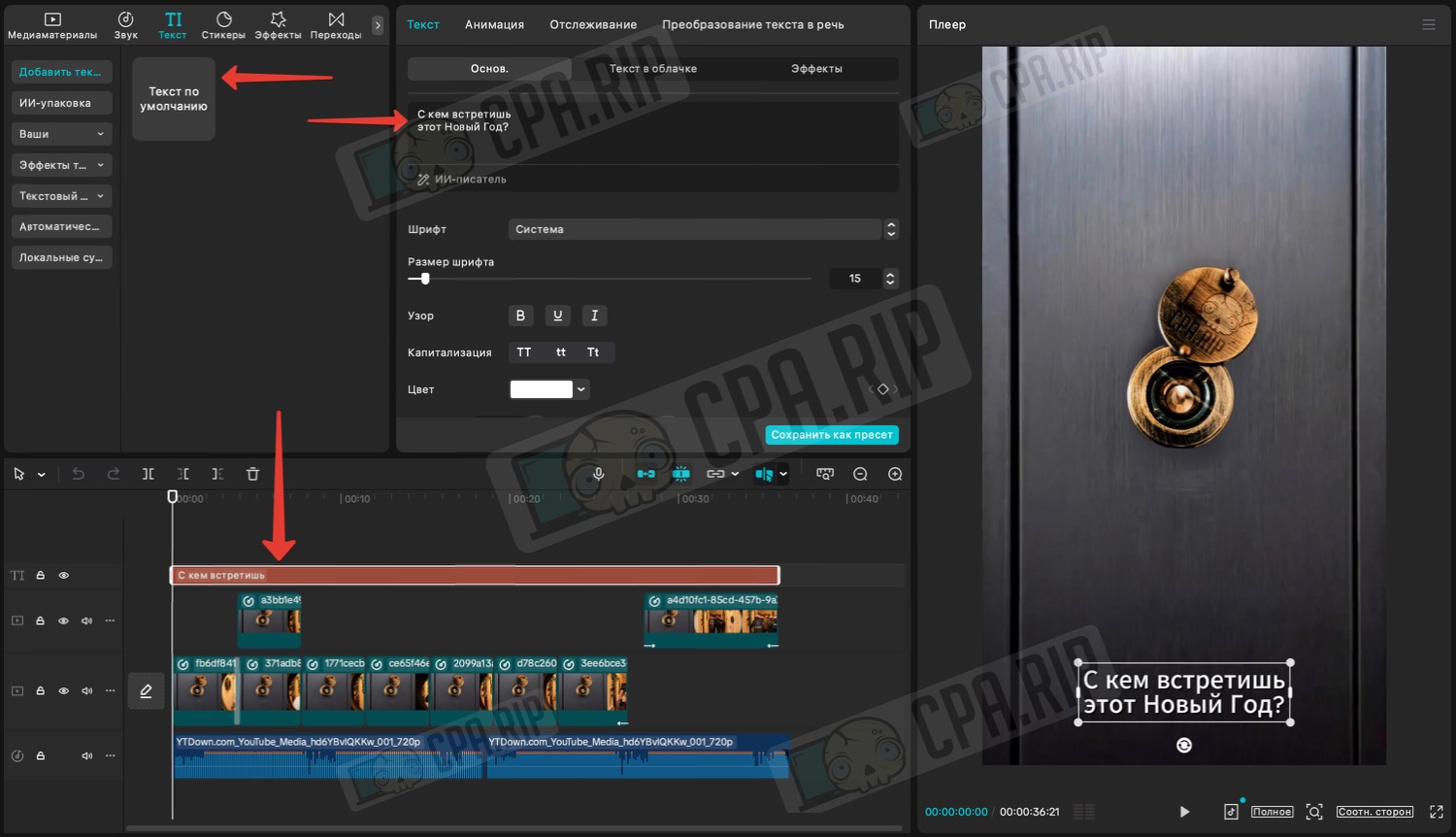
- Add text, for example, ‘Who will you spend New Year’s Eve with?’ and adjust its position, size, and appearance:
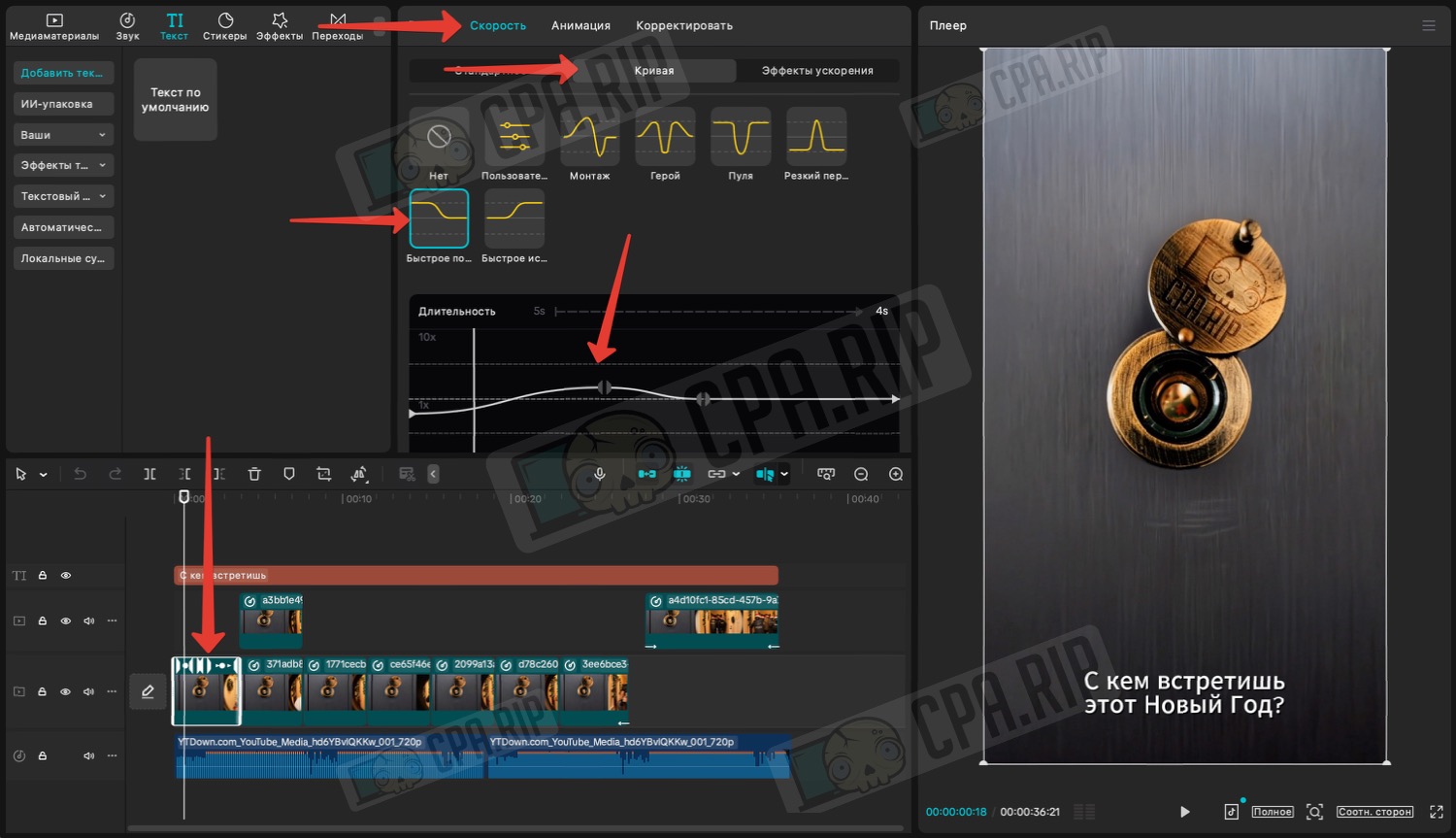
In our videos, the moment when we approach the peephole is too long, and we may lose a significant part of our audience in the first few seconds. Therefore, we need to speed up only this part.
- Select the desired video on the timeline
- Select ‘Speed’ — ‘Curve’
- Adjust the speed curve using the template or manually. The higher the line on the graph, the faster this part of the video will be sped up
- Next, add music. It’s best to choose something that’s currently trending on social media
- Add the music to the timeline and cut it
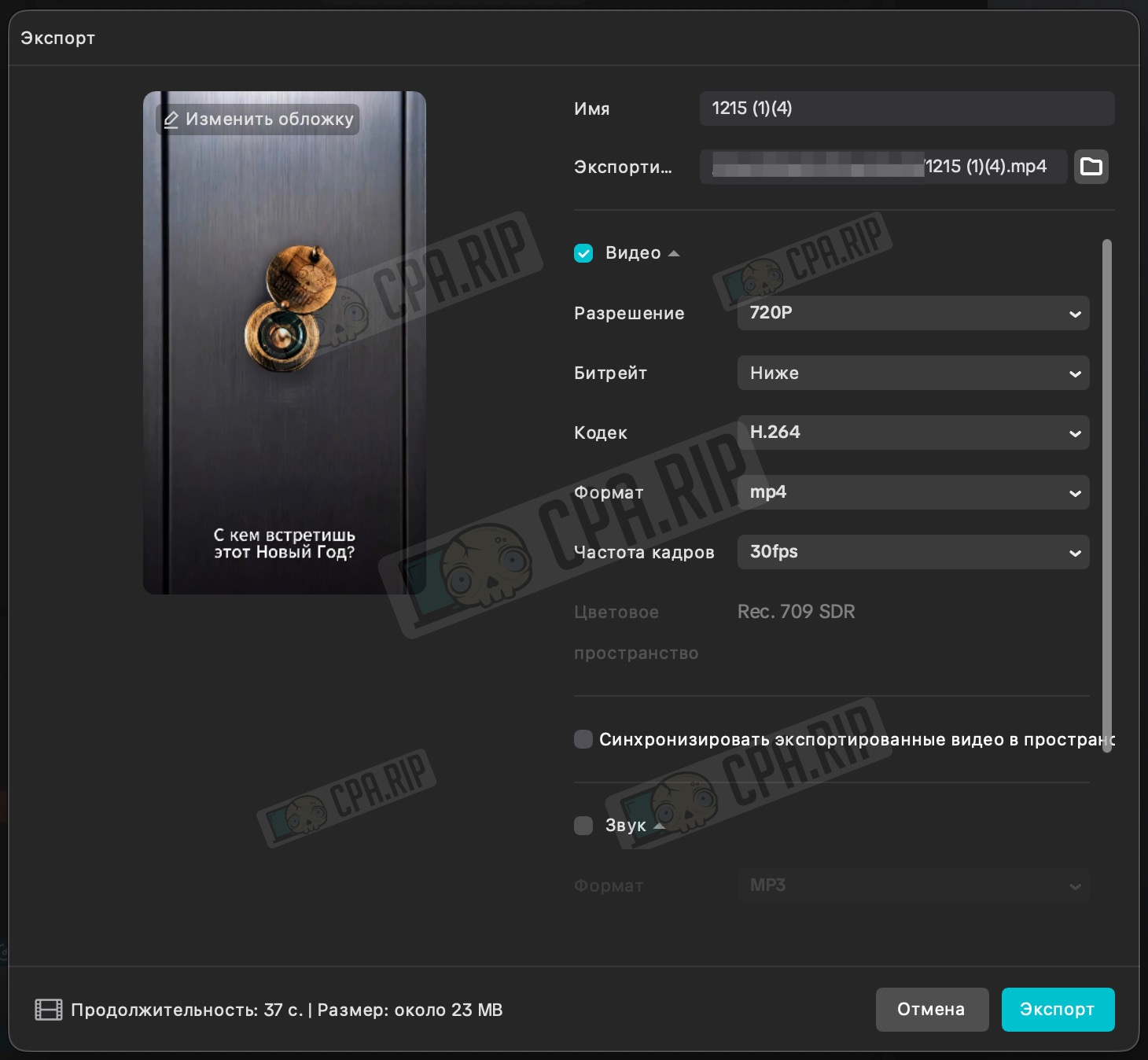
- Next export the finished video: