



A step-by-step guide to getting a free 12-month ChatGPT Go subscription.
How ChatGPT Go differs from ChatGPT Plus
ChatGPT Go is a lower-cost plan for everyone that gives you more features compared to the free tier:
- more messages on GPT-5.1;
- higher limits for image generation, file uploads and analysis, working with spreadsheets and documents;
- longer memory in chats and access to Projects.
But Go has its limitations:
- no access to older models like GPT-4o;
- no access to external services;
- no access to Sora and some tools.
Getting a ChatGPT Go subscription
To activate ChatGPT Go for free, you need to appear as connecting from the country “India”.
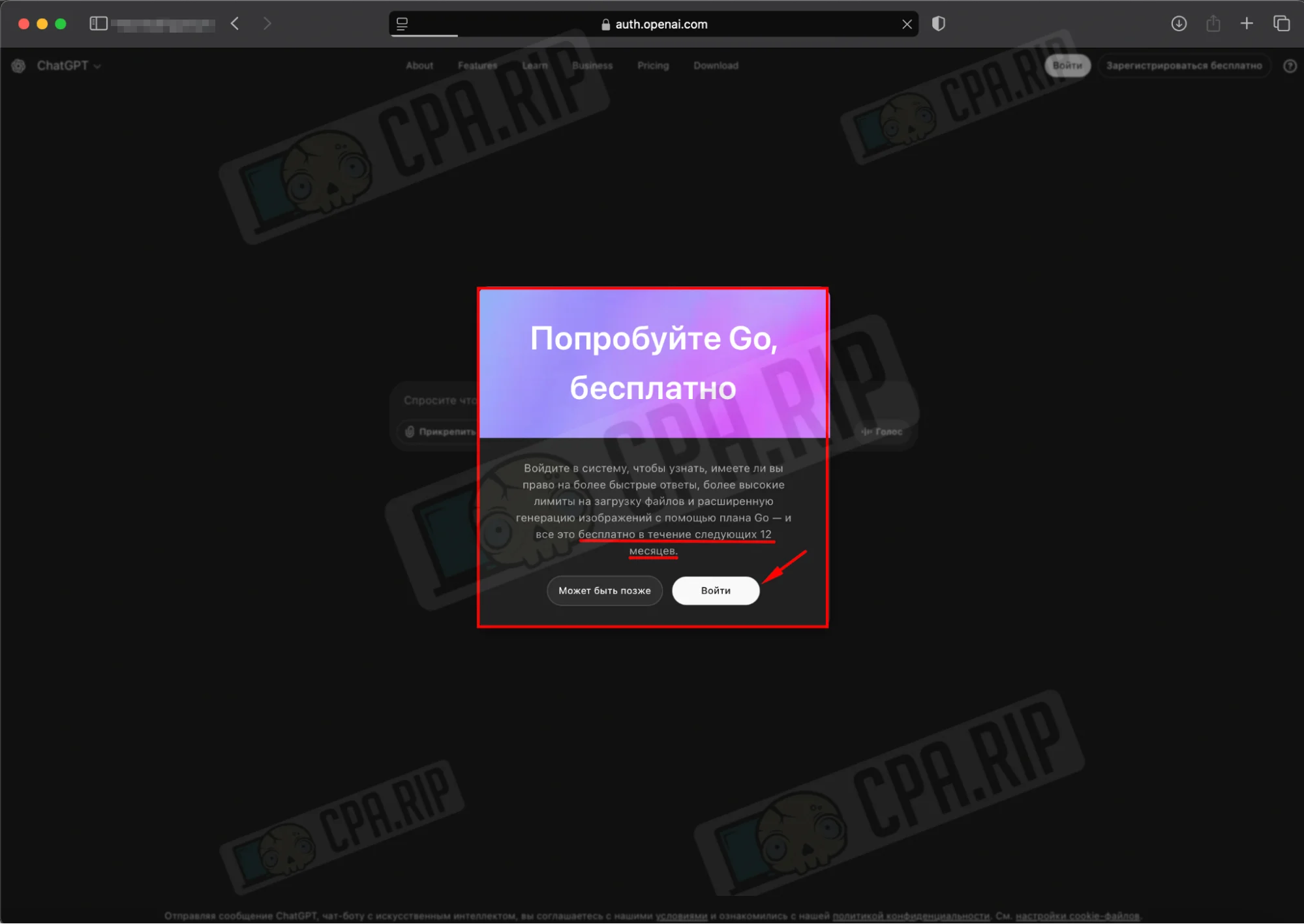
- Open the ChatGPT website through Incognito mode or an anti-detect browser. You should see a pop-up offering “Try Go for free” with the note that access is granted for 12 months.
- Click “Log in” to proceed with registration.
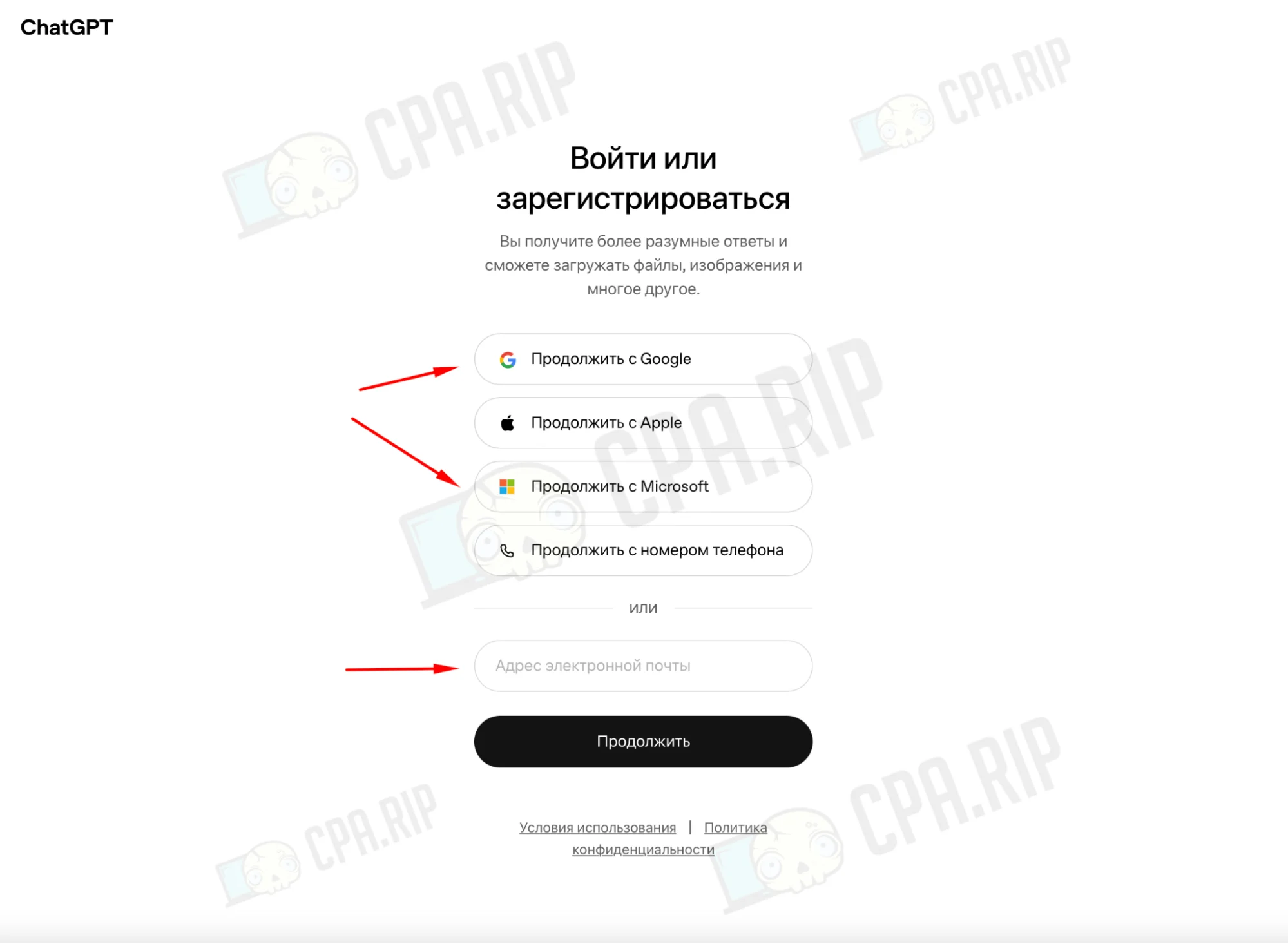
- On the “Log in or sign up” page, choose your preferred registration method: “Continue with Google”, “Continue with Microsoft”, or enter a new email manually.
- Then click “Continue” and sign in to your account.
Use a fresh email address that has never been registered with ChatGPT.
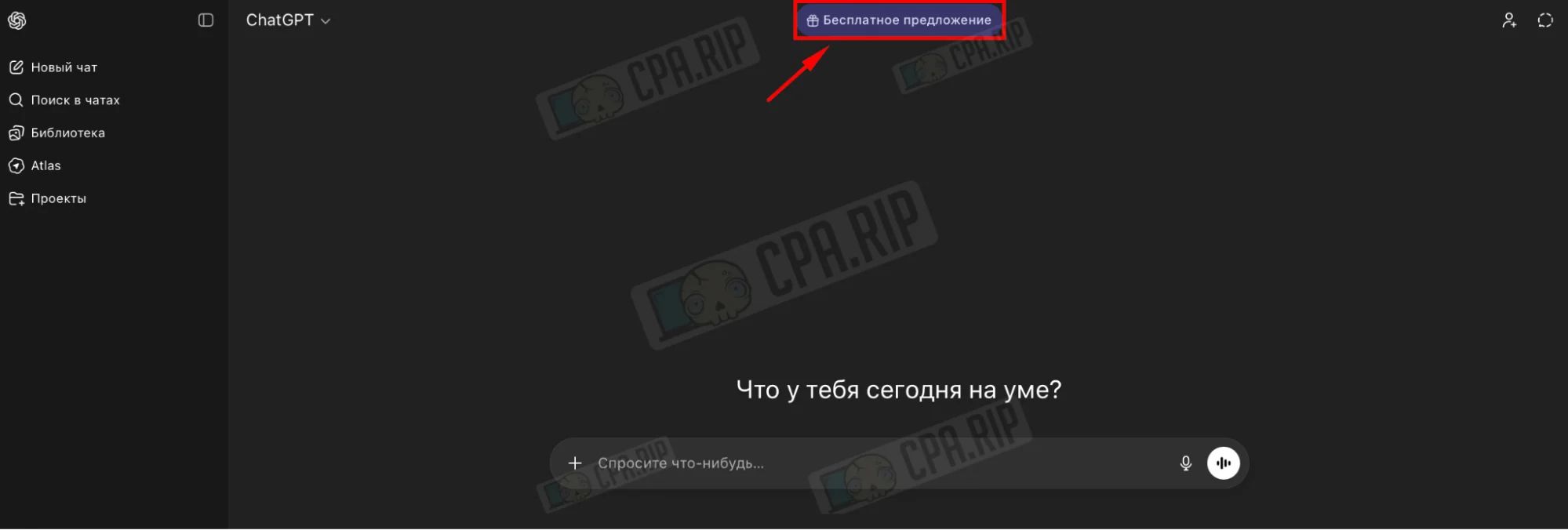
After logging in, you’ll land on the main ChatGPT screen.
- In the top corner, click the “Free offer” button. This will open the ChatGPT pricing page.
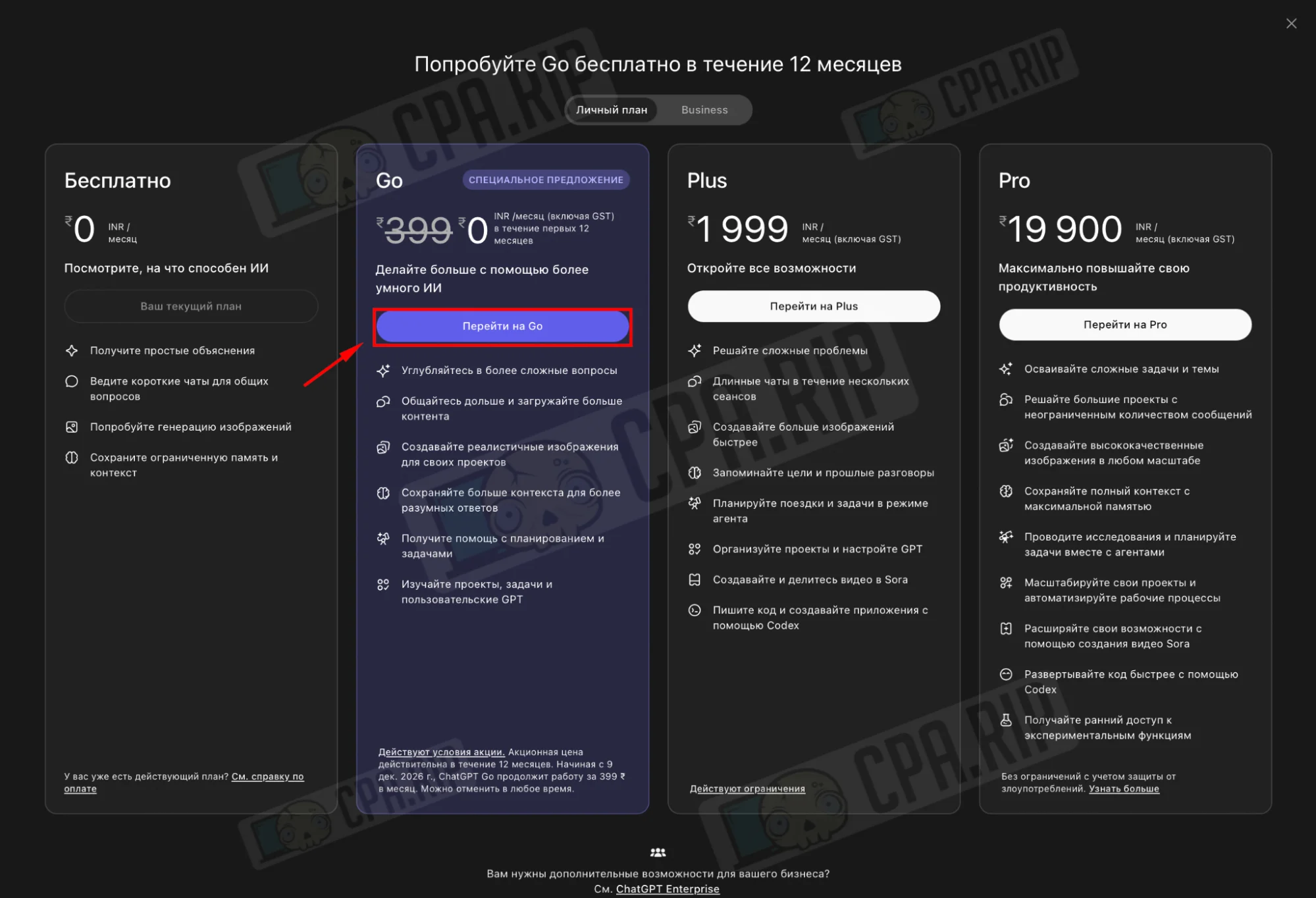
- Select the second column, Go, with the 12-month special offer.
- Click “Upgrade to Go”.
On the subscription page you’ll see: ChatGPT Go free for 12 months. In the right column, enter your bank card details and billing address (country, street, city, postal code) corresponding to India.
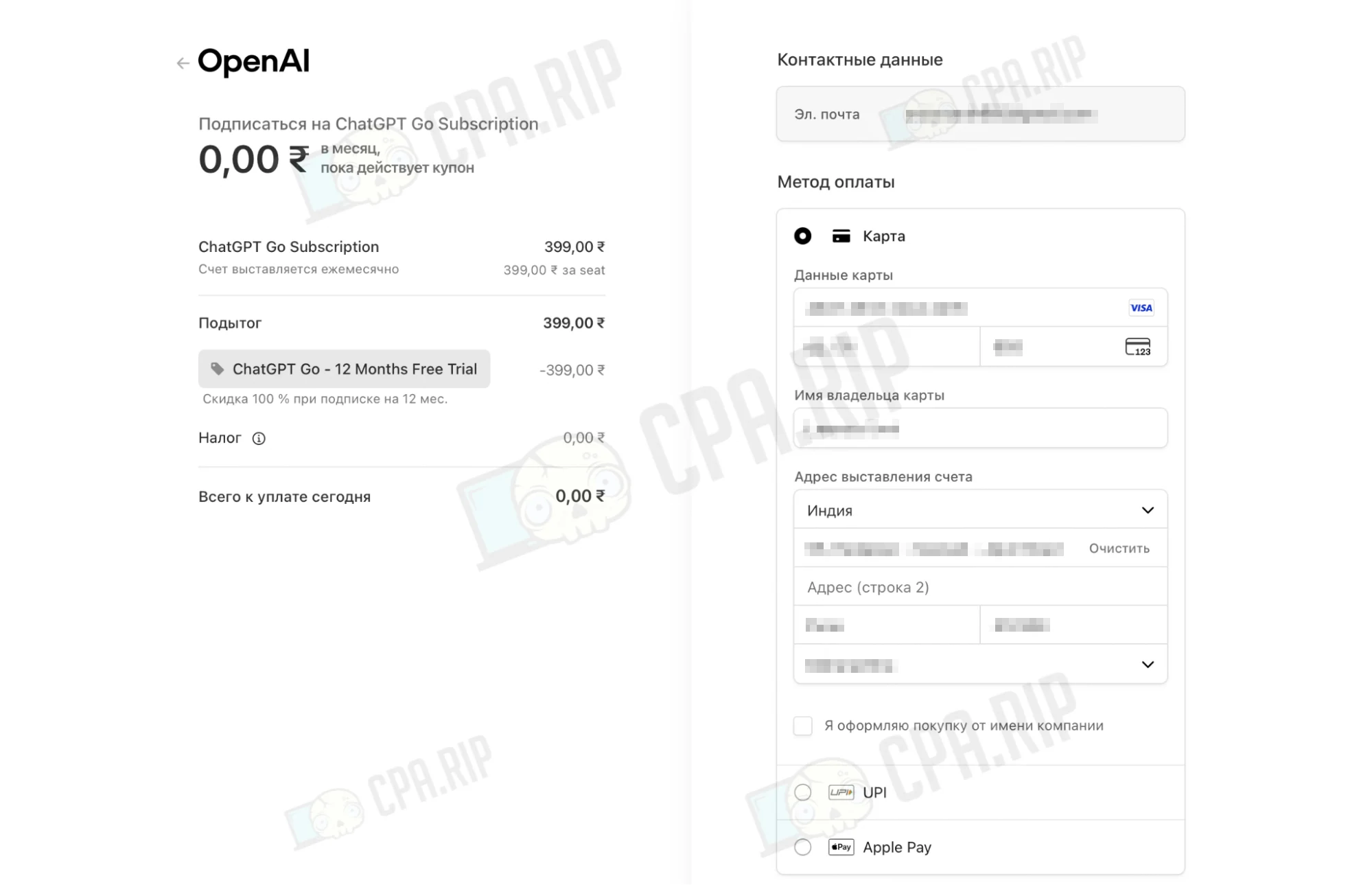
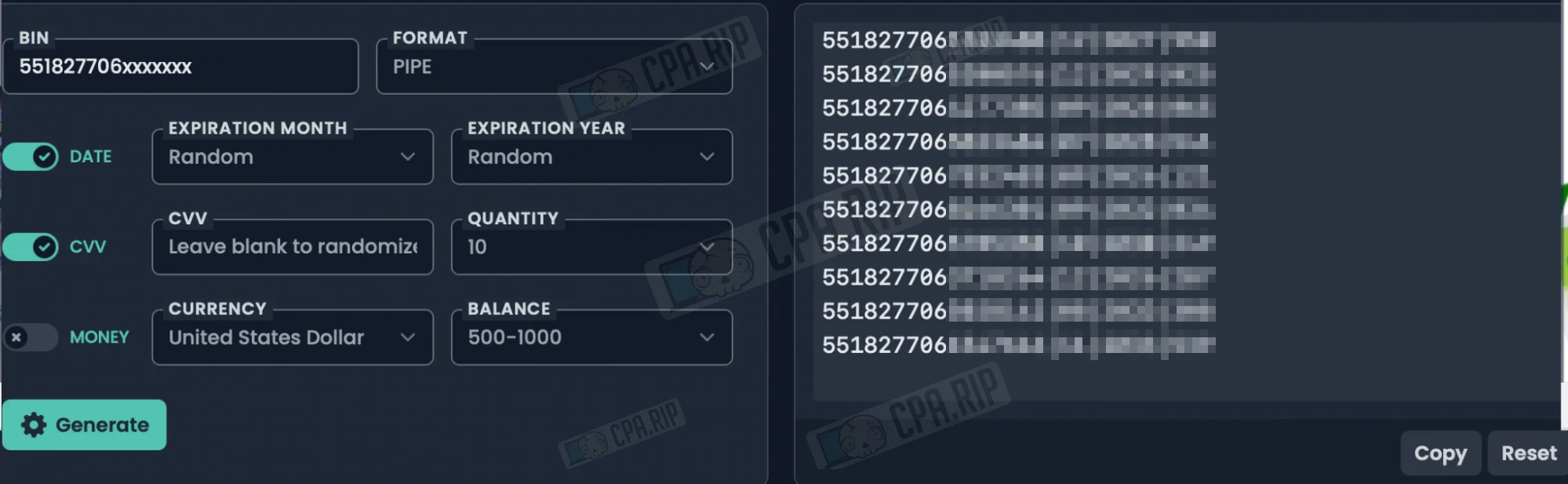
Since the subscription is activated for free with no charges, you can use generated details. Go to this site, generate a BIN and paste it into the form. Not all numbers work; at the time of writing, the system successfully accepted the following BIN:
- 551827706xxxxxxx;
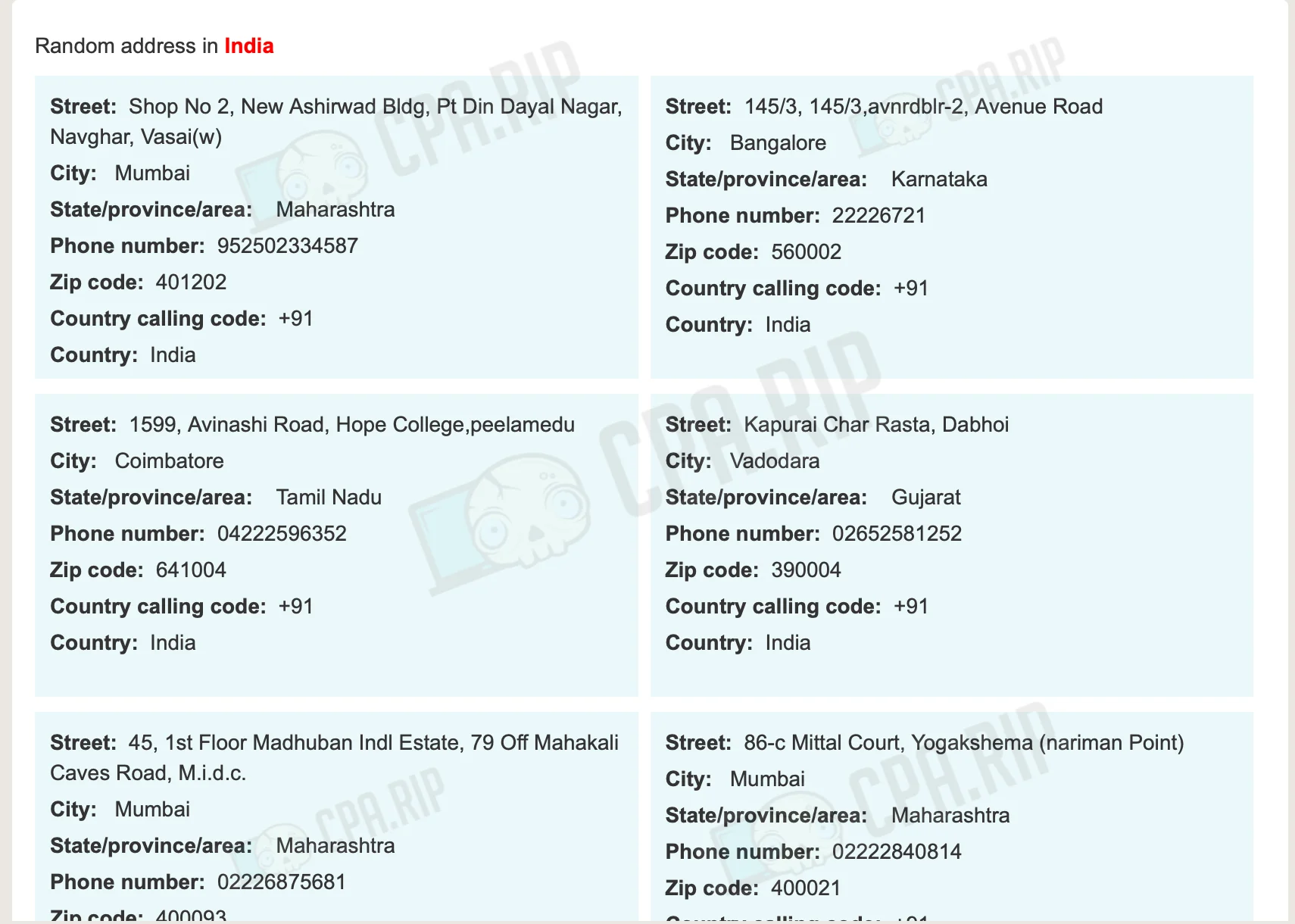
- Next, go to this site and generate a random address for “India”, then fill in the billing fields.
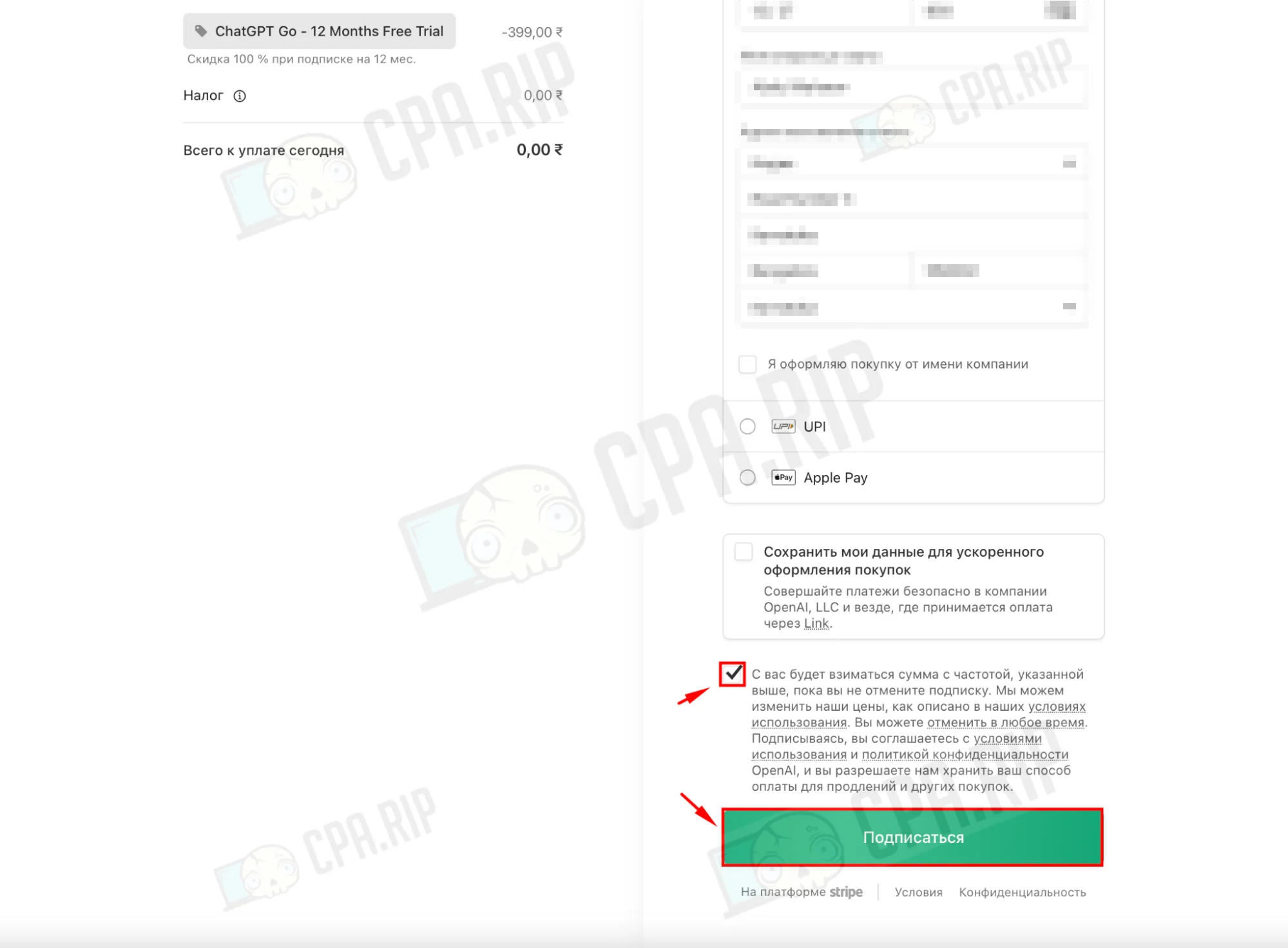
- Tick the checkbox confirming recurring payments.
- Click the green “Subscribe” button to complete the free ChatGPT Go activation.
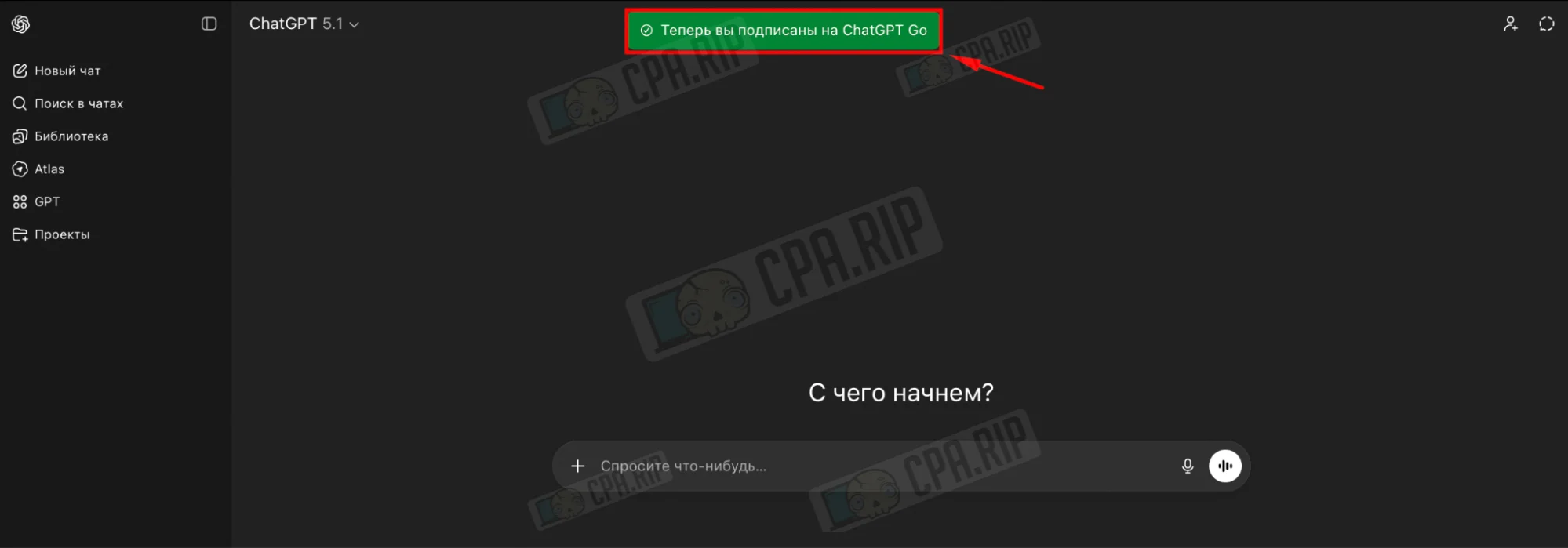
Once the subscription is activated, you’ll be redirected back to ChatGPT. A notification at the top will say “You’re now subscribed to ChatGPT Go”, meaning the plan is active and ready to use.






Comments