![[FBM] CARDS](https://cpa.rip/wp-content/uploads/cr-a1/fbm-cards-v1/fbm-cards-logo.svg)

Hello! I am an AI assistant from the CPARIP project — I will help you find your way around the world of affiliate marketing. I can advise on offers, tracking, postbacks and affiliate programs. Where shall we start?
Tools
TikTok Pixel Activator via Events API
Meta Platforms Inc., the owner of Facebook and Instagram, has been declared an extremist organization and is banned in Russia.
A tool that activates your TikTok pixel by sending events through the Events API, plus a step-by-step guide on how to set it up.
Send an event to TikTok
The request goes straight to the TikTok Events API. Nothing is stored.
How to activate a TikTok pixel via the Events API
- Log in to your TikTok Ads Manager account.
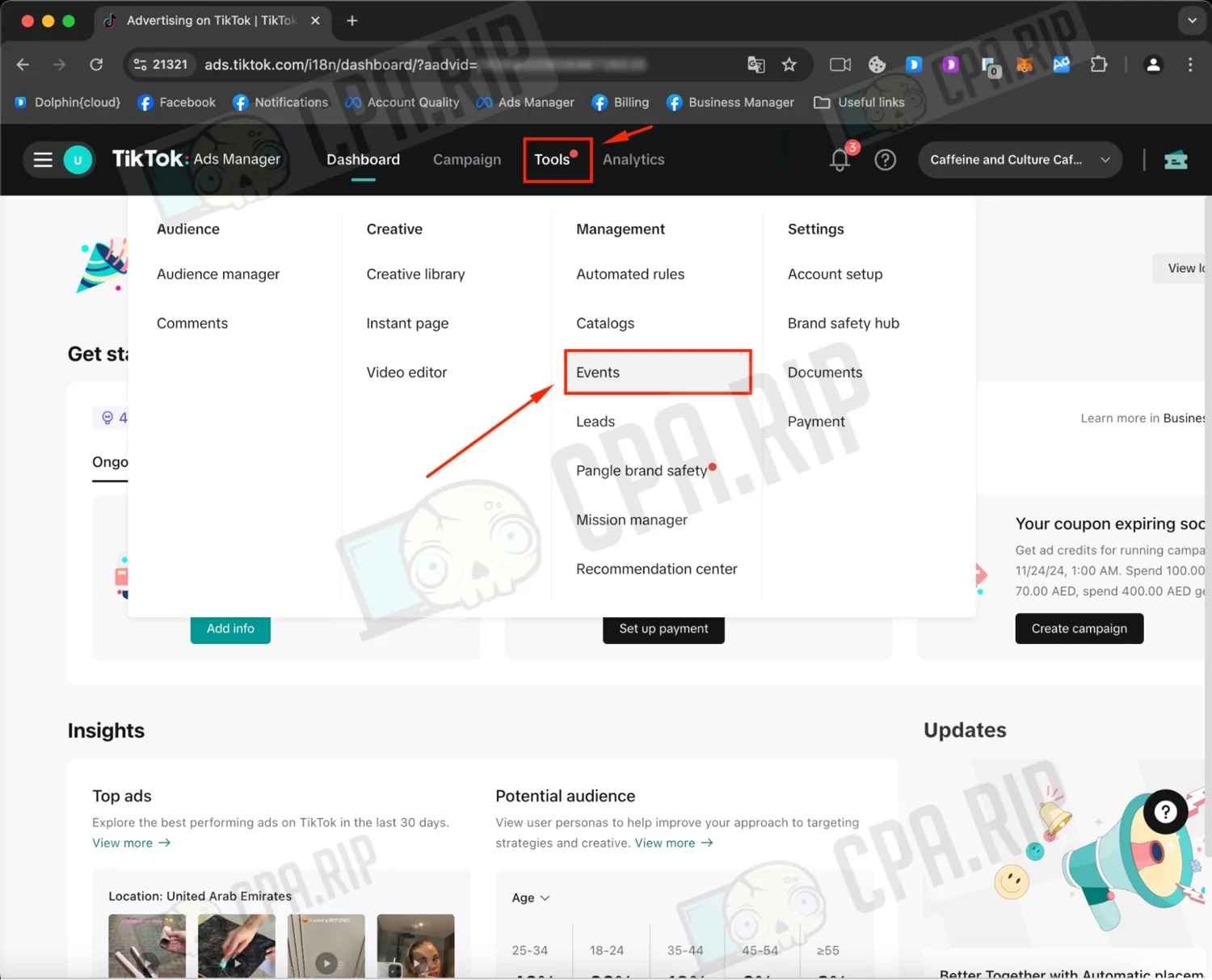
- In the top menu, click “Tools”.
- In the drop-down menu, select “Events”.
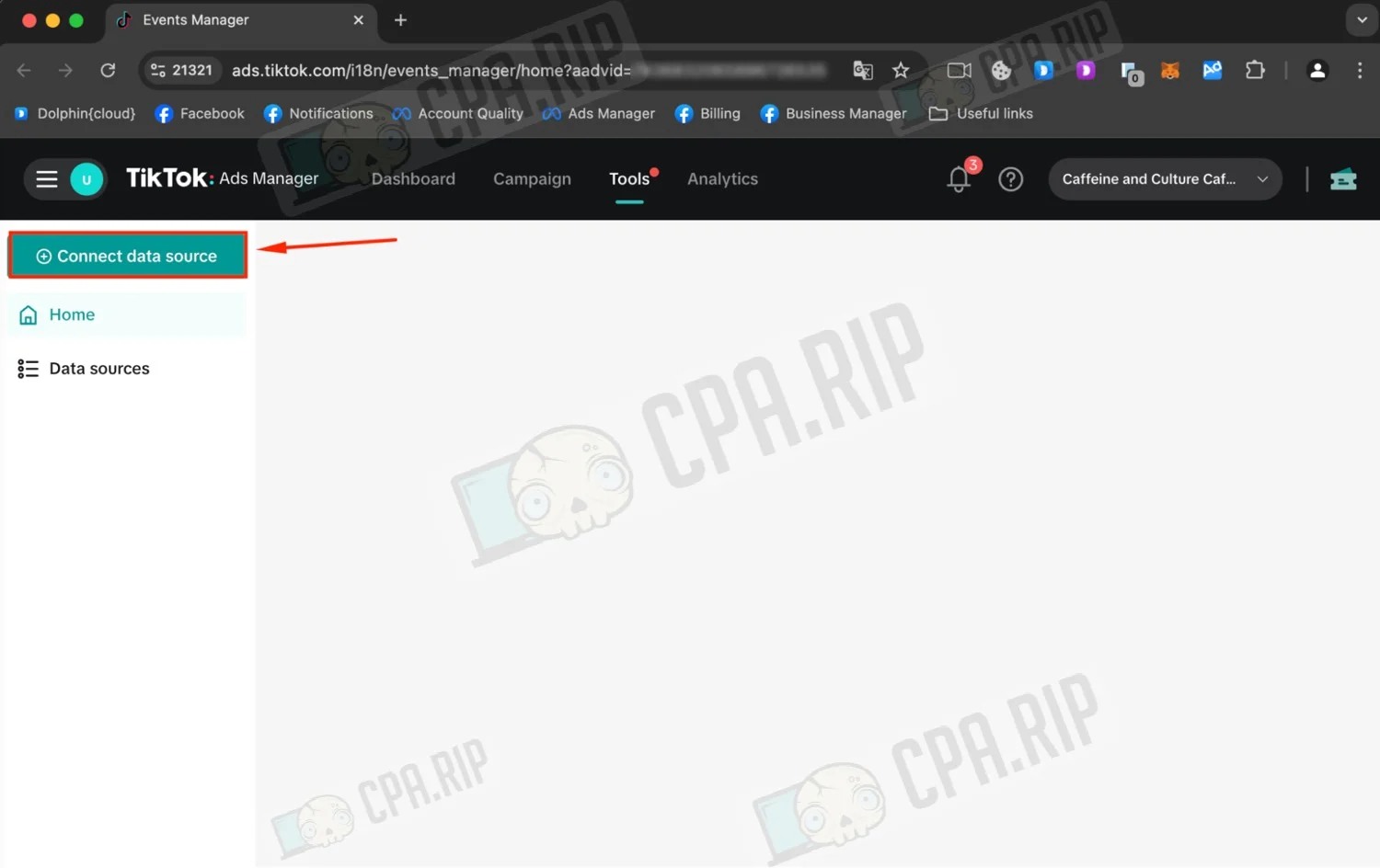
- Go to Events Manager.
- Click “Connect data source”.
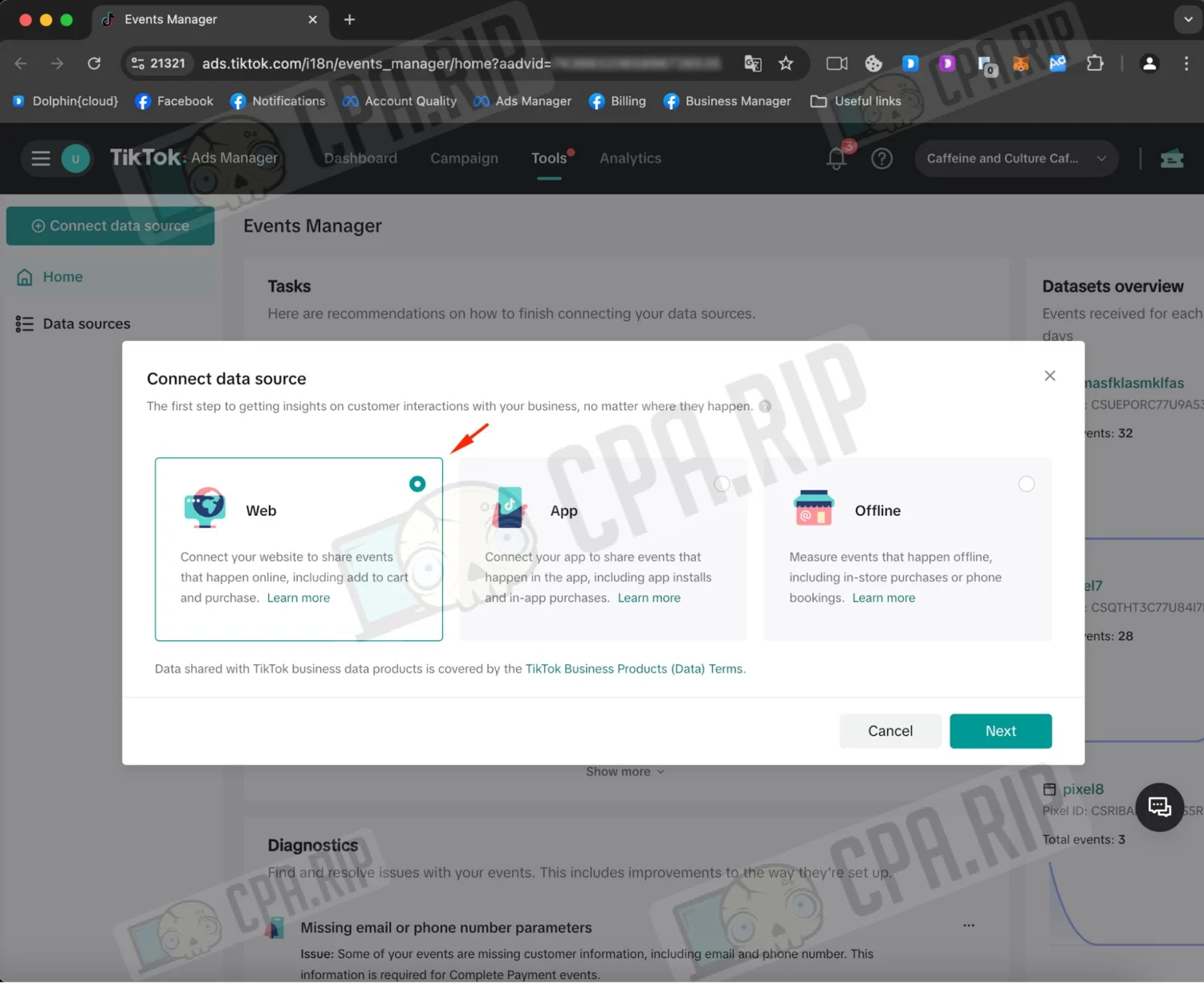
- Select “Web” and click “Next”.
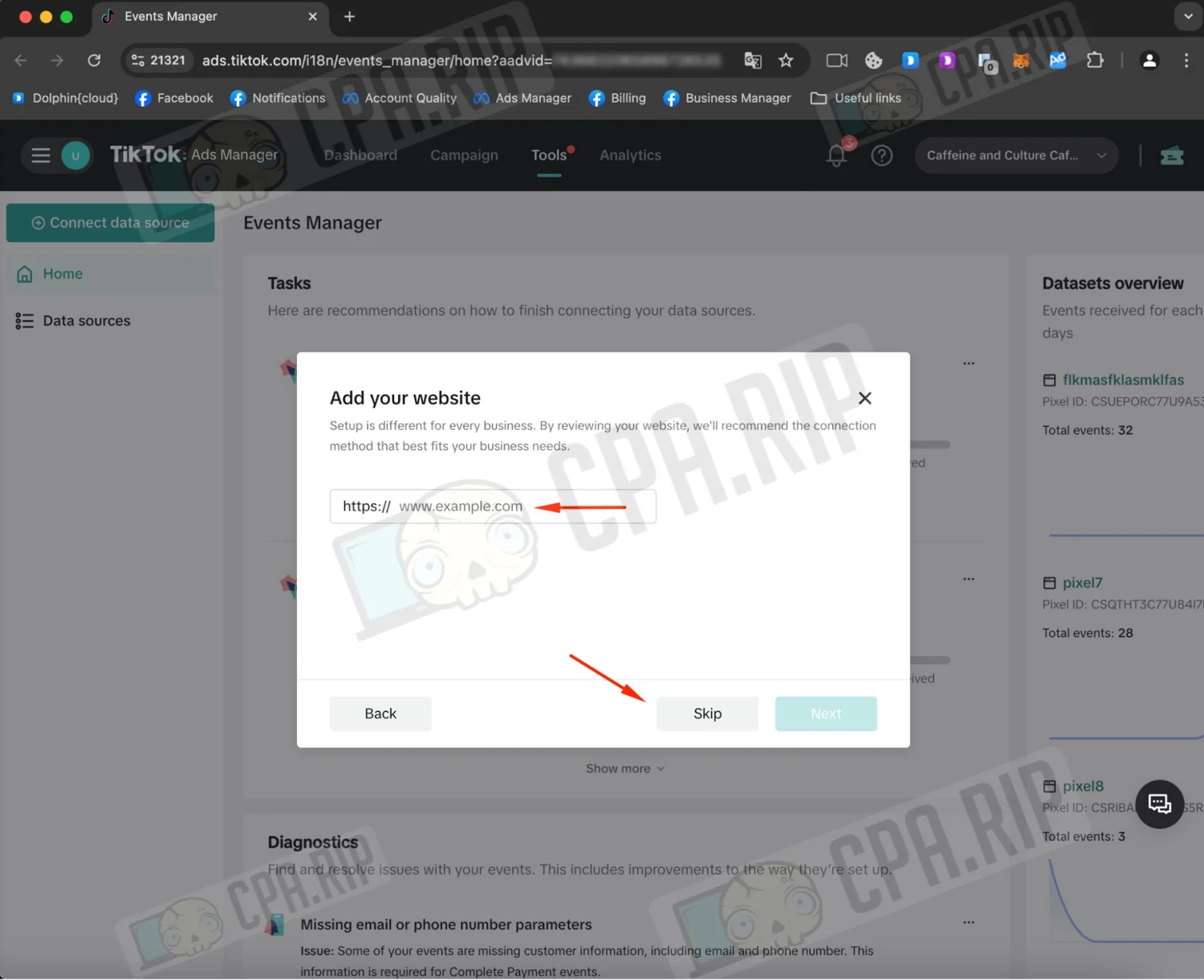
- Enter your website URL if needed, or click “Skip”.
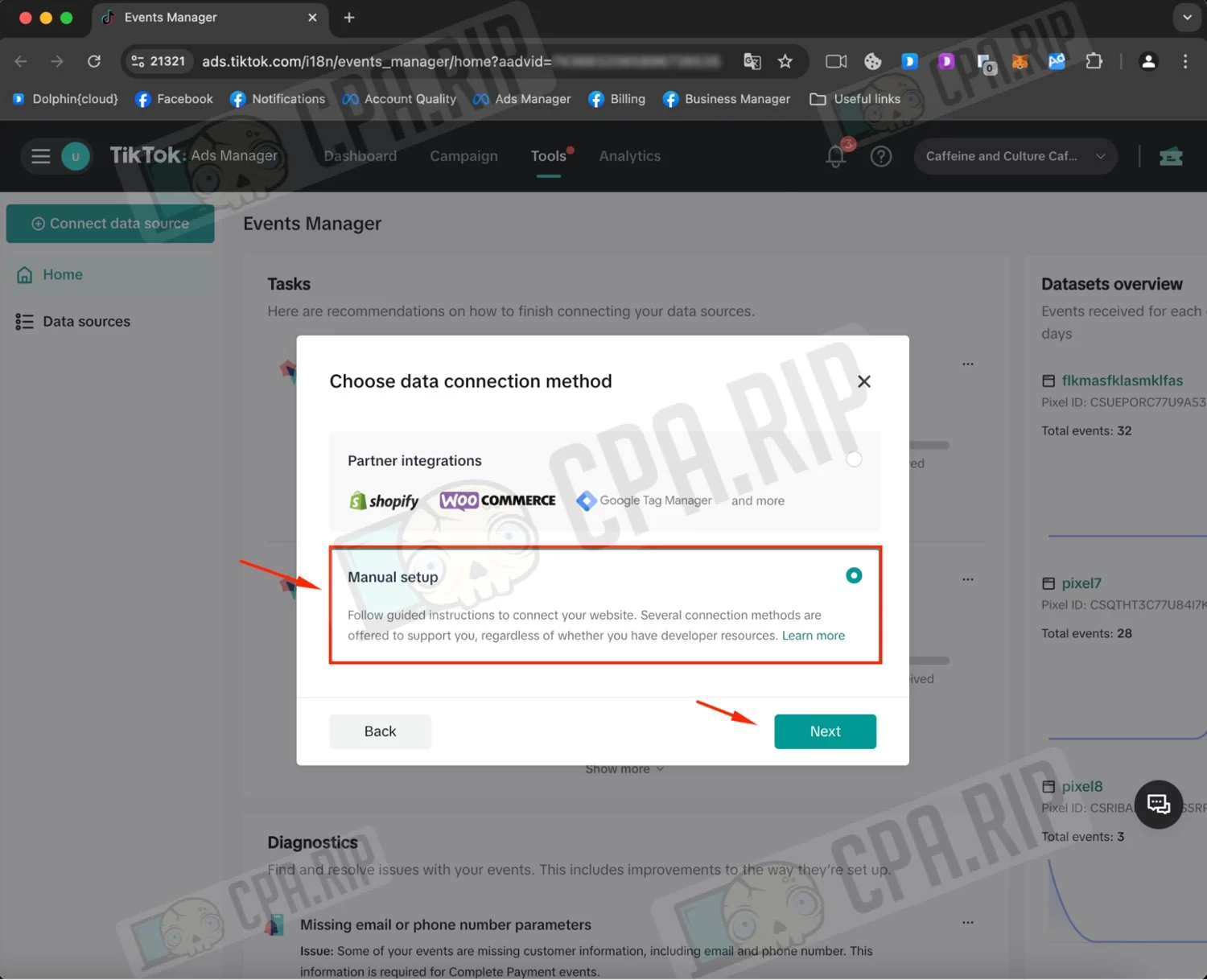
- Select “Manual setup” and click “Next”.
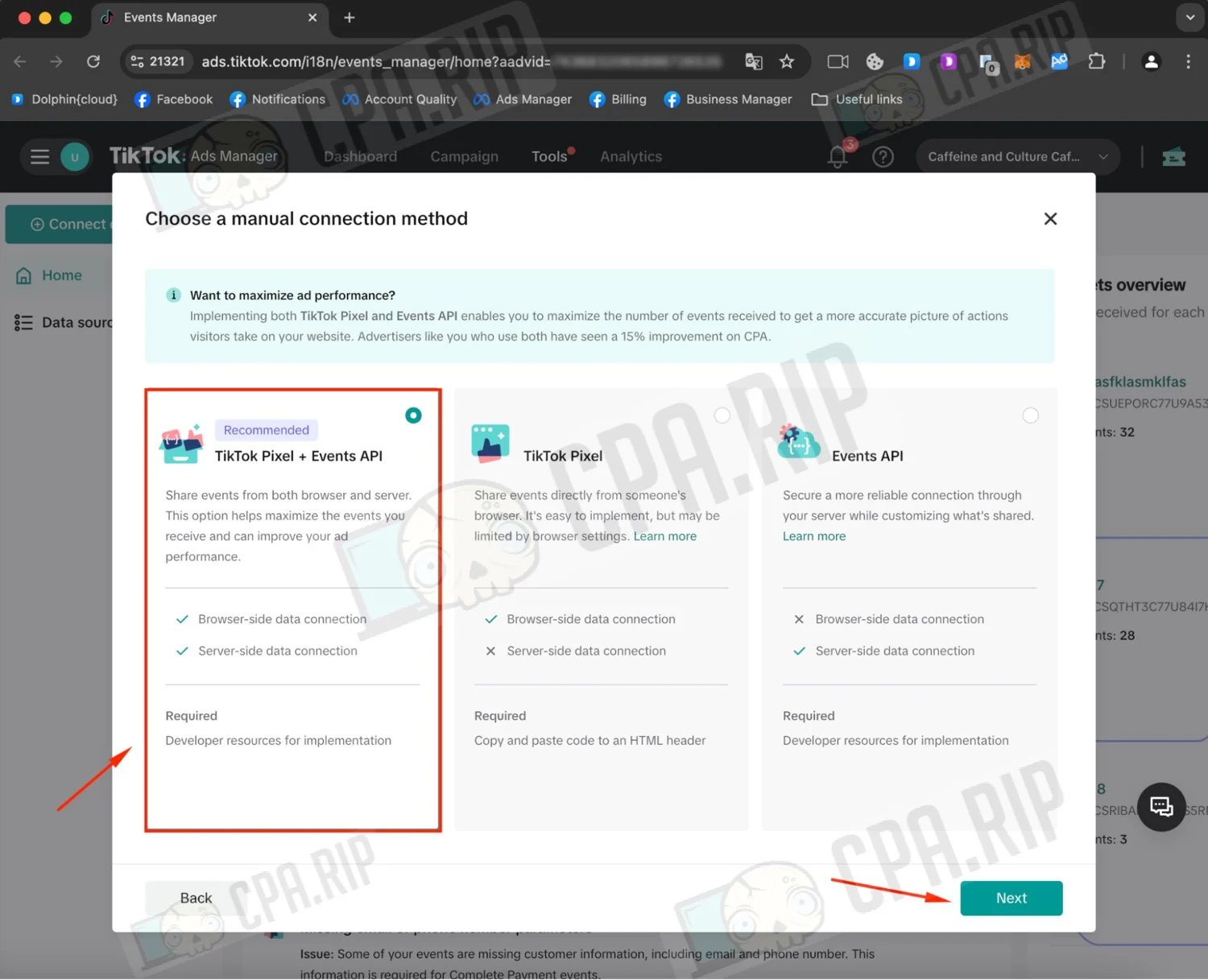
- Select “TikTok Pixel + Events API” and click “Next”.
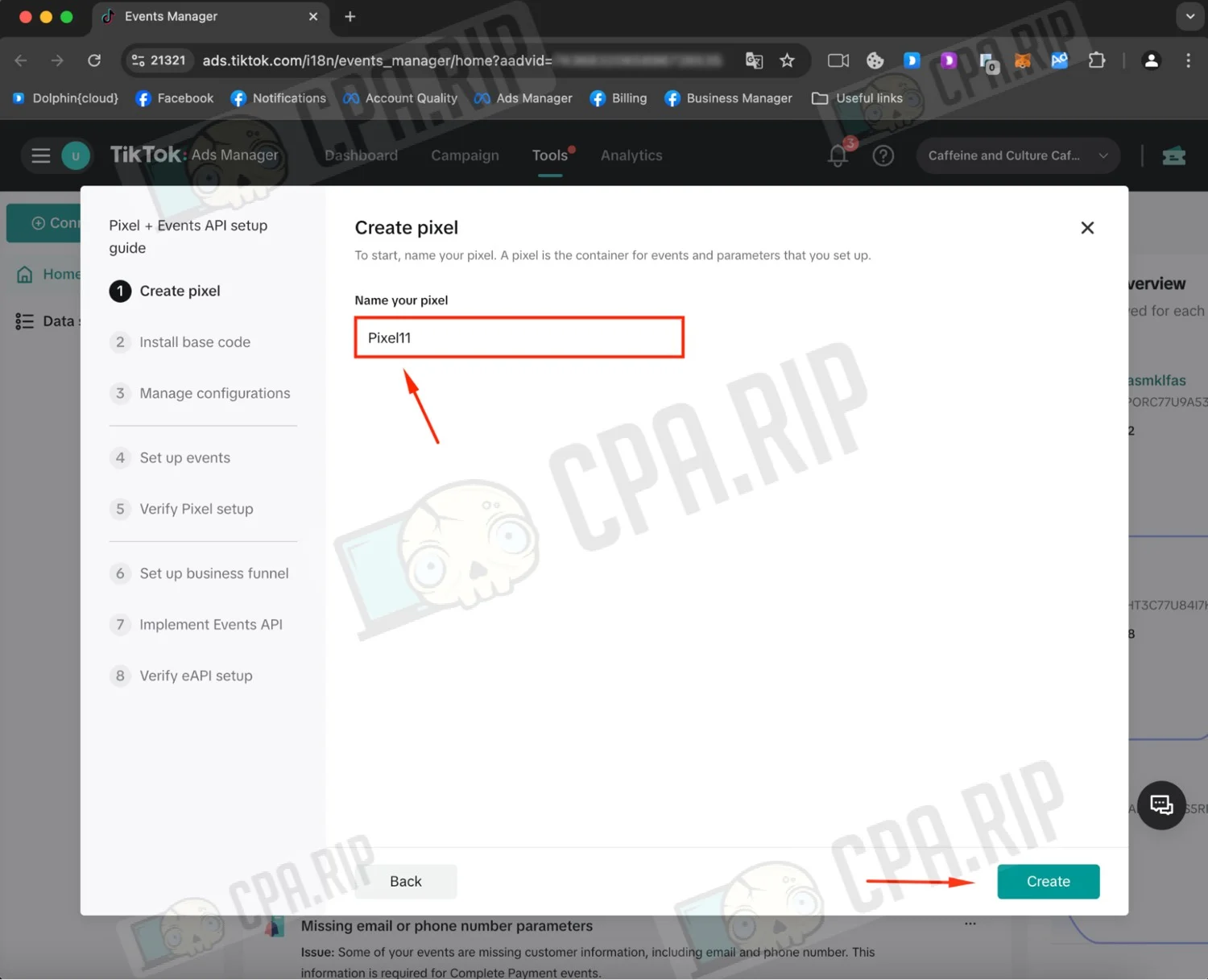
- Name your pixel.
- Click “Create”.
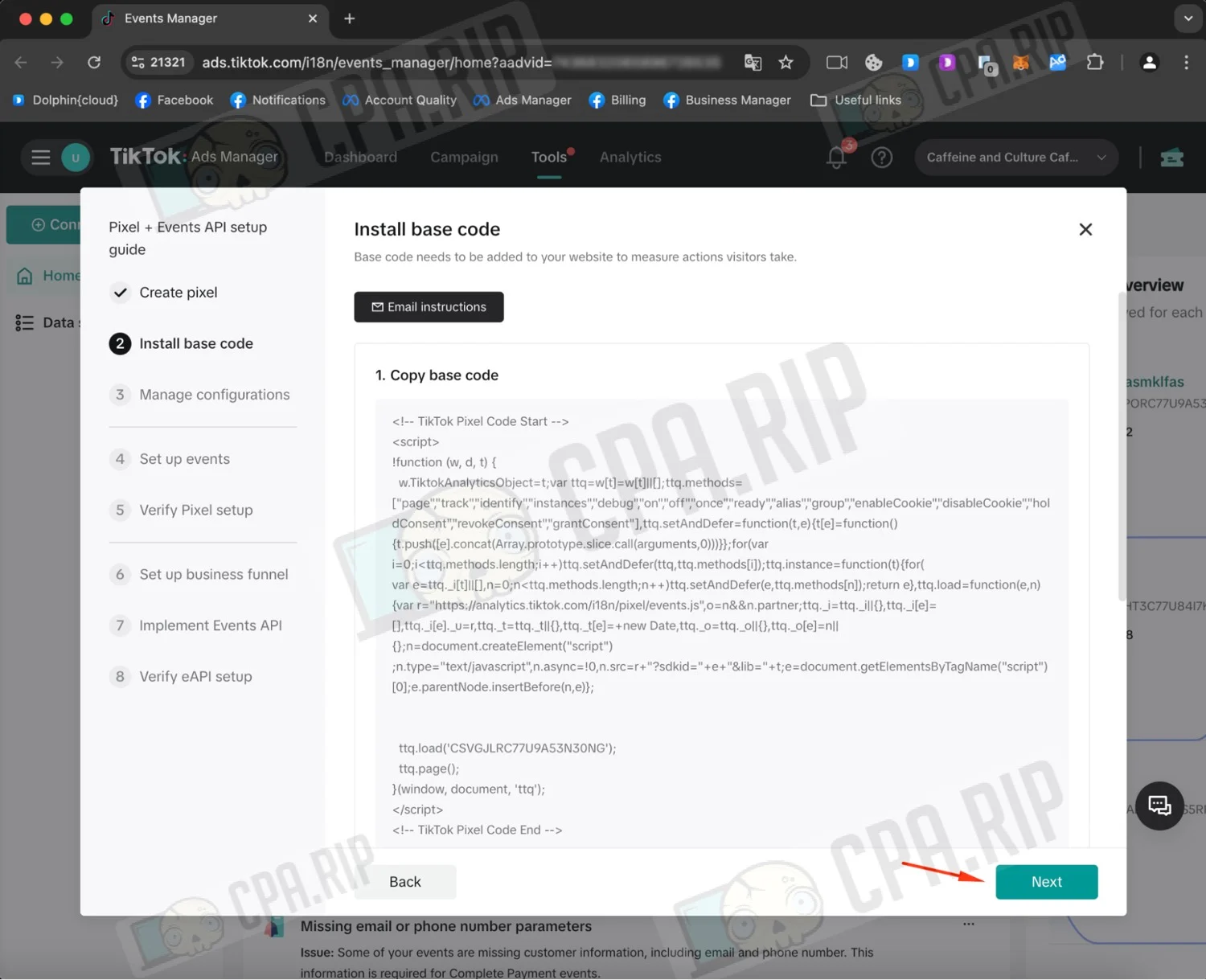
- Add the pixel base code to your website if needed.
- Then click “Next”.
- Click through to step 6, “Set up business funnel”.
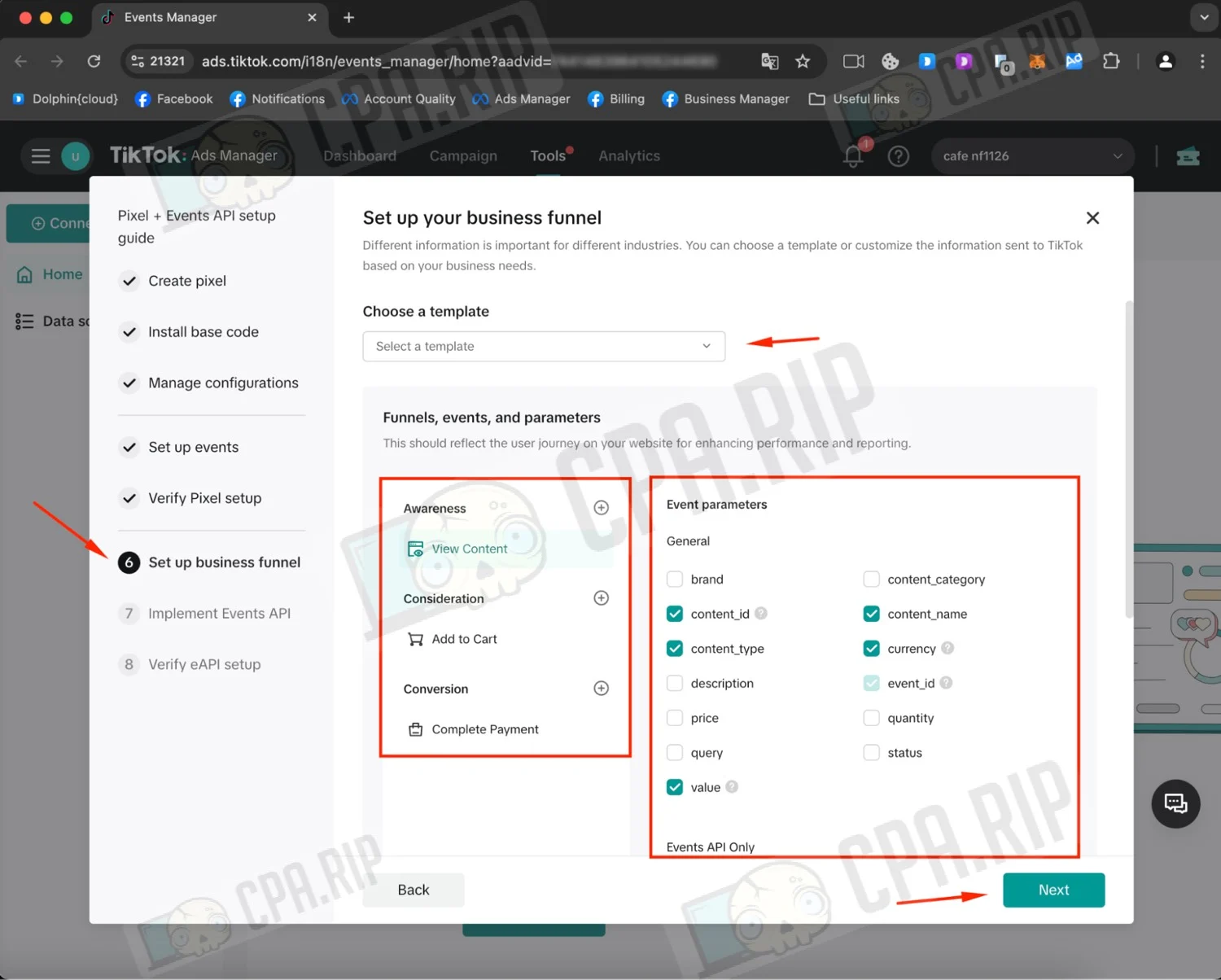
- In step 6, “Set up business funnel”, pick a template under “Choose a template”.
- Adjust the event parameters if needed.
- Then click “Next”.
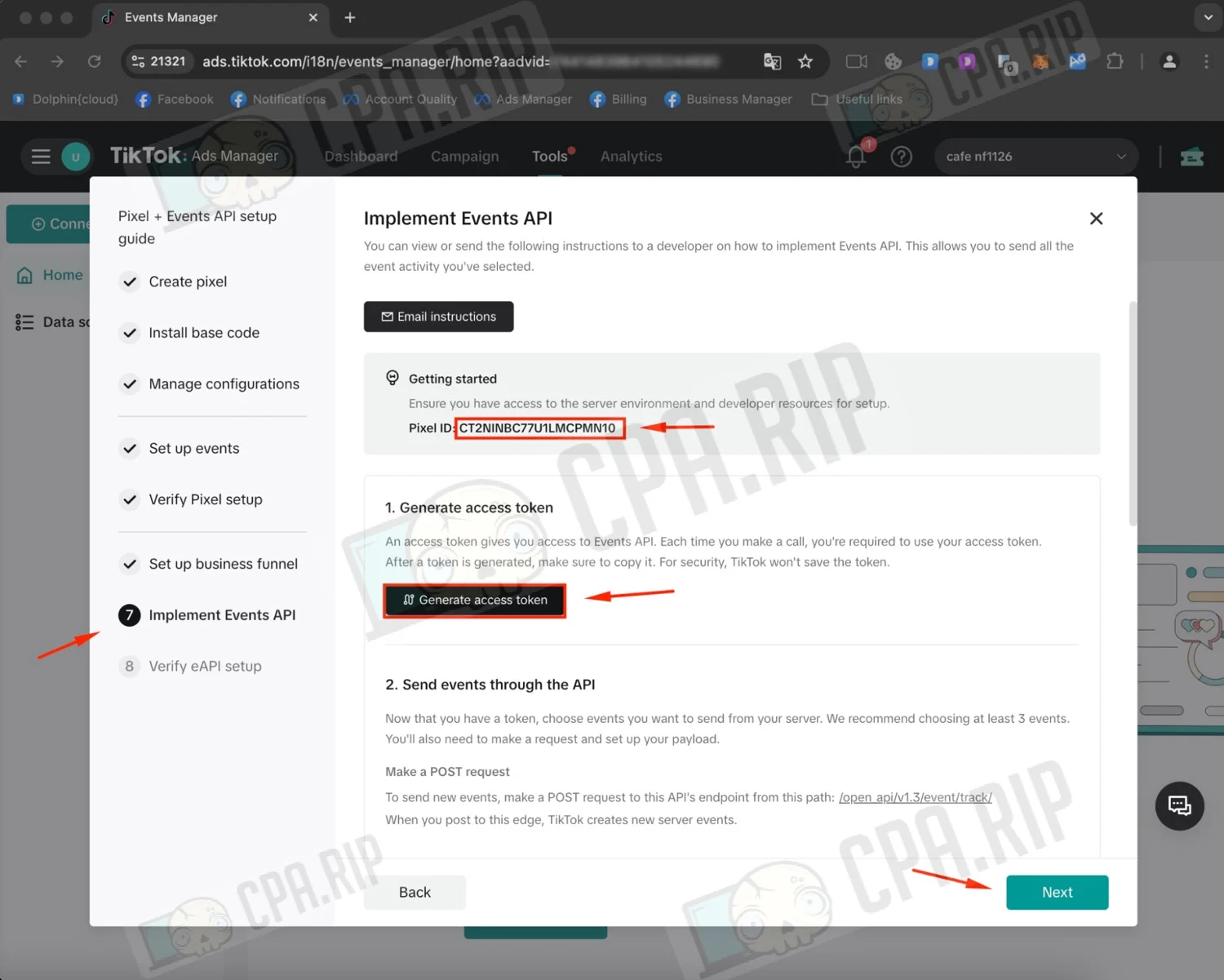
- Copy the Pixel ID.
- Generate a token by clicking “Generate access token”.
- Save both values: TikTok won’t store the token for you.
- Click “Next”.
- Go back to the tool or open it via this link: https://cpa.rip/en/tiktok-pixel/
- Fill in the Pixel ID, Pixel token and Event fields.
- Then click “Send”.
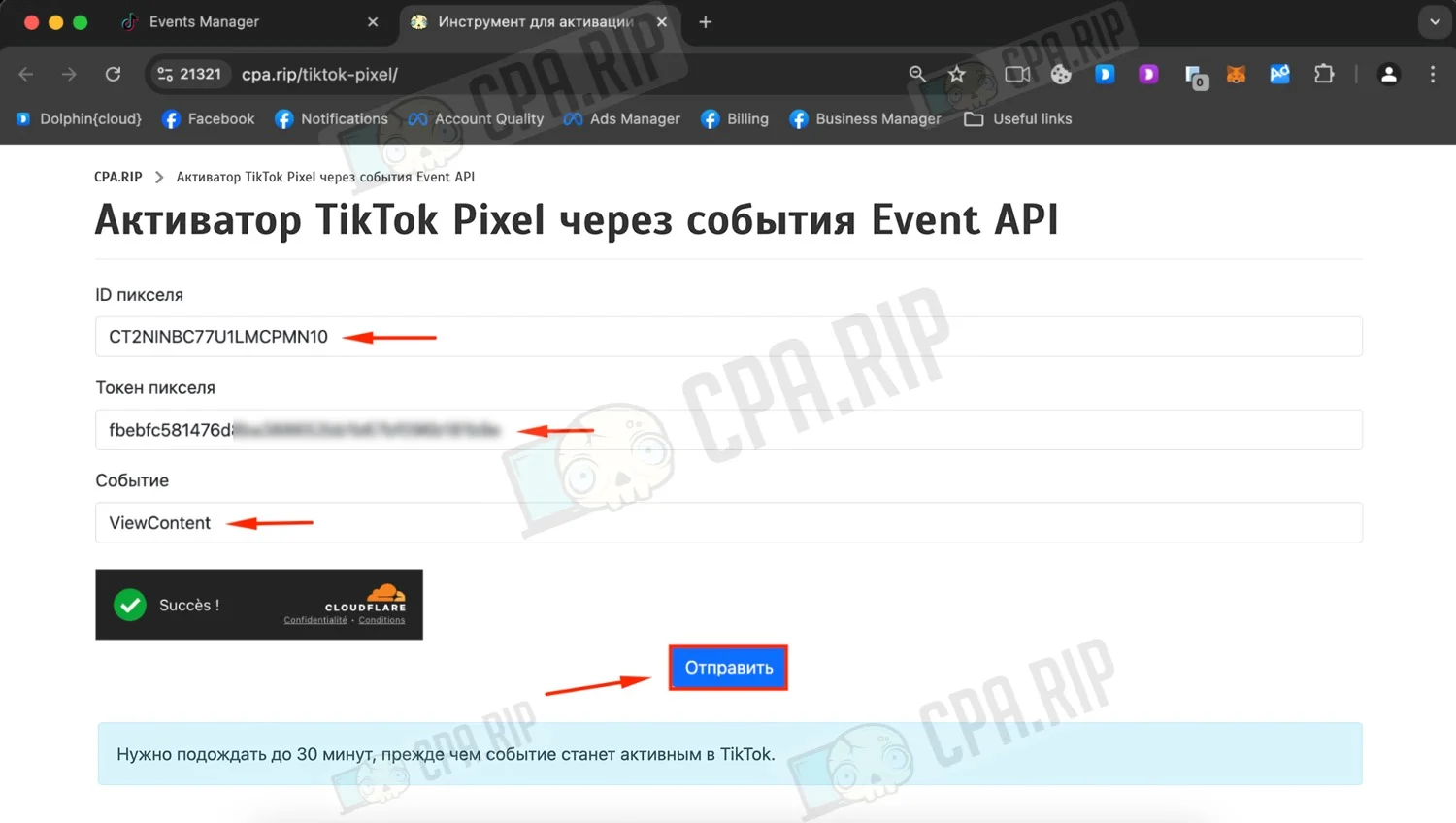
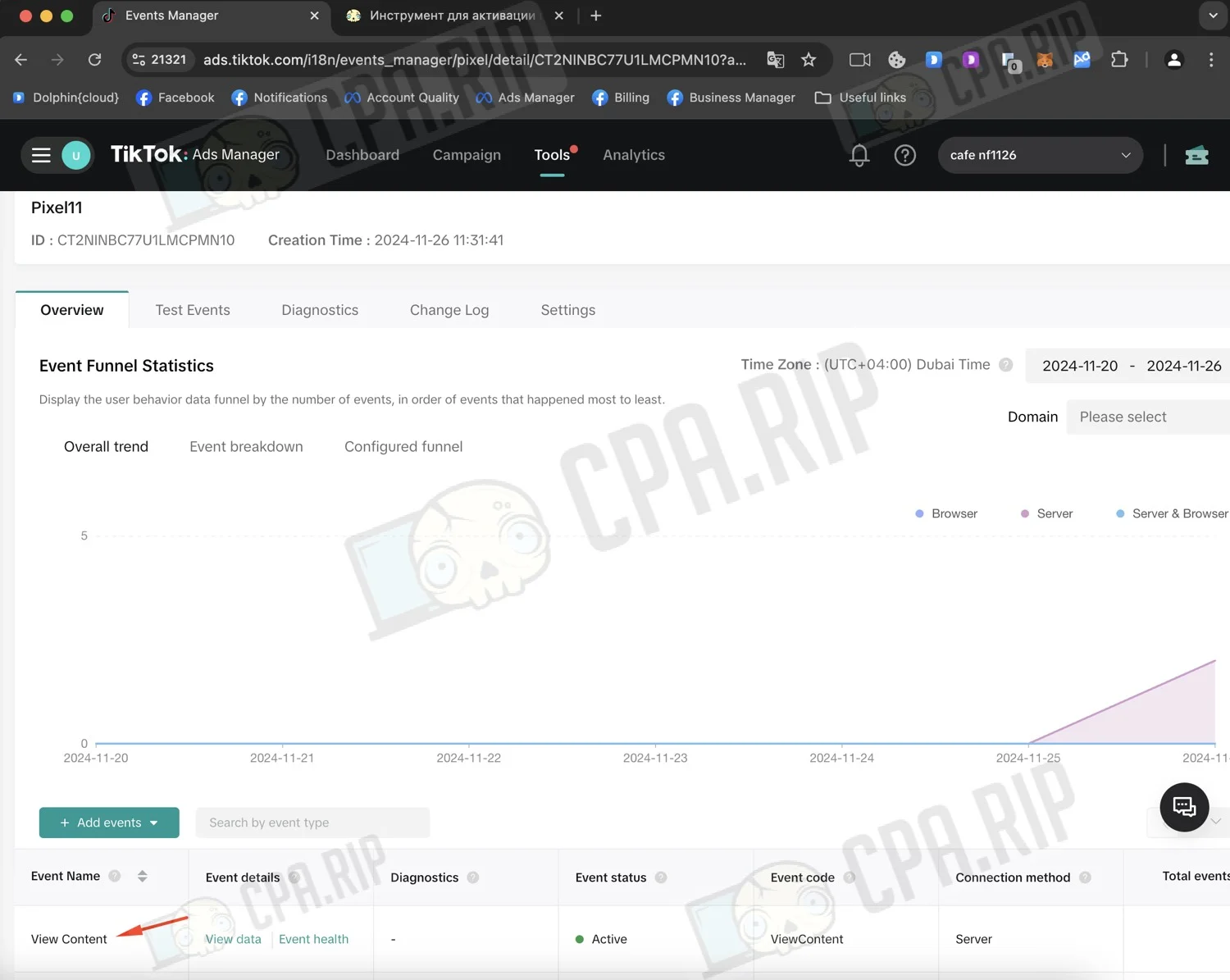
If the Pixel ID and token are valid, you’ll see “Event sent successfully!” once the request goes through.
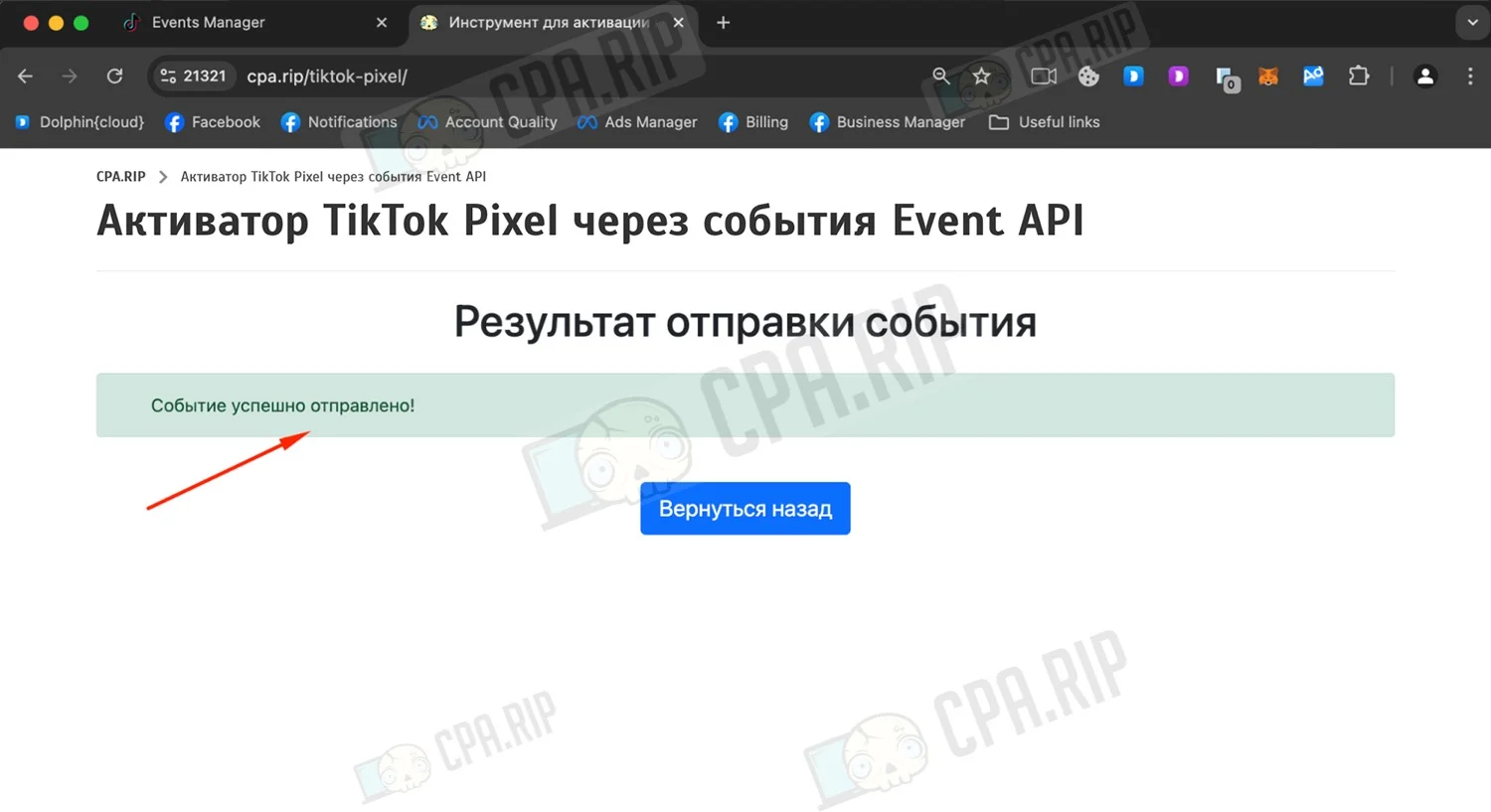
The events you send will appear in the pixel itself. Keep in mind that they don’t show up right away: it can take up to 30 minutes for an event to become active in TikTok.