
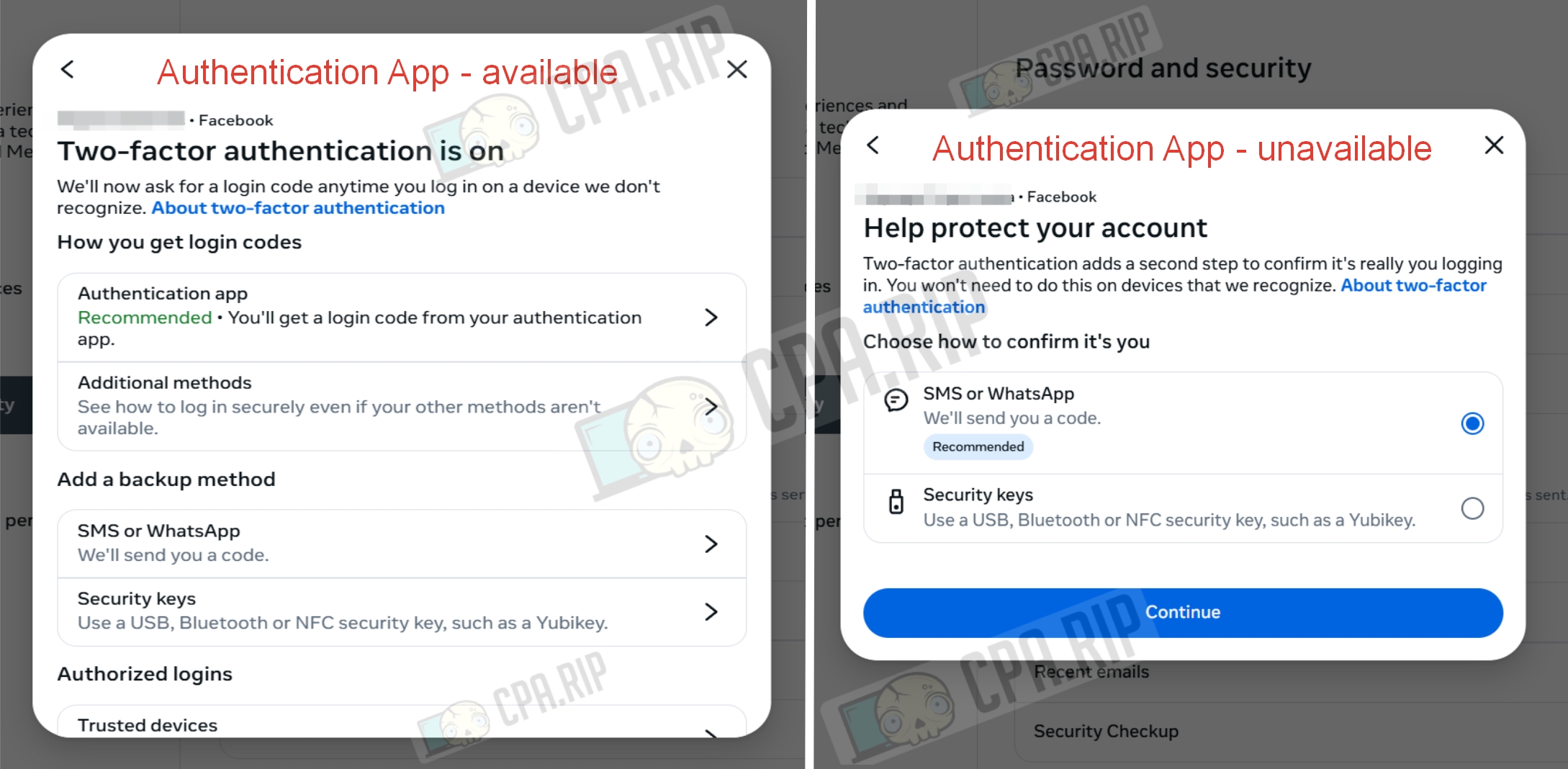
If the 2FA option via the Authentication App is missing in the Two-factor authentication section of your Facebook settings, you can enable it using an alternative method. Let’s take a step-by-step look at how to do this.
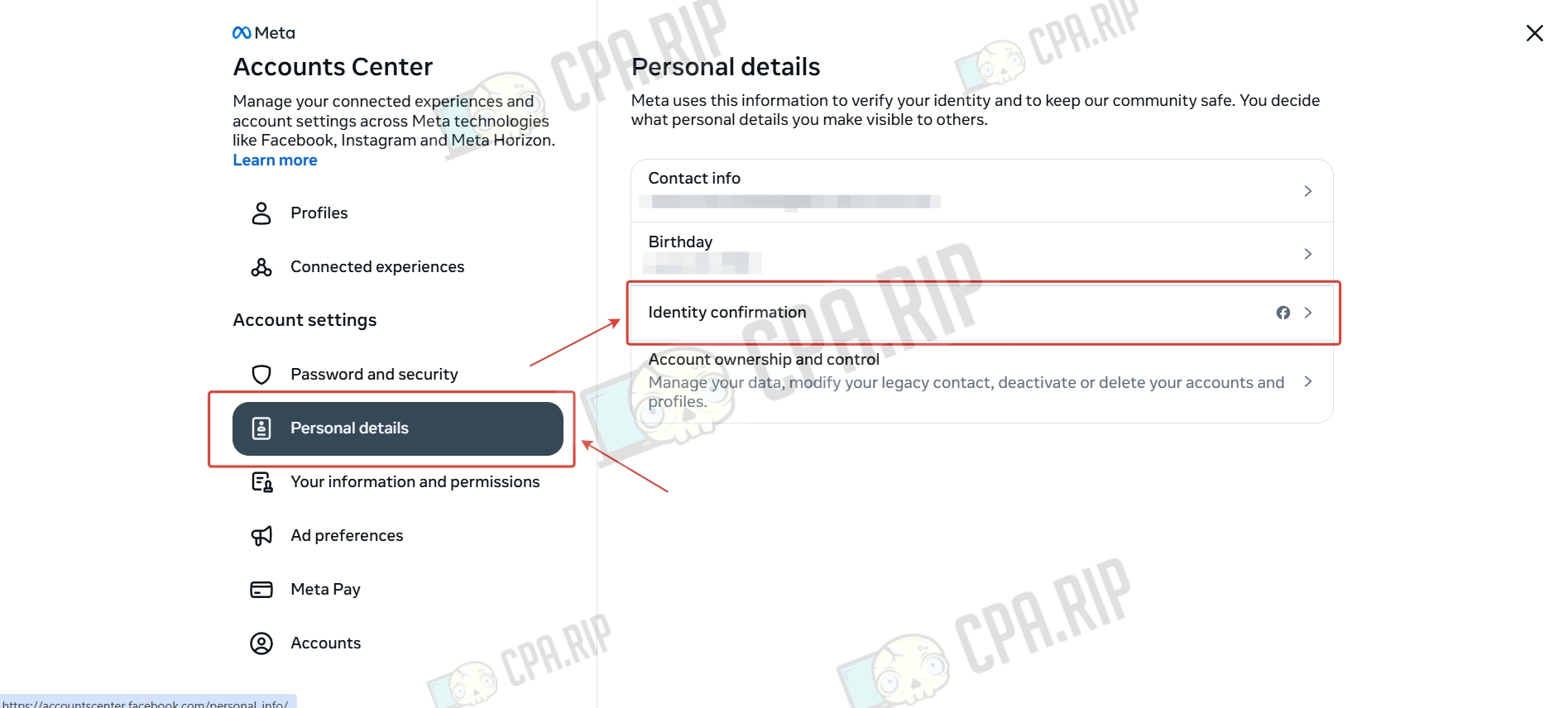
- On the Accounts Center page, go to the “Personal details” section and click “Identity confirmation.”
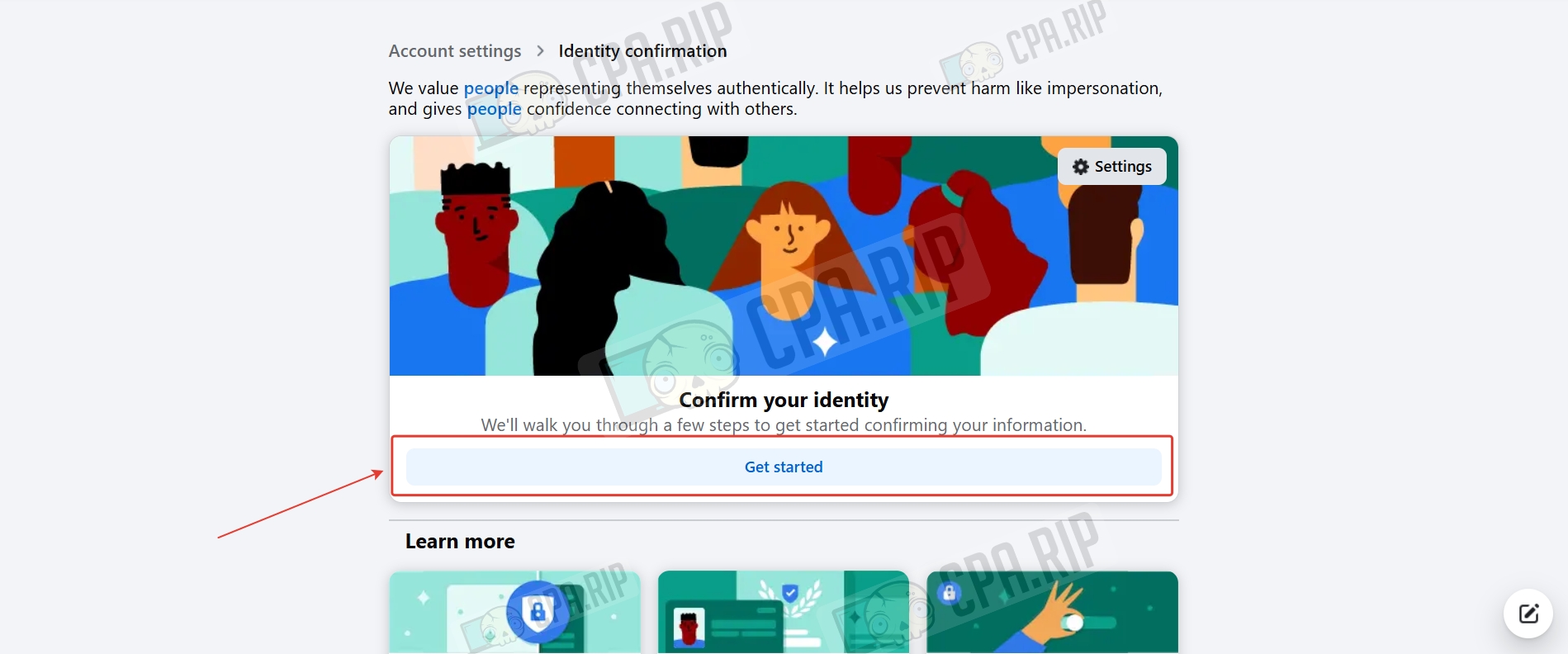
- Click “Get started.”
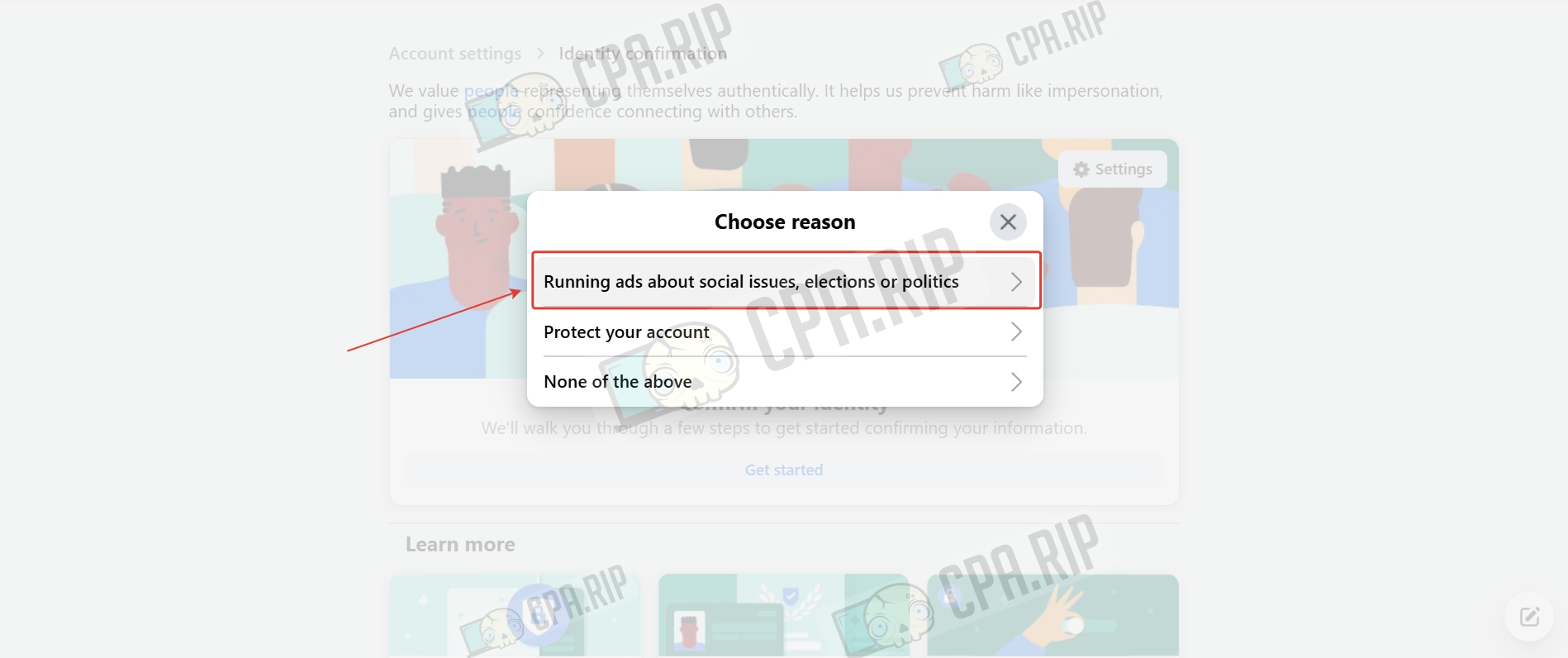
- Select “Running ads about social issues, elections, or politics.”
- Select a country (this step is formal, you can select, for example, the United States) and click “Get started.”
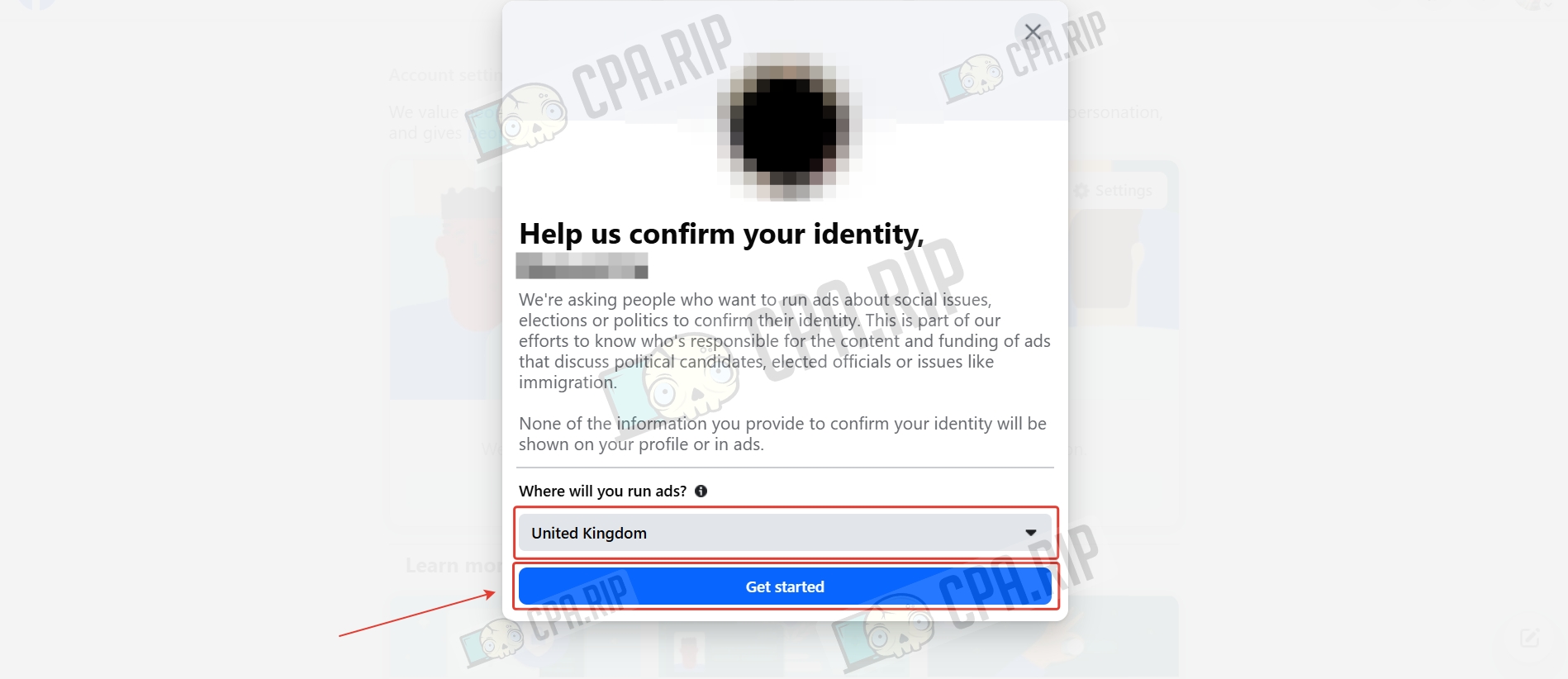
- Click “Yes, continue.”
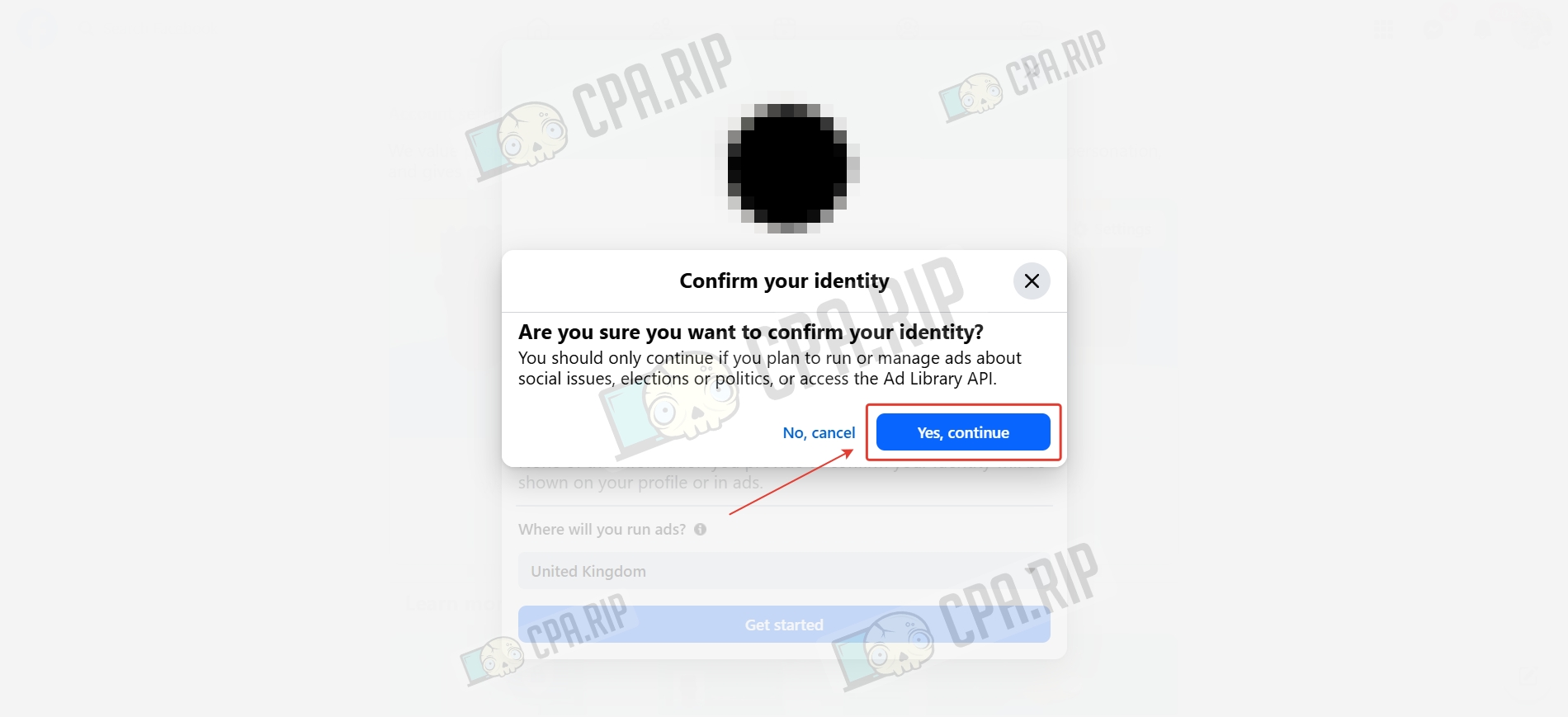
- Click “Next.”
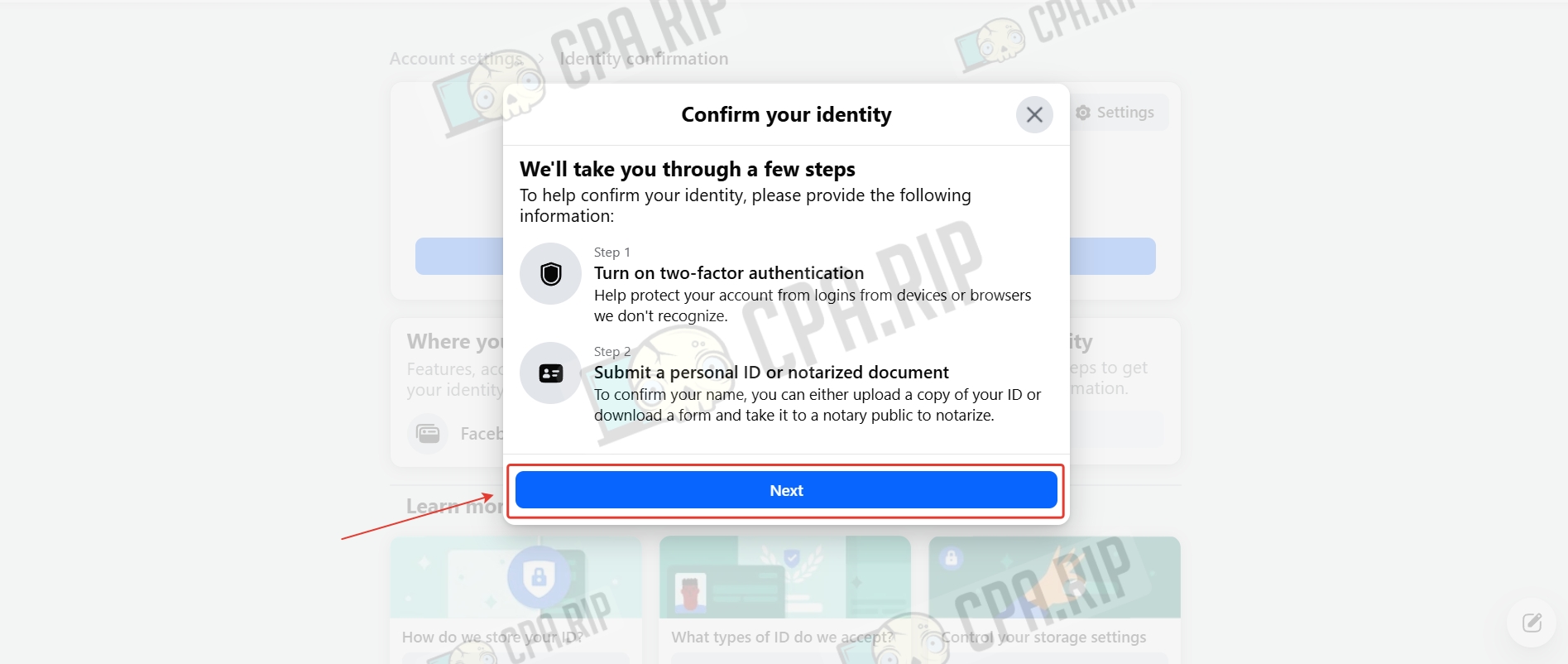
- Then click “Continue.”
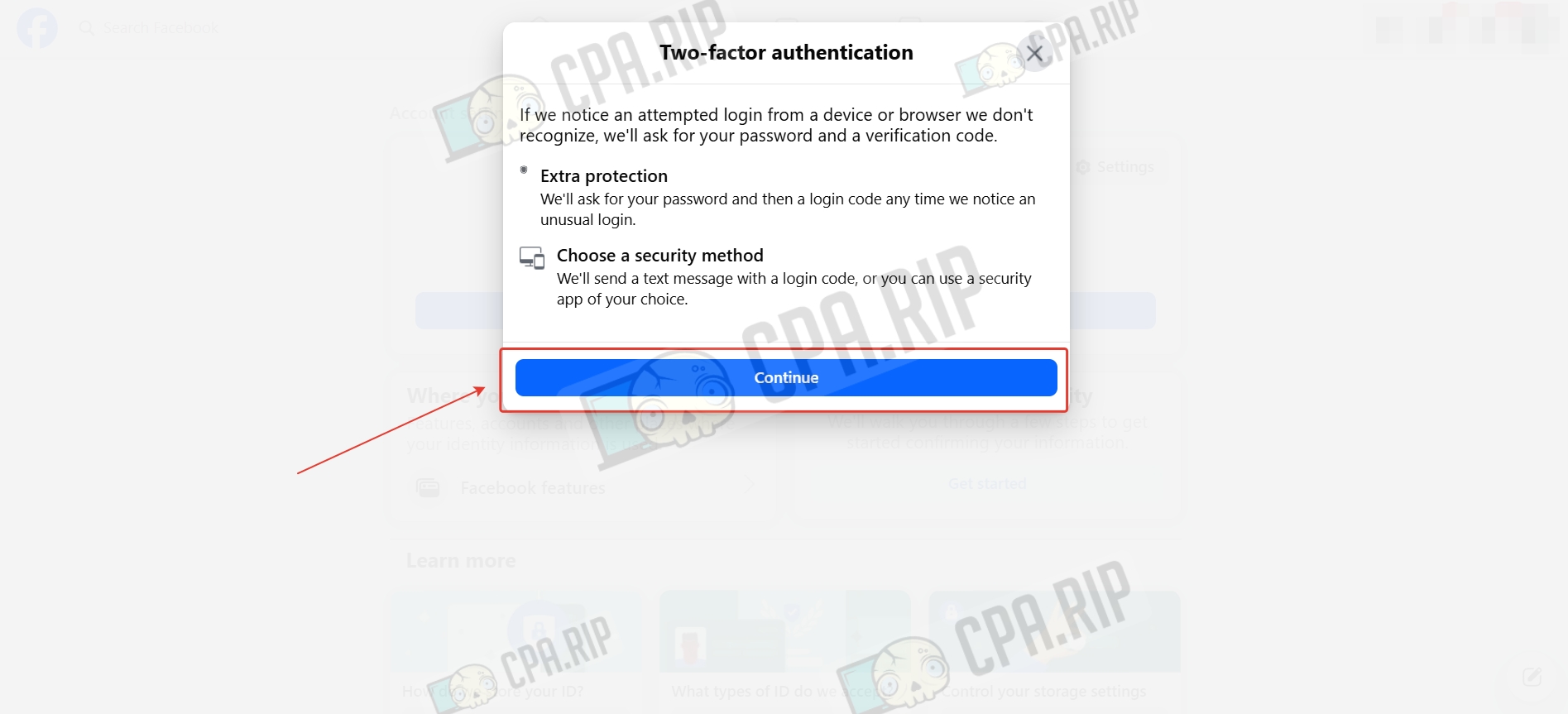
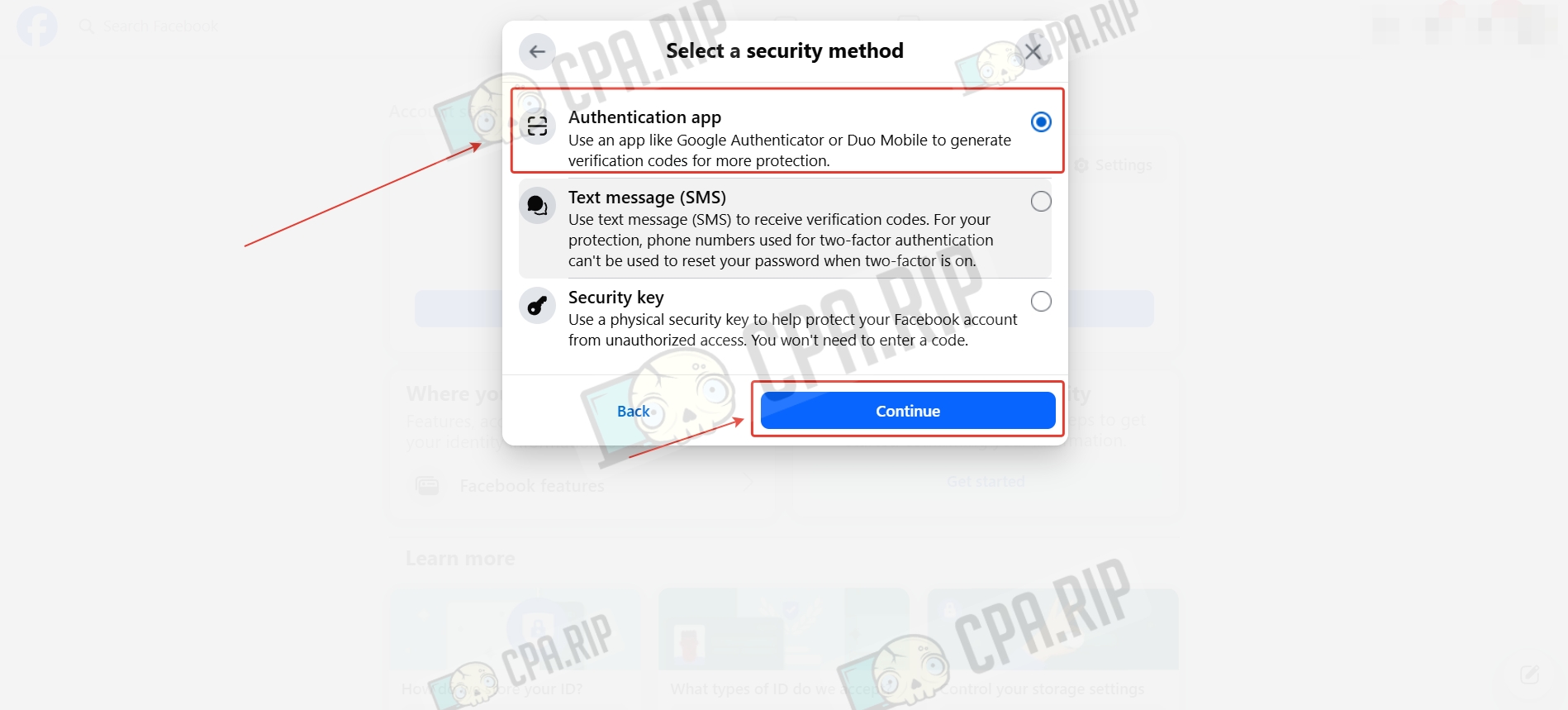
- Select the Authentication app and click “Continue.”
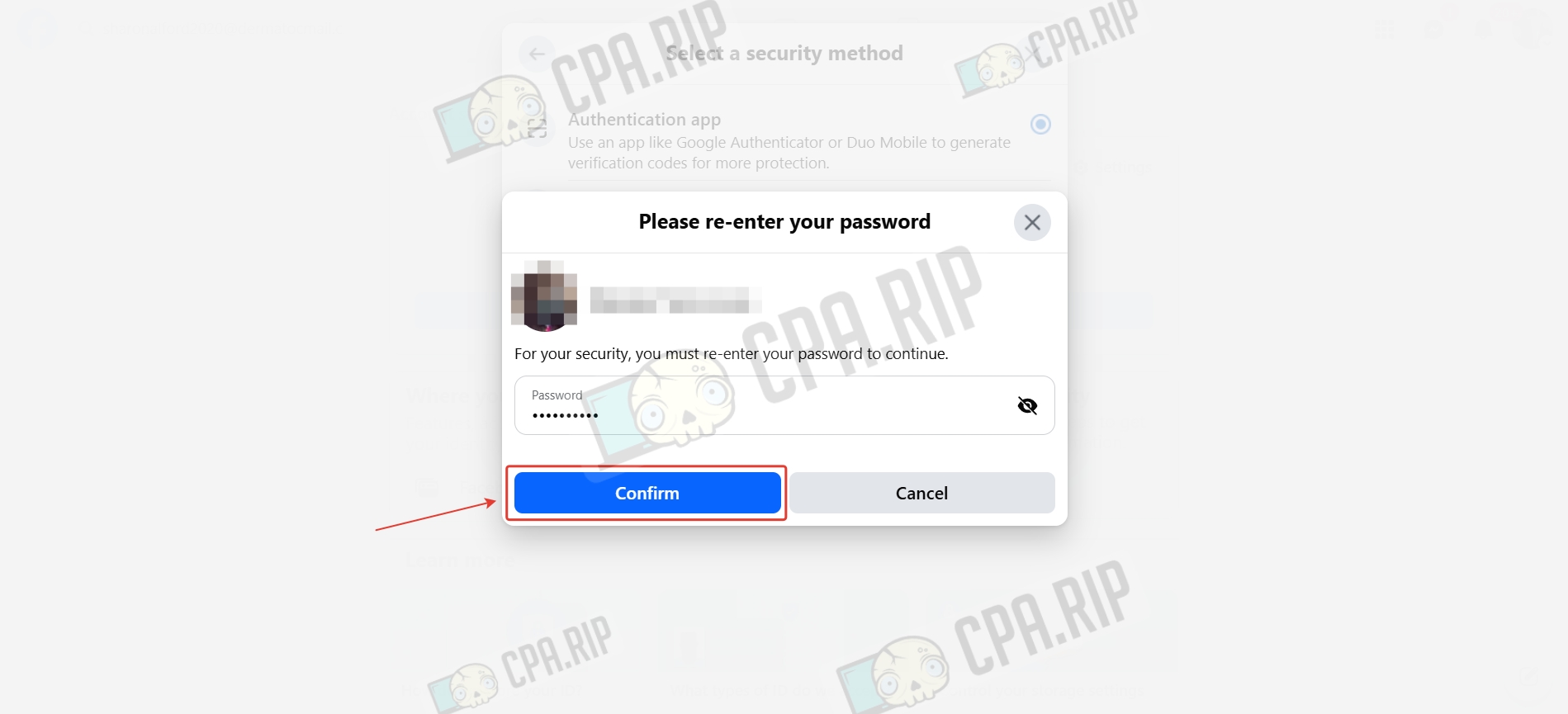
- Enter your Facebook account password and click “Confirm.”
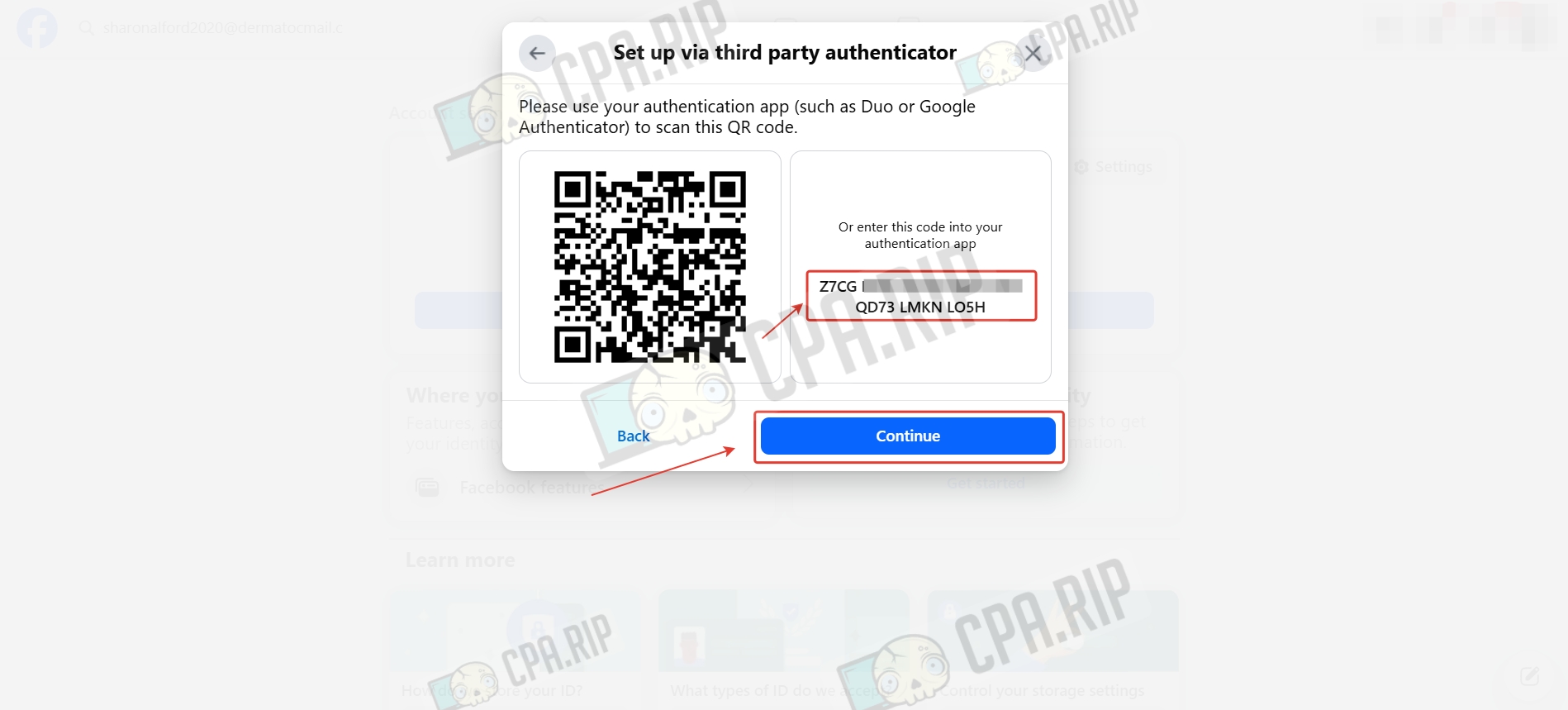
- Copy the installation code in the Authentication app and click “Continue.” You can use the 2FA Authenticator browser extension.
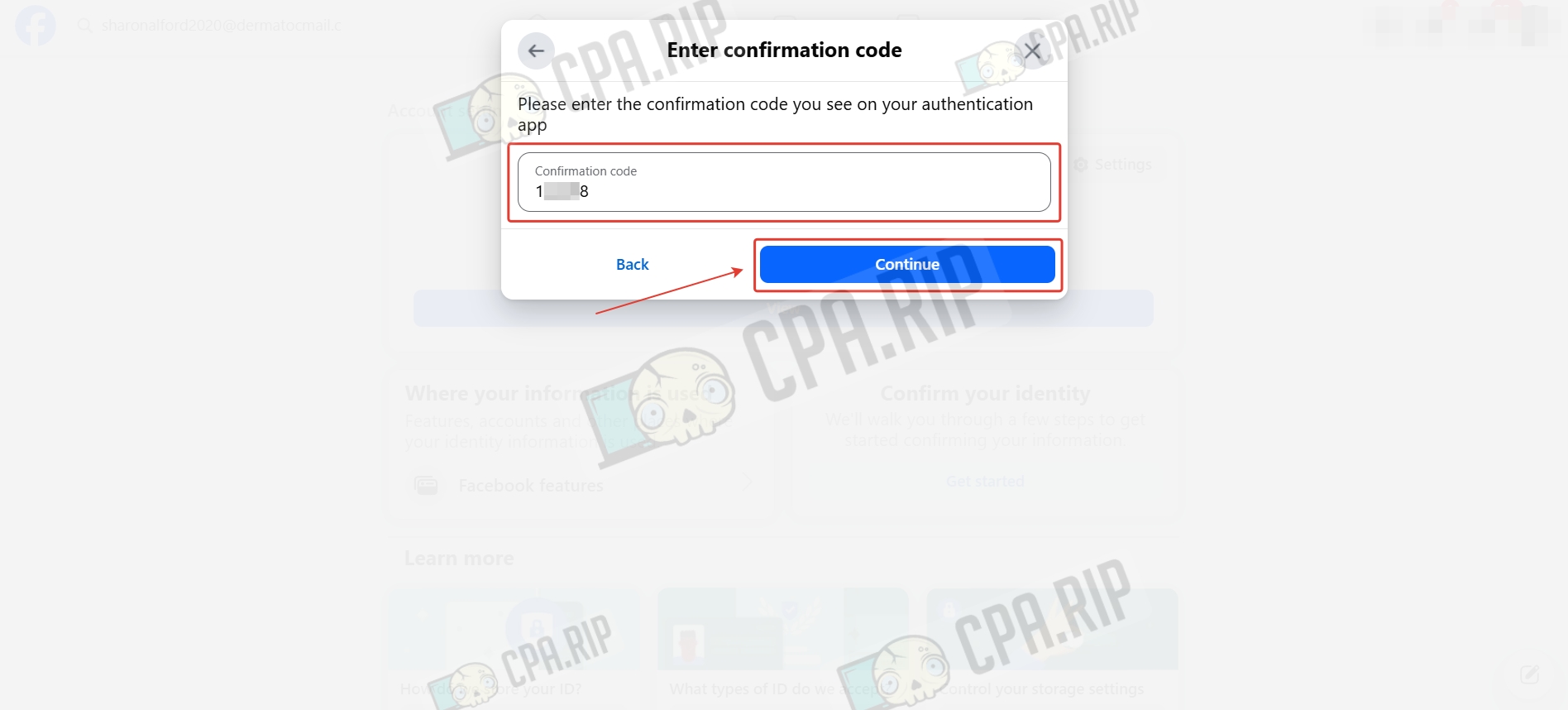
- Enter the code from the Authentication app and click “Continue.”
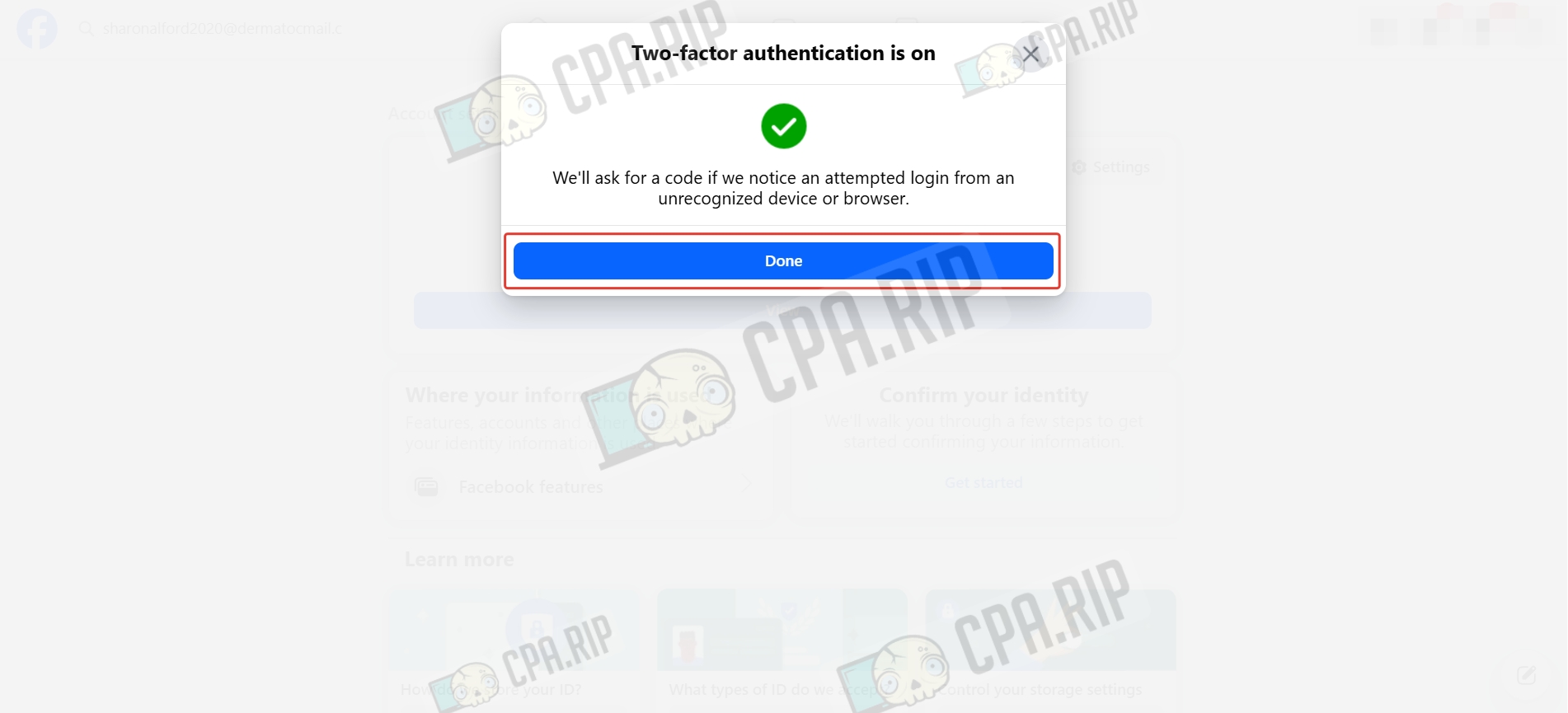
- Click “Done.”
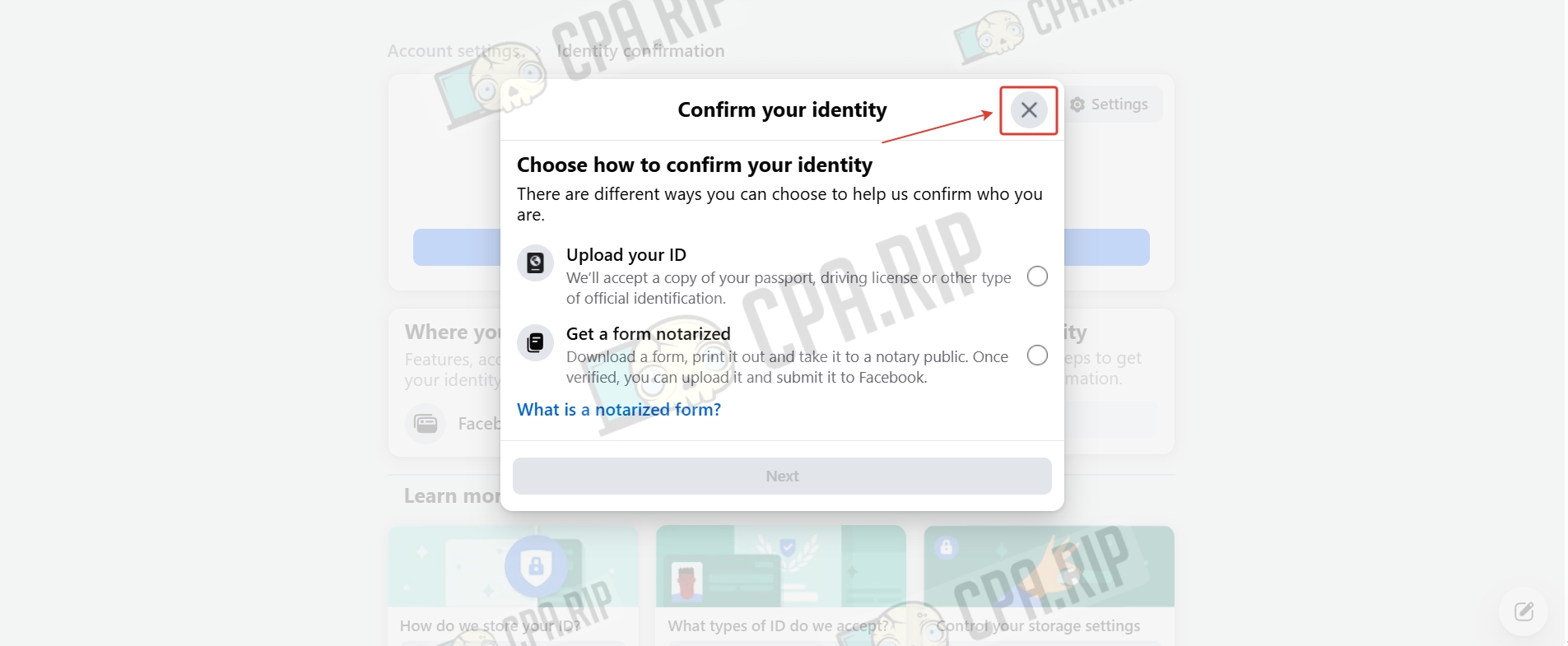
- Close the identity confirmation window.
Done.