



Here’re the latest Facebook tips & tricks from the Yellow Web
Aloha, publishers, Yellow here!
The worst part about FB traffic arbitrage is buying accounts and creating profiles in an anti-detect browser. Doing it manually is soul-destroying since you have to create a profile, insert a proxy, copy and import account cookies, and save all account data in a notepad. If you buy, say, 50 autoregs, then the next few hours of your life go into the blue.
I’ve had it up to here, so I developed a solution, which I’ll present in this article.
Software features
First, let’s observe the feature set:
- Automated accounts parsing. The following data is extracted from a text file:
- Login / Password
- EAAb Token
- E-mail login and password
- Birthday
- Cookies (JSON or JSON Base64-encoded)
- Indigo group (folder) selection
- Indigo profiles selection from the selected folder for data import, or new profiles creation with the specified proxy
- Cookies import
- All data is saved in readable form in profile notes
Now let’s figure out how to run the software and take a look at its features with screenshots.
System requirements
It’s a console app – there’s no need for a GUI here. It is written in C# and powered by Microsoft .NET 5. It is a cross-platform software, which runs on any OS: Windows, Linux, or macOS. To run it, you must first compile it from source files.
- Download source files from GitHub
- Download and install the latest OS-compatible (MAC, Windows) .Net Core SDK. SDK is required!
- Launch the console/terminal, go to the folder with source files and type in the
dotnet build - The software will be compiled in the bin/Debug or bin/Release
- Go to the console/terminal to the bin/Debugor bin/Release folder and run the software with the
dotnet YWB.IndigoAccountsParser.dll
Before you run it, launch the Indigo Browser and check the port. For correct operation, opt for port35000. Go to My Account and check it.
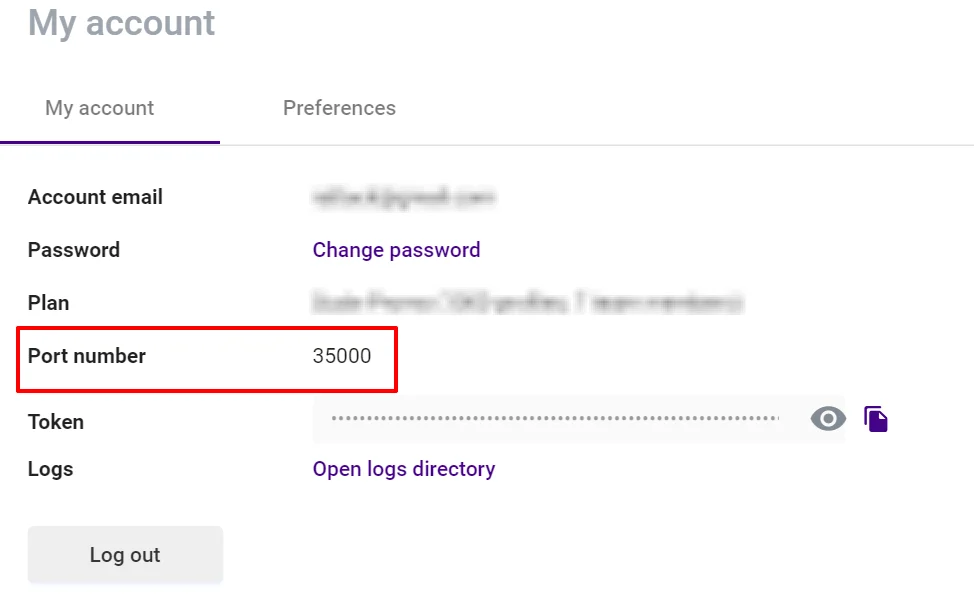
If you see a different port, then click the Open logs directory below. Logs folder will pop up. Navigate one folder level up and edit the multiloginapp.port parameter in the app.properties file. It should look like this:
multiloginapp.port=35000
Restart your browser after you’ve changed the port. Leave the browser running because the software communicates with it via API!
Operation
First of all, you might want to find a good proxy. Then create a proxy.txt file in the compiled software folder. In the proxy.txt file, type in proxy details as follows:
type:ip:port:login:password
In this case, the ‘type’ is either socks or HTTP. For example:
socks:37.213.222.21:19473:mattk_yax_ru:u1rdfOM
Next, you might want to purchase worthy autoregs. Once you received the purchased file with autoregs, rename it to accounts.txt and put it in the same folder.
After that, launch the software and you’ll see this:
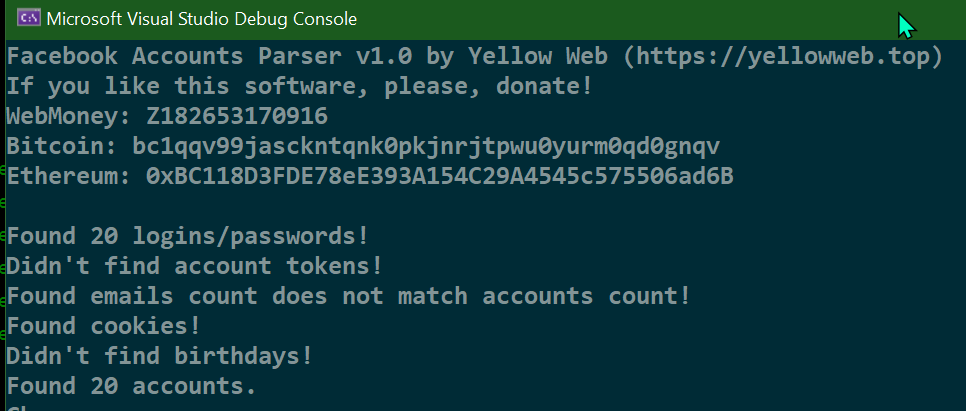
It displays a message on each action. On the screenshot above, you can see that the software found 20 logins with passwords and cookies but it did not find any tokens (there were none) and birthdays. It also found some e-mail addresses, but, most likely, these were not login details, but Facebook usernames saved as e-mails.
The software displays the list of Indigo groups you have, so you can choose the one to work with. Type in the number of the required group.
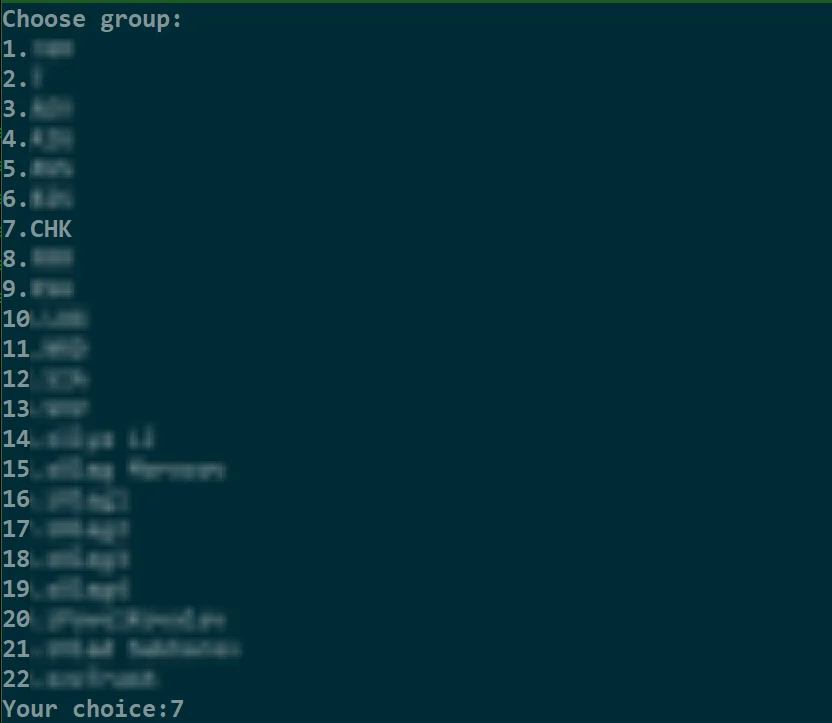
Next, you have to answer few questions:
- Should I create new profiles or should I select them from the existing profiles in the profile group? If you want to create new ones – press Y. If you want to choose from existing ones – press N.
- If you opt for new profiles, then type in the profile name prefix. For example, if you’ve entered the ‘Test’ prefix, then the software will create profiles with ‘Test0’, ‘Test1’, ‘Test2’, etc. names.
- Select OS.
This is how it looks:

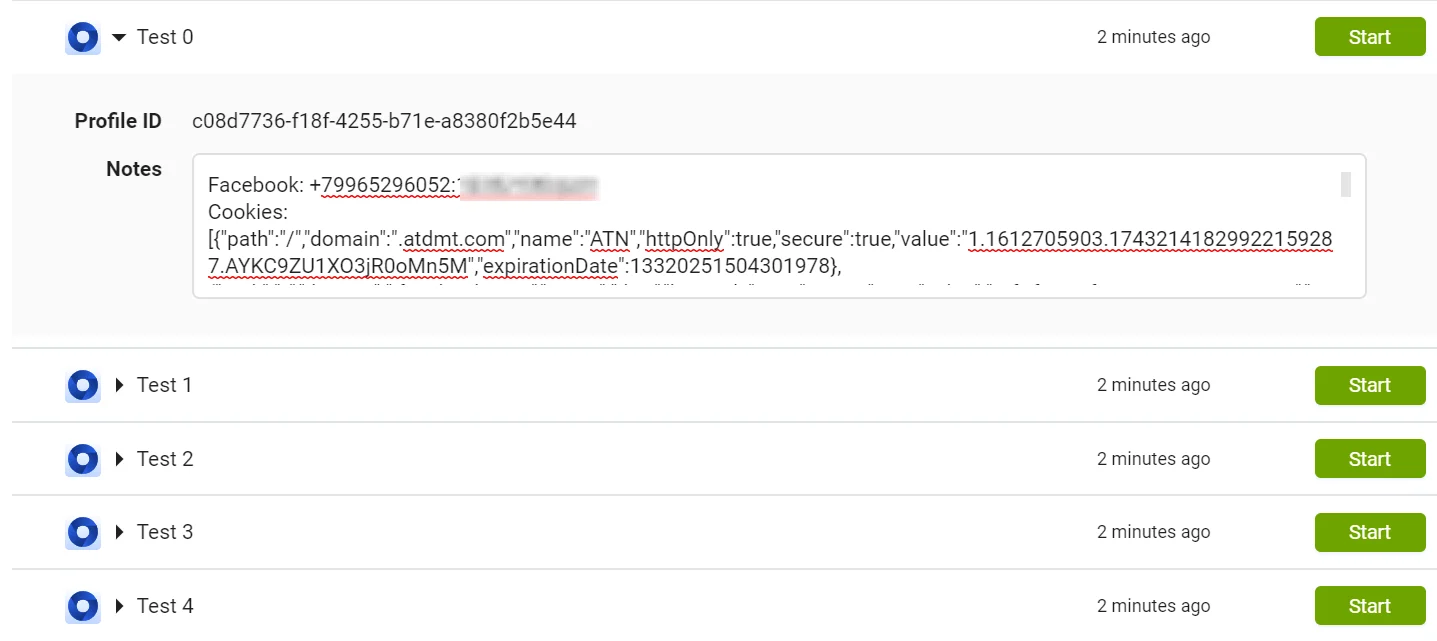
That’s it! The software will start creating profiles, importing cookies, and saving all data to notes.
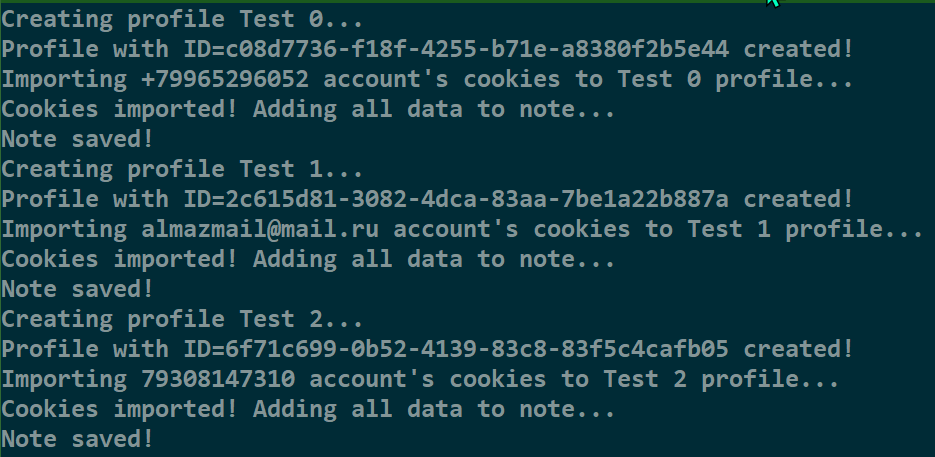
When finished, the software will display a relevant message. After that, you can go to Indigo and check the result:
Summary
This software will save you hours. I can’t guarantee that it will parse any file with accounts from any shop, however, it is stable with a couple of dozen formats I tested it on.
If the software can’t find any accounts in your file, then contact me in PM, and we will come up with a solution. Don’t forget to donate to the great content we make! You will find all the donation details inside the software.








Comments