
Ready-made customisable prompts for generating gambling creatives. They can be used on Nano Banana / ChatGPT and other neural networks.
If you need to quickly test prompts for free:
Sign up for ChatGPT Go for free: https://cpa.rip/en/services/chatgpt-go-free/
Free access to Gemini/NanoBanana Pro, etc.: https://cpa.rip/en/ai/gemini-enterprise-free/
Prompt for generating creatives (Chicken Road)
Base / Format

Create a viral gambling promotional image inspired by the "chicken road" game. Image size: 1080x1080 (1:1), no stretching, clean, safe text fields.

Scene (cartoon)
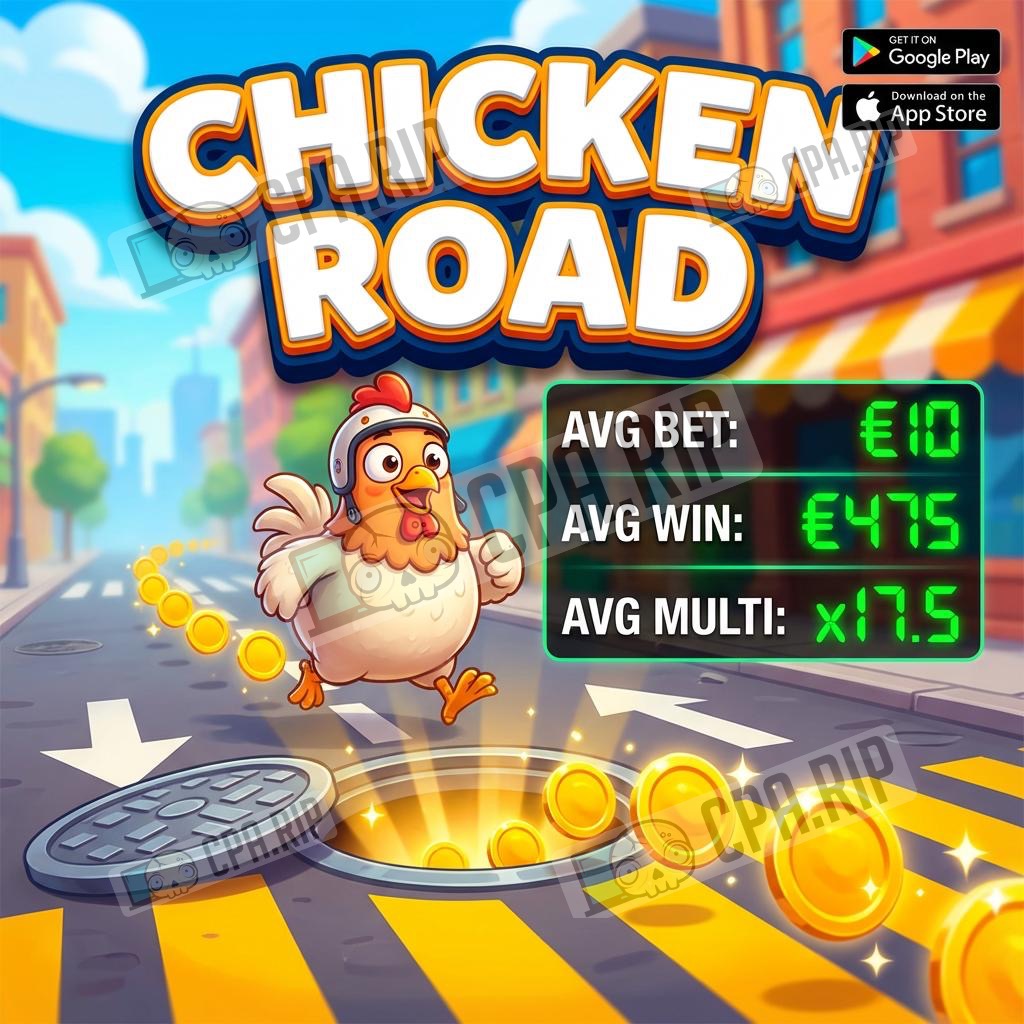
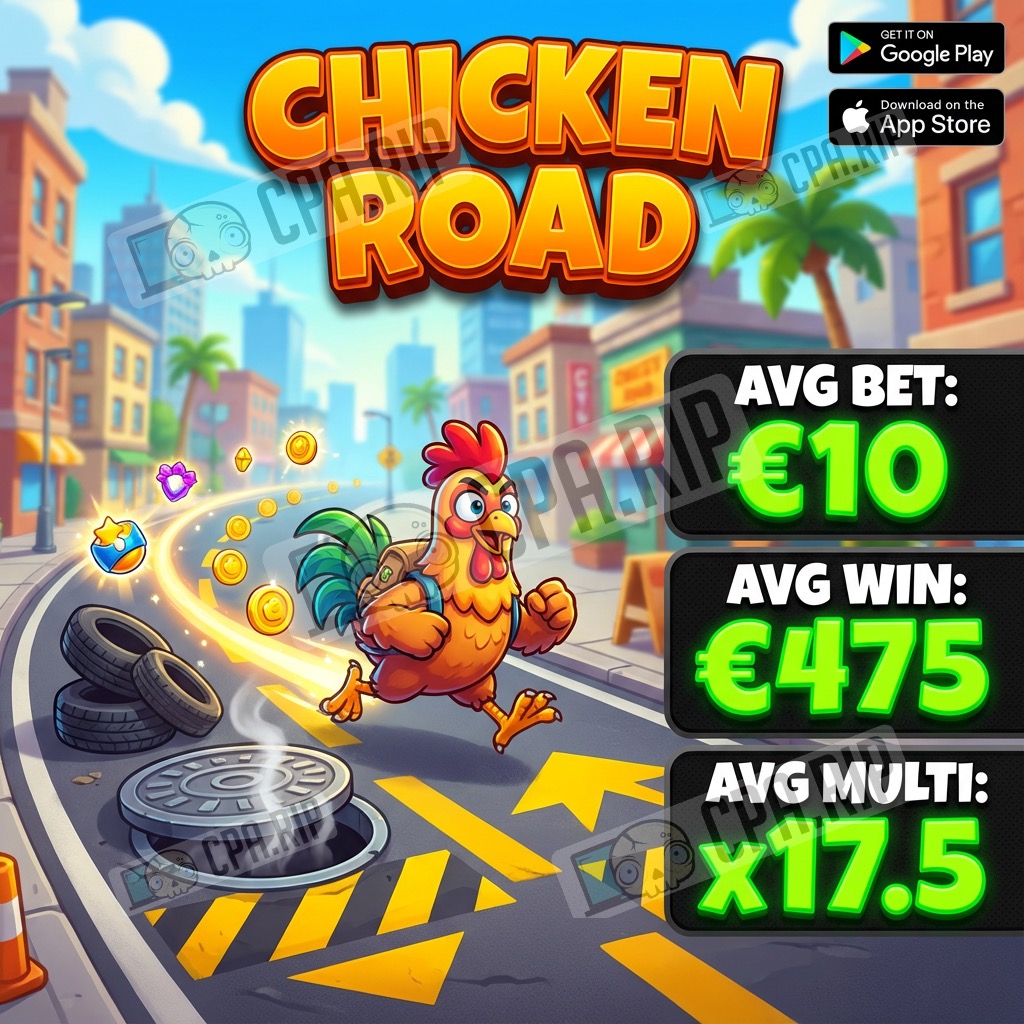
A colorful cartoon chicken running along a city street with funny obstacles: road markings, a sewer cover, sparkling coins. Bright sky, high saturation and contrast, sharp subject, soft depth of field.

Headline
Add a large 3D headline at the top: "CHICKEN ROAD", thick outline + strong shadow.

Stats block (right side)
On the right, add a 3-line stats block (large, readable, neon green numbers):
"AVG BET: €10"
"AVG WIN: €475"
"AVG MULTI: x17.5"
(or use placeholders).

Store badges (upper right)
On the right, in the upper corner, add download stores: Google Play, App Store.
What to change in the prompt (Chicken Road)
- Base / Format: size 1080×1080, make the ‘text areas’ larger/smaller;
- Scene (cartoon): background/street (brighter/darker) and blur (stronger/weaker);
- Scene (cartoon): obstacles — markings/manhole/coins (larger/smaller, more noticeable/more subtle);
- Headline: ‘CHICKEN ROAD’ title — 3D volume, outline thickness and shadow intensity (larger/smaller);
- Stats block: numbers in AVG BET / AVG WIN / AVG MULTI;
- Store badges: Google Play / App Store icons, size, and position (closer to the corner/lower).
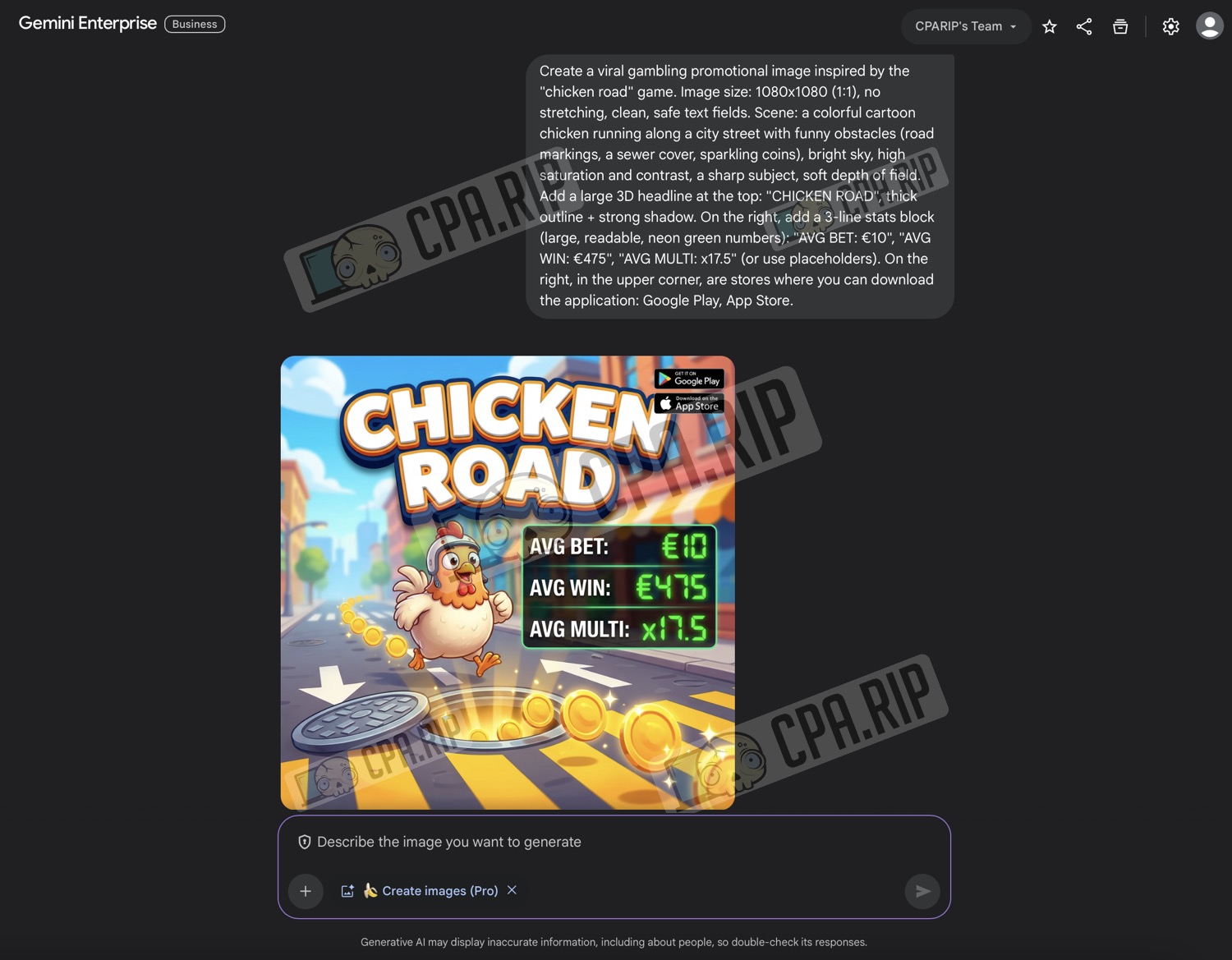
Examples of creatives
Prompt for generating creatives (Aviator)
Base / Format
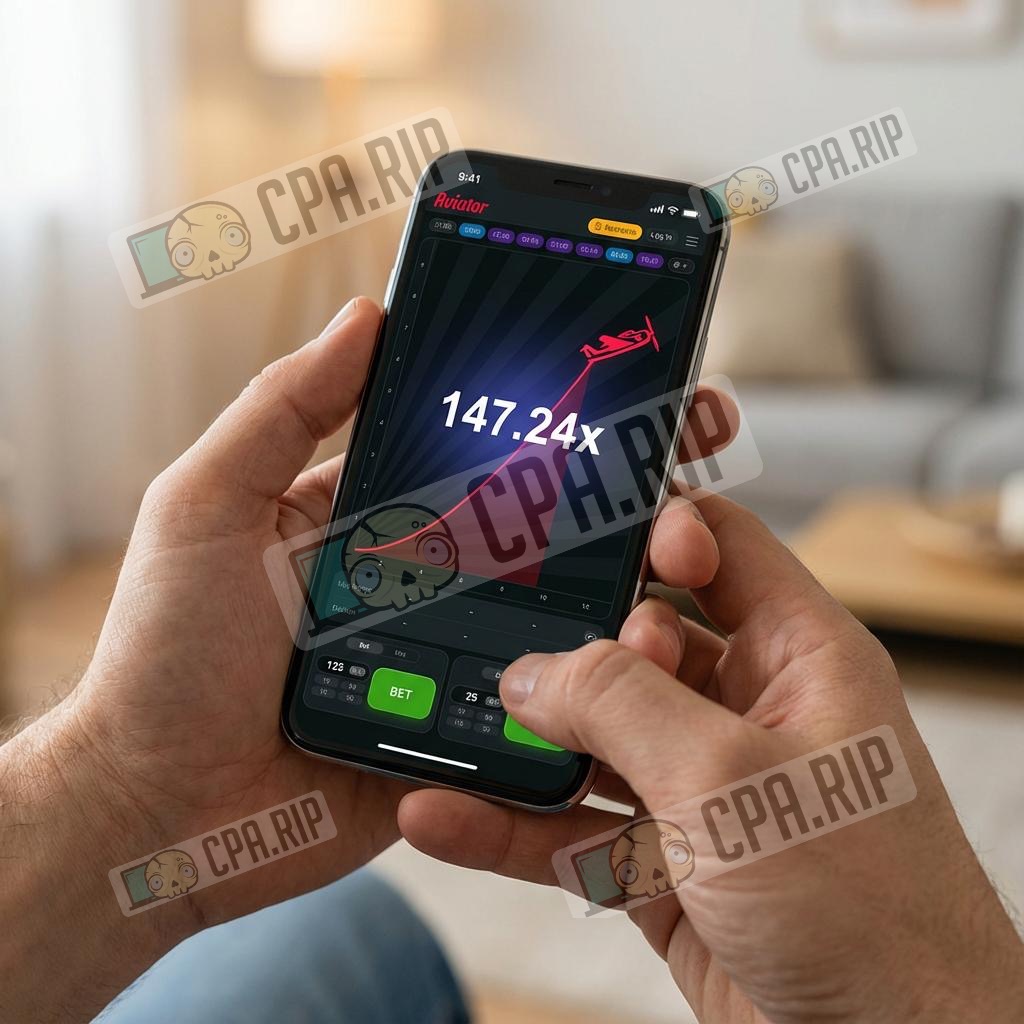
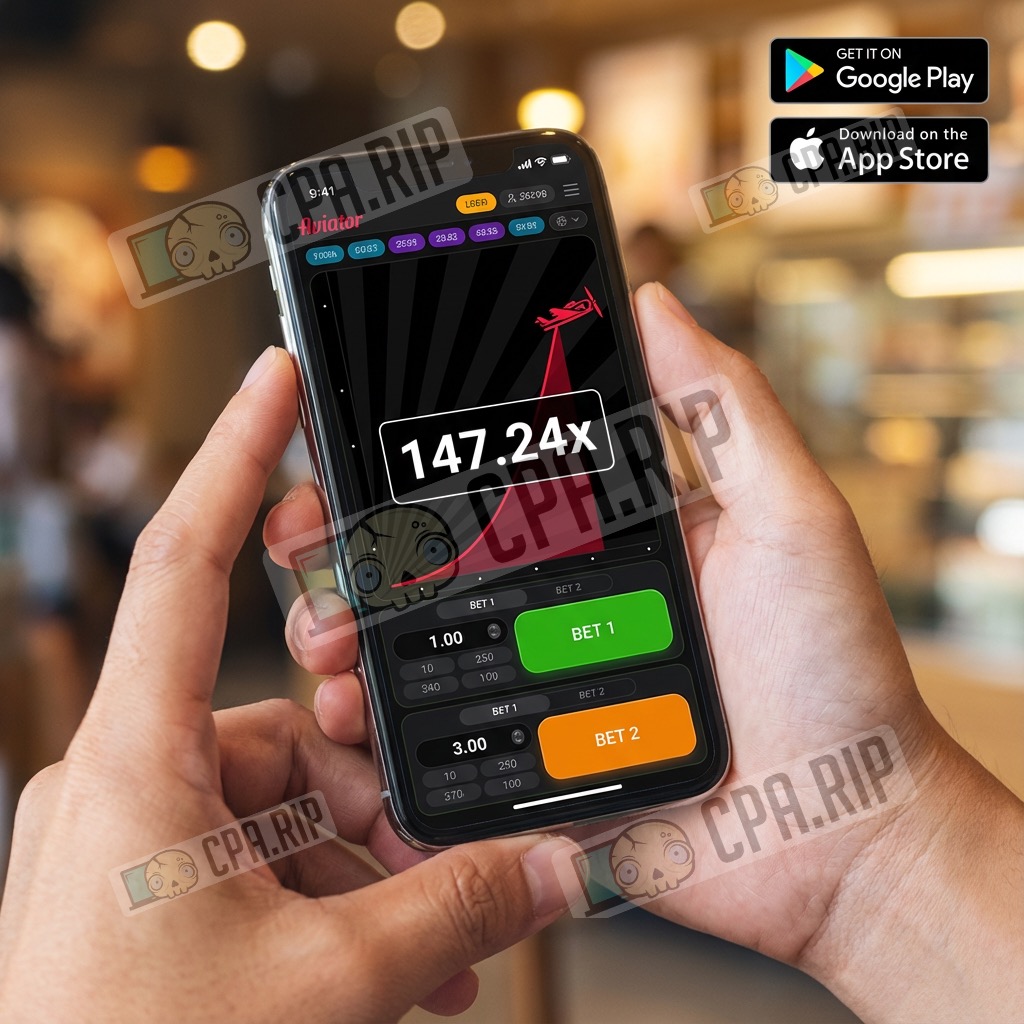
Create a viral gambling promotional image inspired by the "Aviator" crash game. Image size: 1080x1080 (1:1), no stretching, clean, safe text fields.

Scene (real-life photo)
A realistic close-up of hands holding a smartphone (natural grip, correct anatomy, realistic skin texture), blurred indoor background, shallow depth of field.

Phone screen (in-game process)
An Aviator-style in-game round in progress with: a rising curve line a small airplane icon moving upward along the curve

Main focus (multiplier)
In the center of the screen show a very large multiplier: "147.24x" (bold, high contrast, crisp and readable).

Bet UI
Under the main game area, show two bet panels (dual-bet layout) with rounded elements.

Store badges
On the right, in the upper corner, add the download stores: Google Play, App Store.
What to change in the prompt (Aviator)
- Base / Format: size 1080×1080, make the ‘text areas’ larger/smaller;
- Scene (real-life photo): hands and grip/slightly different angle/tilt of the phone;
- Scene (real-life photo): indoor background and blur (different room/lighting, stronger/weaker blur);
- Phone screen (in-game process): growth line — smoother/sharper, aeroplane — lower/higher on the line;
- Multiplier (centre): number ‘147.24x’ — change to other values;
- Bet UI (dual-bet layout): two betting panels — larger/smaller, higher/lower, stronger/weaker rounding;
- Store badges: Google Play / App Store icons — size and position (closer to the corner/lower).
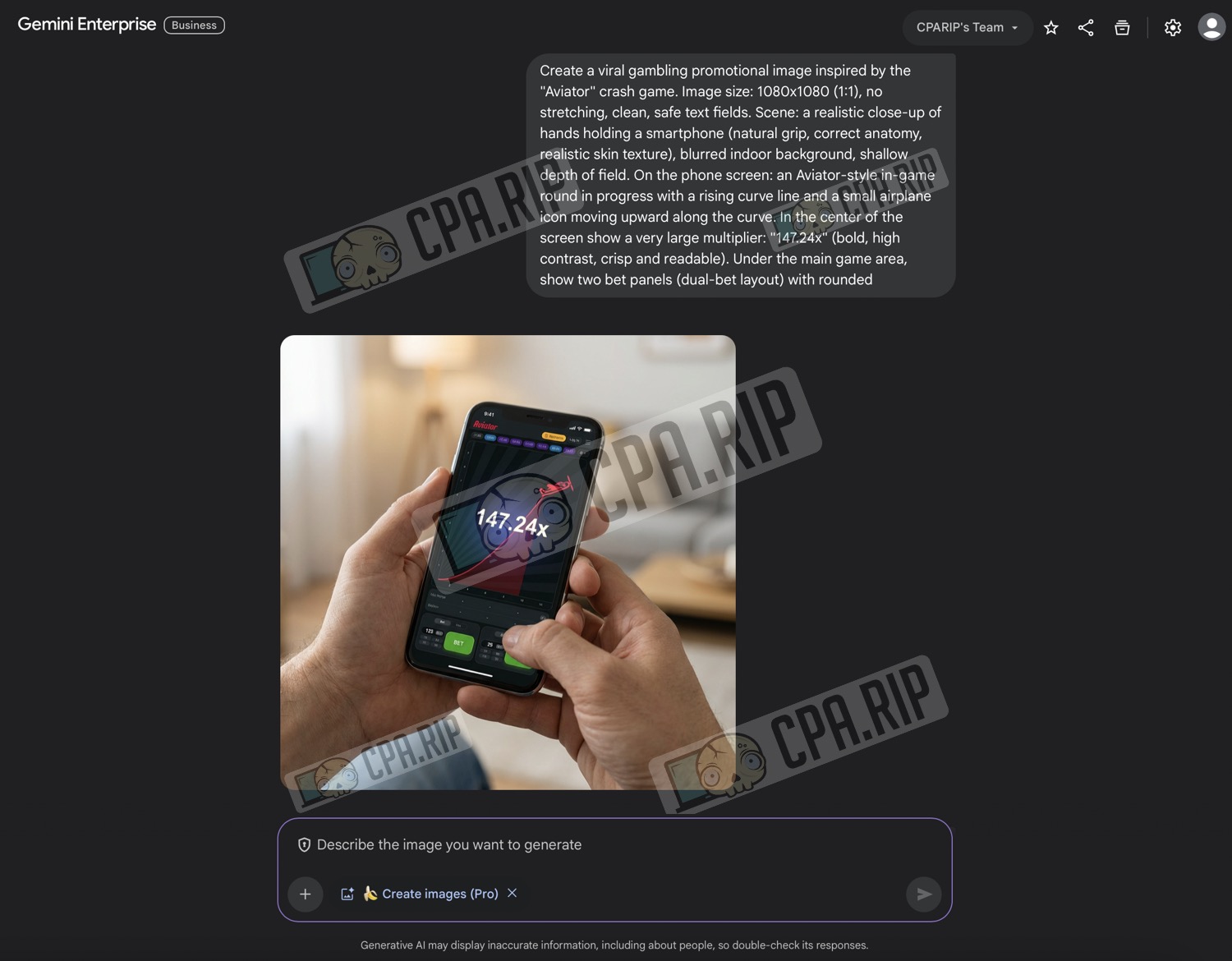
Examples of creatives
Video creative generation
You can also generate video creatives using previously created static images. To do this, upload the images as the starting frame to the video generator (Veo 3.1, Sora 2, Kling AI) and type a prompt on the creative theme. Here you can experiment: type as simply as possible, such as ‘animate this,’ or describe all the movements and mechanics in detail.
Example of video in Veo 3.1
Prompt:
Animate the advertising creative.
Result:
Example video in Sora 2
How to access Sora 2 read in this article: https://cpa.rip/en/services/sora-2/
Prompt:
The chicken runs forward, collecting coins. The road moves backward. The numbers on the counter are increasing.
Result: