
A review of the ZennoBrowser antidetect browser from the ZennoLab team, which has been in ‘alpha’ status for a long time, is now available to everyone. We checked the profile fingerprints, familiarised ourselves with the interface and pricing plans. There is a free plan.
The ZennoBrowser antidetect browser is designed for managing multiple accounts, web scraping, traffic arbitrage, SMM, affiliate marketing, and any other activity where anonymity and session isolation are important. Core features are implemented: proxies, profiles, cookie import, as well as profile folders and tags.
A Windows-only version is available.
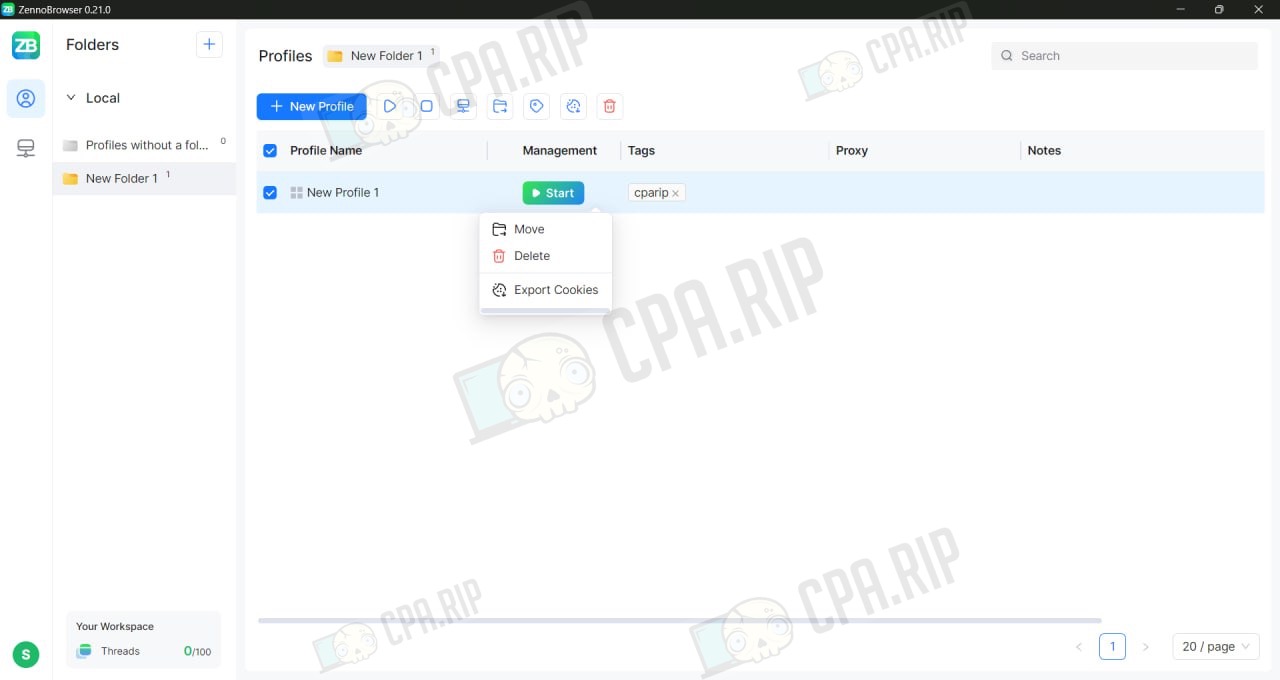
Our selection of antidetect browsers: https://cpa.rip/en/services/antidetect-browser/
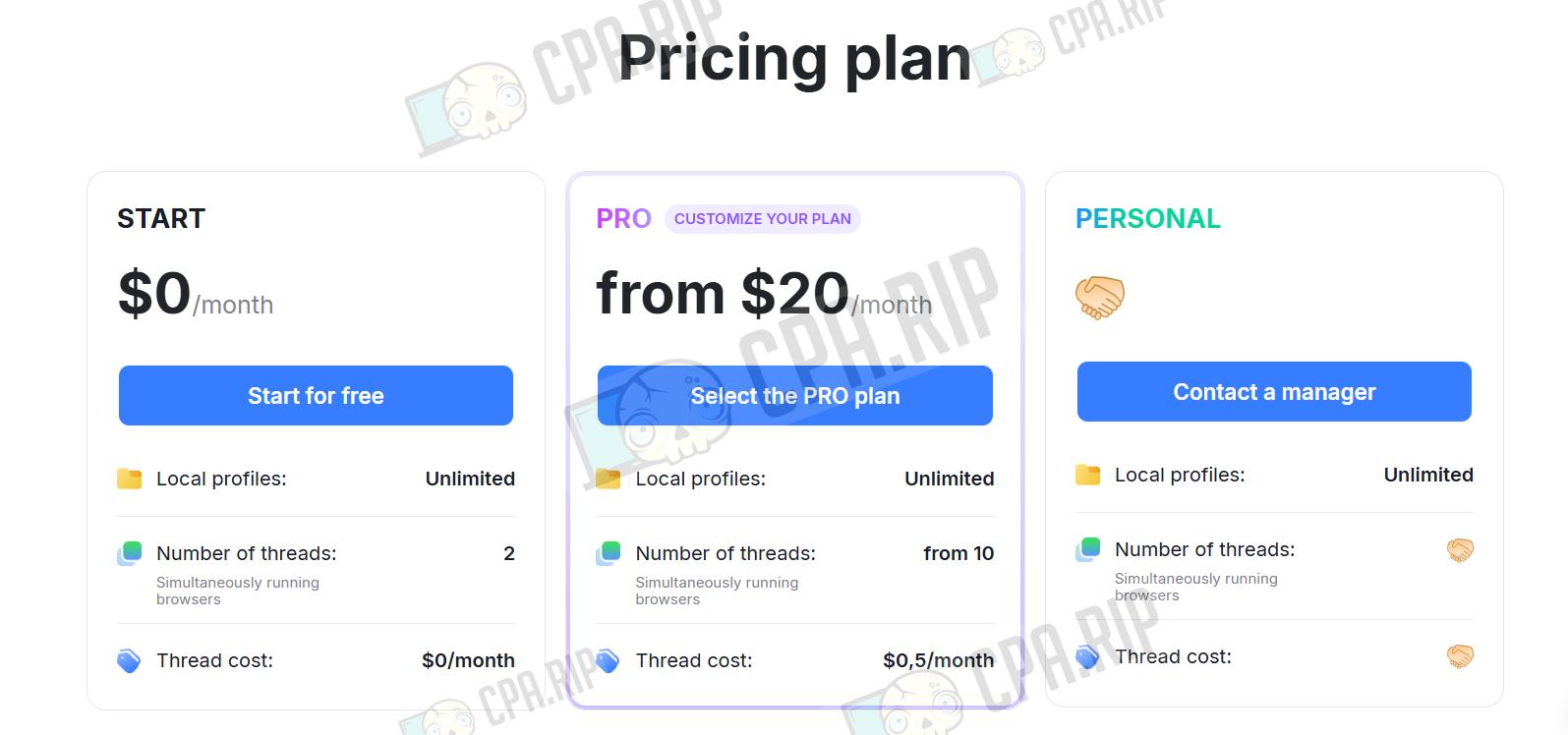
Pricing
- START — $0/month (free): unlimited local profiles, 2 concurrent streams (running in the browser), 10 cloud profiles.
- PRO (customisable plan) — from $20/month: unlimited local profiles, starting from 10 concurrent sessions.
- PERSONAL (individual / corporate) — price on request (via your account manager).
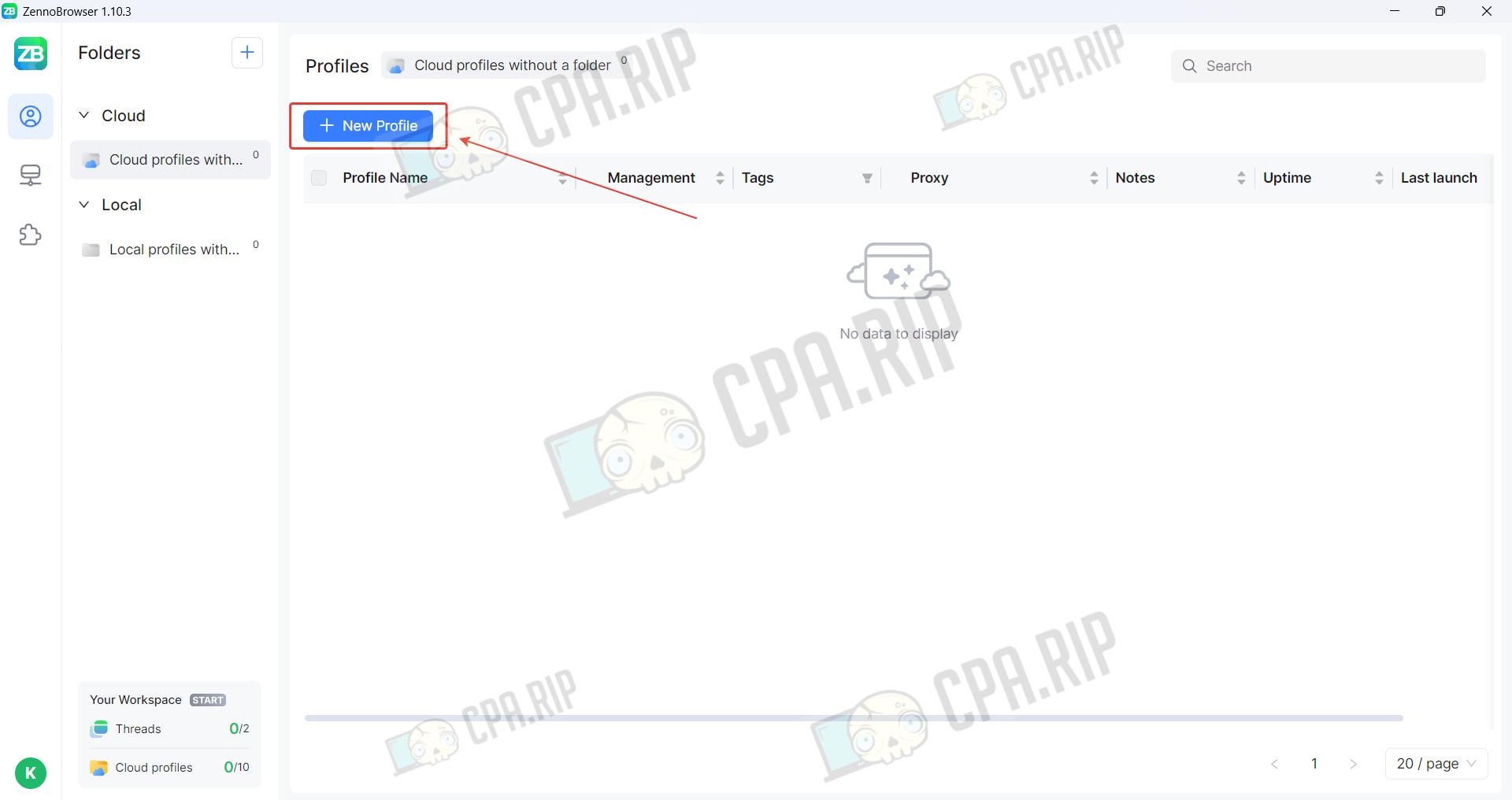
Profile creation
Local and cloud profiles are created in the same way. Click ‘New Profile’.
A local profile is stored only on the device where it was created, ensuring maximum launch speed and full control over privacy, but excluding access from other PCs. A cloud profile is stored on the developer’s server, which allows you to synchronise cookies and tabs across different devices and share accounts with colleagues; however, in this case, launch speed depends on the quality of your internet connection.
Enter a profile name.
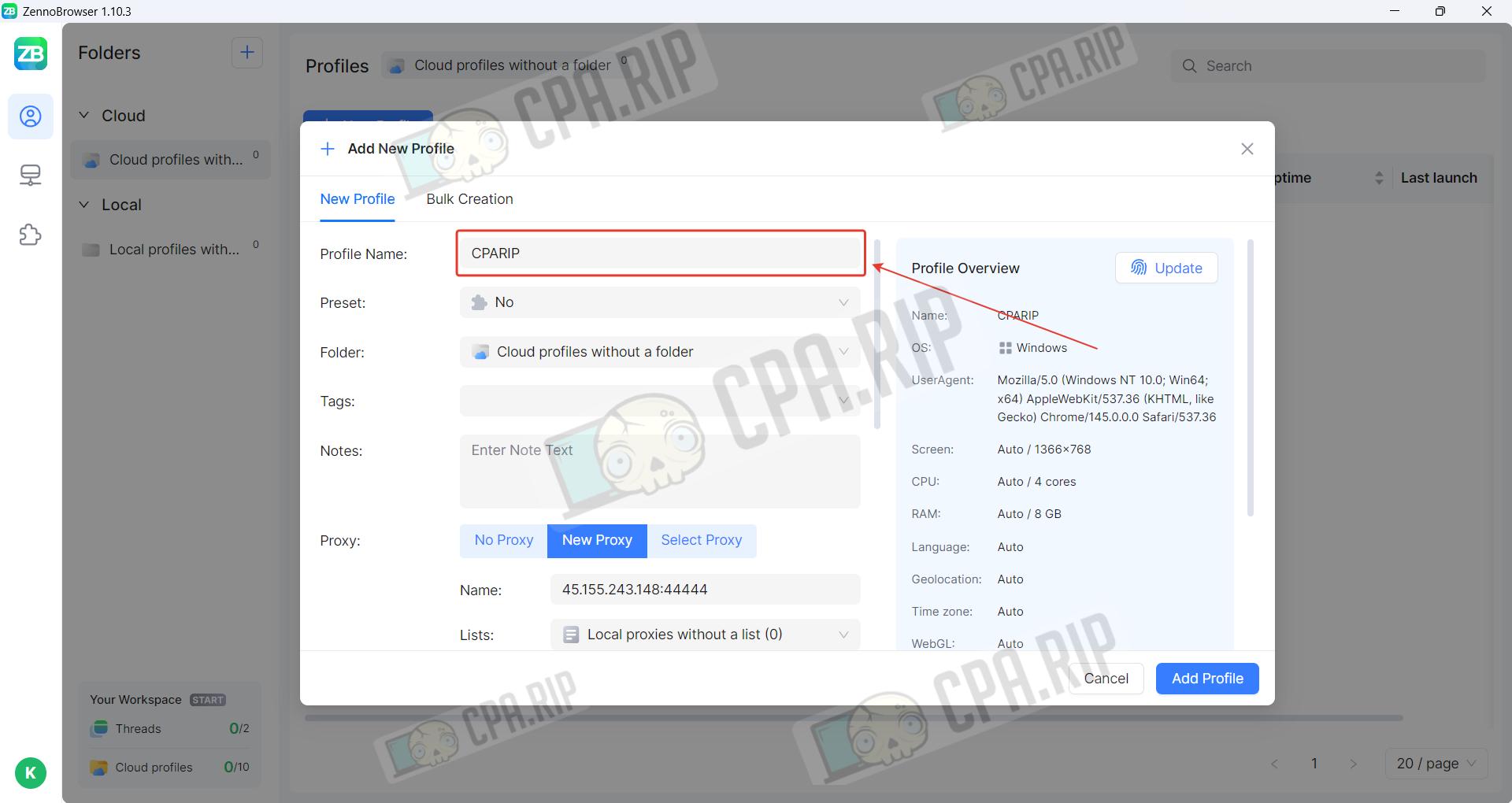
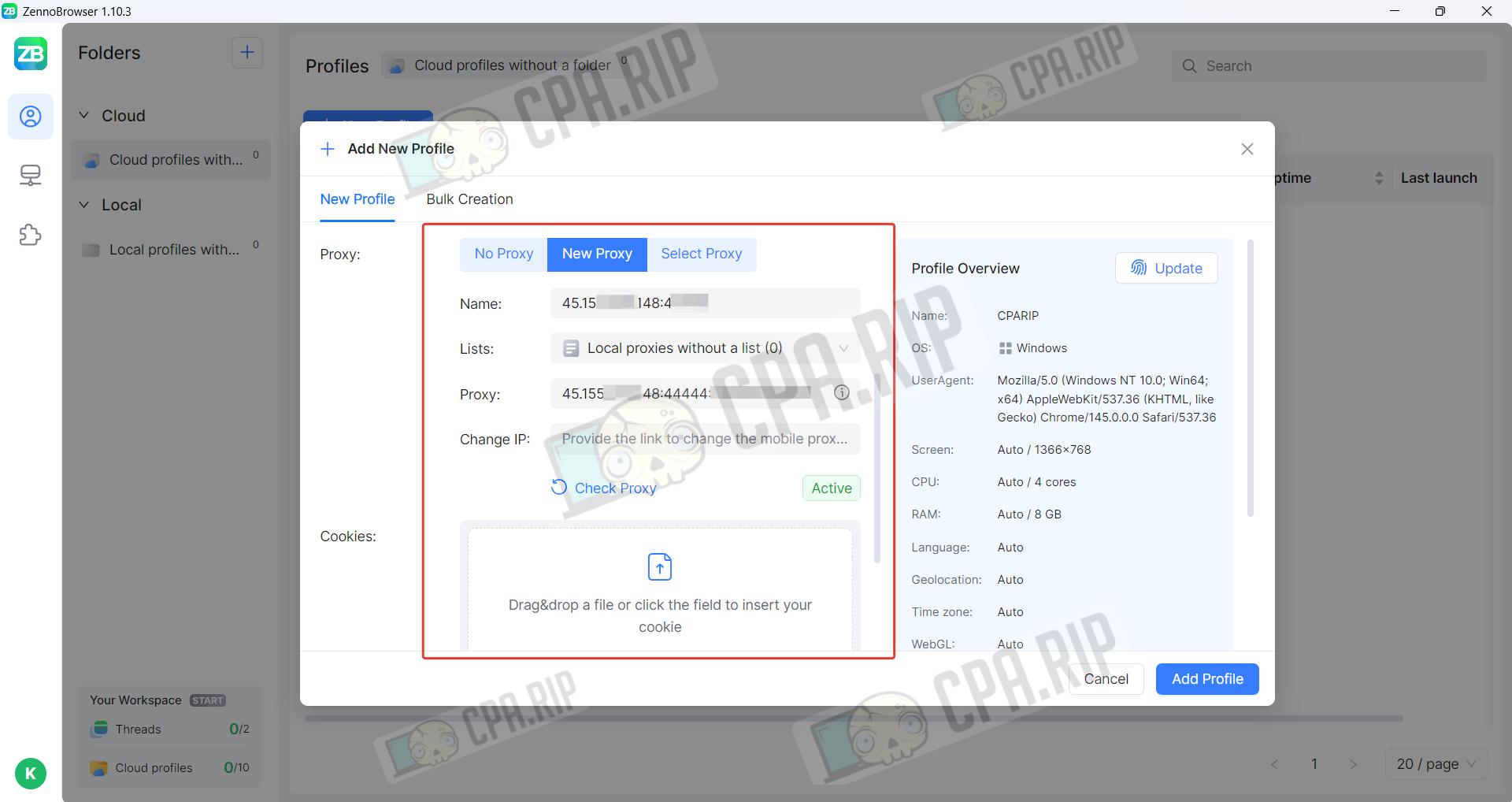
Enter a proxy and enable cookies if required.
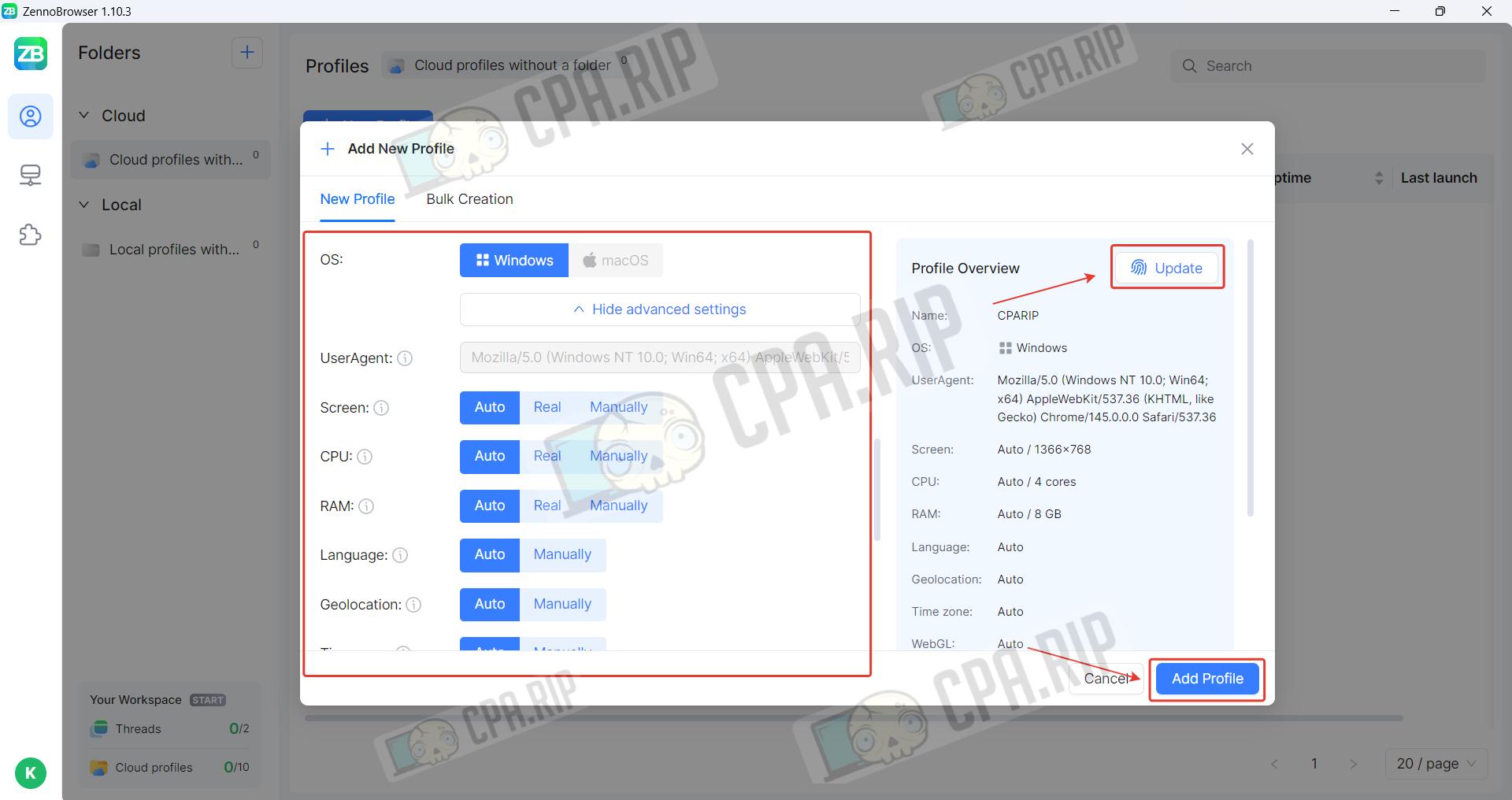
The operating system is Windows only. Advanced settings are also available in the Advanced section. To change the fingerprint, click ‘Update’. Once you have filled in the main settings, click ‘Add profile’.
Antidetect browser check
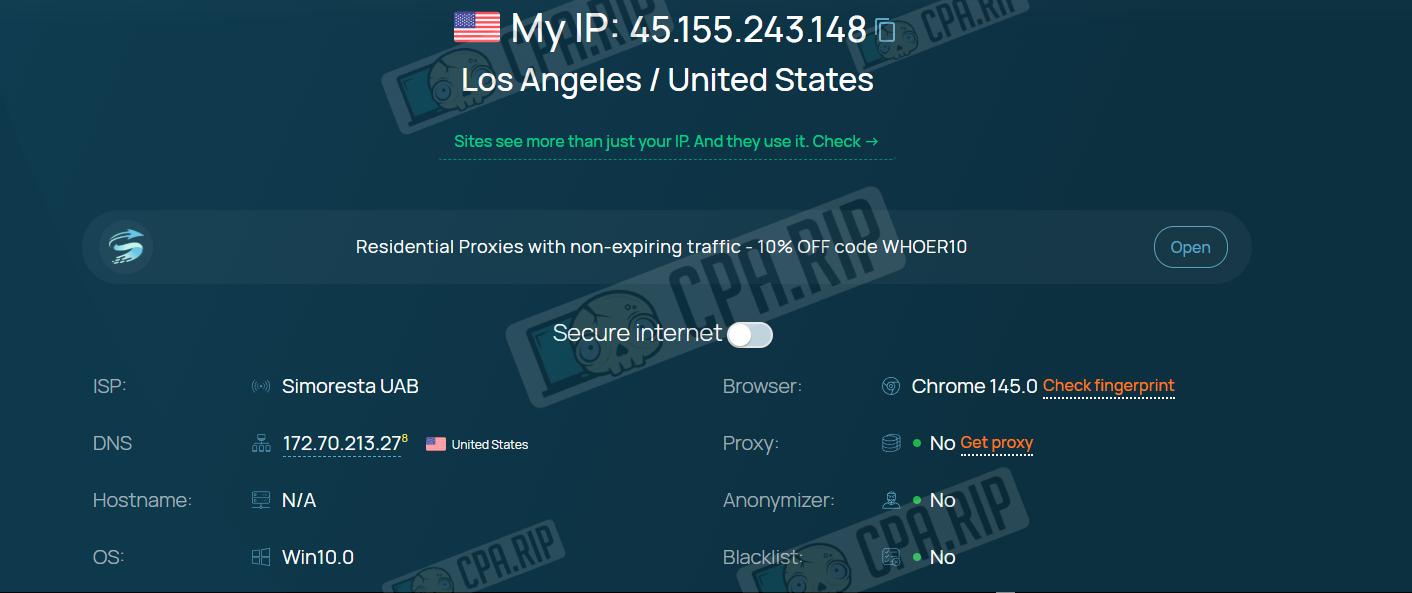
The results on whoer.net look correct: the system identifies us as a user from the US, whilst anonymisers and proxies are not detected.
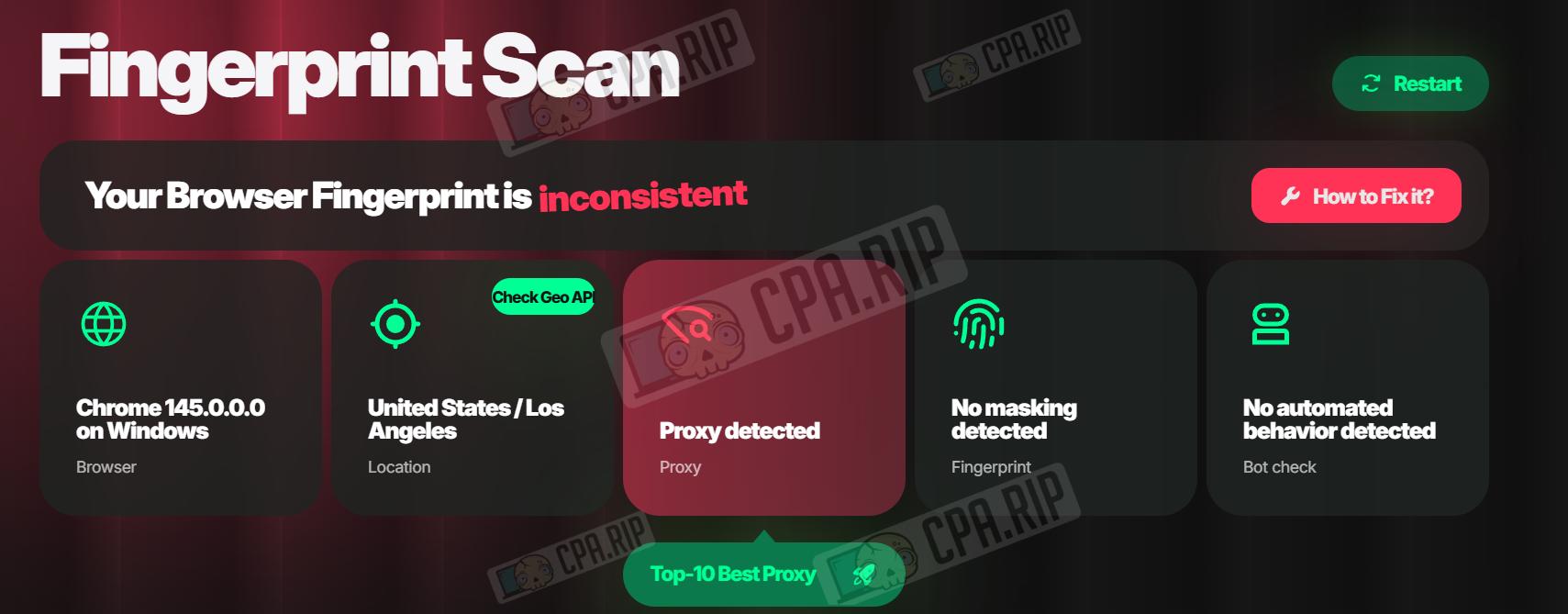
Pixelscan.net indicated the use of a proxy. This issue can be resolved by changing the proxy.
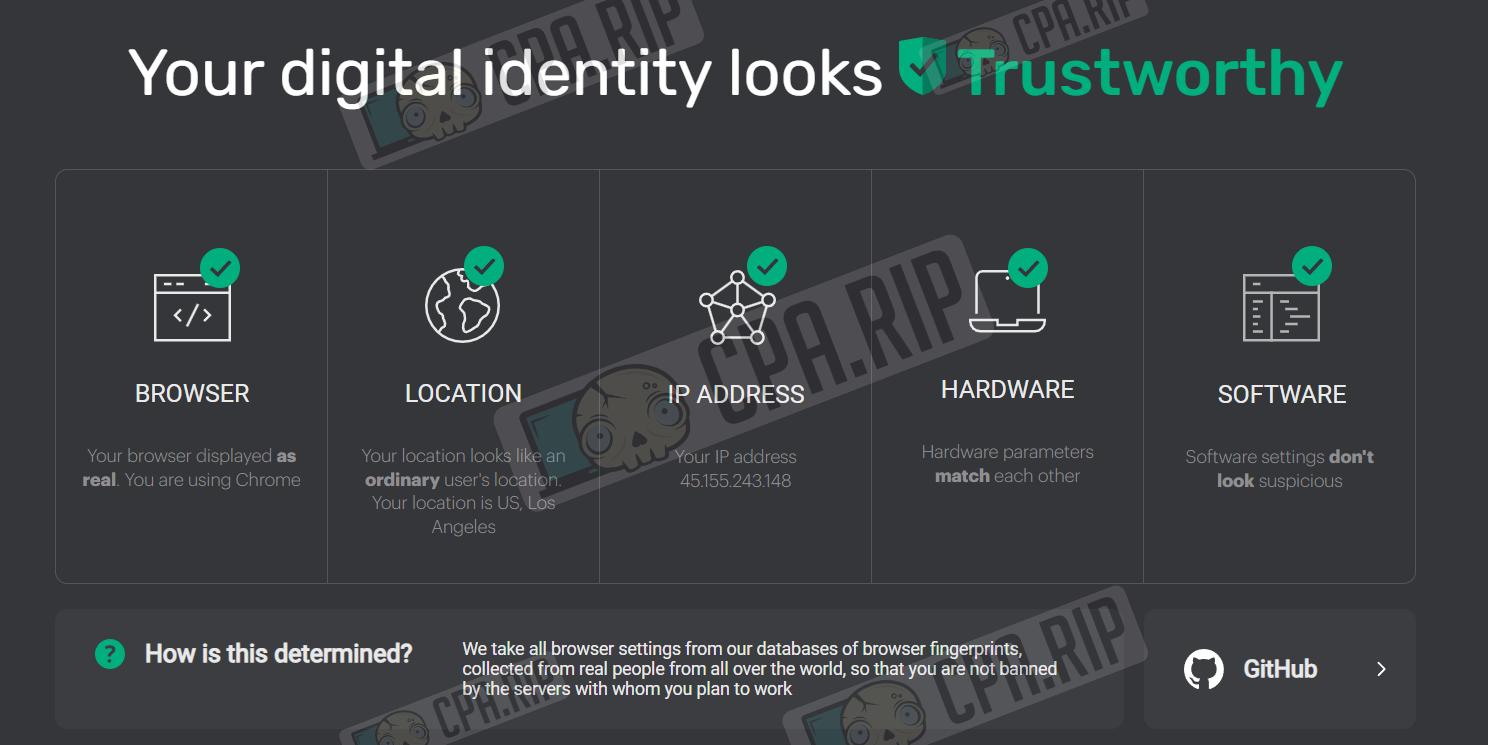
The test on iphey.com returned a positive result.
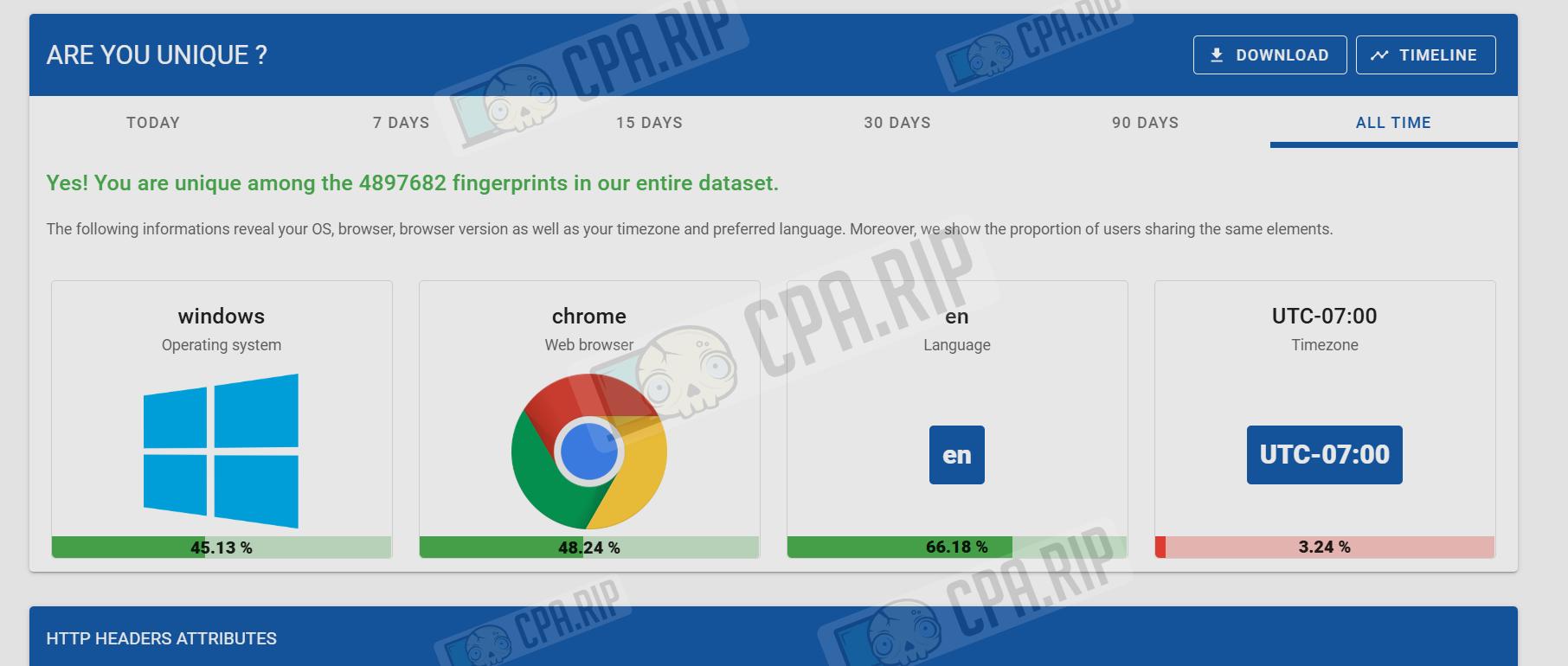
We checked the fingerprint on amiunique.org: the fingerprint is unique.
Support
- Official website: https://zennolab.com/en/products/zennobrowser/;
- In-browser live chat.