

![[FBM] CARDS](https://cpa.rip/wp-content/uploads/cr-a1/fbm-cards-v1/fbm-cards-logo.svg)



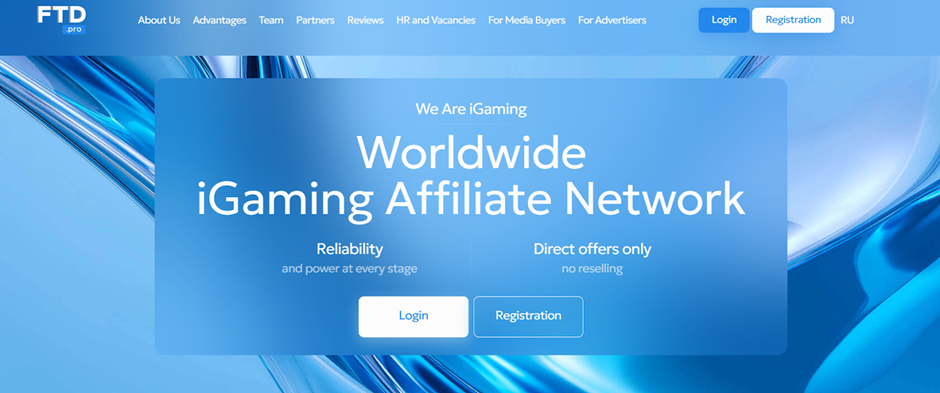
Registration
On the FTD.pro website, click the “Registration” button in the top-right corner. Fill out the simple registration form: Email, Password, Confirm password, and Telegram.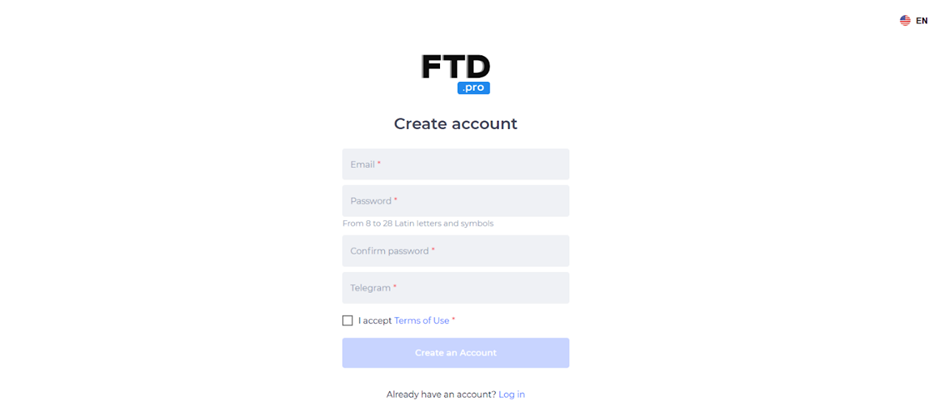
After filling in all the fields, click “Create an account” to complete the registration. You will receive an email with a confirmation link.
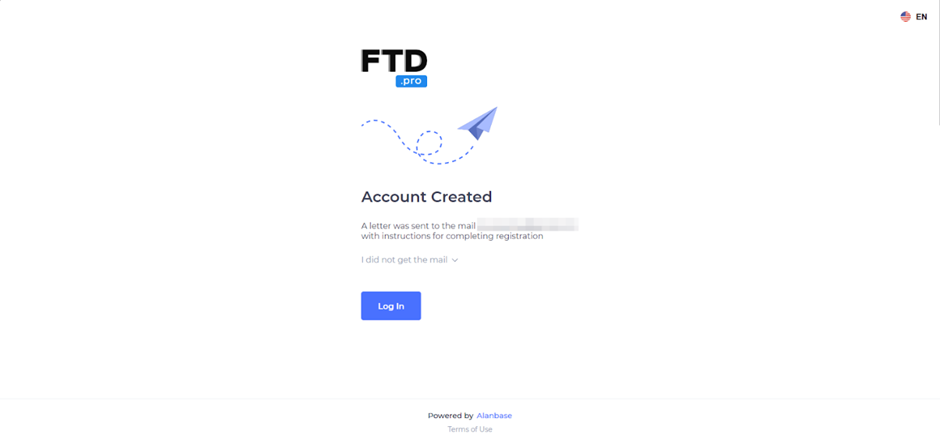
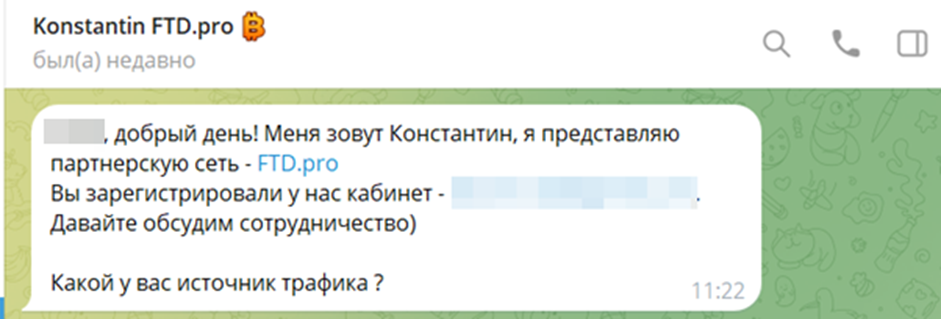
A manager will contact you to activate your account and clarify the terms and conditions.
Available Offers
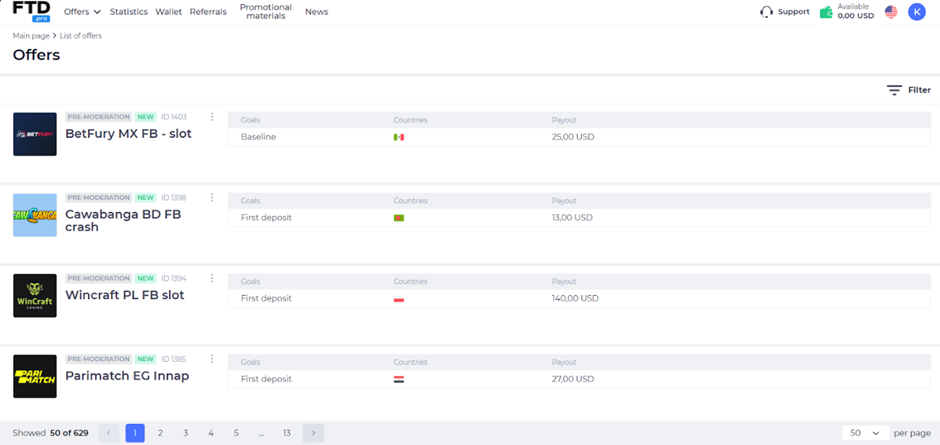
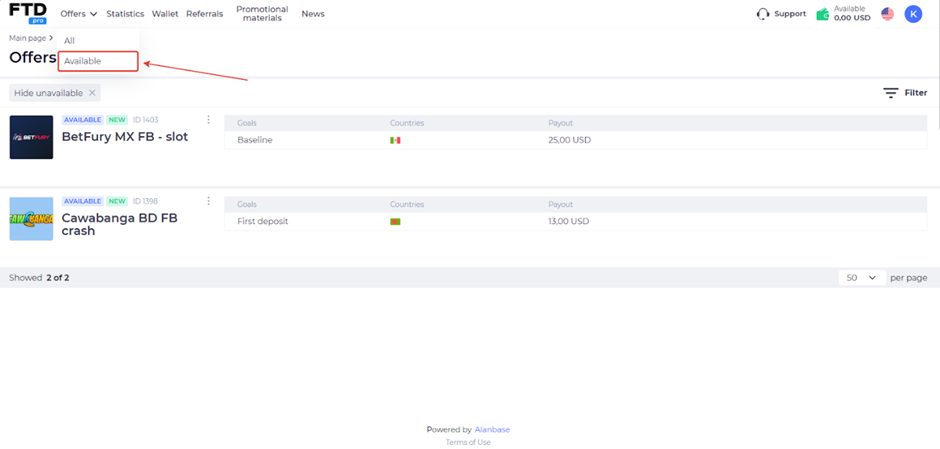
The affiliate network features over 950+ offers in the gambling and betting verticals. The “Offers” section lists the products available for promotion. Brief information is displayed next to each offer –name, ID, goals, countries, and payouts.
The offer’s card contains a summary of data: current rates, terms of cooperation, a detailed description, and a list of approved traffic sources.
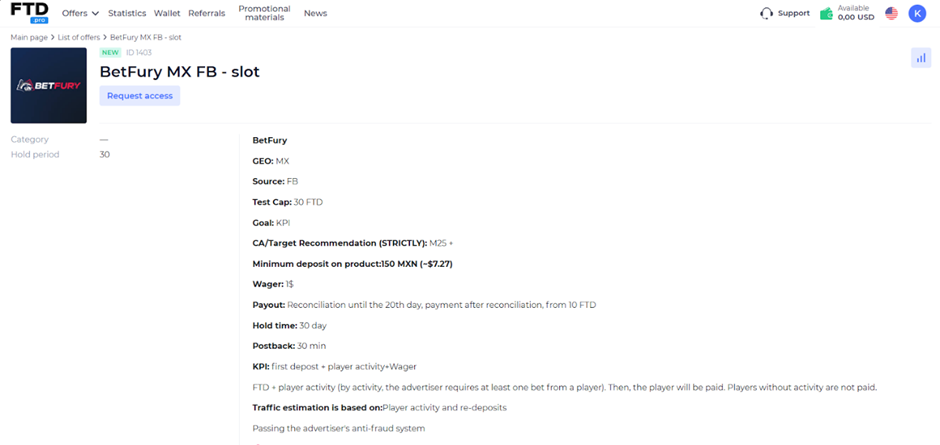
The click2reg and reg2dep metrics vary depending on the GEO and the offer.
To ensure the information is up-to-date, the manager provides a list of the top offers currently available.
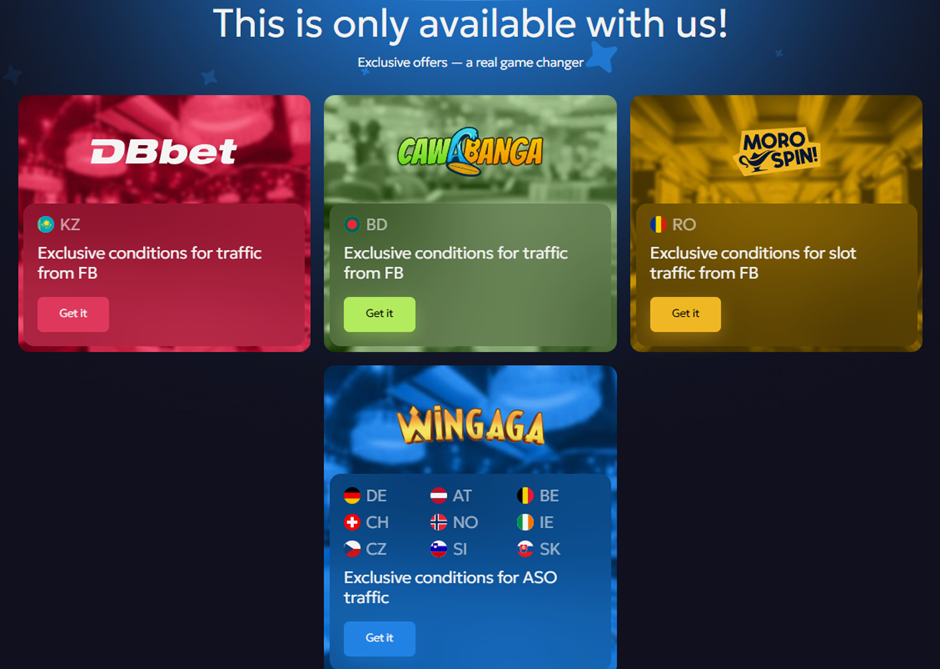
Exclusive Offers Showcase — Webmasters can view a list of exclusive offers on the affiliate network’s website.
Link creation
Request access to the offer you plan to start working with by clicking “Request access” on the offer’s card.
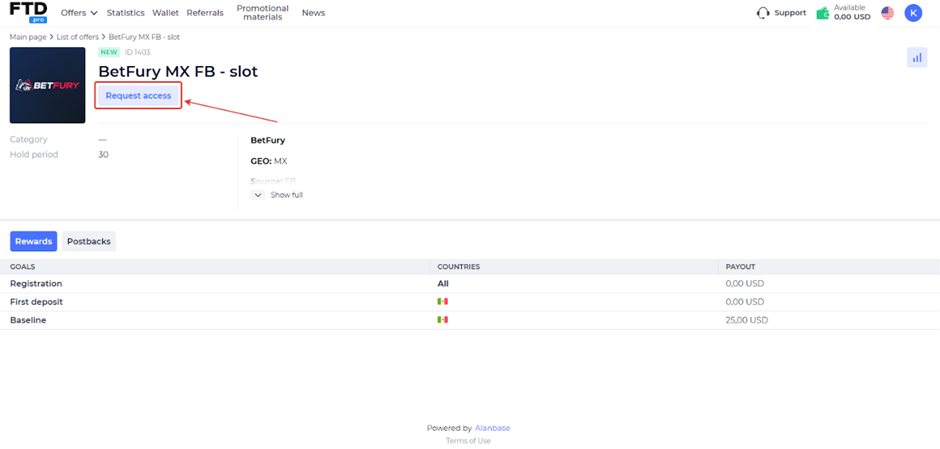
You can also send a request to connect to the offer directly to your manager. As soon as the request is confirmed, access to it will be available in the “Available” tab.
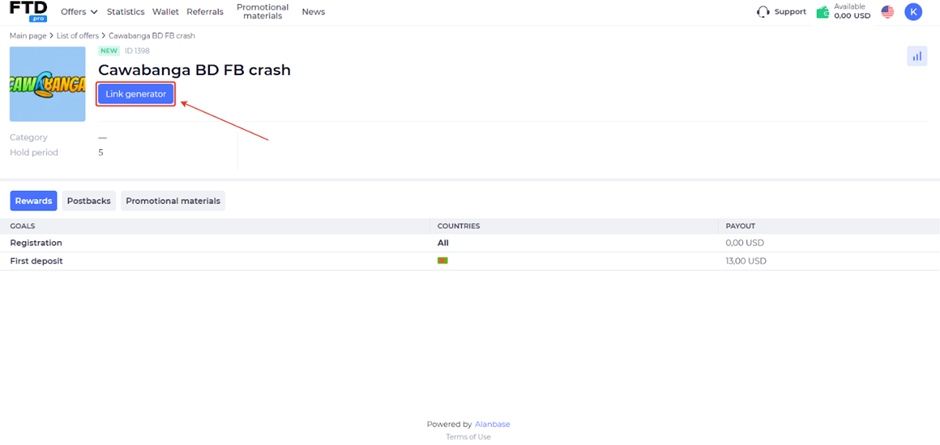
In the offer’s card, click “Link generator.”
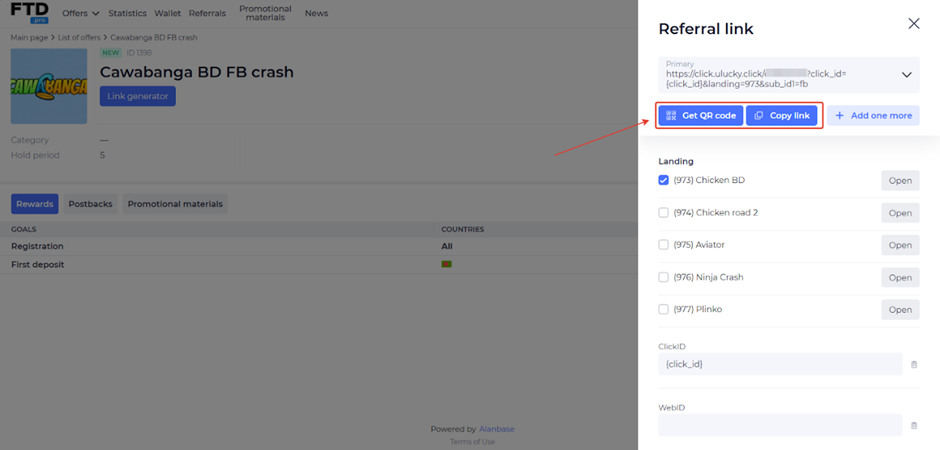
A generated link will appear in the pop-up window; you can also select landing pages and add the necessary Sub IDs.
What traffic is accepted
- The list of allowed sources is specified individually for each offer.
Statistics
FTD.pro provides detailed statistics for traffic analysis: 14 metrics and 9 filters. All detailed reports are available in the Statistics tab.
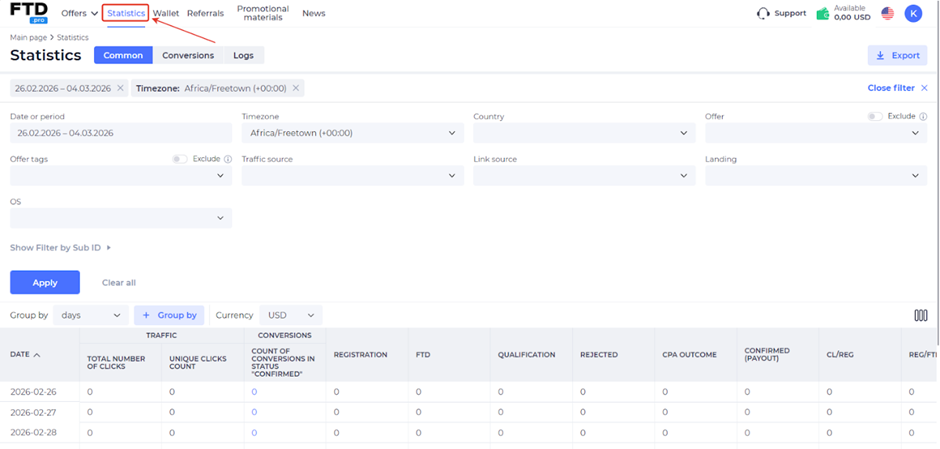
- Filters: Date, Timezone, Country, Offer, Offer tags, Traffic source, Link source, Landing, OS;
- Statistics parameters: Traffic (Total number of clicks, Unique clicks count), Conversions (Count of conversions in “Confirmed” status), Registration, FTD, Qualification, Rejected, CPA outcome, Confirmed (Payout), CL/REG, REG/FTD, REG/QFD, UEPC, Pending (Payout);
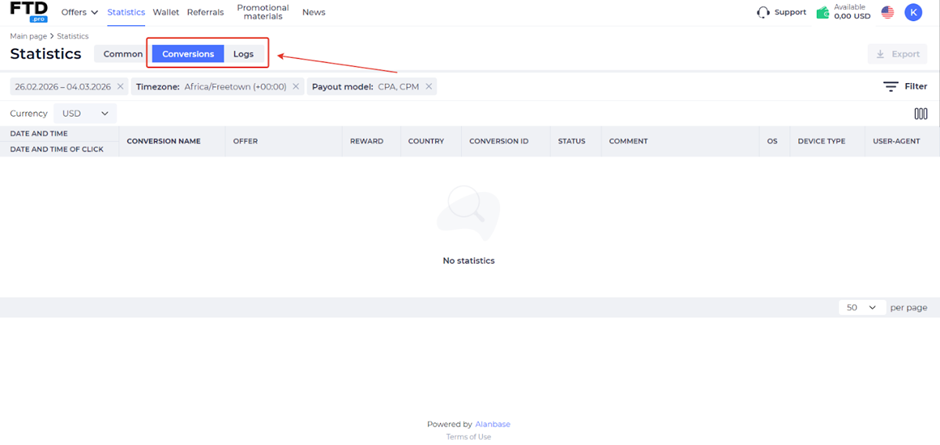
Conversion and log statistics are provided:
Postback Setup
Setting up postback in FTD.pro.
- Make the necessary settings on your tracker’s side.
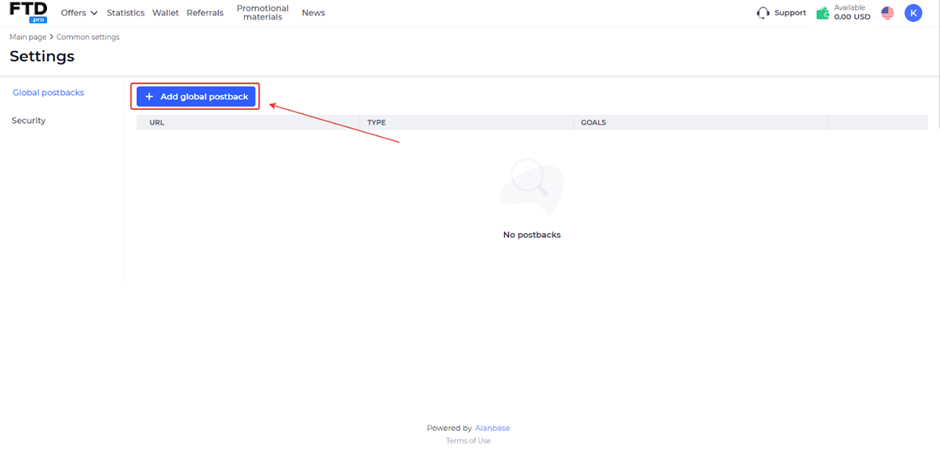
- Go to the “Settings” page and click “Add global postback”;
- Enter the Postback URL. Select Goals and Conversion statuses, and add macros if necessary. Click “Save changes”.
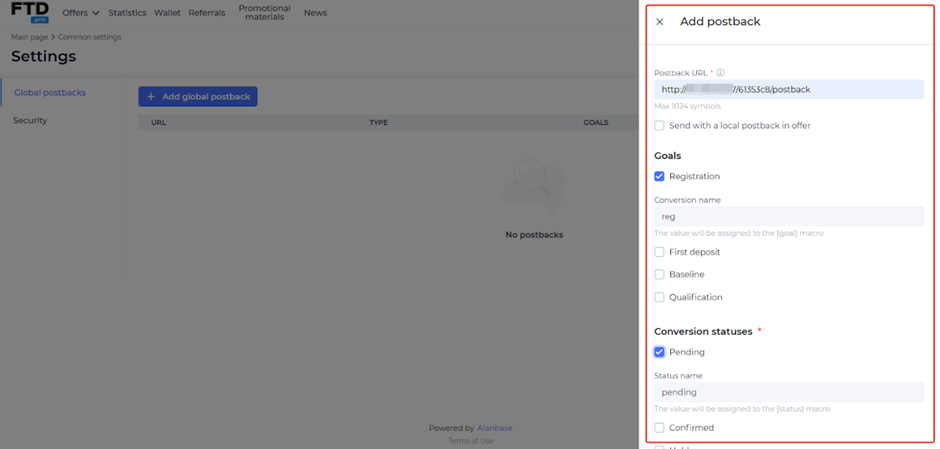
Configure each required event in this manner. Be sure to verify that the postback is working properly before driving traffic.
Payouts
- Withholding period: depends on the offer;
- Minimum amount: 10 FTD
Payment methods:
- USDT
- USDC
- Bank transfer
Technical Support and Social Media
Technical Support Contacts:
- Telegram: https://telegram.me/Anastasia_ADW – Anastasia, CEO of FTD.pro
- Telegram: https://telegram.me/acc_ftdpro – Yaroslav, Head of Affiliate
Social Media
- Telegram: https://telegram.me/ftd_mediabuying
- Telegram: https://telegram.me/ftd_pro
- Telegram: https://telegram.me/ftd_global
- Linkedin: https://www.linkedin.com/showcase/ftd-pro
- Instagram: https://www.instagram.com/ftd.pro
