



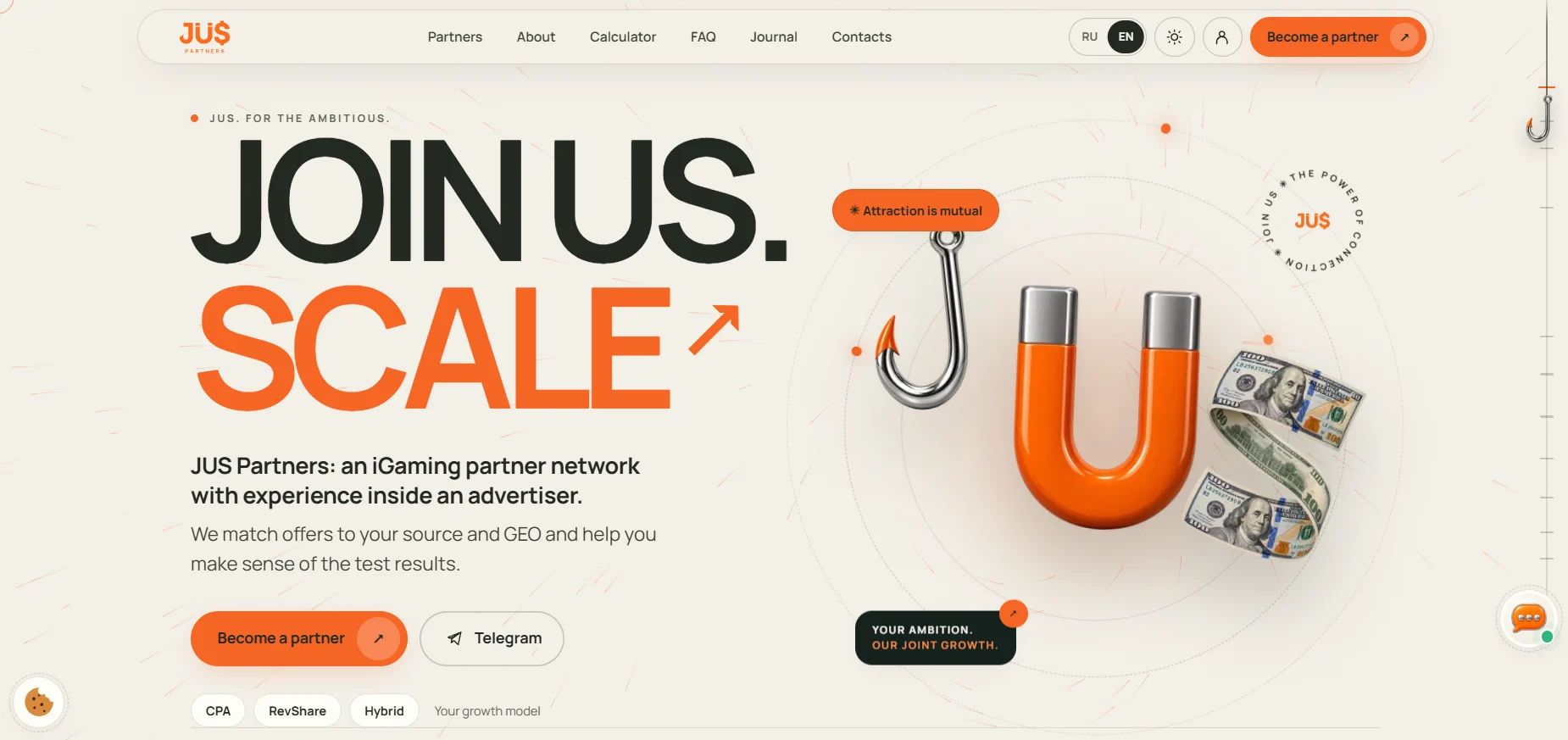
Registration and Getting Started
To register, go to the JUS Partners website and click Become a partner. Complete the required registration form fields: Your name, Work email, Password, Country of residence. Select a messenger for communication and provide your contact details.
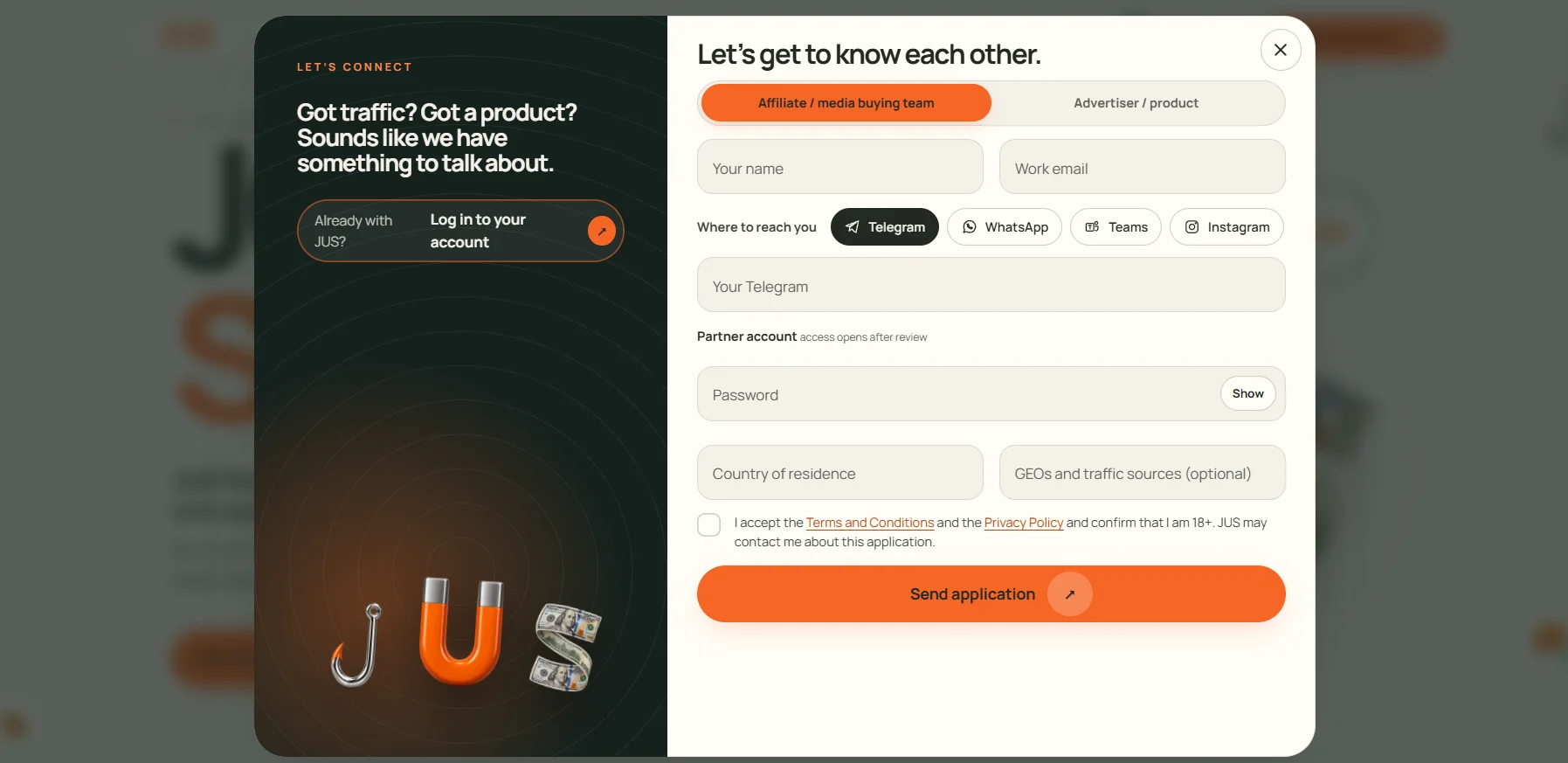
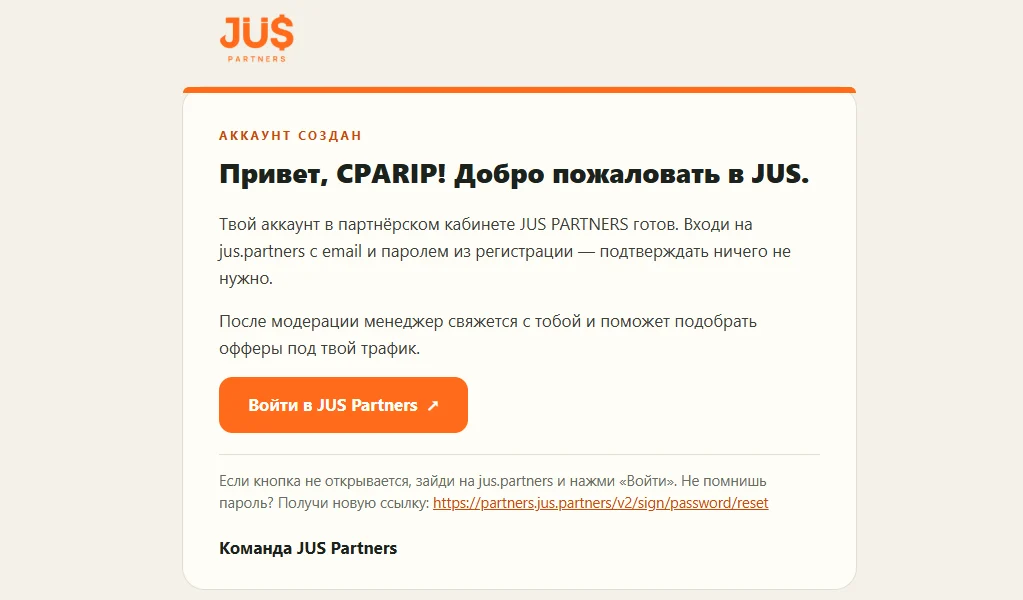
After registration, a manager will contact you to discuss available offers, GEOs, traffic sources, and cooperation terms.
Available Offers
JUS Partners sources offers from operators and direct advertisers and matches them to the affiliate’s GEO and traffic source. The portfolio includes exclusive offers, and the catalog is regularly expanded.
Offers are connected individually based on GEO, traffic source, and advertiser requirements. Allowed GEOs, sources, target action, rate, cap, hold period, and payout schedule are specified in the terms of each offer.
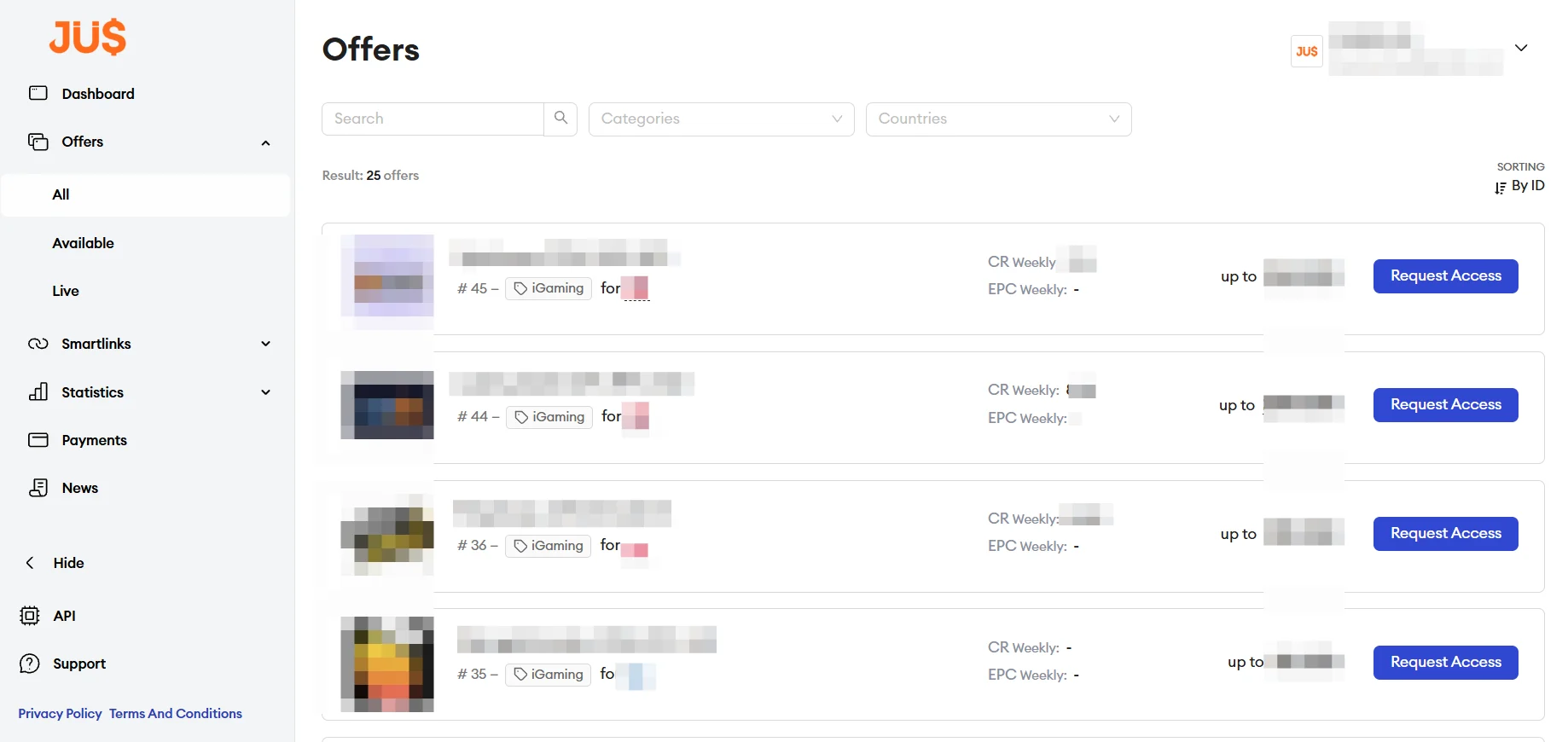
The Offers section contains a catalog of available offers, where you can filter offers by category and country, view statistics (CR Weekly, EPC), maximum payout, and request access to the desired offer.
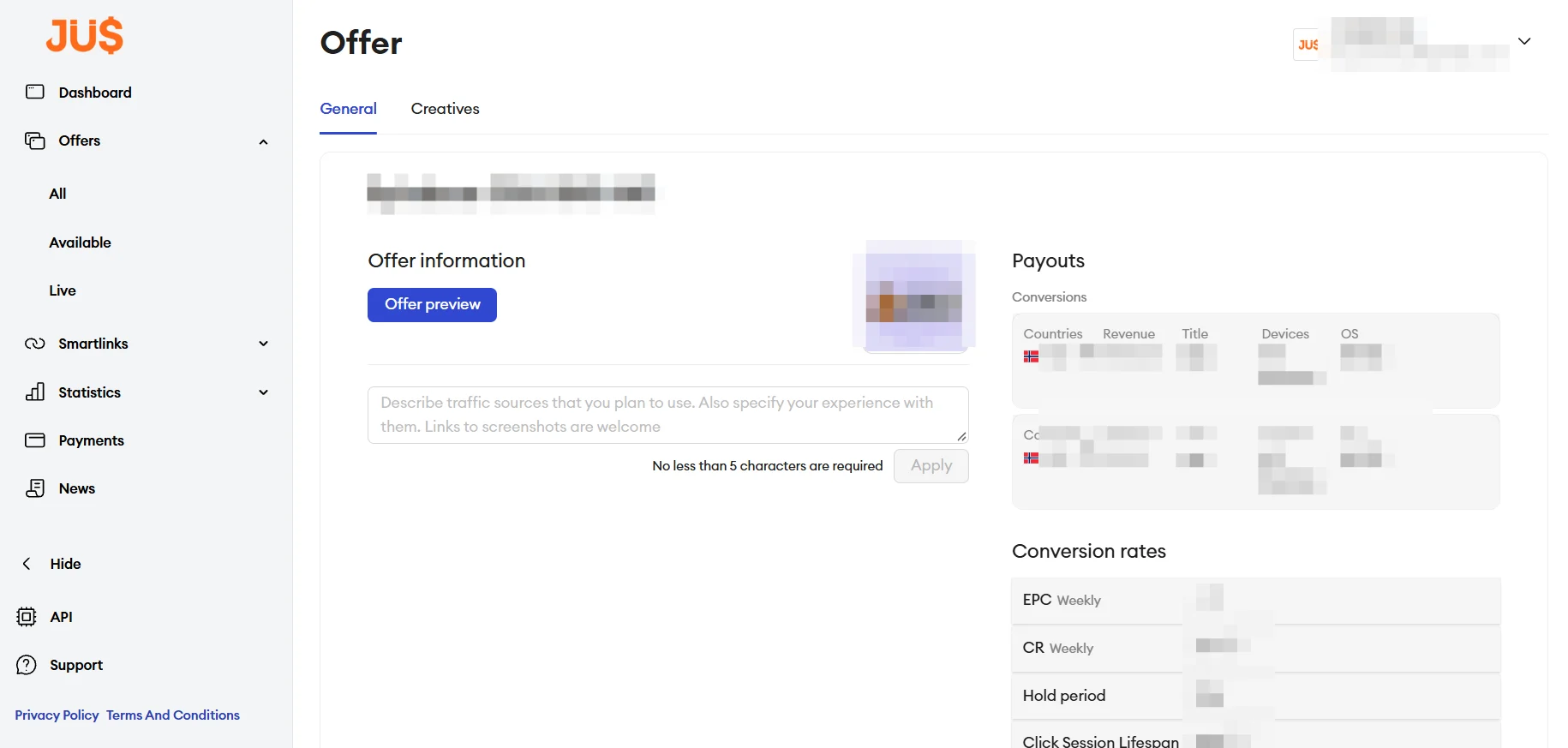
The offer card displays detailed information about the selected offer: core details, previews, an access request form with a traffic description, payout terms by country and conversion type, as well as key performance metrics.
Getting an Offer Link
To connect an offer, contact your manager and specify the GEO, traffic source, and planned volume. Deal terms are agreed upon before launch.
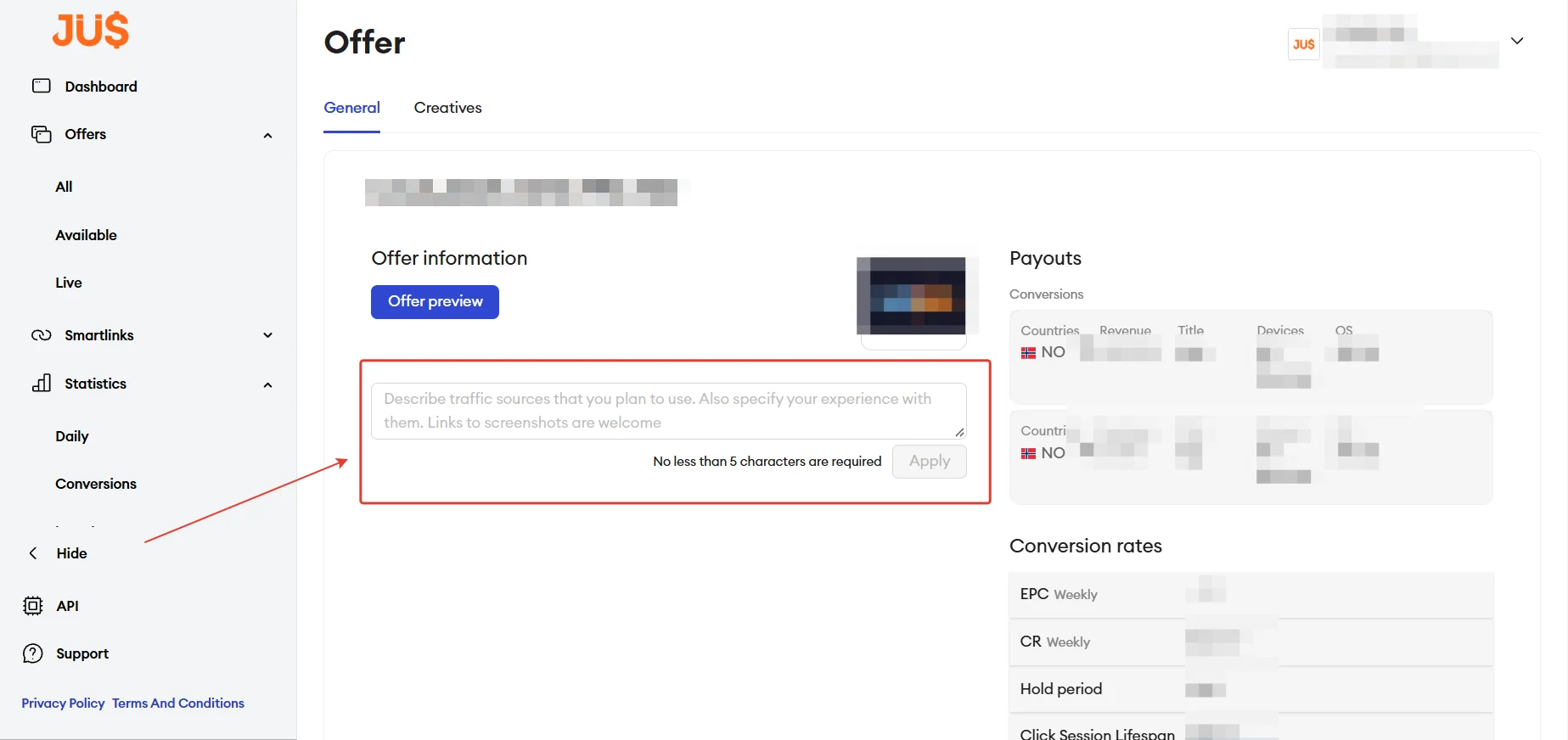
You can also request access in your account by completing the application form.
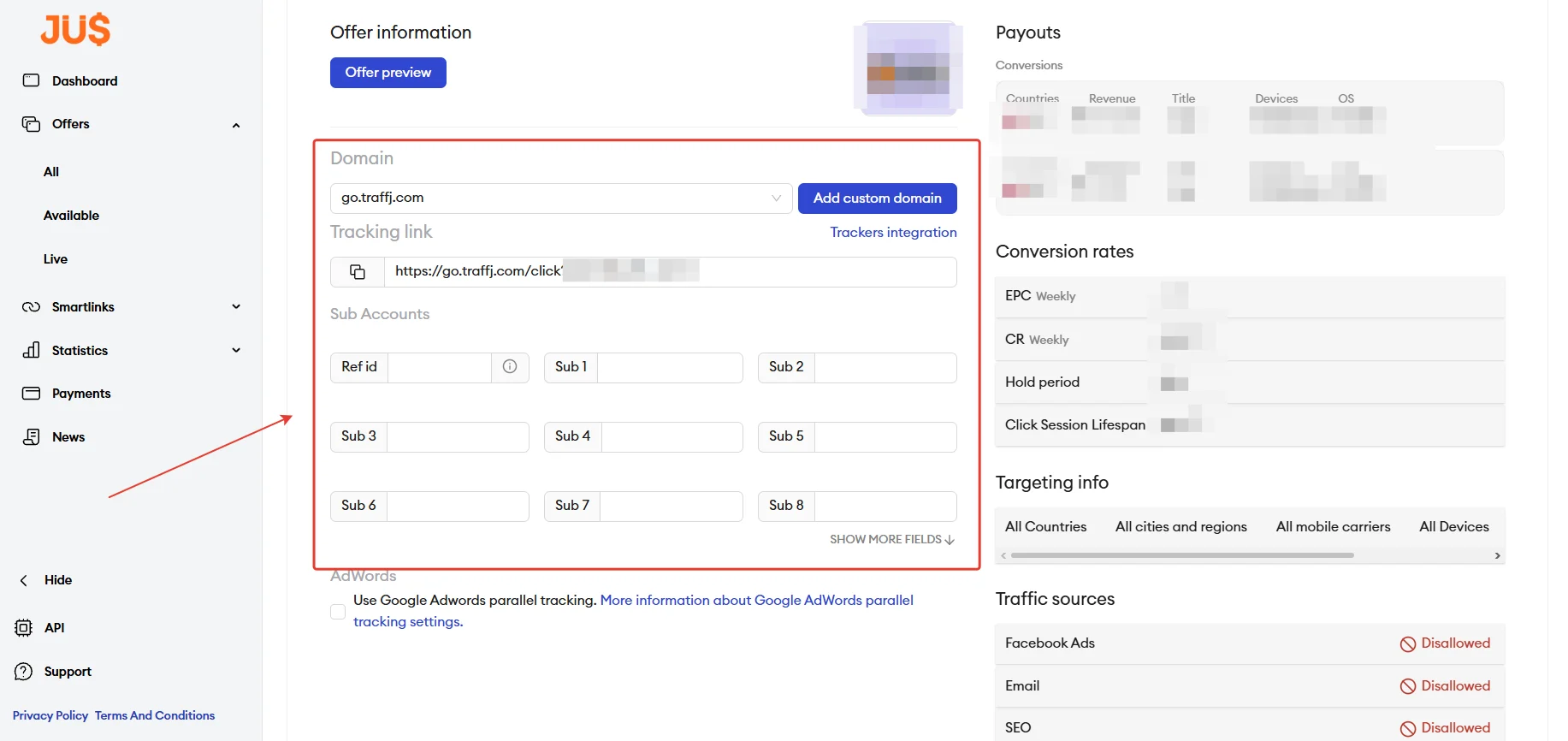
After your request is approved, you can configure a tracking link for your traffic in the offer card: connect your own domain and fill in the Sub Accounts fields to pass campaign tags to third-party trackers.
Which GEOs to Consider
- Tier 1, Tier 2, and Tier 3 GEOs are available.
- Allowed countries depend on the offer and are specified in its terms. The team selects offers based on the affiliate’s experience and previous traffic results.
Accepted Traffic
- Traffic sources are approved for each specific offer; allowed sources are specified in its terms.
- Not accepted: fraud, bots, fake registrations and deposits, cookie stuffing, spam, and brand bidding without permission.
- Push, pop, apps, messengers, and branded search require written approval.
- Incentivized, cashback, and incentive traffic are allowed only if explicitly stated in the offer terms.
Statistics
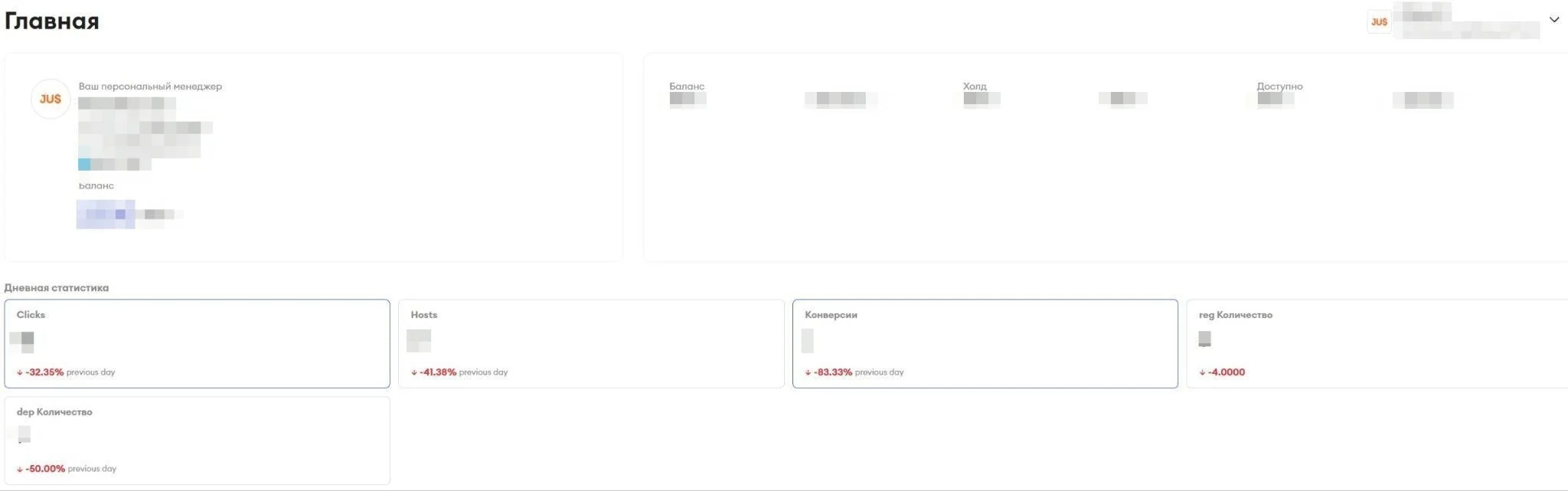
The Dashboard section displays an overview: personal manager details, current Balance / Hold / Available balance, key daily metrics including clicks, hosts, conversions, reg and dep amounts, and a statistics chart for the last 10 days.
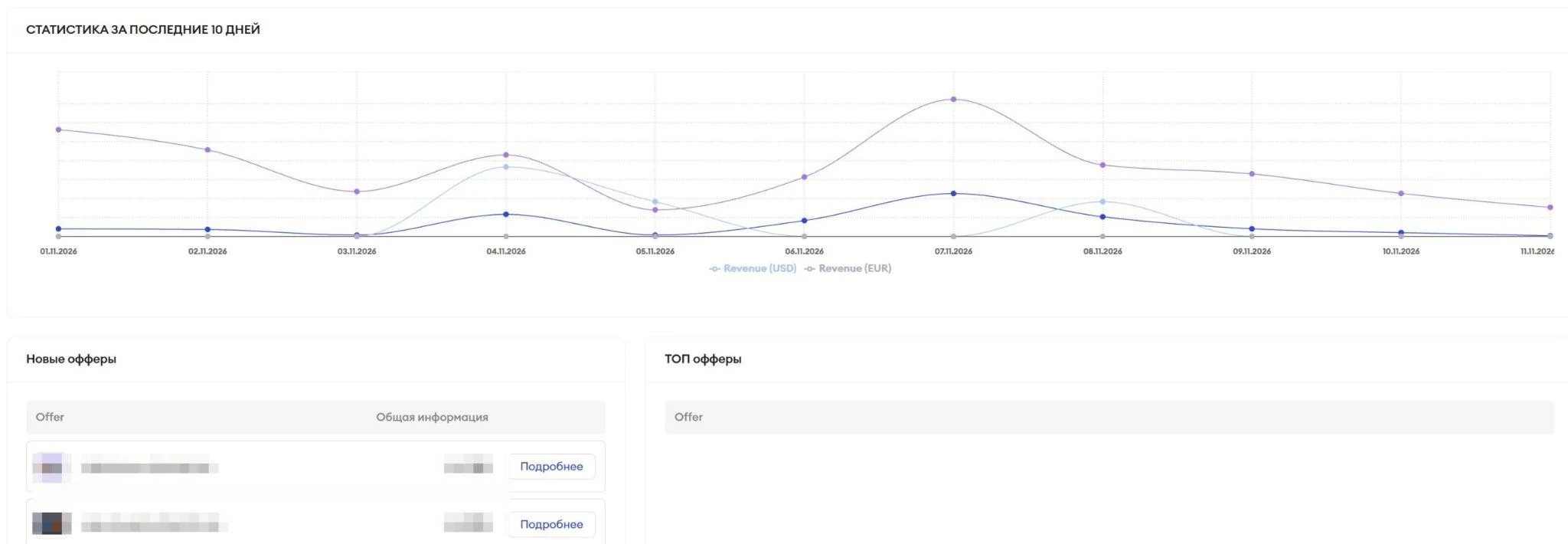
The Statistics section provides analytics across all key metrics: daily statistics, conversions, iGaming data, offers, smartlinks, browsers, and OS data—with filters, grouping, column customization, and export options.
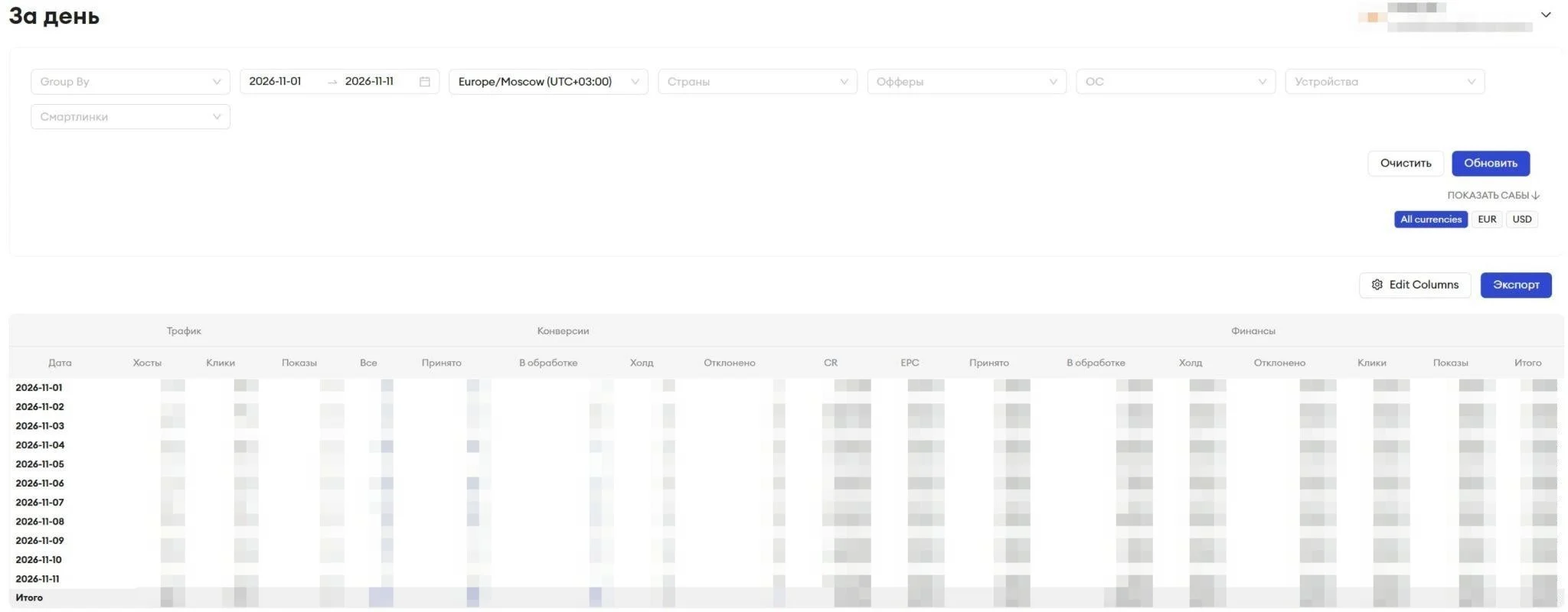
Postback Setup
- Complete the required settings in your tracker.
- In your account, go to the Global Postbacks section and click Add Postback.
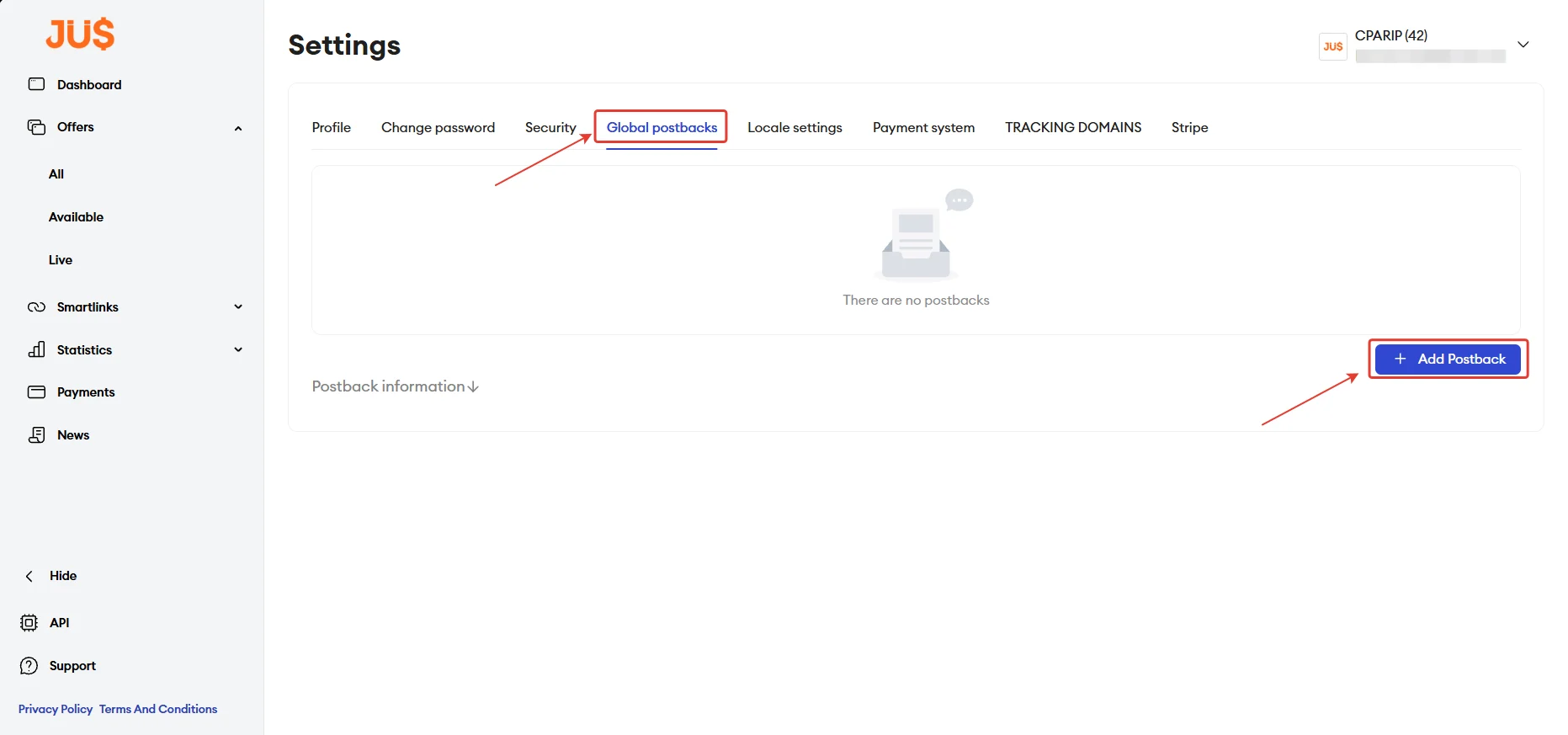
- Specify the postback URL, status, Advert postback value, and Integration Method.
- Click Add Postback to save the settings.
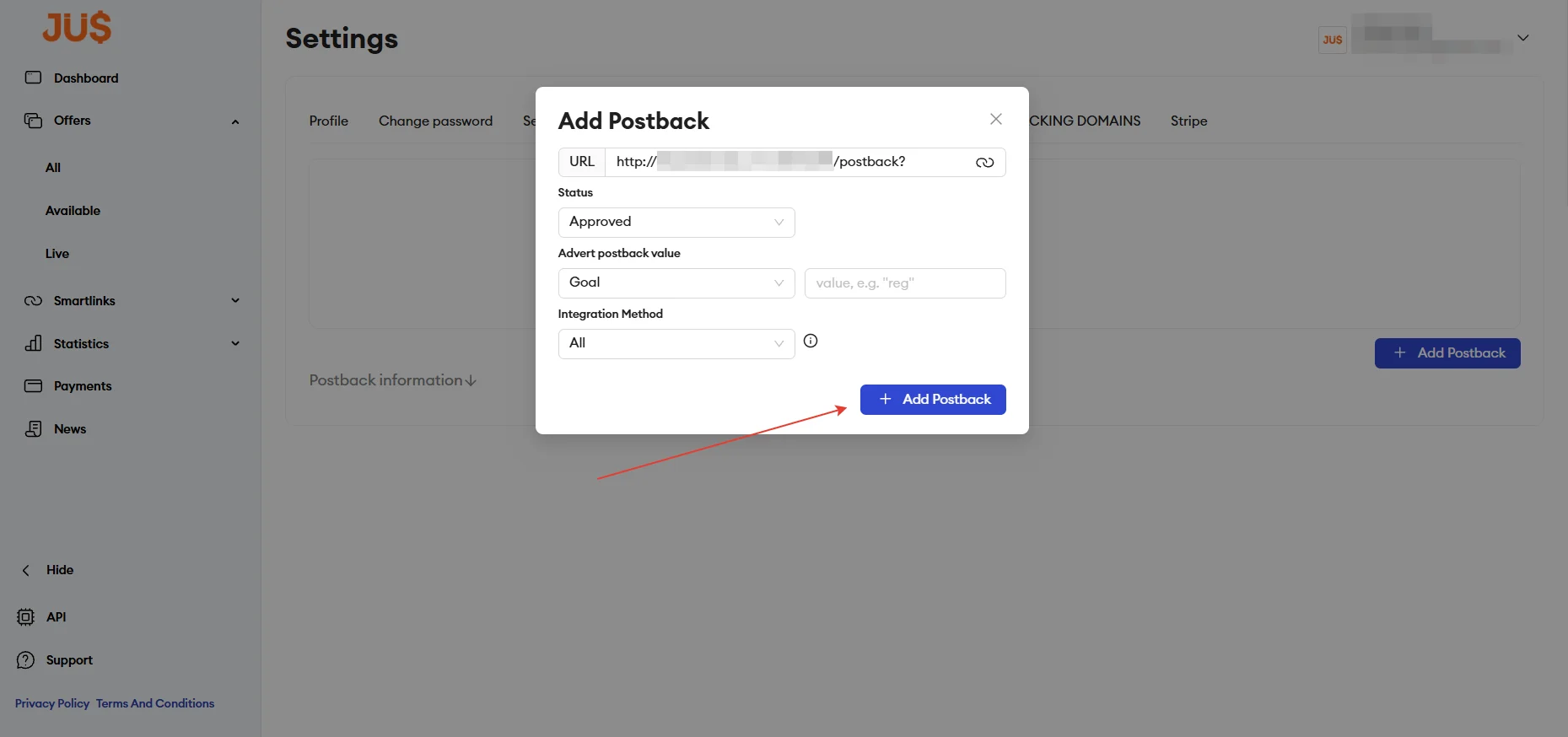
Be sure to test that the configured postback is working before launching traffic.
- Postback setup guide: https://jus.partners/ru/blog/postbek-treker-i-partnerka
Payouts
- Hold period and payout frequency: according to the offer terms, fixed before launch;
- Minimum payout: 100 $;
- Payment system: USDT; Invoice or IO by arrangement;
- Early payout: by arrangement.
Technical Support and Social Media
Contacts
- Telegram: https://telegram.me/jus_partners. Message the manager and mention “from CPA.RIP.”
- Email: partners@jus.partners
The manager is available during business hours, from 10:00 to 19:00 Moscow time. Urgent matters involving links, domains, and caps are handled first.
Social media:
- Telegram: https://telegram.me/juspartners
- Instagram: https://www.instagram.com/juspartners/