

![[FBM] CARDS](https://cpa.rip/wp-content/uploads/cr-a1/fbm-cards-v1/fbm-cards-logo.svg)



Registration and Getting Started
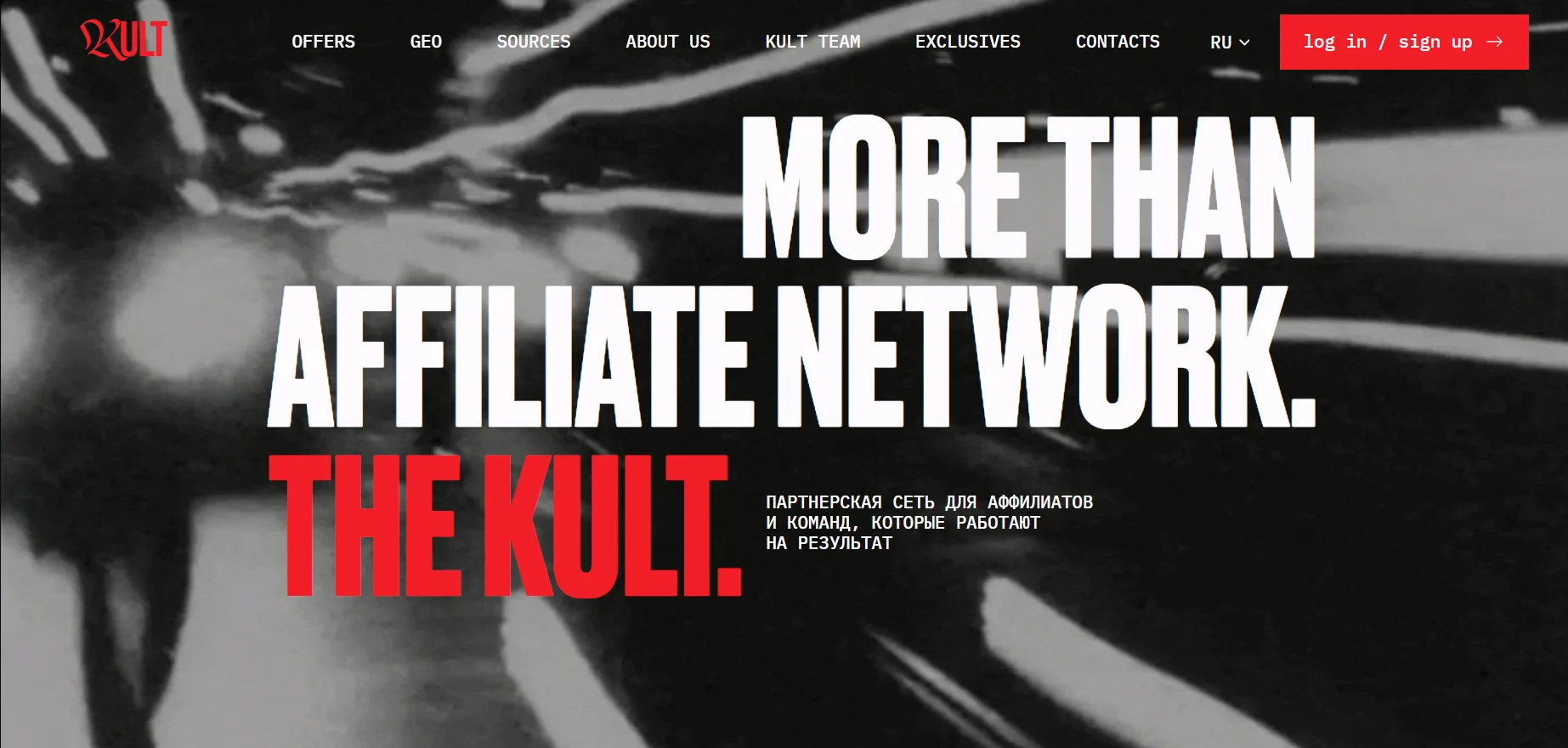
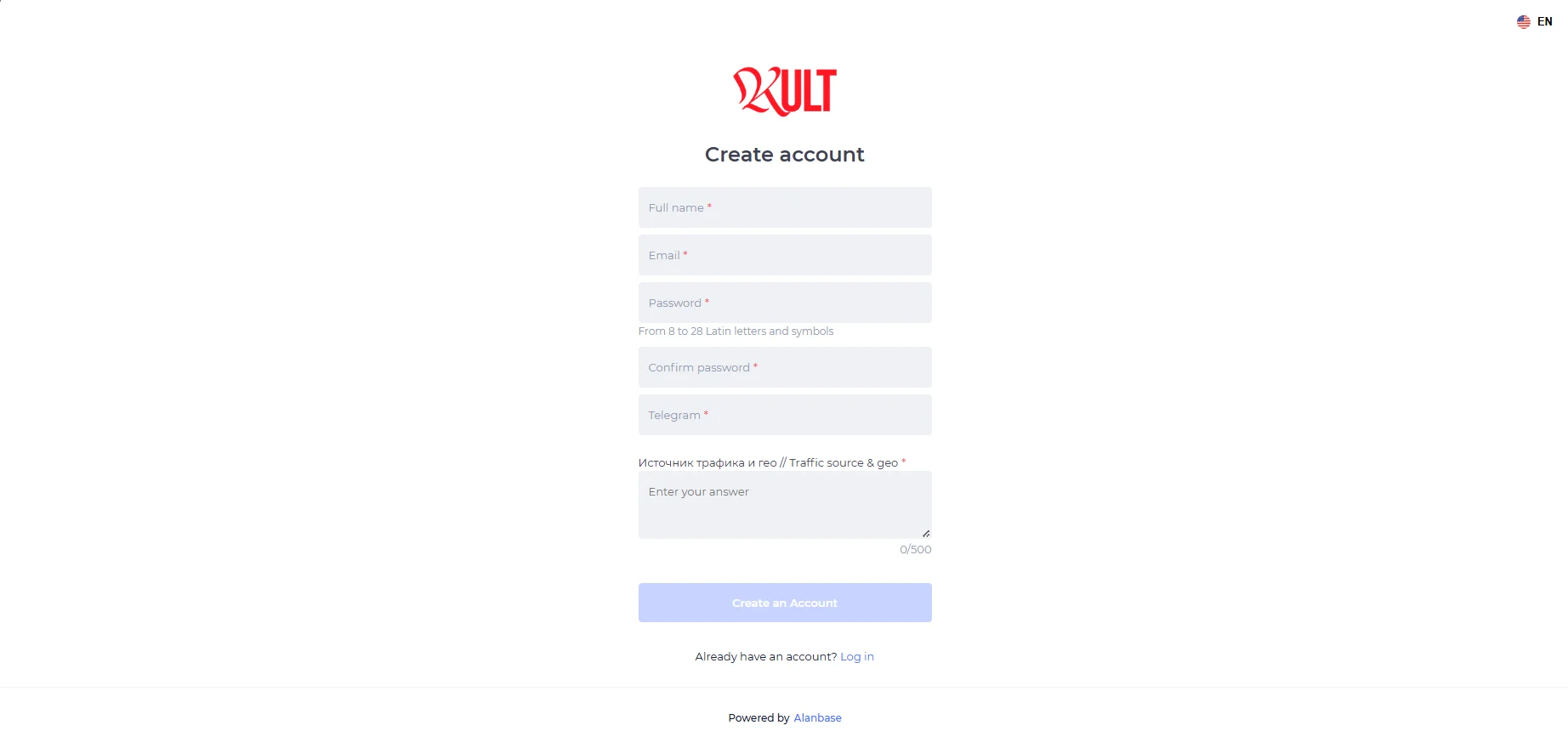
To register with the KULT affiliate network, click log in / sign up on the homepage. Complete the 6 required fields: Full name, Email, Password from 8 to 28 characters, Confirm password, Telegram, and Traffic source & geo // Traffic source & geo, up to 500 characters, then click Create an Account.
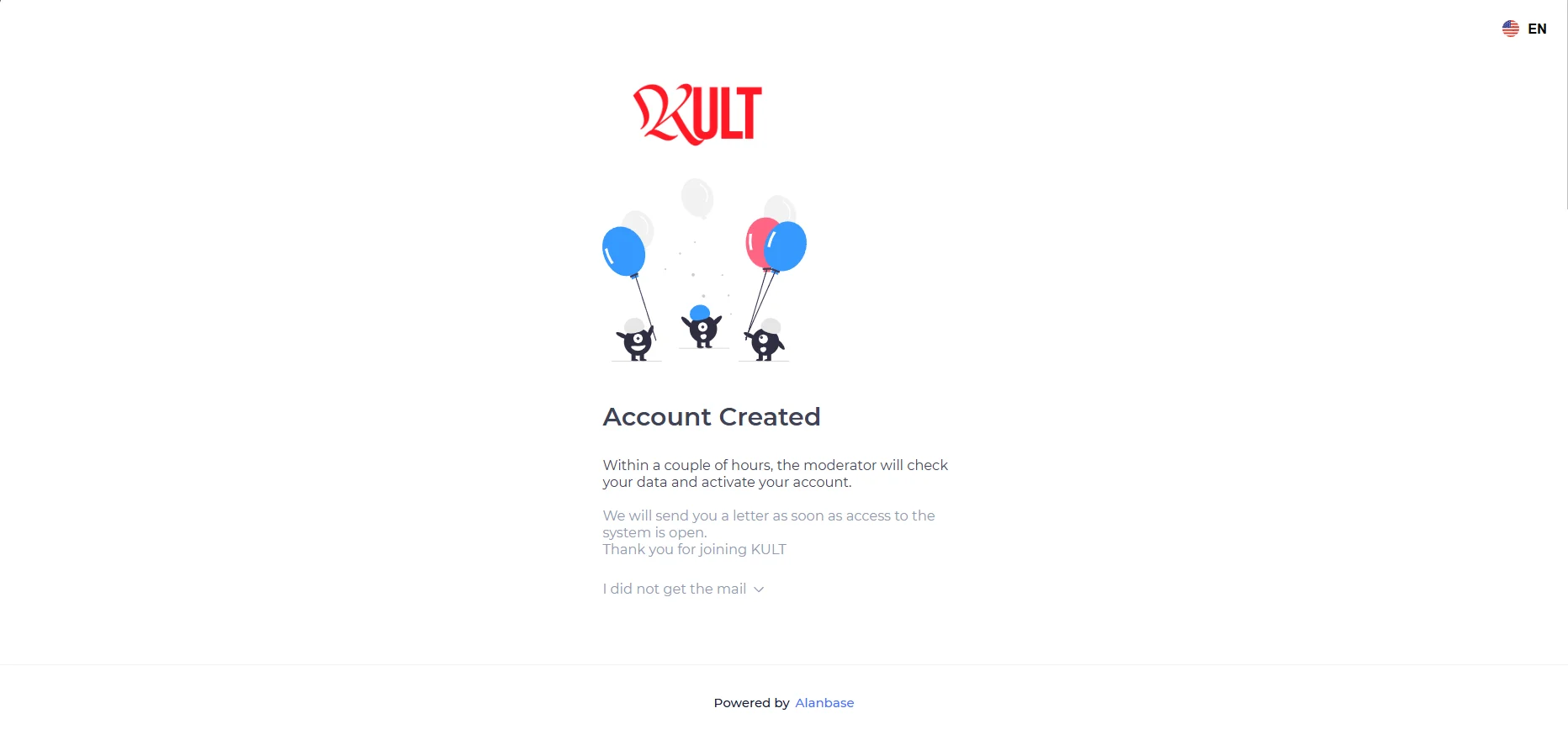
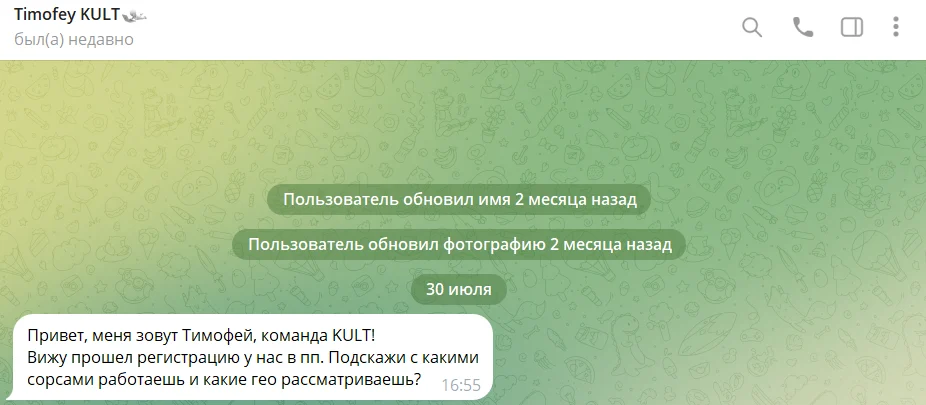
After registration, a manager will contact you to discuss the partnership terms.
A manager contacted us within 45 minutes.
Available Offers
The affiliate network features more than 700 iGaming offers, including exclusive Spinpin, Spinkings, and Maxwin offers. Media buyers can view the full list of exclusive offers here: https://kult.network/#offers
Top offers:
Offer | GEO | R2D | C2D | Source |
Maxwin (exclusive) | AR | — | — | ASO, SEO, PPC |
Lucky Star | AR | 39,69% | 8,47% | SEO |
TopX | MY | 21,36% | 6,31% | PPC |
CrazyTower | PL | 29% | 15% | SEO |
Alawin | IT | 40% | 22% | SEO |
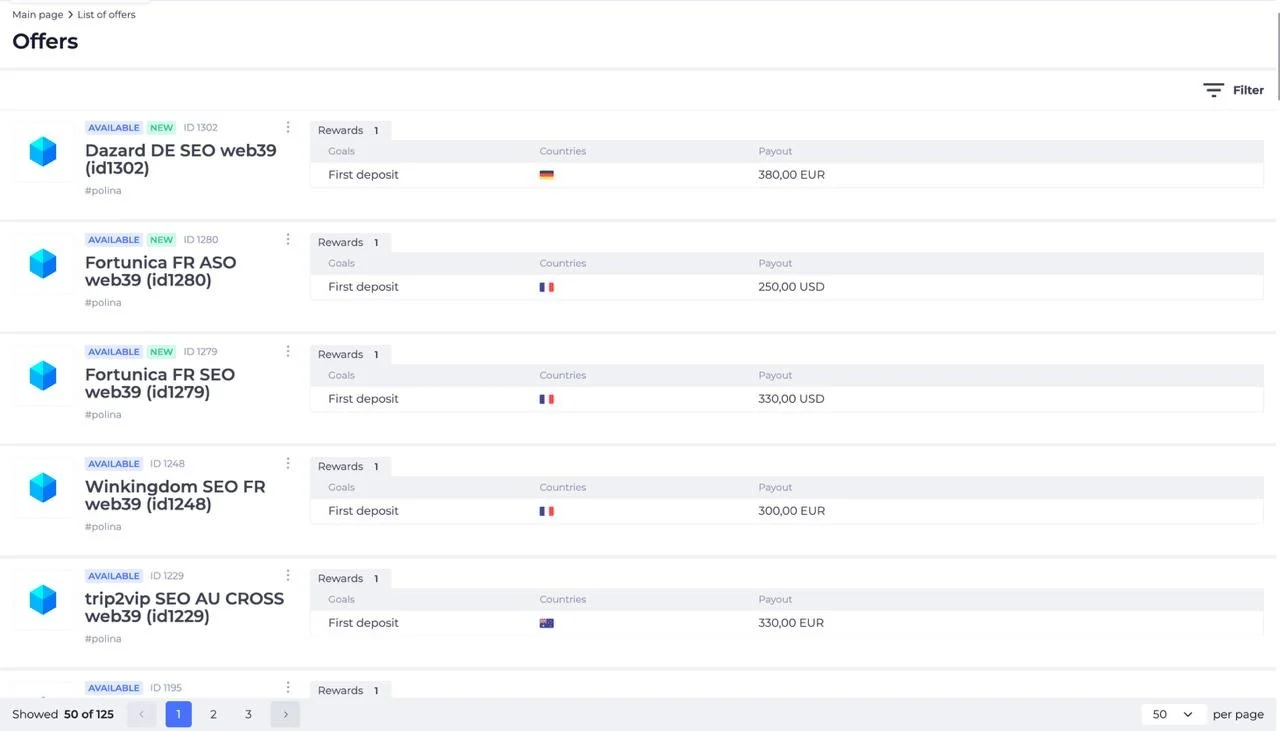
The Offers section contains a list of available products. Each offer displays its name, ID, target actions, GEO, and payout amount.
Creating a Link
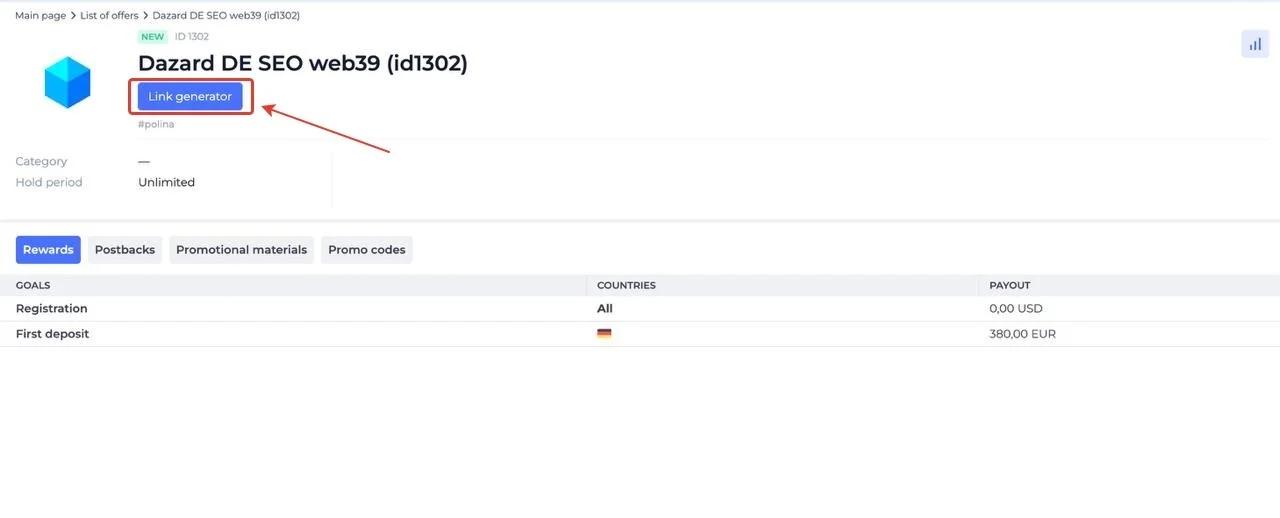
In the offer card, click “Link generator.”
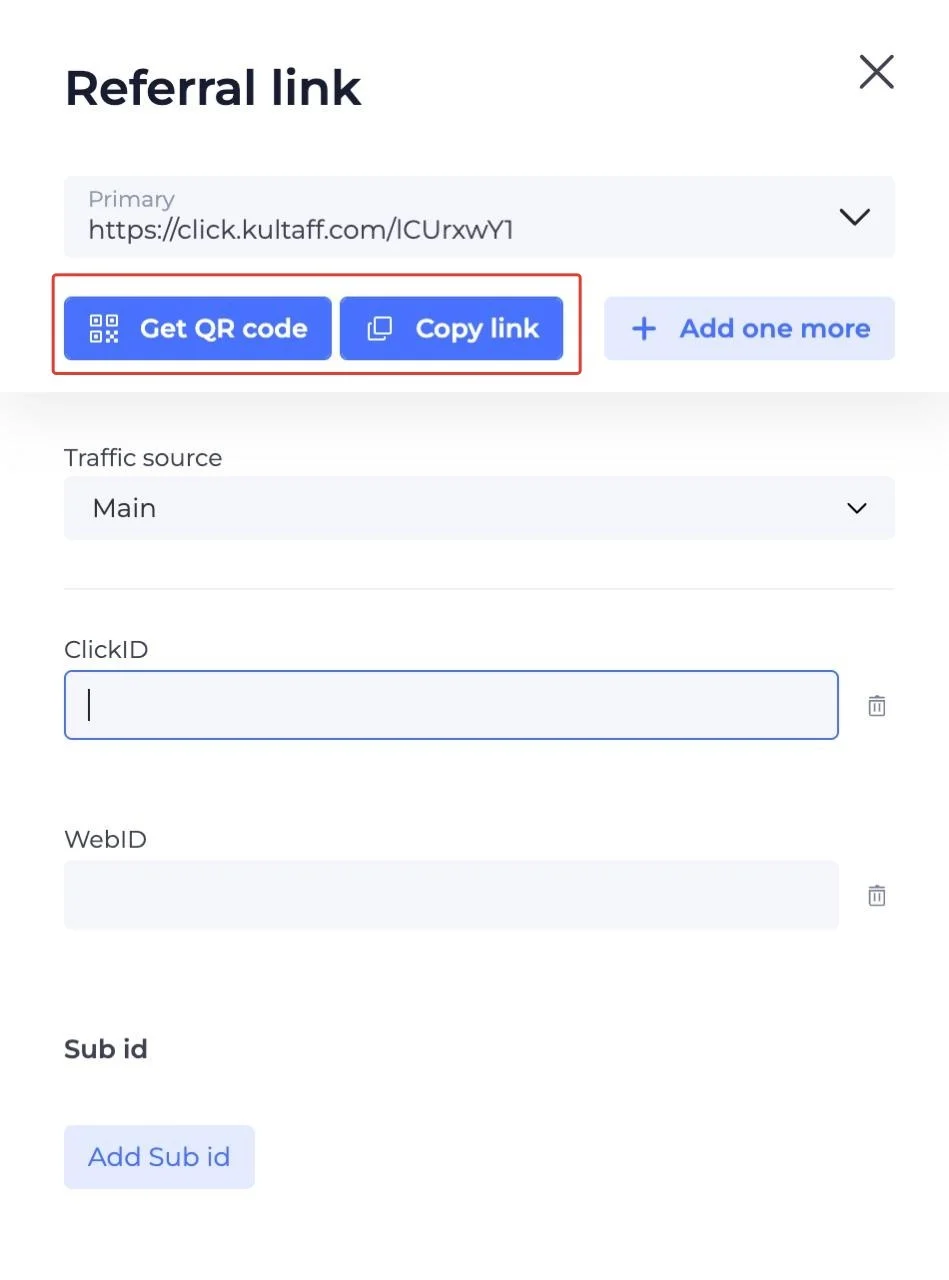
A pop-up window will display the generated link. You can also specify the traffic source and add the required Sub IDs.
GEOs to Watch
The top GEO list is updated daily, and you can contact your personal manager with any request.
- United Kingdom, India, Australia, Argentina, Brazil, France, Czech Republic, Spain.
Accepted Traffic Sources
- Accepted: SEO, ASO, PPC, Facebook, UAC, and more.
Statistics
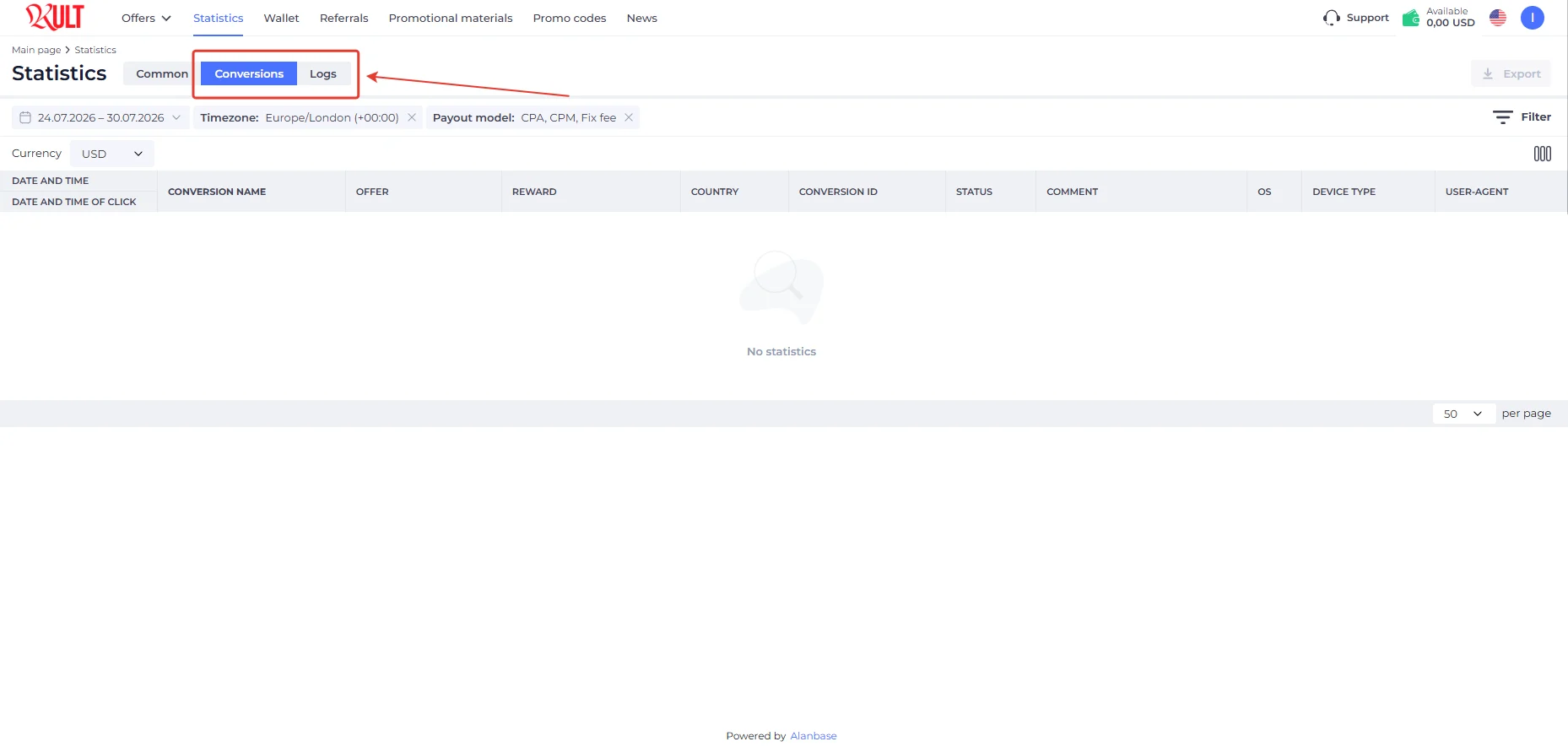
In the KULT affiliate program, all traffic data is collected in the Statistics tab. Detailed traffic analytics are available across 8 parameters with 11 filters.
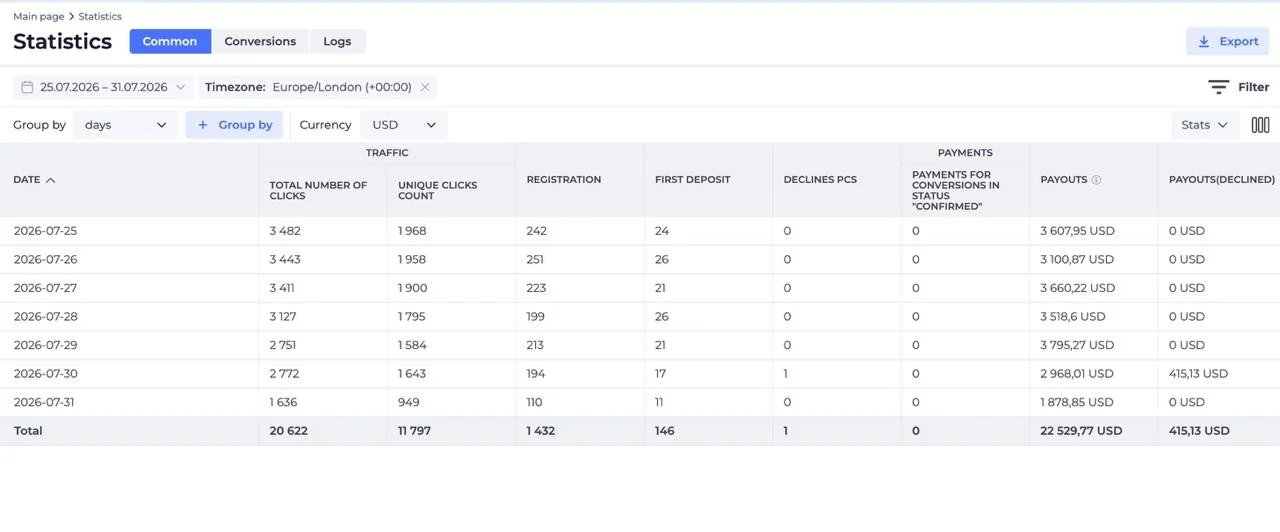
- Filters: Timezone, Country, Offer, Exclude (Offer), Offer tags, Exclude (Offer tags), Tracking method, Link source, Promo code, Landing, Traffic source, OS, WebID
- Statistics parameters: Traffic (Total Number Of Clicks, Unique Clicks Count), Registration, First Deposit, Declines Pcs, Payments (Payments For Conversions In Status “Confirmed”), Payouts, Payouts(Declined)
Conversion and log statistics are available:
Postback Setup
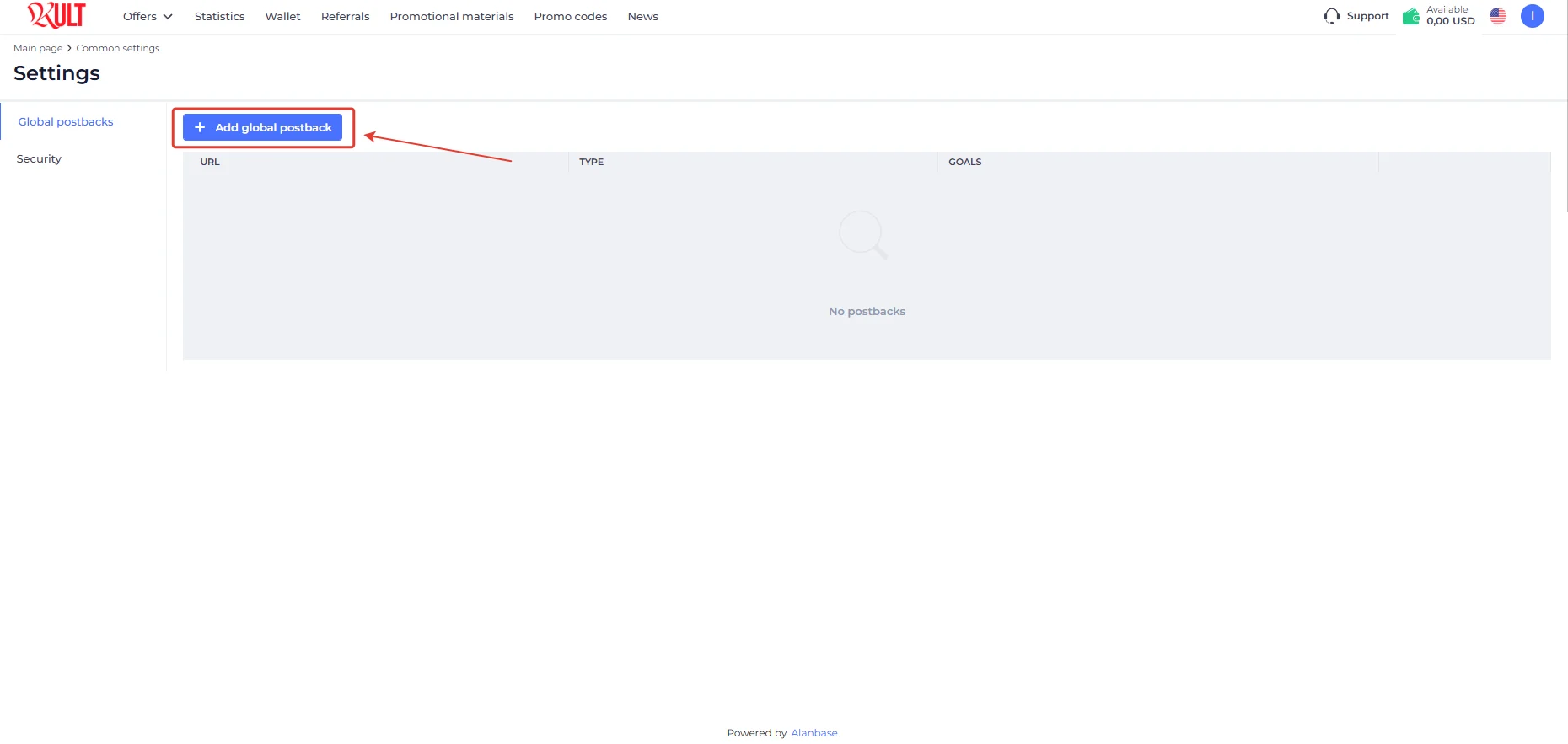
Setting up a postback in KULT.
- Configure the necessary settings in your tracker;
- Go to the “Settings” page and click “Add global postback”;
- Paste the Postback URL. Select Goals and Conversion statuses, add macros if needed, and click “Save changes.”
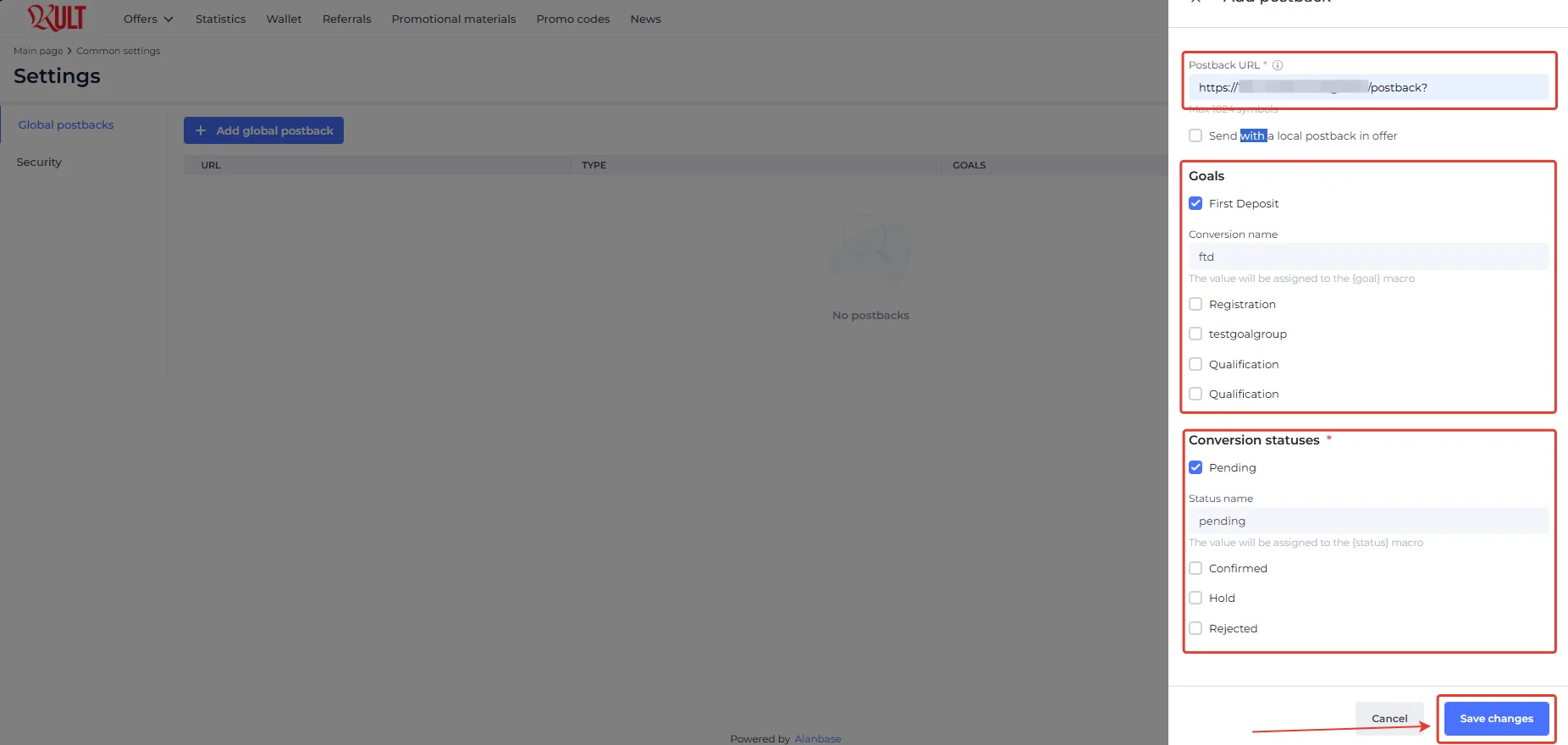
Set parameters for all required events in the same way, and test the postback before launching traffic.
Payouts
- Payouts: weekly;
- Minimum amount: $100
Payment systems:
- USDT
- Bank transfer
Technical Support and Social Media
Technical support contact:
- Telegram: https://t.me/kultaff_bot
Social media
- Telegram: https://t.me/+LUyCXmkH7LowZGU0
- Instagram: https://www.instagram.com/kultaff?igsh=cTZhOTZ1N2lmdXl4
Registration: https://kult.network
Sign up with promo code CPARIP and get +10% on your first payout!
