

![[FBM] CARDS](https://cpa.rip/wp-content/uploads/cr-a1/fbm-cards-v1/fbm-cards-logo.svg)

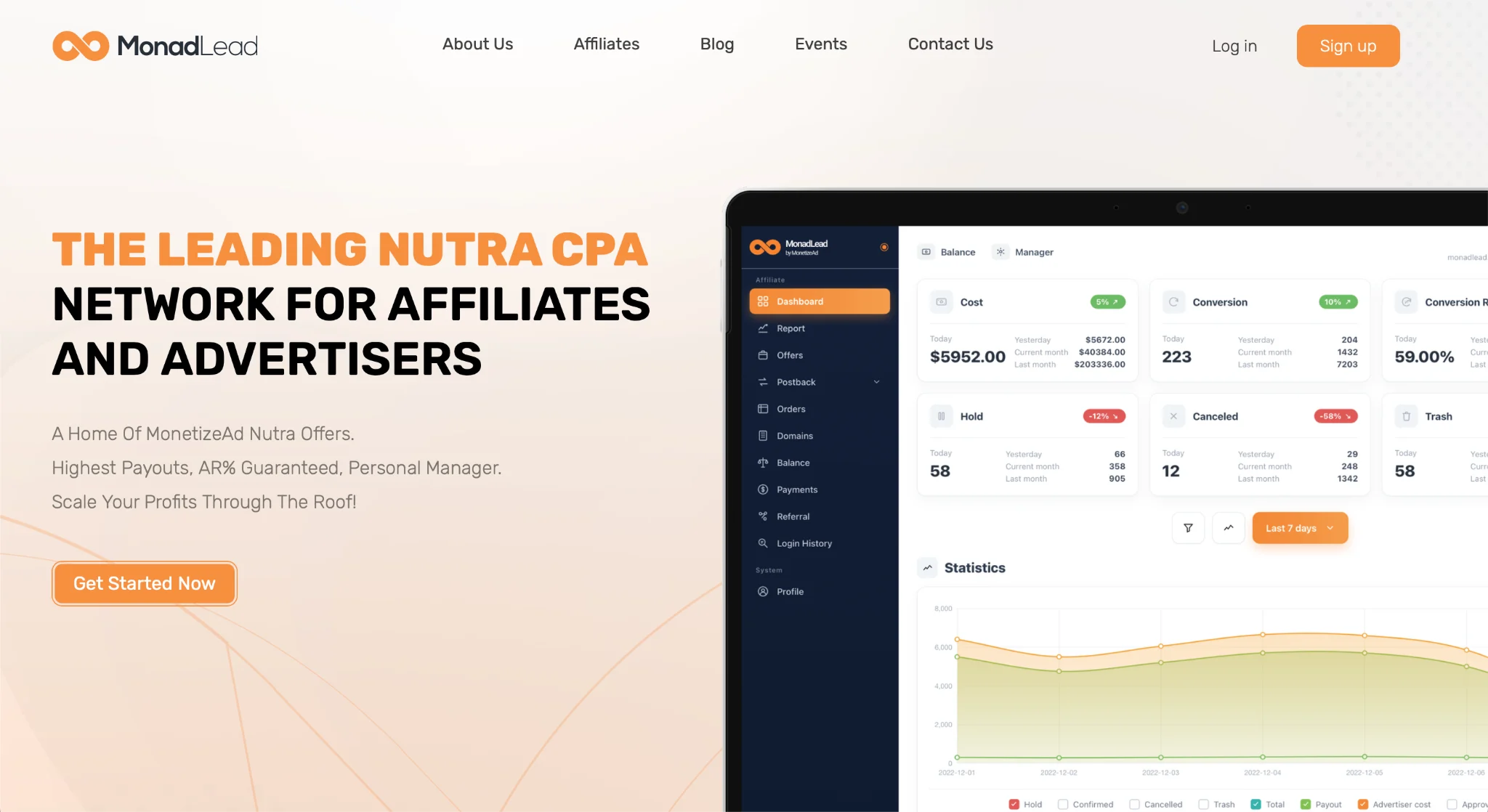
Registration
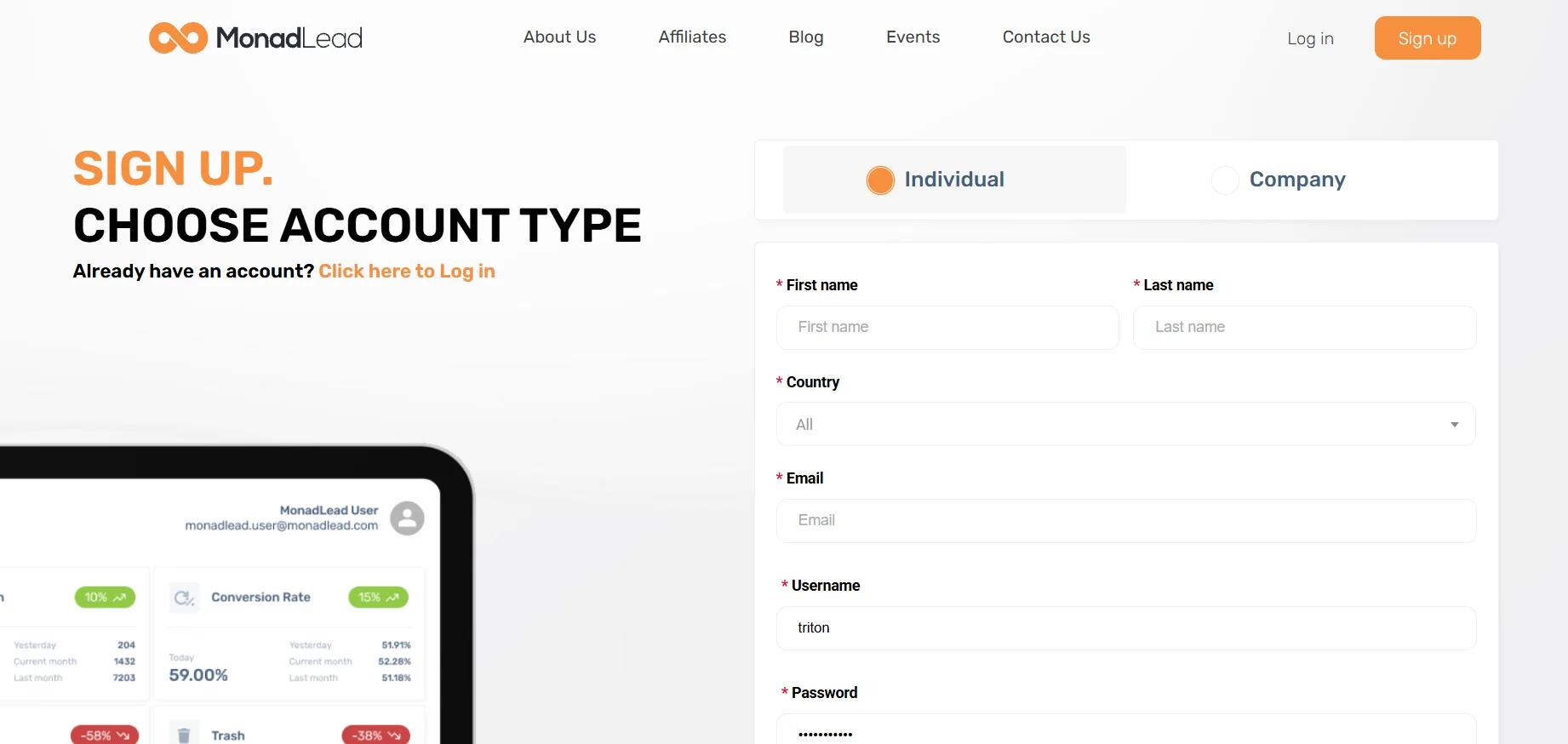
To register, click Sign up on the MonadLead website. Select your account type (Individual or Company) and complete the form with your First name, Last name, Country, Email, Username, and Password. Next, provide your contact details (Chat service and Username / Phone Number), select your traffic source (Traffic Source) and experience level (Experience). Accept the service terms and submit the form for moderation by clicking SIGN UP.
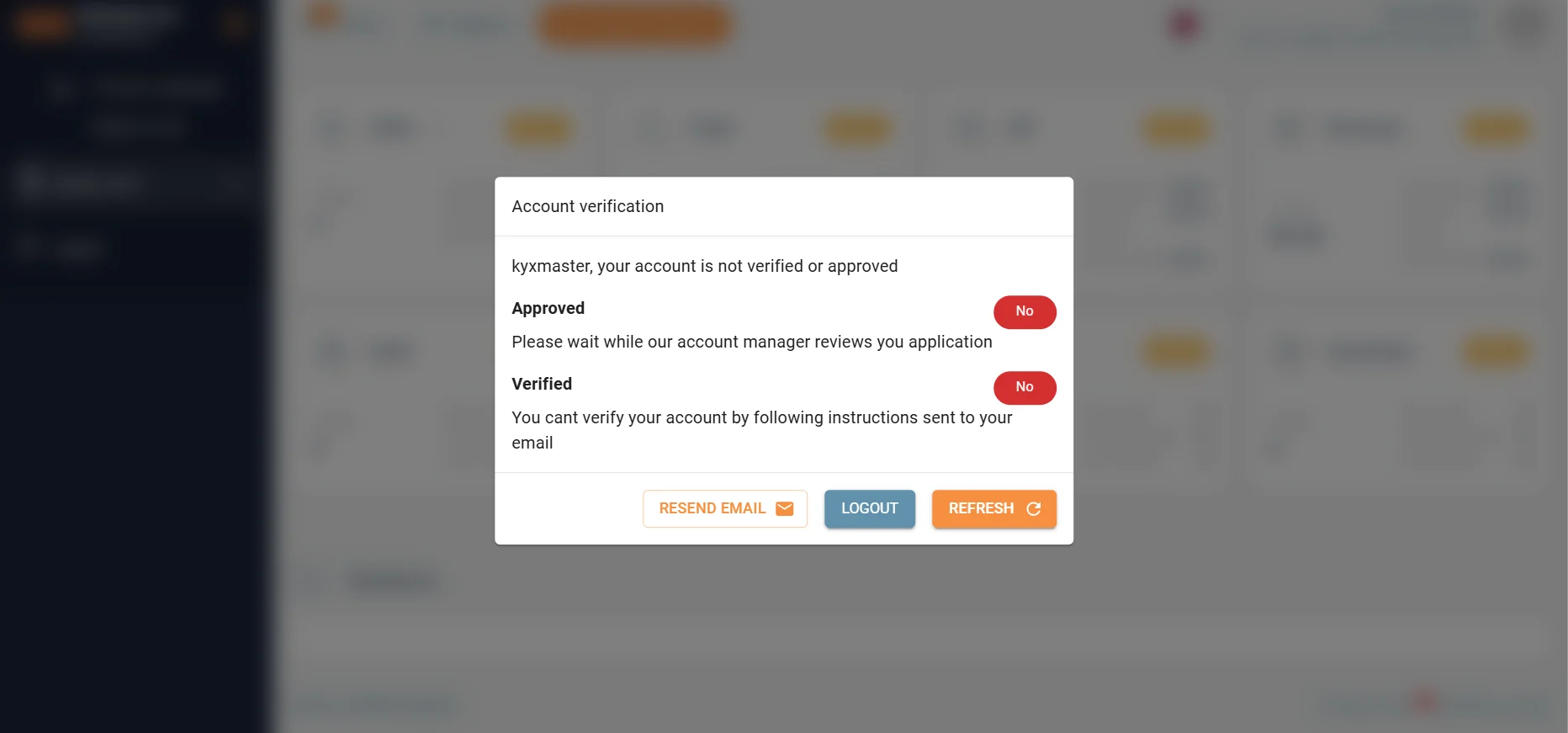
To complete registration, confirm your email via the link in the email and wait for a manager to contact you.
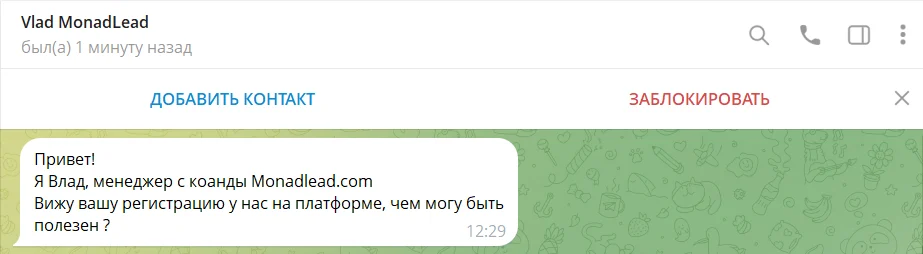
A manager contacted us within 30 minutes.
Available Offers
MonadLead is part of the Monetize Ad ecosystem. Most listed offers are in-house products managed by its own team, allowing affiliates to receive higher payouts, custom terms, and prompt feedback from management.
The catalog includes more than 1,500 offers across the main categories:
- men’s health,
- women’s health,
- joint health,
- weight loss,
- beauty,
- vision, and other Nutra segments.
In the Offers section, all offers are displayed as easy-to-browse cards, with the option to switch to Table view. Each card immediately shows key parameters: target GEO, category, landing page price, payout, and daily cap.
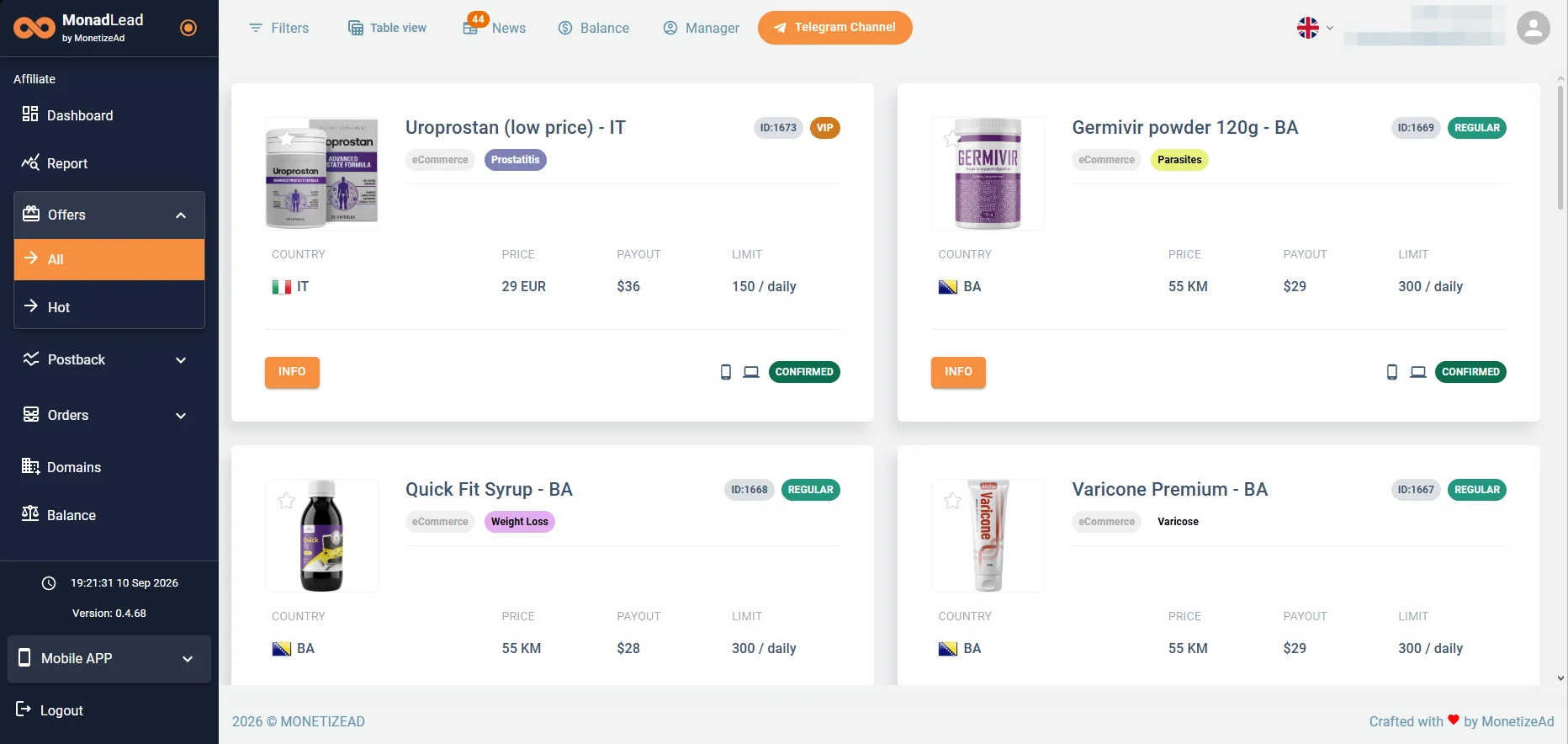
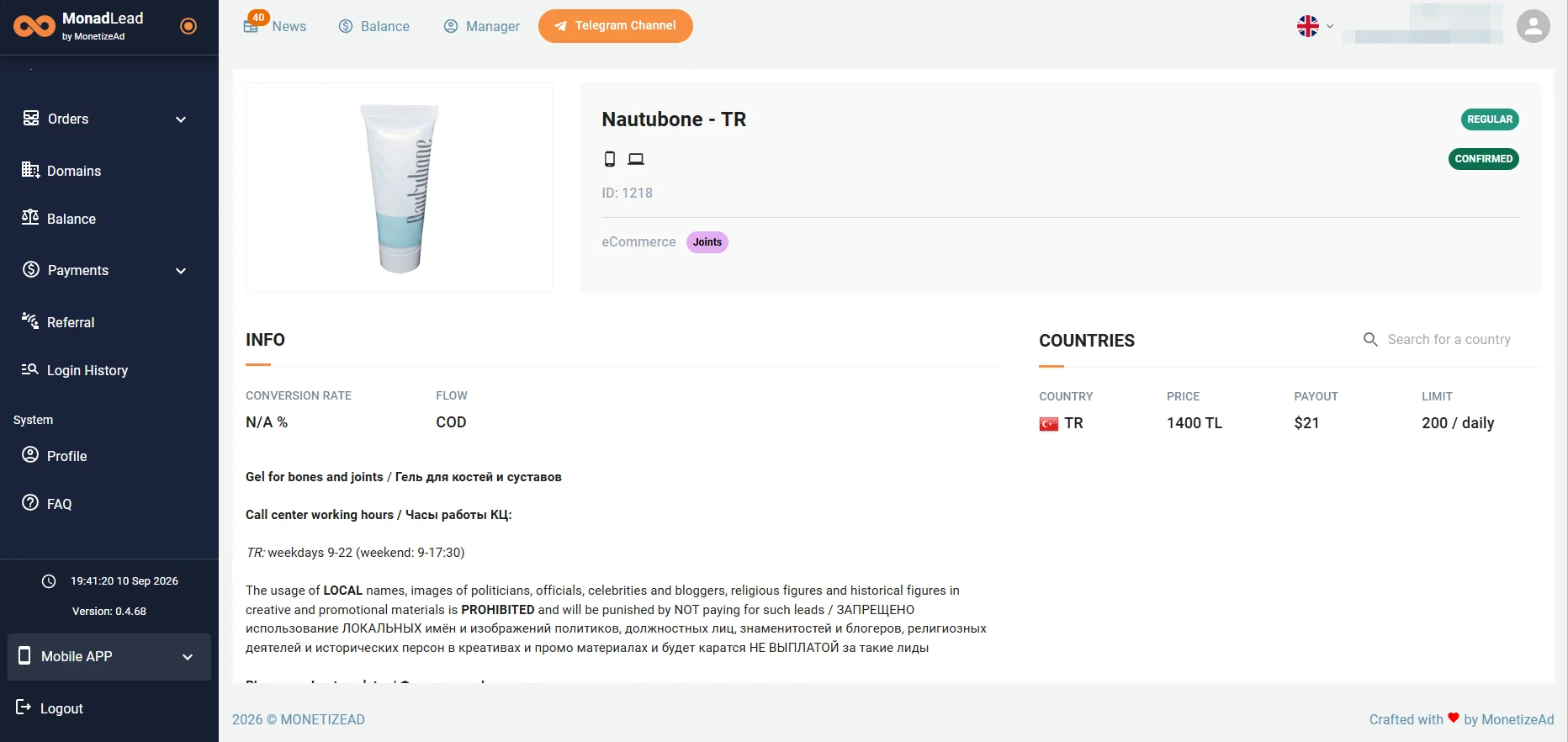
Click INFO to access the offer’s detailed terms, promo materials, and tracking setup.
Affiliate Link
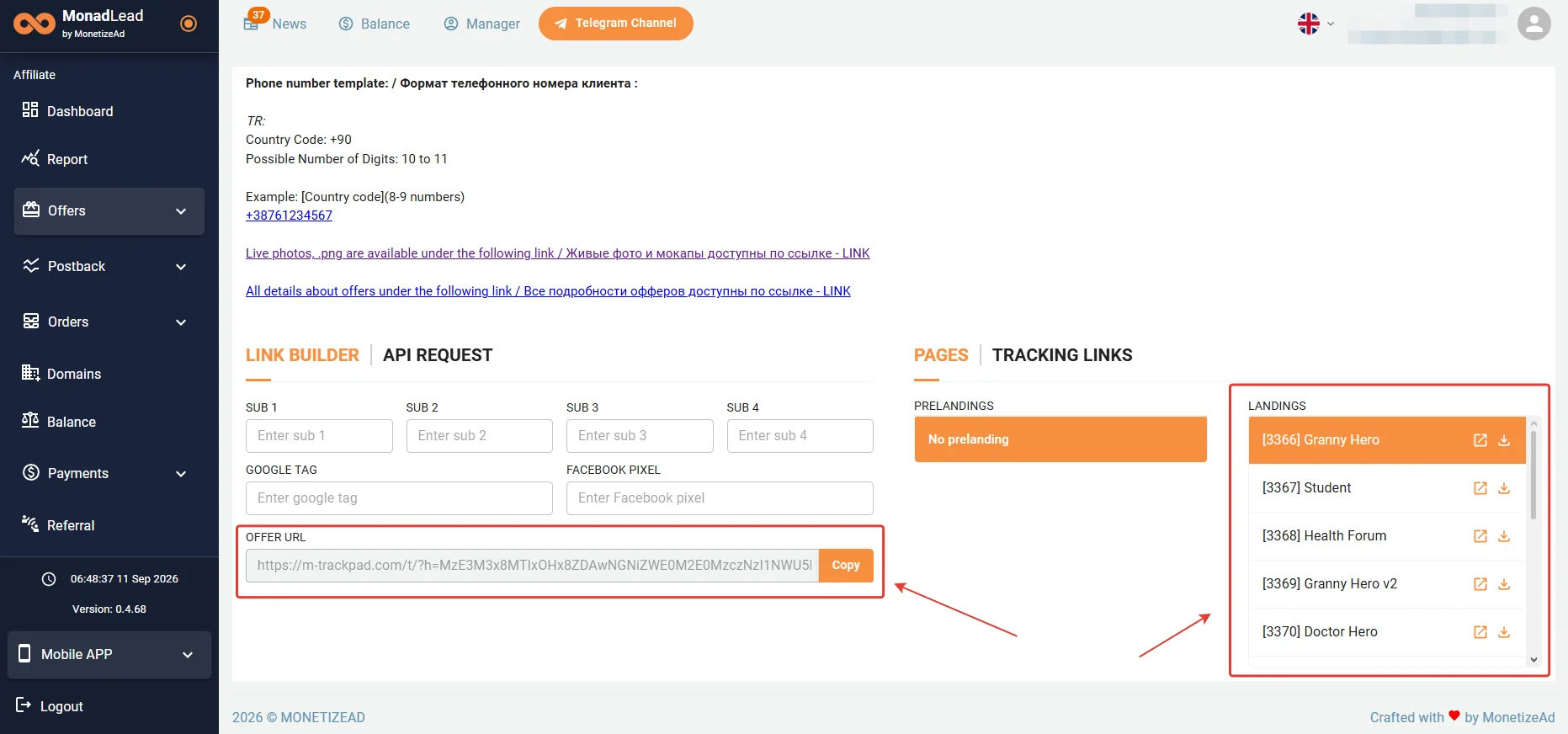
To generate an affiliate link, scroll to the bottom of the offer card. In the PAGES block, select a pre-lander and a landing page from the LANDINGS list. If needed, add tags (SUB 1–SUB 4) and pixels in the LINK BUILDER, then copy the finished link from the OFFER URL field by clicking Copy.
GEOs Worth Considering
- The Balkans, Turkey, and the Philippines
Accepted Traffic Sources
- Accepted: Google Ads, Facebook Ads, In-App, Native Ads, Pops, Push, and SEO
Statistics
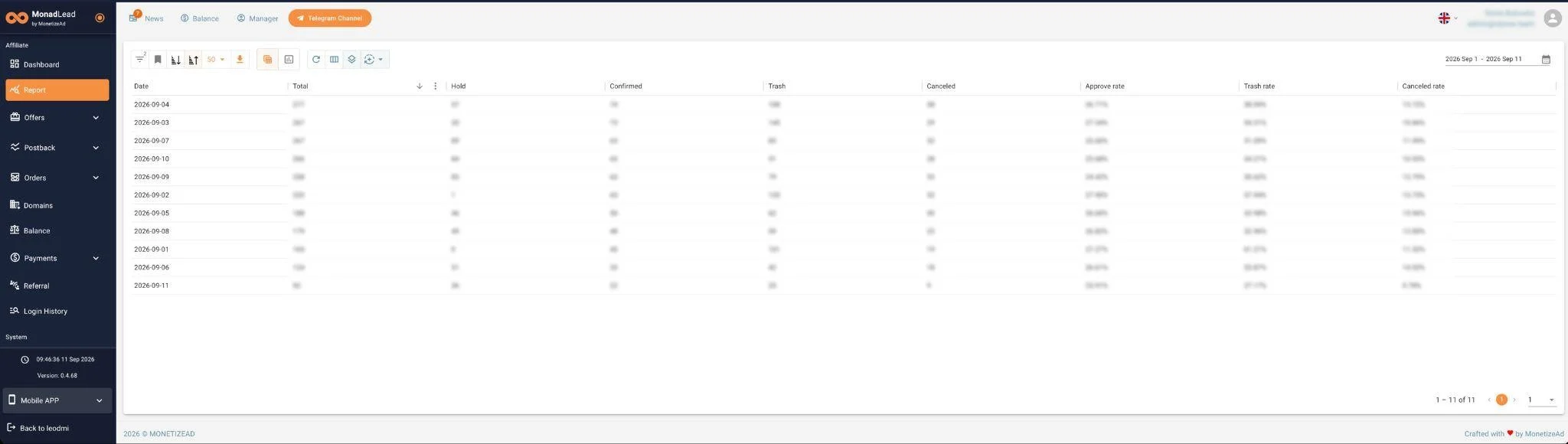
The Report section is designed for traffic analysis. By default, the report is displayed as a date-based table showing key lead statuses: Total, Hold, Confirmed, Trash, and Canceled, as well as calculated metrics including Approve rate, Trash rate, and Canceled rate. The table layout and column set can be flexibly customized, data can be filtered by date, and reports can be exported.
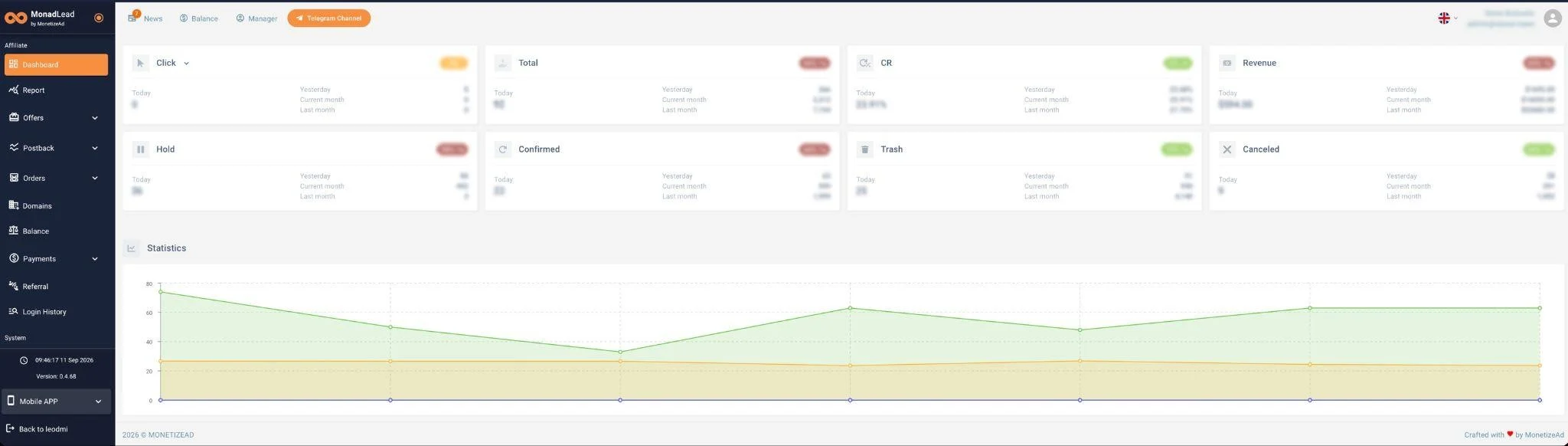
The main Dashboard screen provides quick statistics on clicks, CR, revenue, and lead statuses for today, yesterday, the current month, and the previous month. Below it is an interactive chart for tracking metric trends in real time.
Postback Setup
- Complete the required setup on your tracker side.
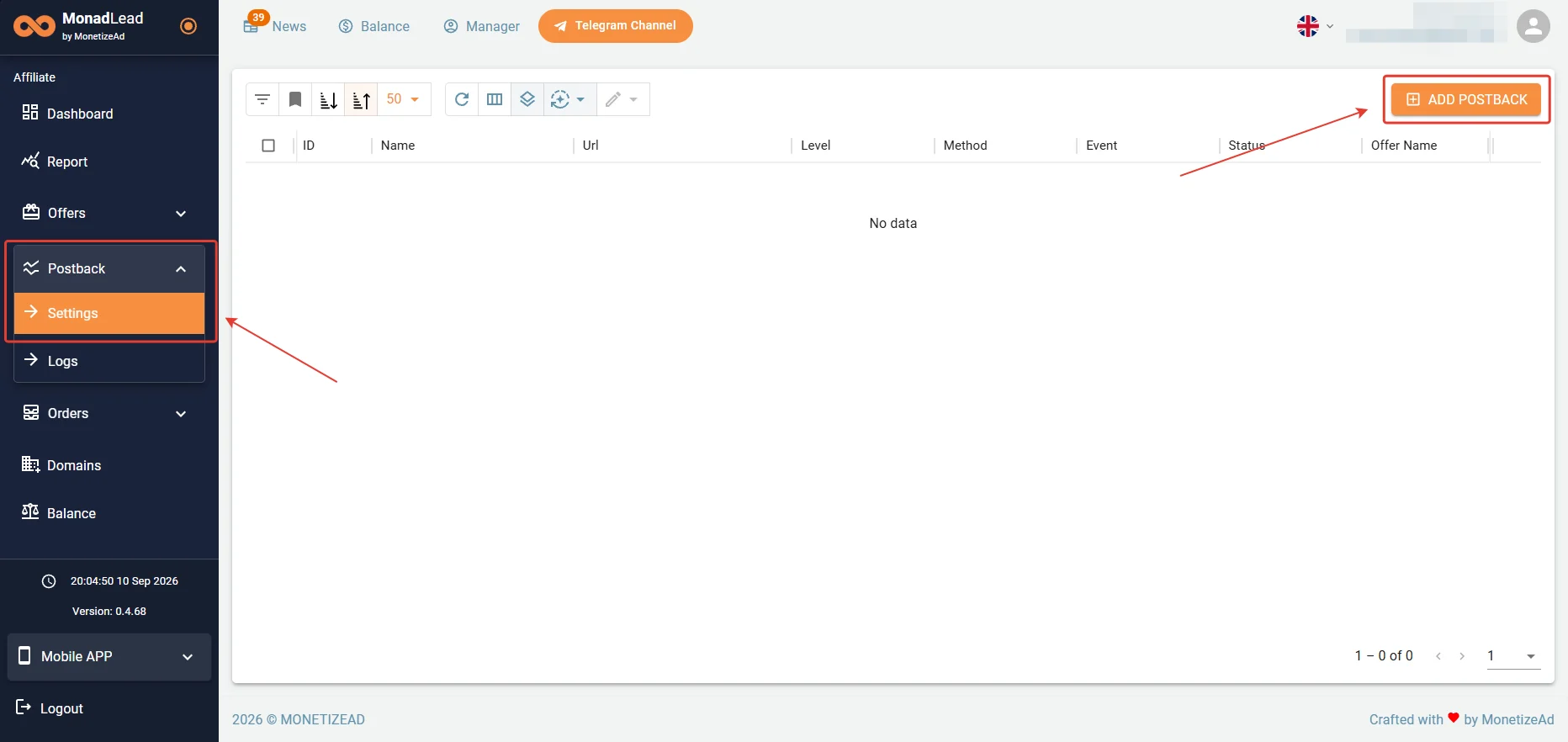
Conversion tracking to your tracker is configured in the Postback → Settings section by clicking + ADD POSTBACK.
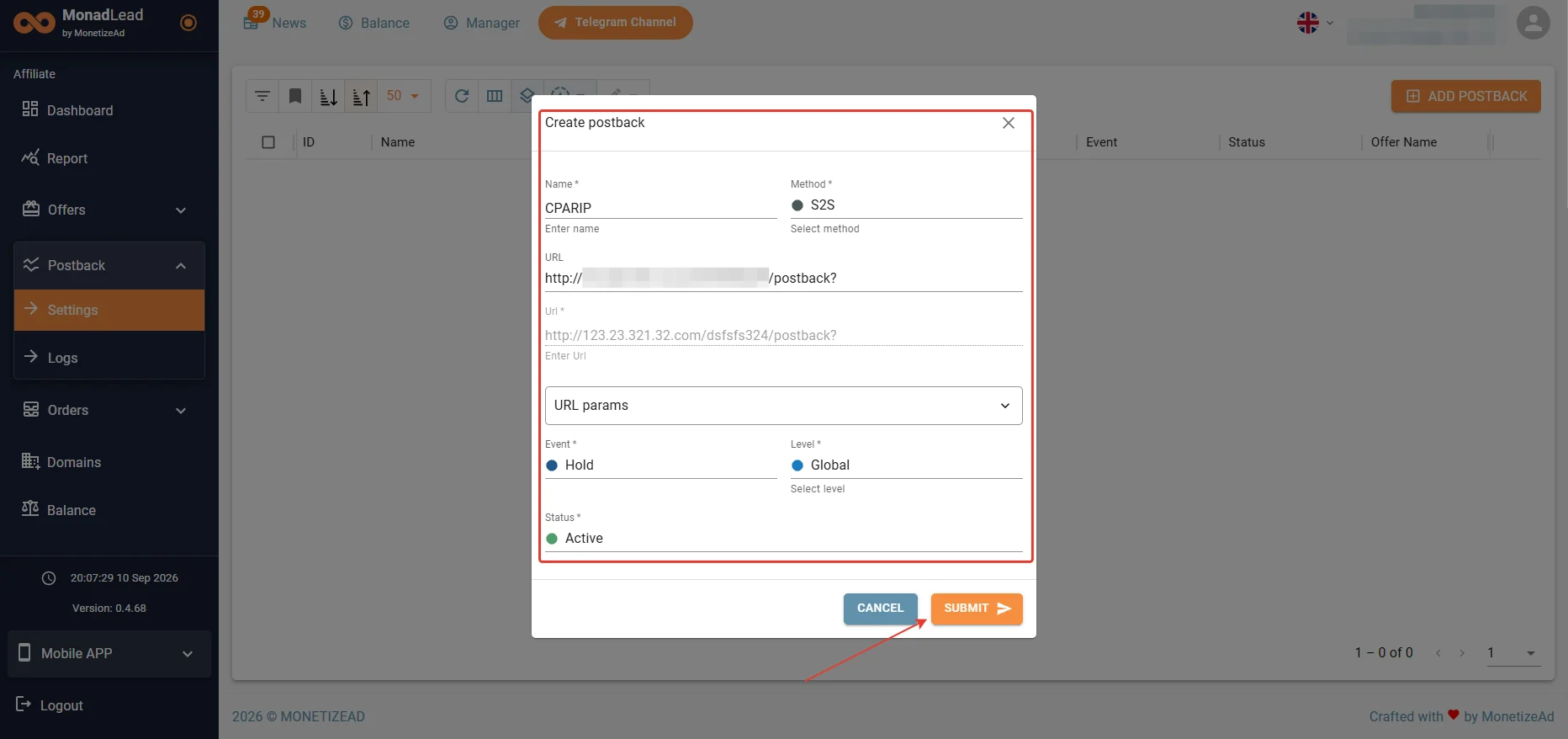
- In the postback creation window, enter a name, specify the Postback URL with the required macros from the URL params list, select the tracked event, action level, and active status.
- Click Submit.
Before launching traffic, be sure to test that the configured postback is working correctly.
Payouts
- Hold: none;
- Payouts: weekly;
- Minimum withdrawal amount: $50.
Technical Support and Social Media
Contacts:
- Telegram: https://telegram.me/karina_monadlead
- Email: networks@monadlead.com
Social media:
- Telegram channel: https://telegram.me/monadleadnews
- Instagram: https://www.instagram.com/monadlead/
- Facebook: https://www.facebook.com/monadlead.affiliate.network
- Threads: https://www.threads.com/@monadlead
