

![[FBM] CARDS](https://cpa.rip/wp-content/uploads/cr-a1/fbm-cards-v1/fbm-cards-logo.svg)



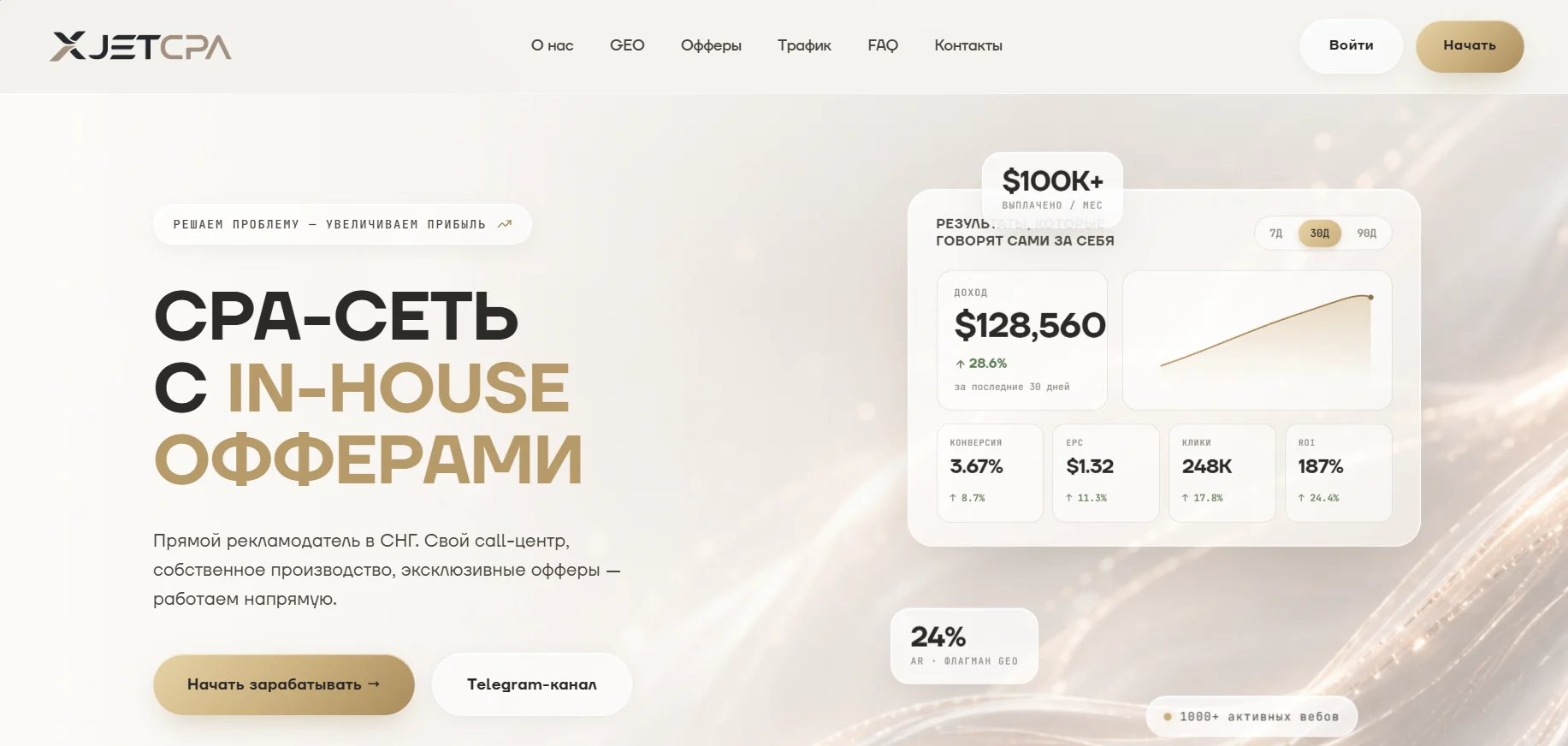
Registration and Getting Started
To register with XjetCPA, click “Get Started” in the upper-right corner of the website. Fill out the form with your Name, Email, Telegram, Company, Traffic Source, and how you heard about the platform.
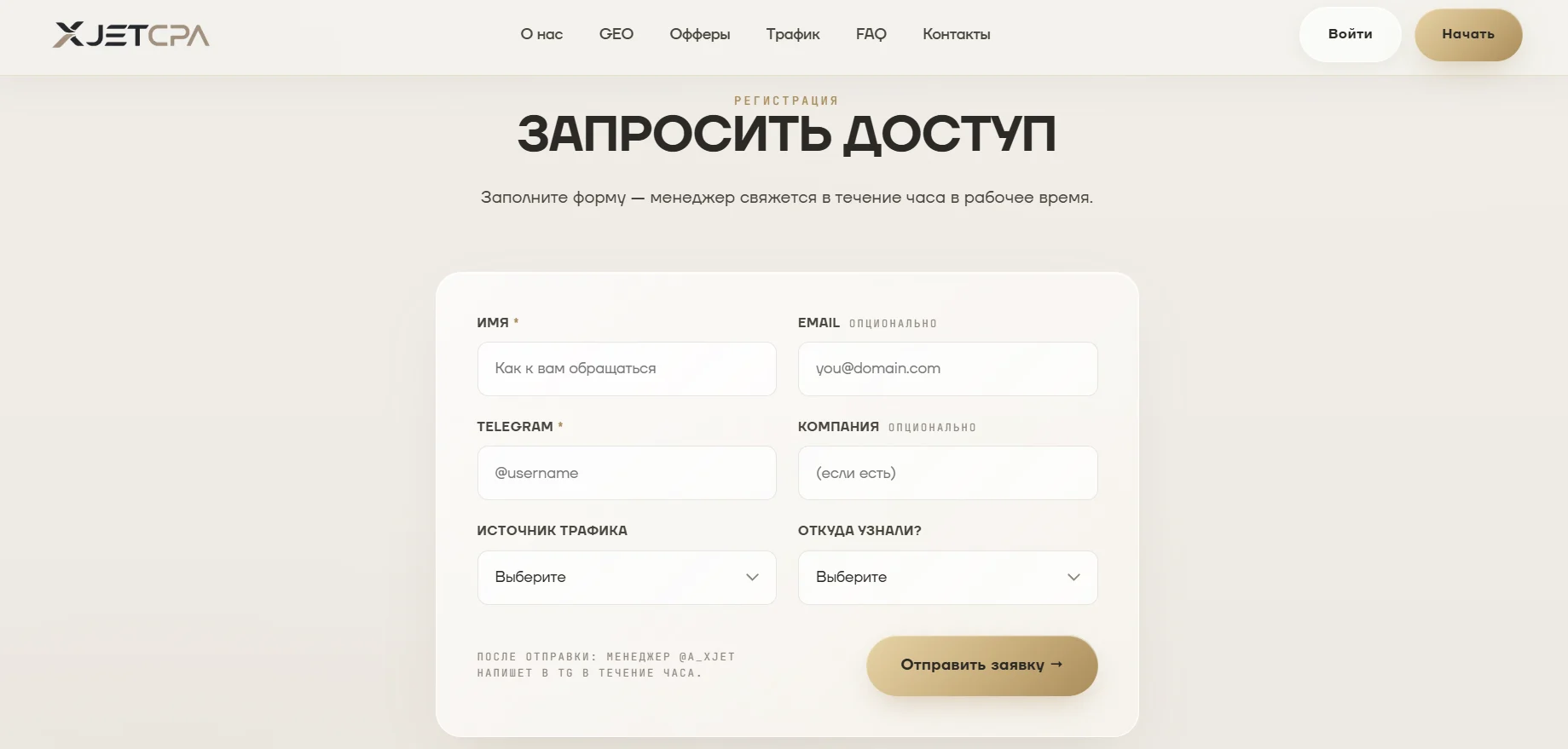
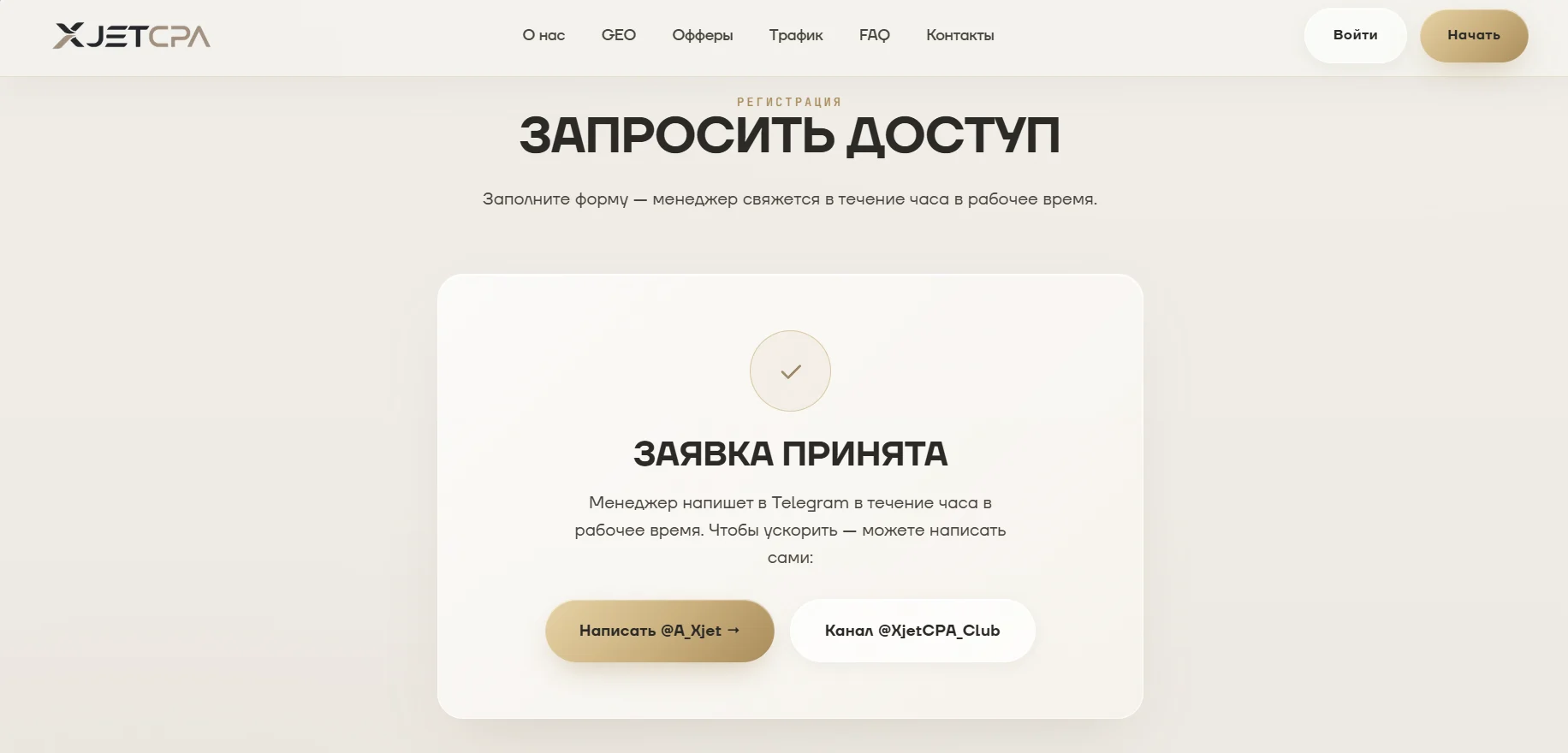
After submitting your application, wait for a manager to contact you. You can also message them directly to speed up the registration process.
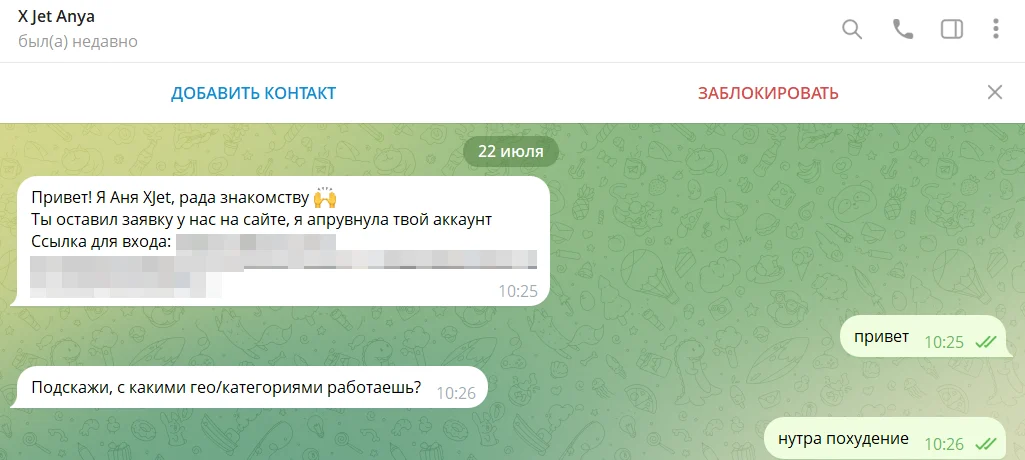
A manager contacted us within 15 minutes.
Available Offers
Main offer categories:
- Joint health, anti-aging, potency, varicose veins, parasites, and prostatitis.
In-house and most popular offers:
- Vulcanex, Arteron, Orosteel, InnoGialuron, Revitelle, and Flekosteel.
The “Offers” section lists products available for promotion. Each offer displays brief details, including its name, GEO, approval rate, and category.
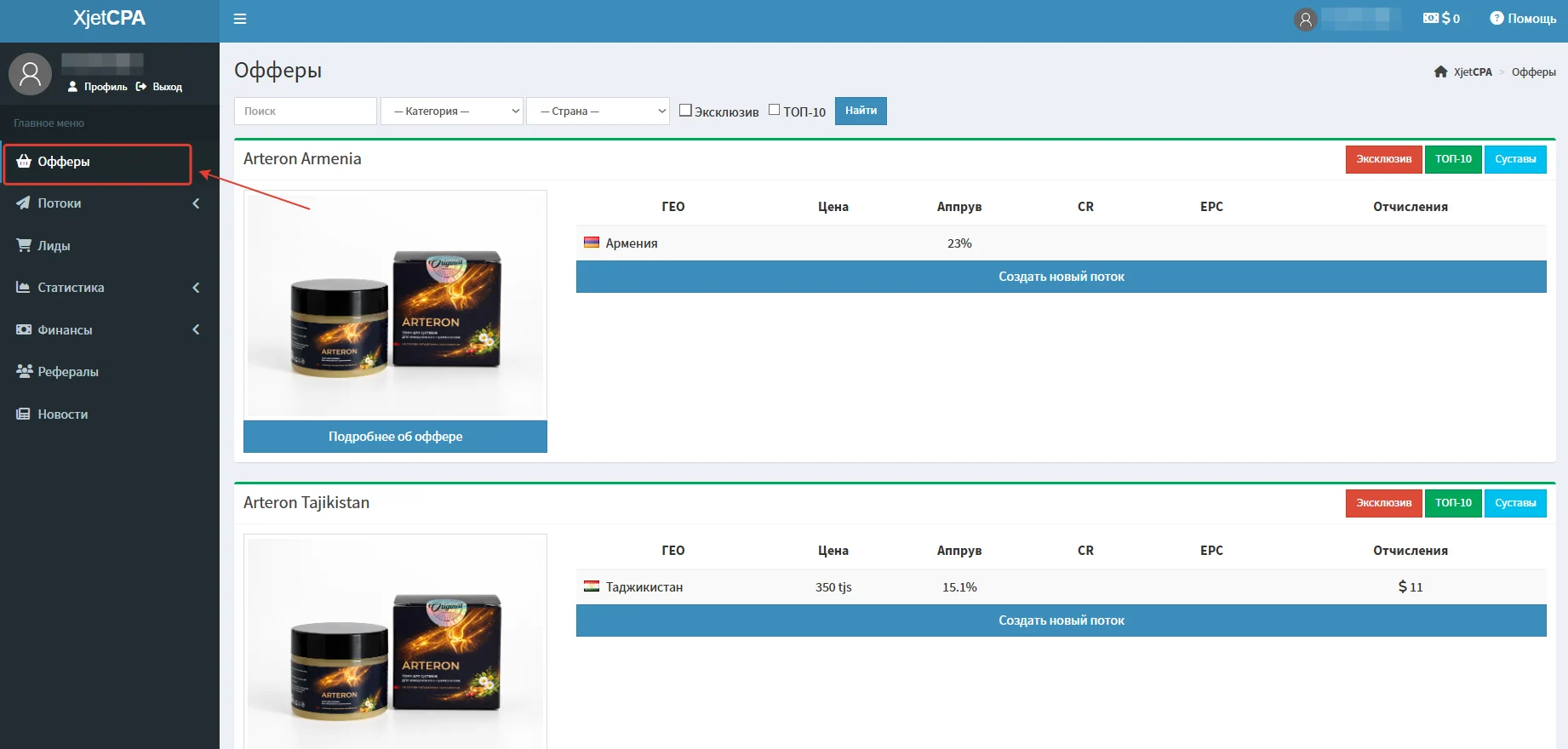
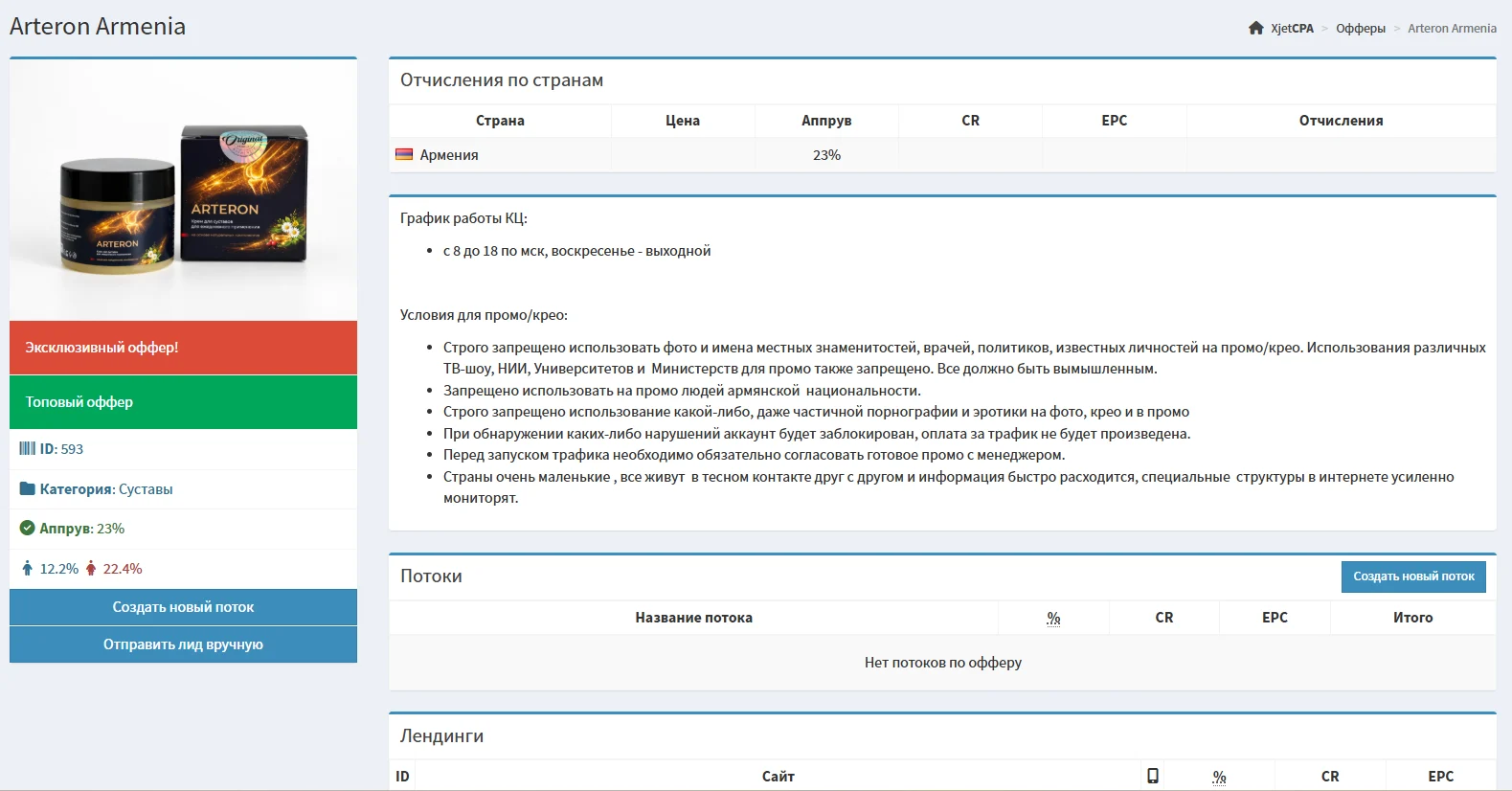
Each offer card contains detailed partnership terms: payouts, GEOs, offer description, promotion requirements, advertising material restrictions, and additional information.
Creating a Flow
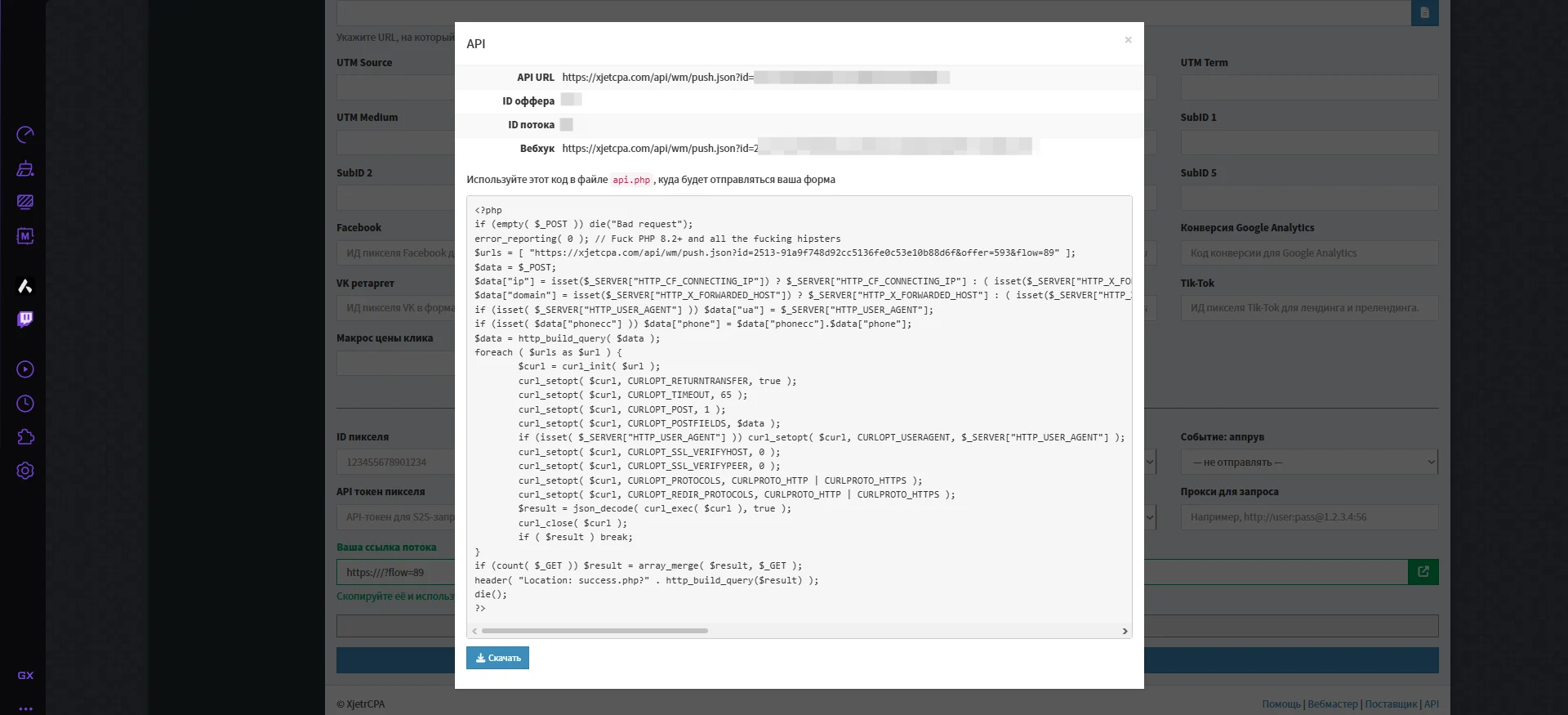
Currently, offers are available via API, while landing pages are under development. If needed, managers help partners set up the integration.
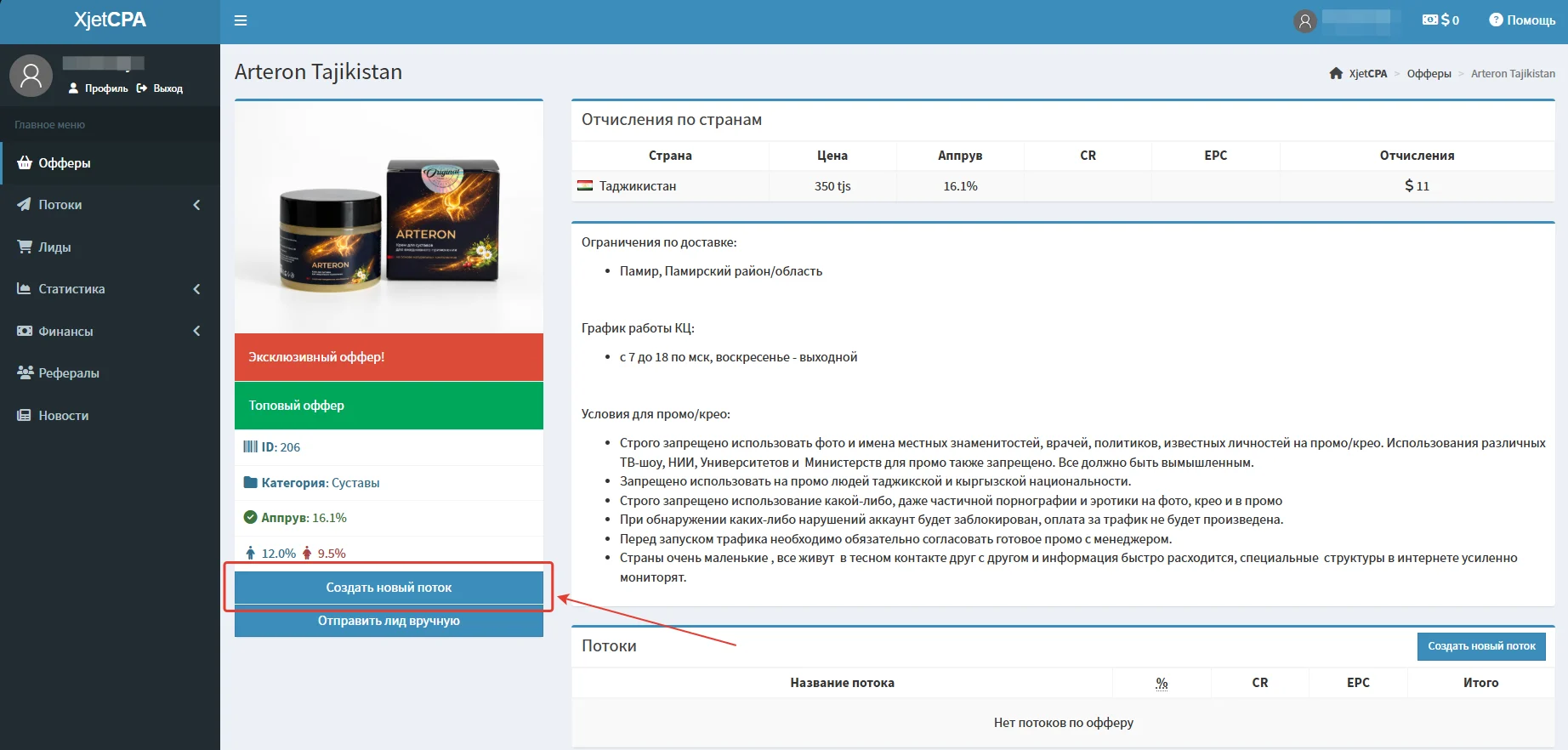
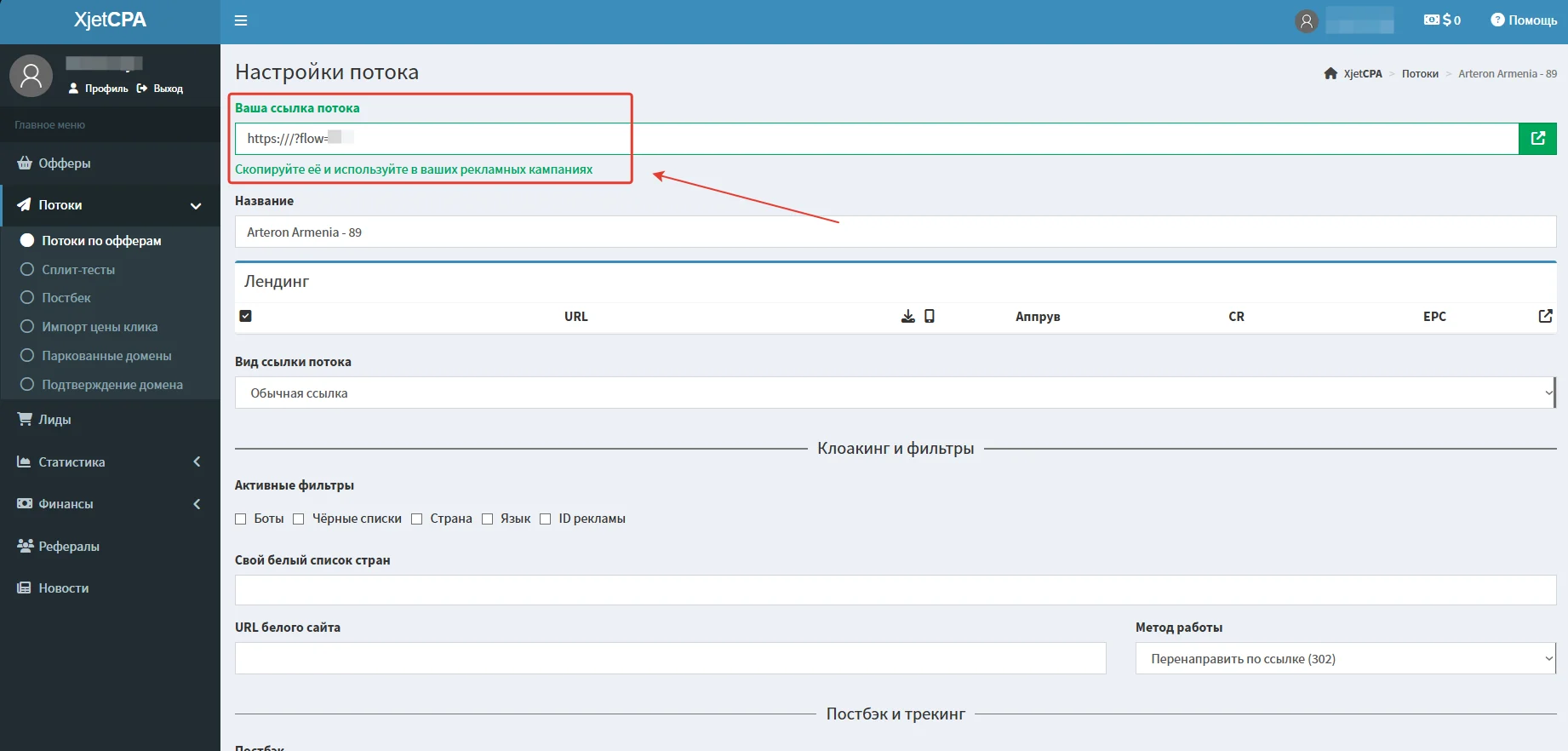
- On the offer card, click “Create a new flow.”
- Then confirm the action by clicking “OK.”
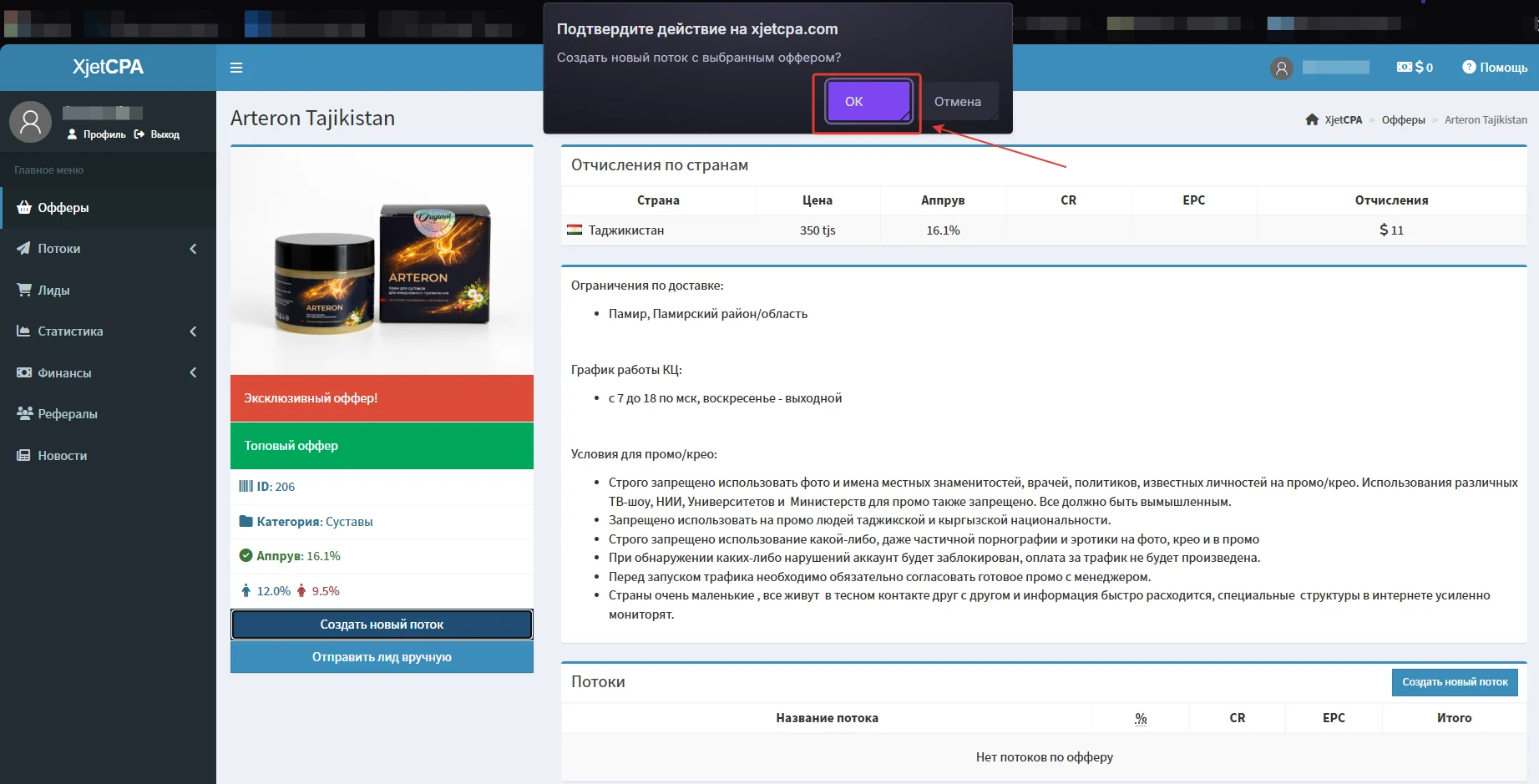
- A page will open where you can configure the tracking link, traffic filtering (cloaking), and integrations with analytics systems and ad networks.
- On the same page, you can download an API file for submitting leads.
GEOs Worth Considering
- Georgia, Azerbaijan, Armenia, Kyrgyzstan, Tajikistan, Uzbekistan, Belarus, Egypt
Accepted Traffic Sources
- Accepted traffic sources: Facebook, TikTok, Google Ads, SEO, Telegram, In-App, Influencer, Email
Statistics
For in-depth traffic and conversion analysis in the XjetCPA affiliate network, use the “Statistics” section. The module lets you track click trends over time (by date/hour), group data by segments (offers, flows, GEOs, devices), and keep detailed records of UTM tags and lead statuses.
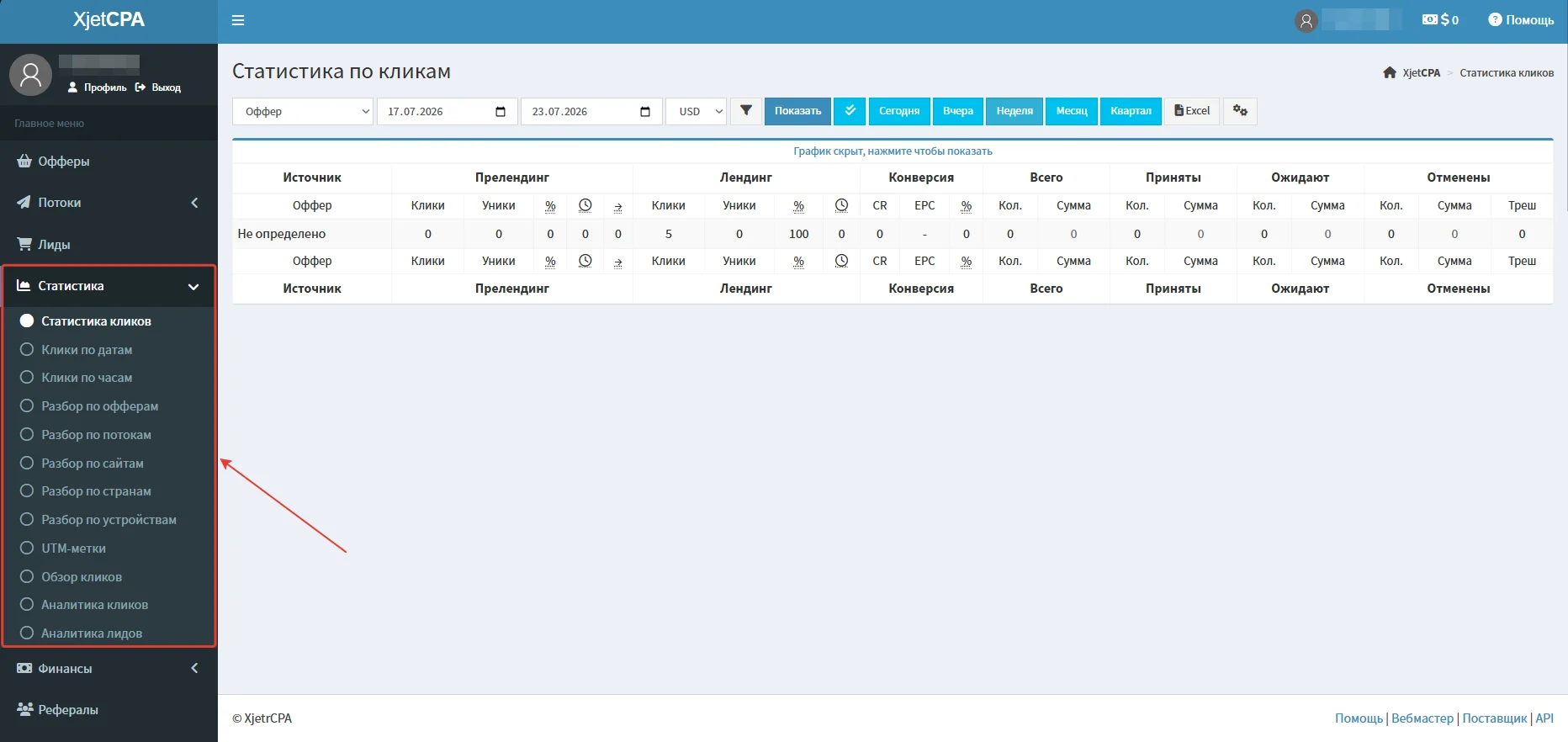
The main page displays the total balance and brief statistics.
Setting Up a Global Postback
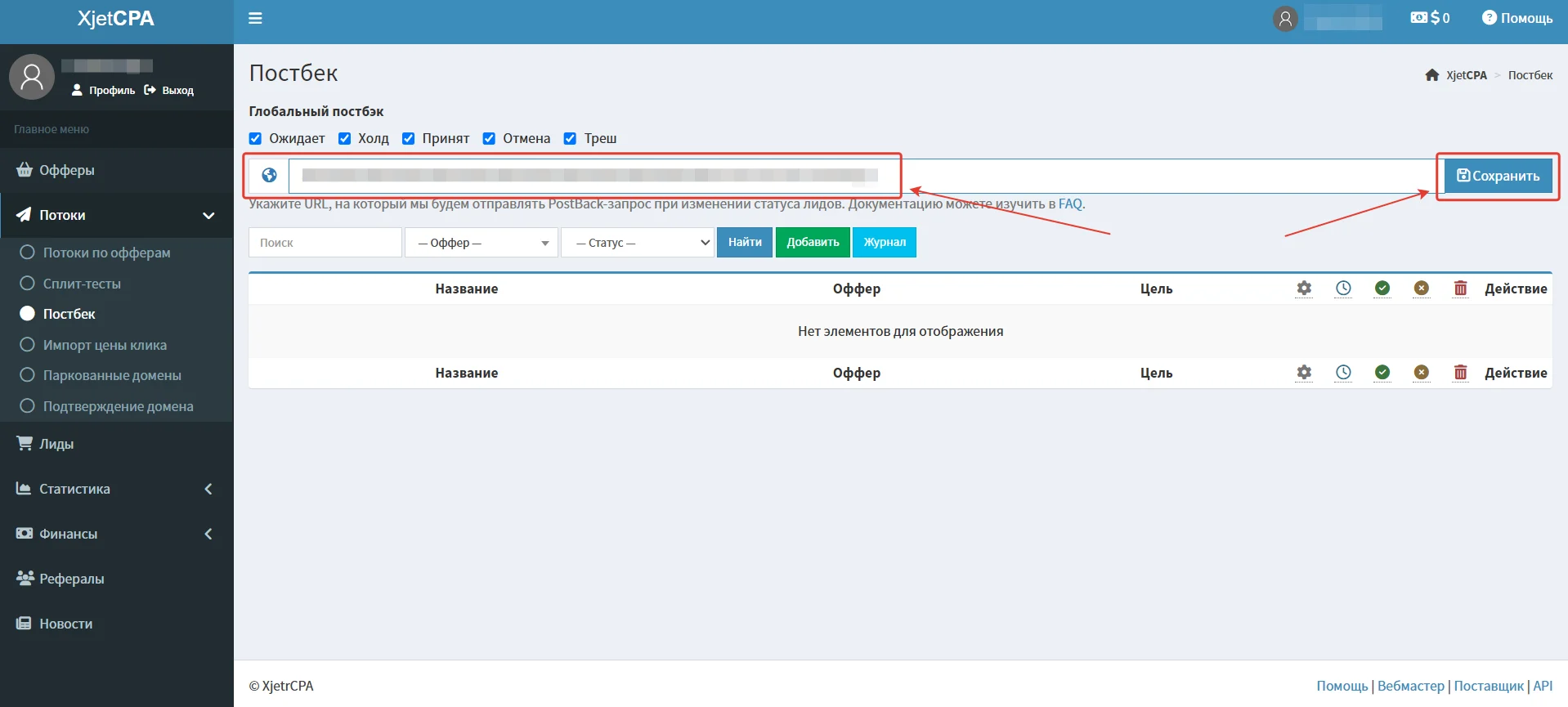
Setting up a postback in XjetCPA
- Make the required settings in your tracker.
- Go to the “Postback” page;
- Paste the Postback URL into the relevant event field and click Save.
Payments
- Hold: 5 days
- Minimum withdrawal amount: $100
- Payments: weekly
Payment systems:
- Usdt
- Capitalist
Technical Support and Social Media
Support contacts:
- Telegram: https://telegram.me/XjetCPAsupport_bot
- Telegram: https://telegram.me/A_Xjet
- Telegram: https://telegram.me/Anya_XJet
Social media:
- Telegram: https://telegram.me/XjetCPA_Club
- Instagram: https://www.instagram.com/xjetcpa
