

![[FBM] CARDS](https://cpa.rip/wp-content/uploads/cr-a1/fbm-cards-v1/fbm-cards-logo.svg)




Good day everyone! It’s NeTraff – Gambling ?
Today, you’ll learn the second part of the “DIY Gambling Creative Builder” article about DIY creatives.
Before I start, I’d like to also welcome you to my telegram channel: @netraffgambling where you’ll find news about our team, our case studies, methods we use to bypass Facebook restrictions, and much more…
Download source files here: https://drive.google.com/file/d/10sqVb6E5ufRXnIPfplNPJGxeitnkCpf1/view?usp=sharing
You’ll find CPA.RIP’s Gambling Creative Builder here: https://cpa.rip/en/gambling-betting/gambling-creatives-video-project/
Here’s What I Have Prepared for You
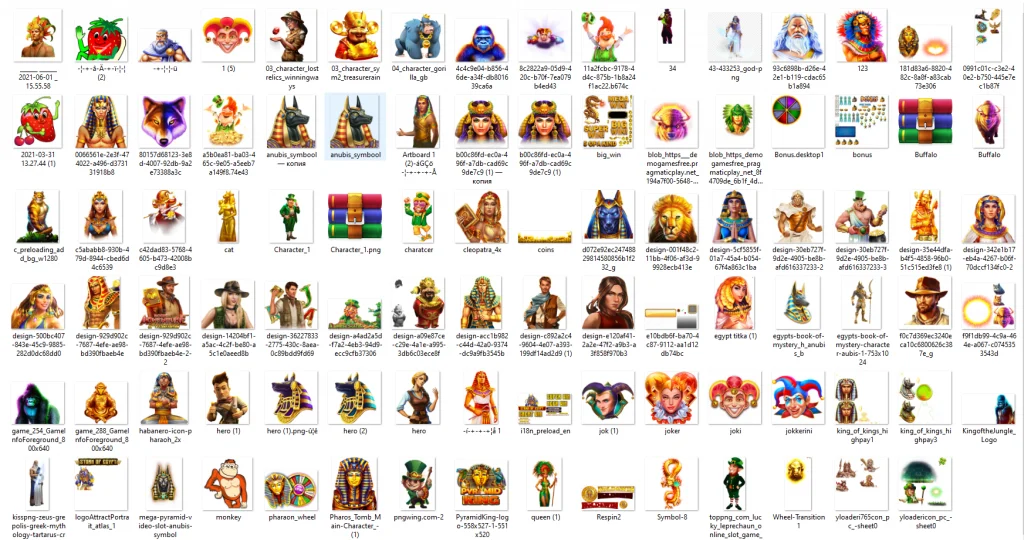
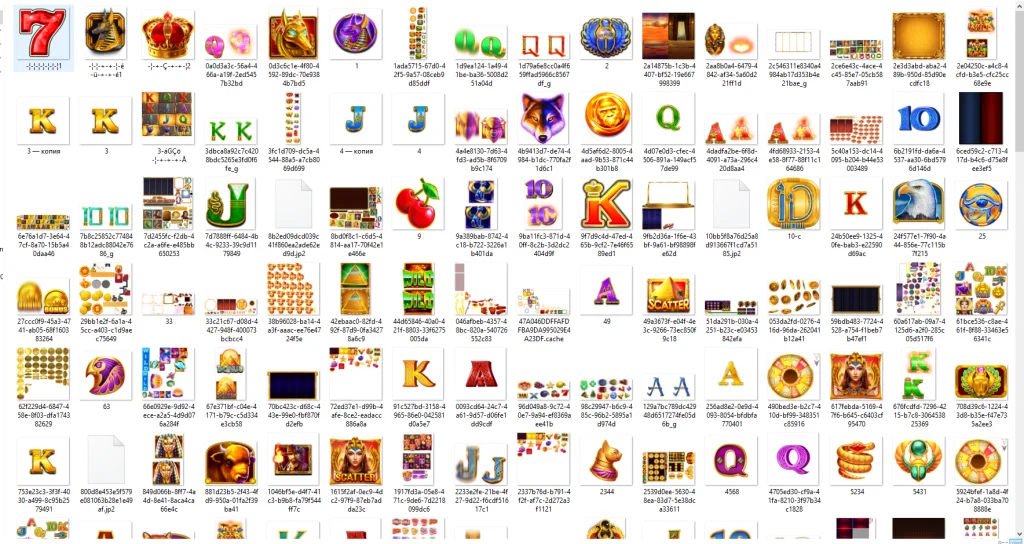
Attached you’ll also find more images categorized as:
- Backgrounds
- Banking
- Banking notifications
- Currency
- National flags
These files are best for Adobe After Effects but you can also use Premiere Pro to edit them.
As custom has it, I also prepared Premiere Pro templates for you. Note! I’m not a pro ? Watch the DIY creative video tutorial in my telegram channel – @netraffgambling.
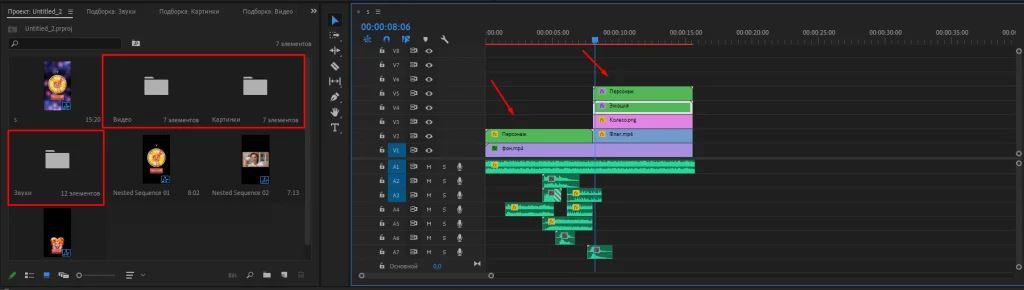
I did my best to organize a project and added captions for easy editing so you can manage even without any video editing skills. You’ll require Premiere Pro 20 or a later version to make a project work.
Video Assembly Tutorial
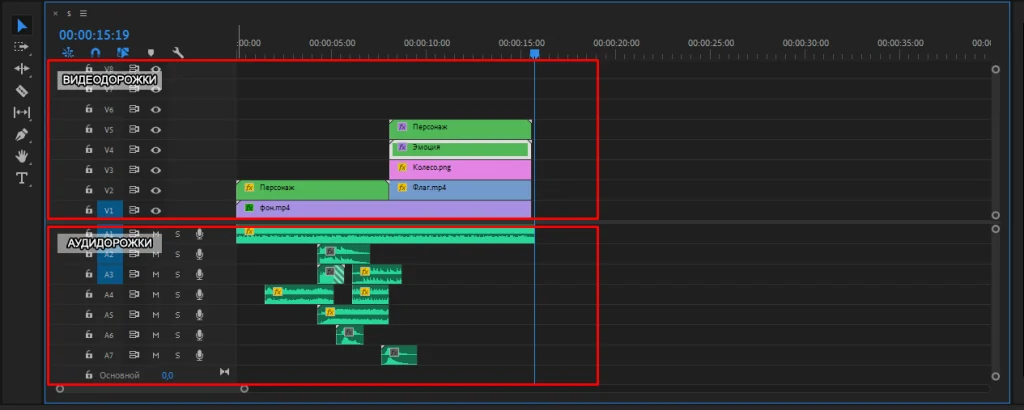
Timeline is the main workspace in the editor. All major project operations are carried out in the timeline:
Project Editing
Before you start, you might want to save a backup copy of the .prproj working files to keep the original project settings.
To create your video, you can do the following:
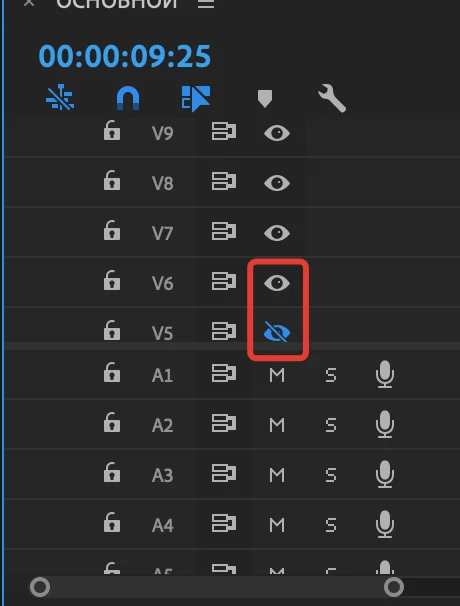
- Switch tracks on and off:
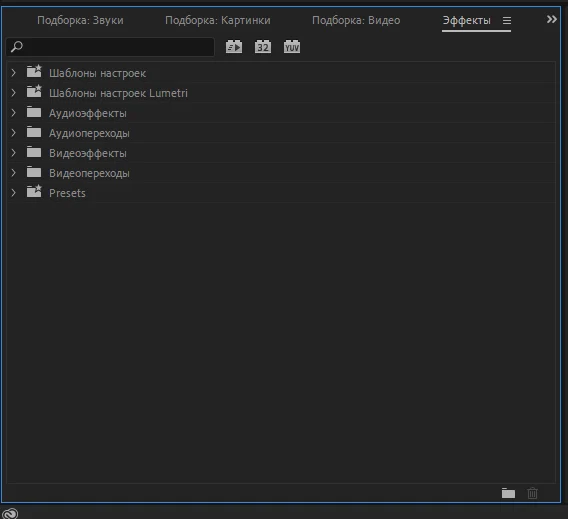
- Apply image effects. They will make your creatives look more appealing. There are many effects on the web; you can download any you like and use it:
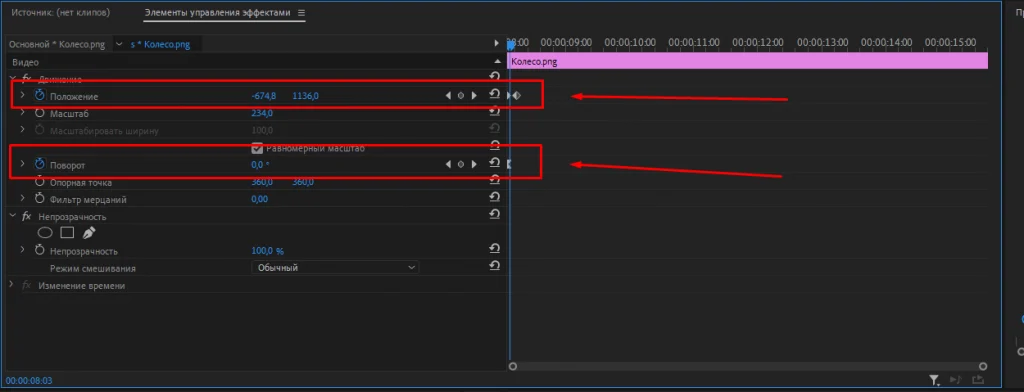
- Shift position and time limits of elements:
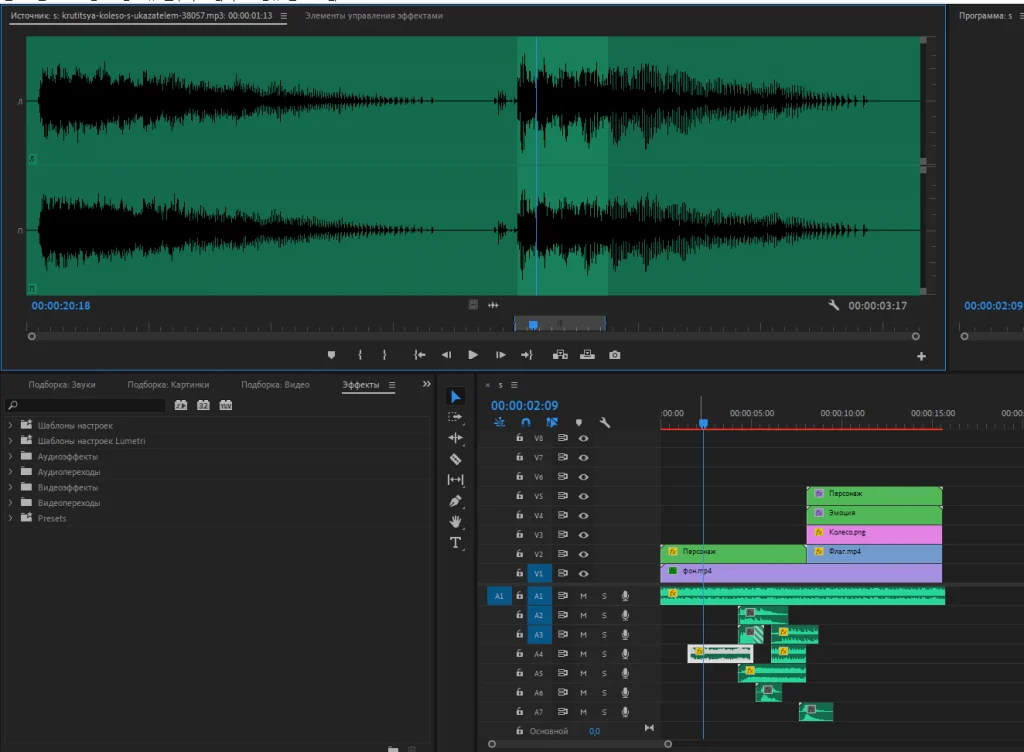
- Sound processing is very important too. Often people perceive the sound first and then they pay attention to the source:
Video Export
There’s a 15.15-second clip save option set by default in the project:
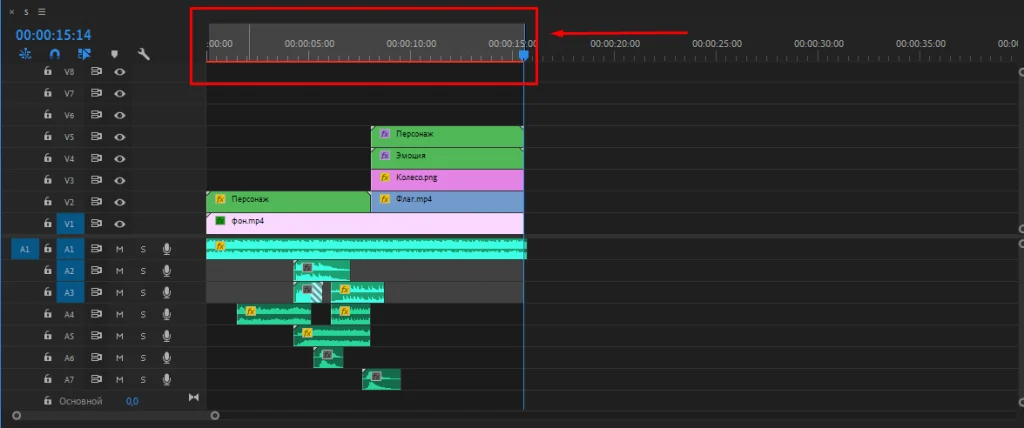
- CTRL + M
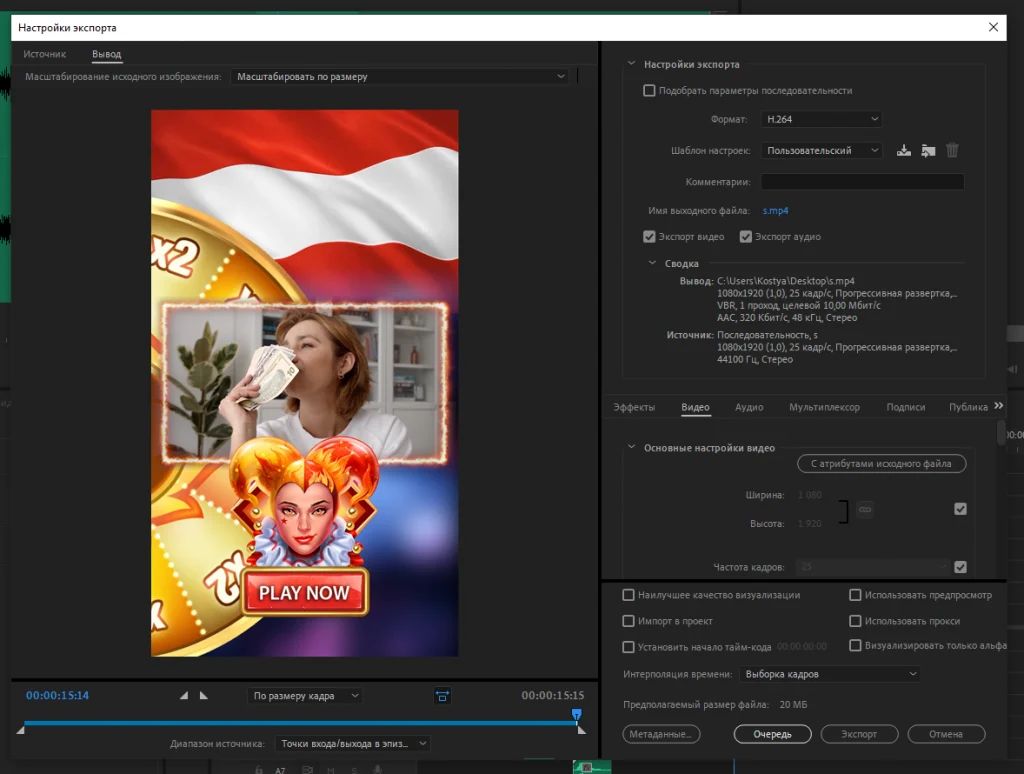
- Select the “H.264” format. You can leave other settings by default.
- Press “Export” and wait for the rendering to complete:
DIY Creative Video Tutorial
Creative Showcase
Source project file: https://drive.google.com/file/d/10sqVb6E5ufRXnIPfplNPJGxeitnkCpf1/view?usp=sharing








Comments