

![[FBM] CARDS](https://cpa.rip/wp-content/uploads/cr-a1/fbm-cards-v1/fbm-cards-logo.svg)




We tested Alibaba’s free local image generation model, Qwen-Image-2.1, which can create and edit images.
Qwen-Image-2.1 is a compact model that can run locally. It can generate and edit images from text prompts, supports transparency, and can work with multiple references simultaneously.
- Full BF16: https://github.com/QwenLM/Qwen-Image-2.1
- Compressed (quantized) Q8 https://huggingface.co/unsloth/Qwen-Image-2.1-GGUF/blob/main/qwen-image-2.1-Q8_0.gguf
- Compressed (quantized) Q4: https://huggingface.co/unsloth/Qwen-Image-2.1-GGUF/blob/main/qwen-image-2.1-Q4_K_M.gguf
- Online demo: https://huggingface.co/spaces/Qwen/Qwen-Image-2.1 (often overloaded)
A quantized model is a model whose weights are stored with lower numerical precision. It takes up less space and usually requires less memory, but may lose some quality.
We tested two quantized versions on two different hardware setups:
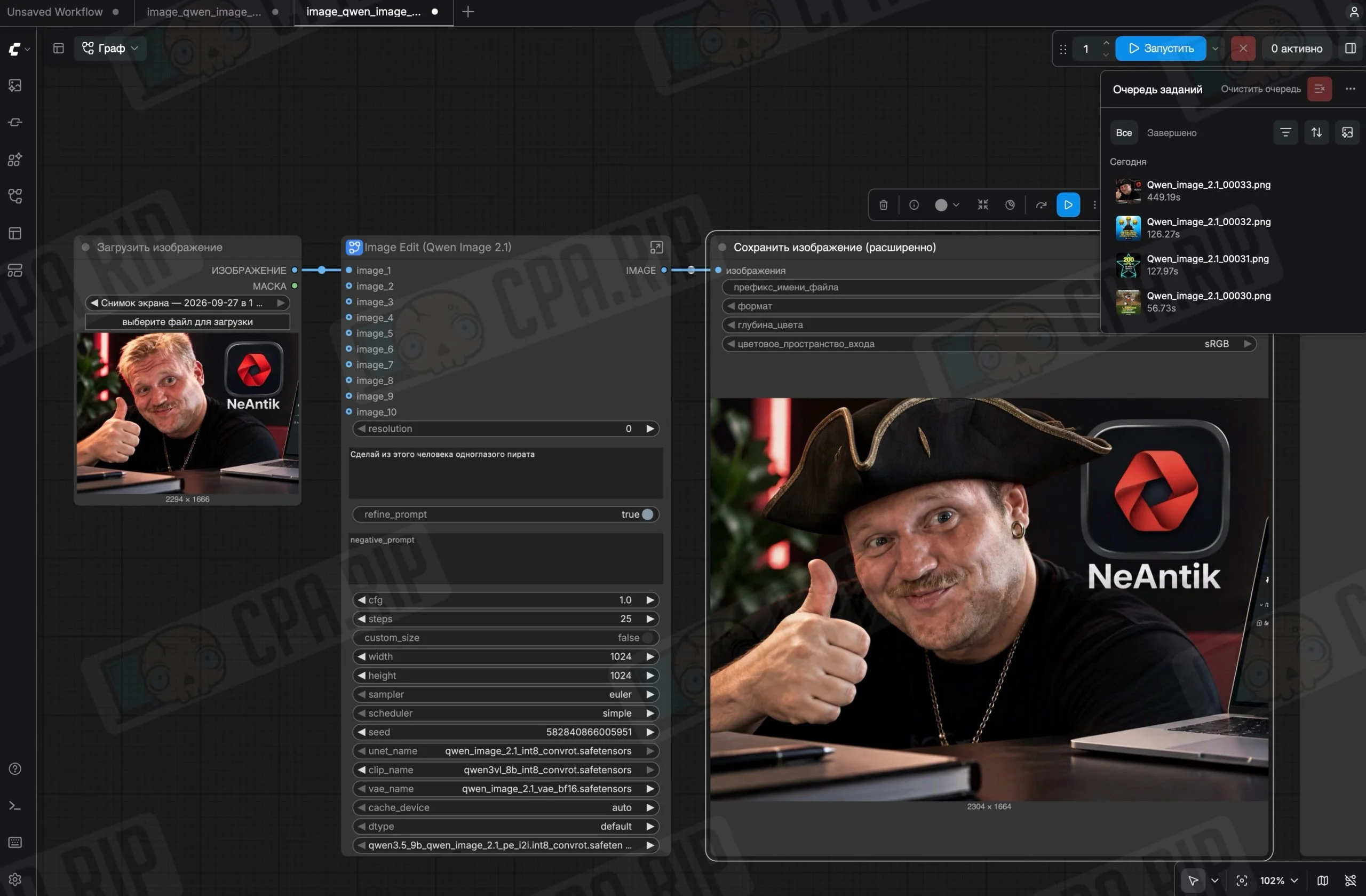
Qwen-Image-2.1 on DGX Spark in ComfyUI 0.37.0. The following components were installed:
- a 7B generator in Q8_0 quantization;
- Qwen3-VL 8B text encoder: INT8 ConvRot from Comfy-Org.
- VAE in BF16;
- two prompt enhancement models based on Qwen3.5-VL 9B: one for generation and one for editing.
- About 36 GB total on disk.
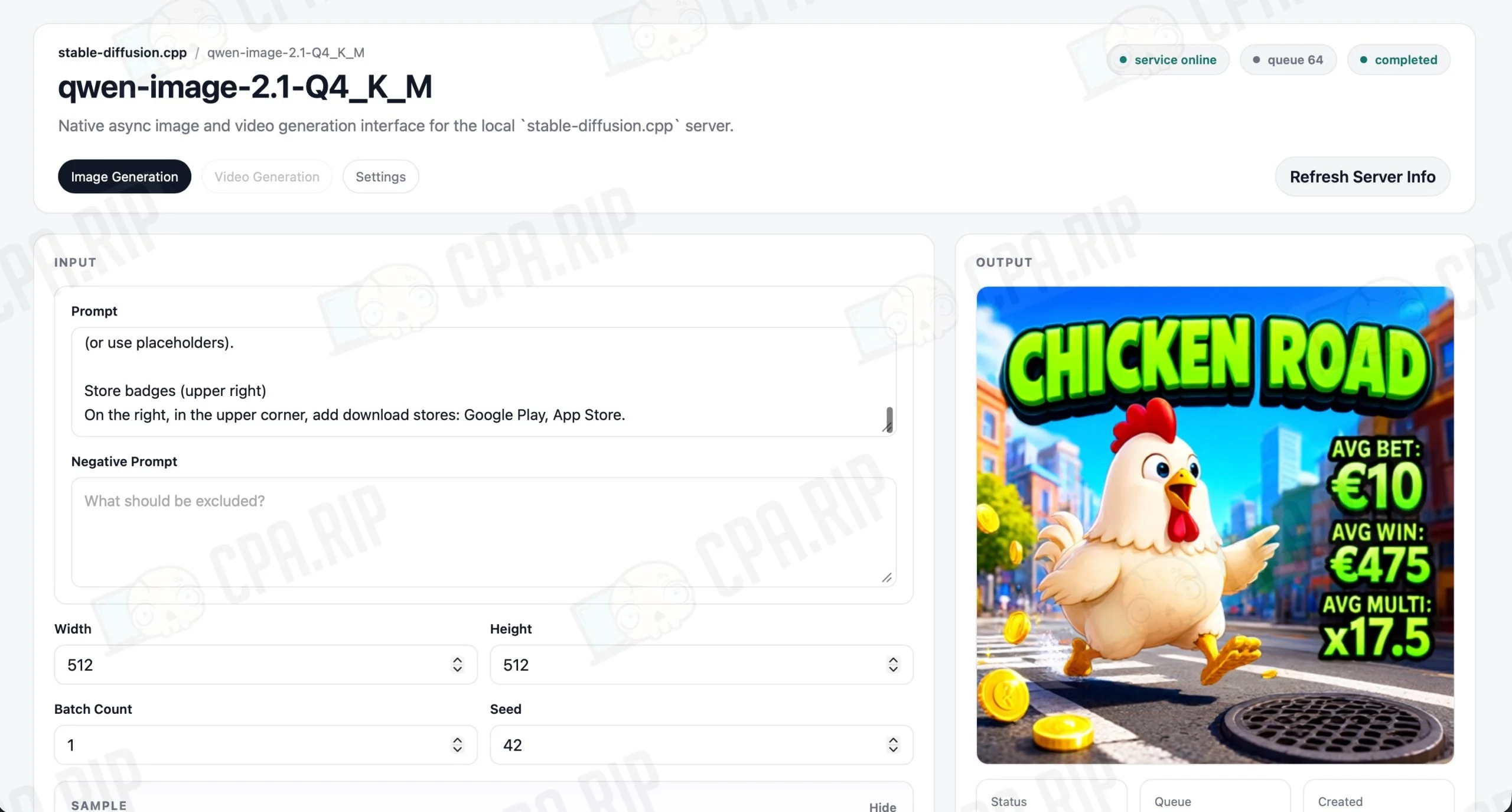
Qwen-Image-2.1 on a Mac with an M3 Pro and 18 GB of memory via stable-diffusion.cpp, build master-920-2f88688, with Metal acceleration.
- a 7B generator in Q4_K_M quantization;
- Qwen3-VL 8B text encoder in UD-Q4_K_XL quantization;
- a separate mmproj vision module in F16 for working with references;
- VAE in BF16.
- Prompt enhancement models were not installed.
- About 11.2 GB of weights total on disk.
The models we tested had no censorship, all prompts were completed without refusals!
Generation Results
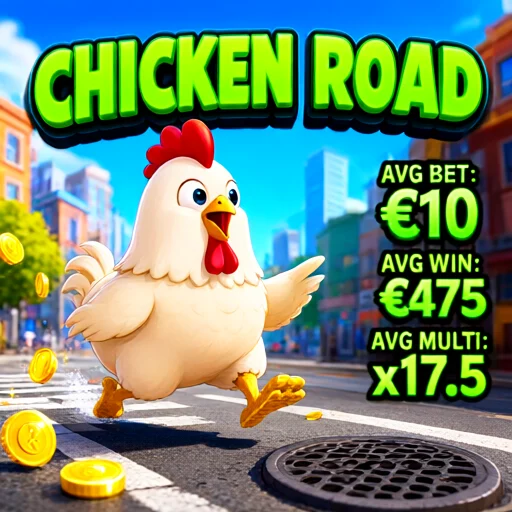
We used a proven prompt from the article https://cpa.rip/prompts/ai-prompts-igaming/.
Compressed Q4 on a Macbook Pro M3 pro 18Gb, 512×512 size, generation time: 5 minutes, 47 seconds:
Qwen-Image-2.1 Q8 on DGX Spark, 1092×1088 size, generation time: 10 seconds:
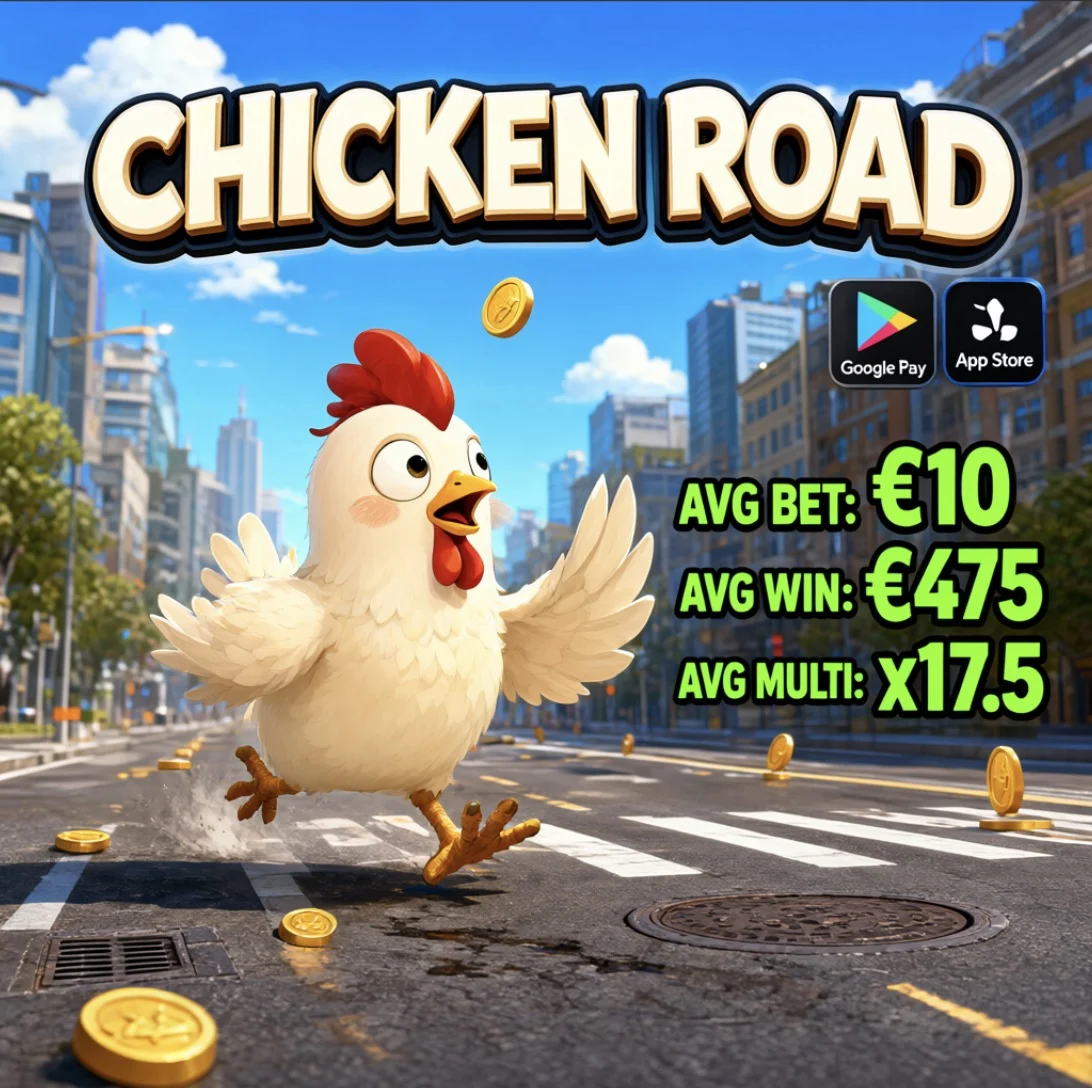
We uploaded the ad creative to an LLM and asked it to create a description in JSON format. Based on this description, Qwen-Image-2.1 generated a similar image:
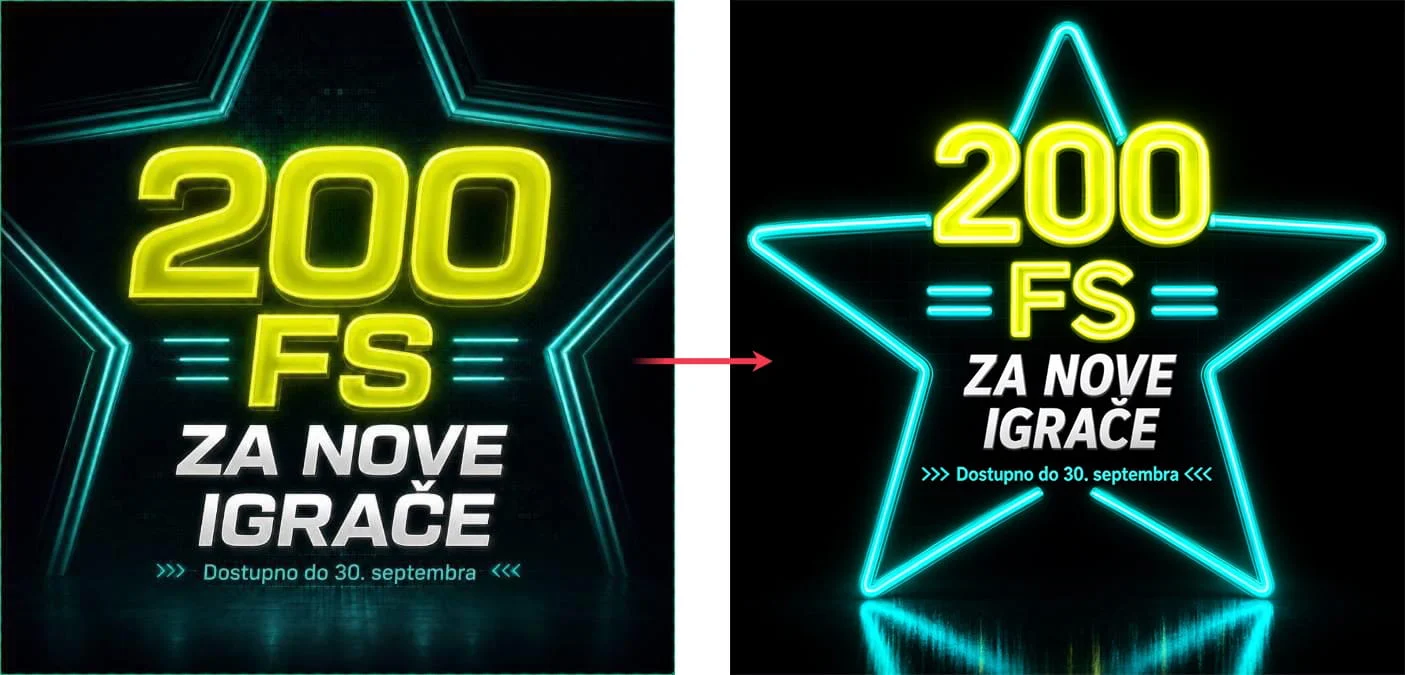
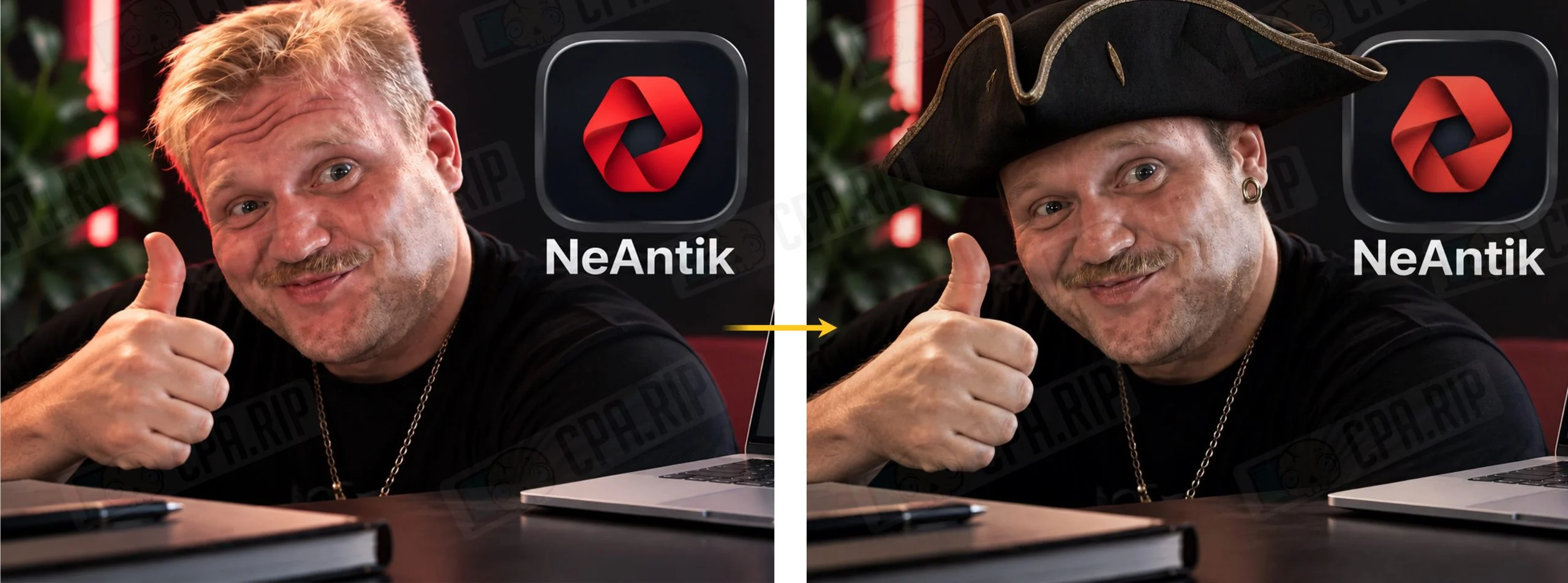
Testing editing of a finished reference on Q8:
When generating images with a large amount of text, errors and artifacts may occur:

Available Qwen-Image-2.1 Modes
Qwen-Image-2.1 combines generation and editing in one model. The following modes are available:
- Text-to-image generation – creating an image from scratch.
- Image editing – modifying an uploaded image with a text command, such as changing the background, clothing color, or an object.
- Working with multiple references – combining objects, characters, and details from different references. The model supports up to 10 images.
- Generation and editing with transparency – creating objects on a transparent background and modifying existing RGBA images.
- Object extraction – isolating a person or object from a photo while removing the surrounding background.
- Local edits – modifying a selected area marked with a circle, a drawn annotation, or a separate mask.
Installation With Codex/Claude Code
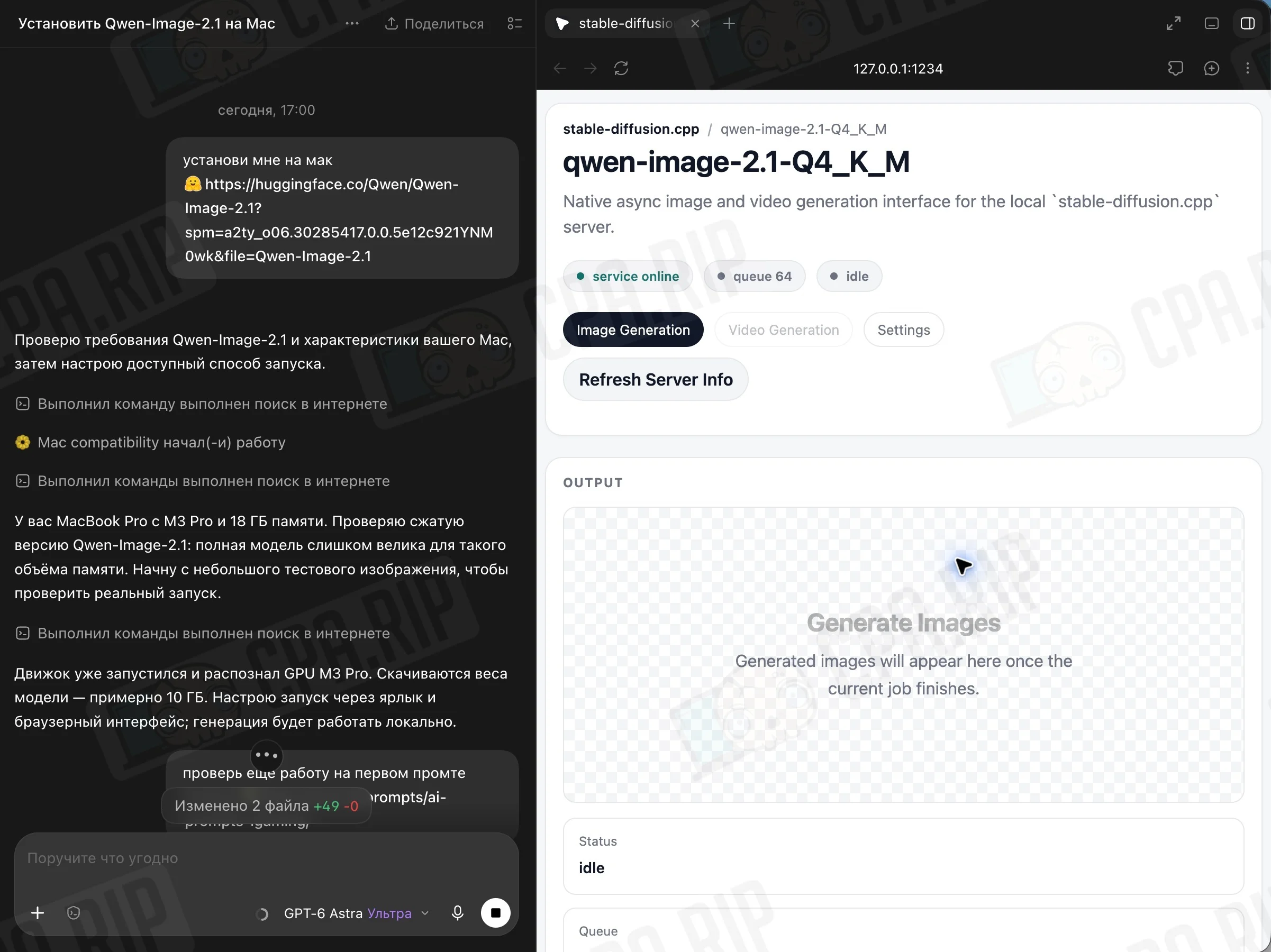
The easiest way to install Qwen-Image-2.1 locally is to give an LLM a command, and it will install, configure, and test everything. Example command:
Install for me on Mac https://huggingface.co/Qwen/Qwen-Image-2.1?spm=a2ty_o06.30285417.0.0.5e12c921YNM0wk&file=Qwen-Image-2.1
Codex selected the compressed Q4_K_M version on its own, which will run on your hardware. If necessary, you can specify the exact model:








Comments