

![[FBM] CARDS](https://cpa.rip/wp-content/uploads/cr-a1/fbm-cards-v1/fbm-cards-logo.svg)




Review of the functionality and features of the mobile app Meta Ads Manager for managing ads on Facebook. Let’s consider who it is suitable for and for what tasks.
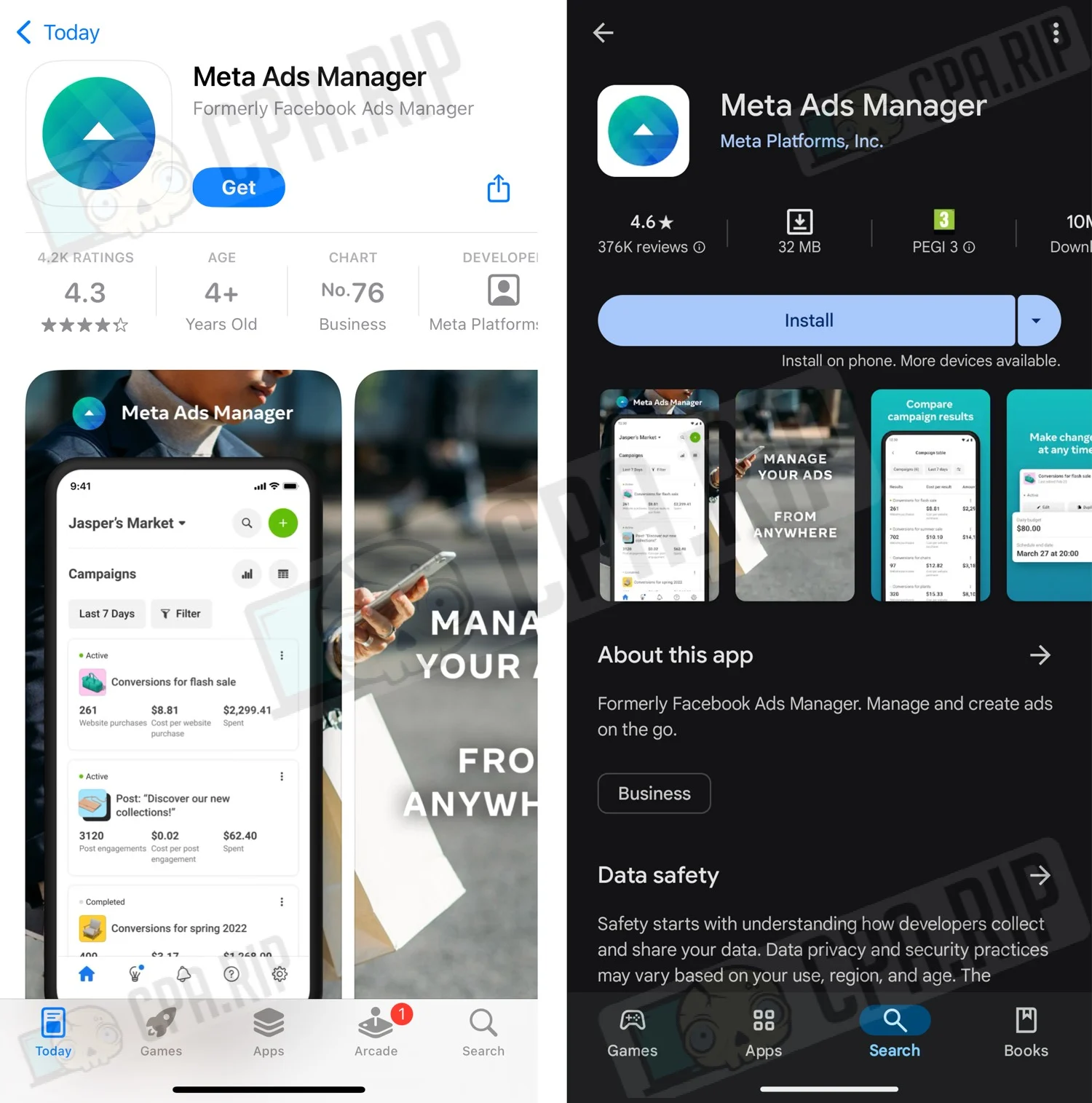
Meta Ads Manager is a mobile application where you can create, edit, and analyze Facebook ads.
Application features
- View detailed statistics on campaigns.
- Enabling and disabling campaigns, adsets and ads.
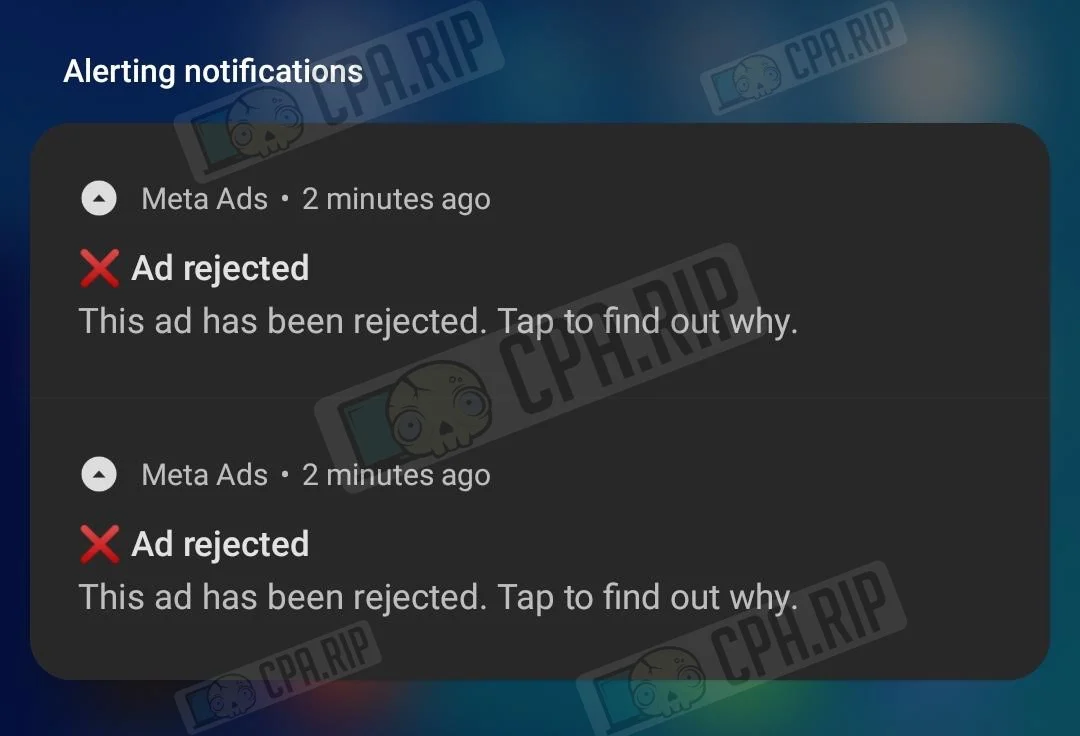
- Receiving notifications about what’s happening with ads and adsets.
- Creating advertising campaigns.
App use peculiarities
The application is designed for those who work with Facebook using “white” schemes: targetologists, advertising agencies, and other specialists. It is not intended for multi-accounting but it will be useful for those who use King-based launch schemes. Since in this scheme, all advertising accounts can be stored on one account and it is enough to add it to the application to manage all accounts.
You can read more about schemes launching in the article: https://cpa.rip/en/facebook/facebook-ads-methods/
To work via the app, set up a Proxy on your phone. It is preferable to use the same ones that are used in the antidetect browser for this account. This will reduce the likelihood of Facebook selfie verification. Do not use a VPN – this may lead to account blocking.
Installing Meta Ads Manager
The application is available for the following mobile platforms:
- iOS – https://apps.apple.com/ru/app/meta-ads-manager/id964397083
- Android – https://play.google.com/store/apps/details?id=com.facebook.adsmanager
The functionality of the iOS and Android versions is identical, the further review is based on the example of the Android app.
Interface and available tools
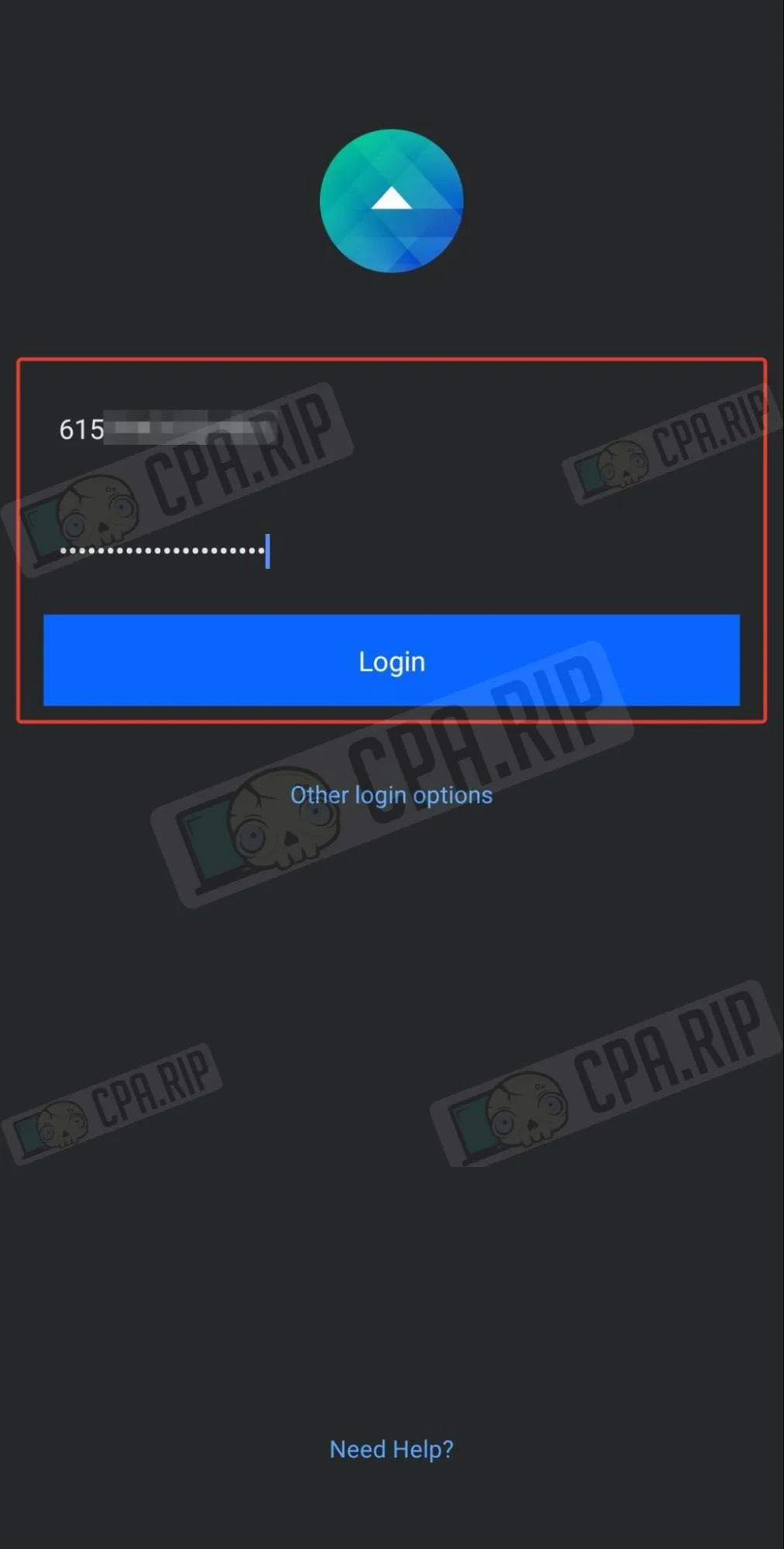
After installing the application, you need to authorize using your Facebook account login and password.
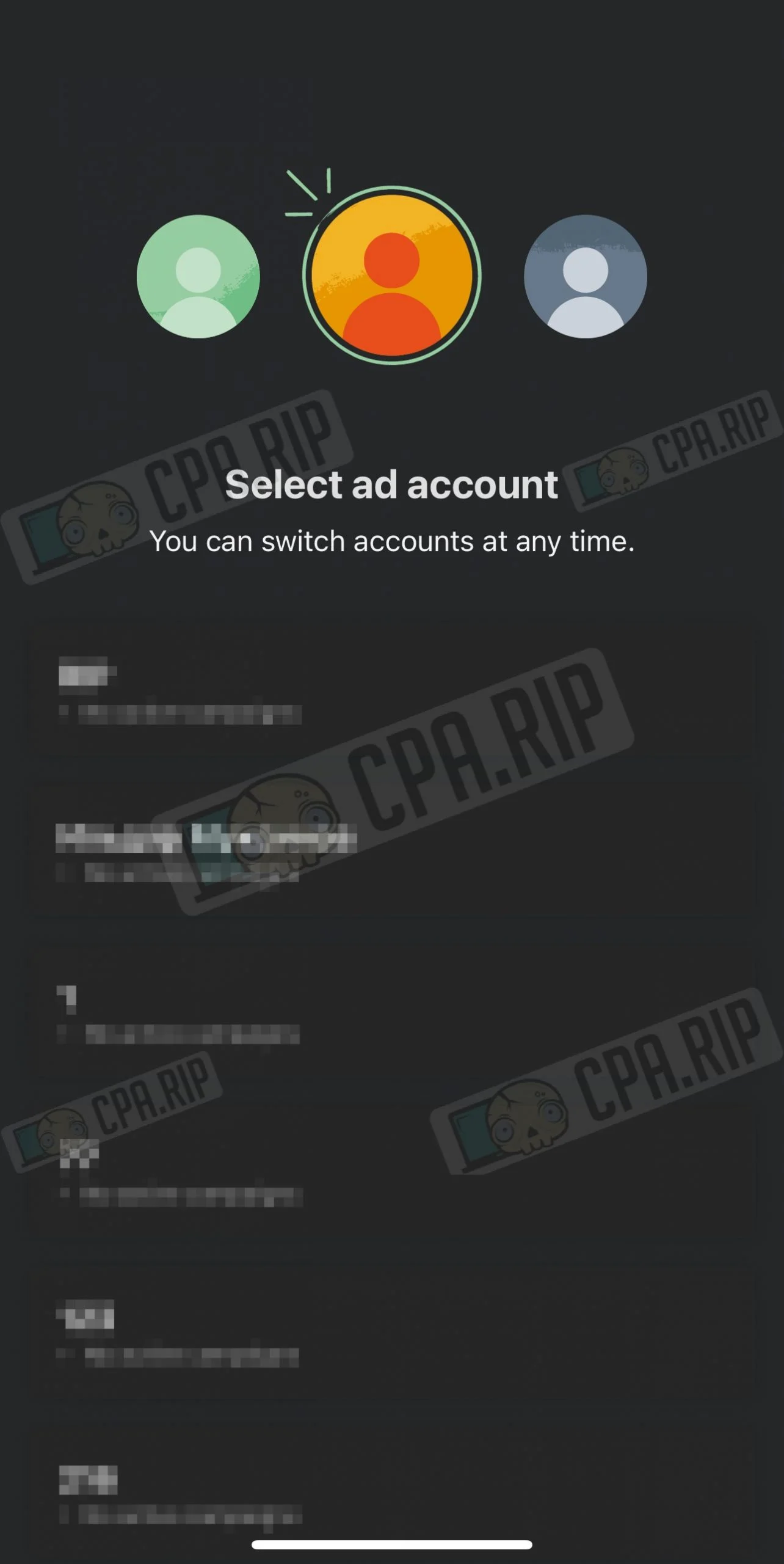
Next, you need to select the advertising account:
And the main workspace will open:
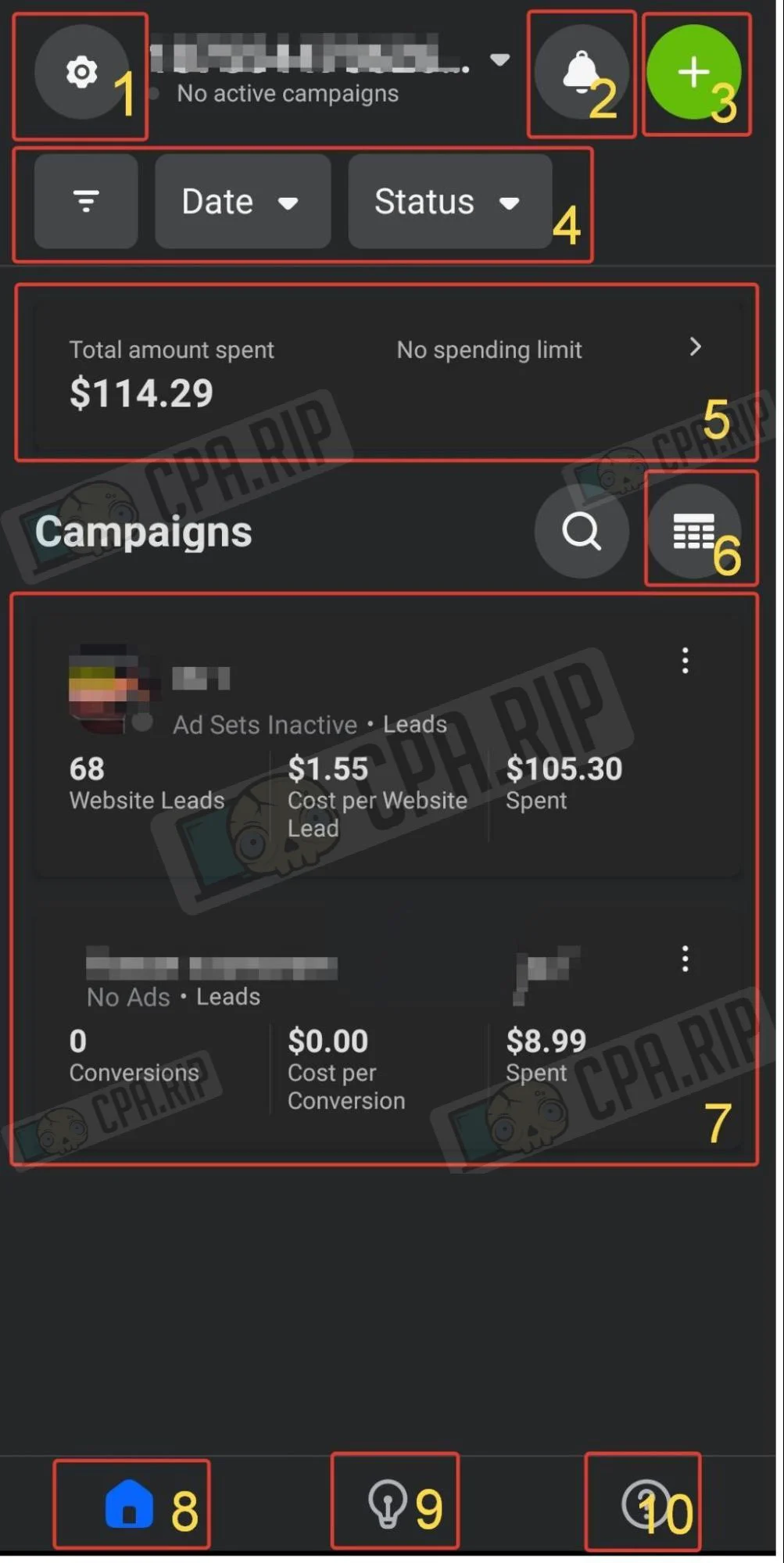
Let’s consider the basic elements:
- Selecting an ad account.
- Notifications of the ad account.
- Creating an advertisement.
- Data display filters
- Spent budget of the ad account.
- Table of advertising campaigns.
- Advertising campaigns.
- Home page.
- Recommendations
- Help
Selecting advertising account
- To select an ad account, click on the gear icon in the upper left corner:
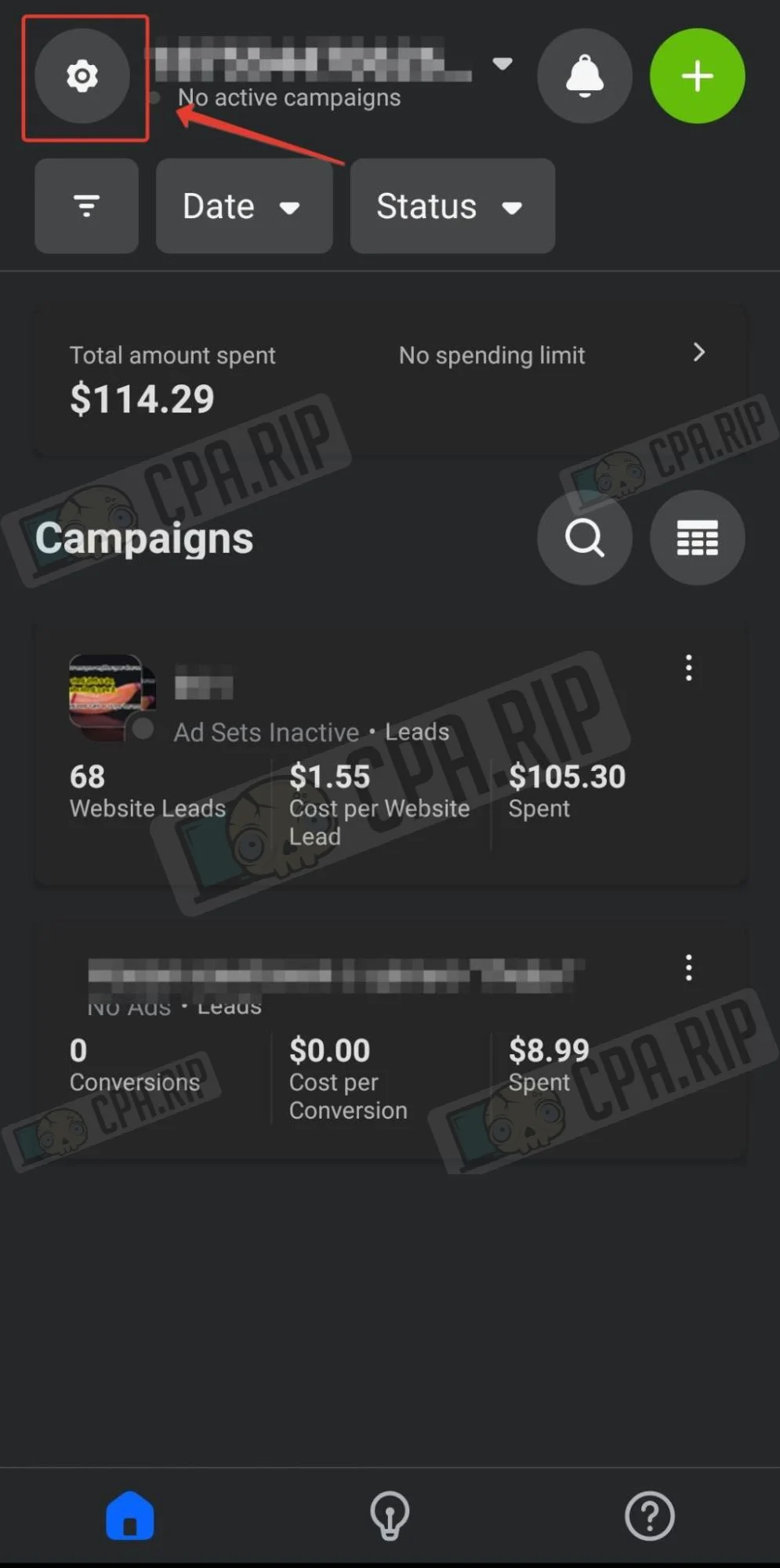
- Select the desired account and click on the cross to close the selection menu (serves as confirmation of the selected account).
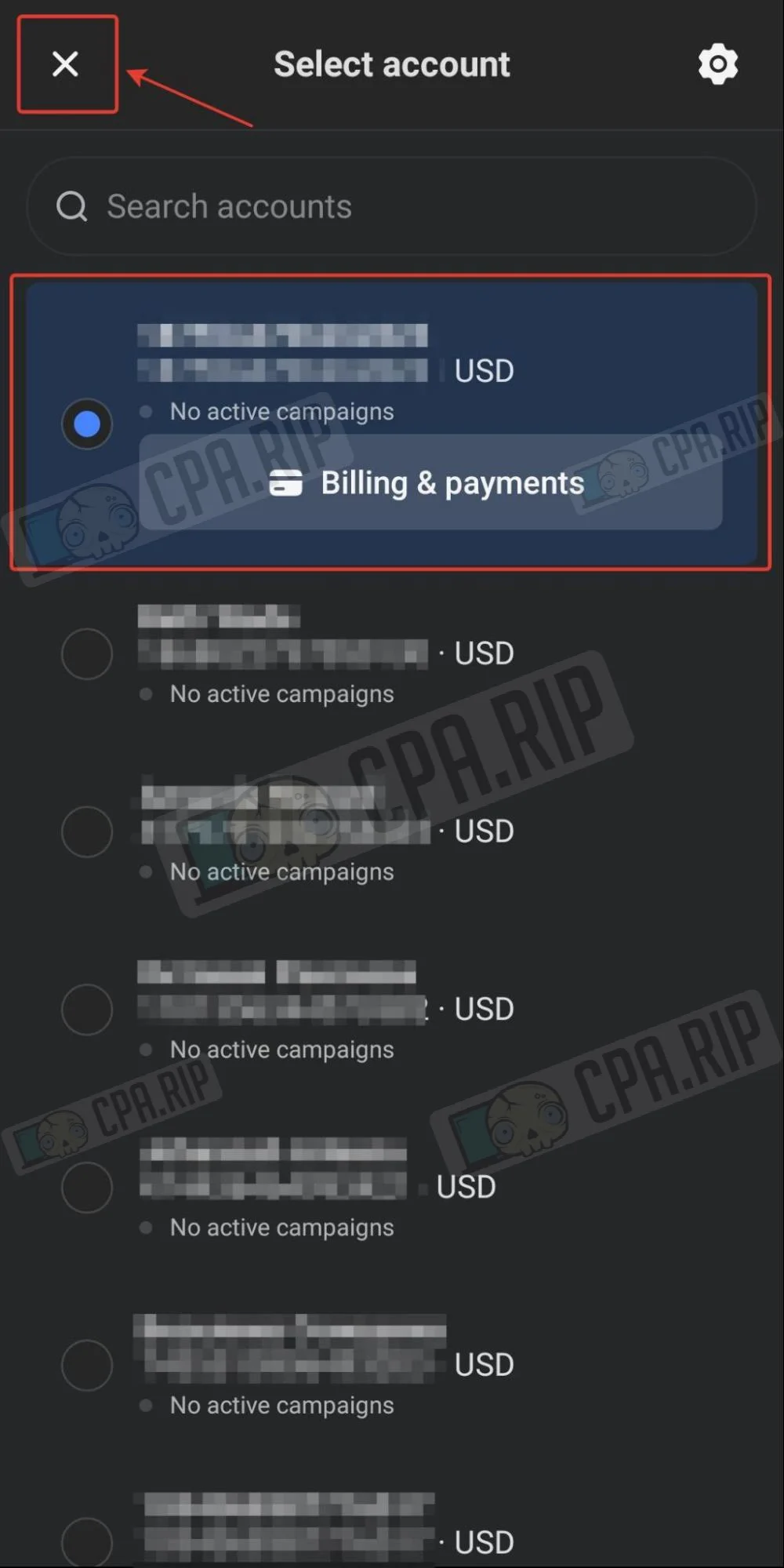
In the account selection section, you can see information about active campaigns in the ad account, as well as its status, if it is deactivated.
Here you can also click on the “Billing payments” button of the selected account to go to the Billing section, which is as functional as the web version.
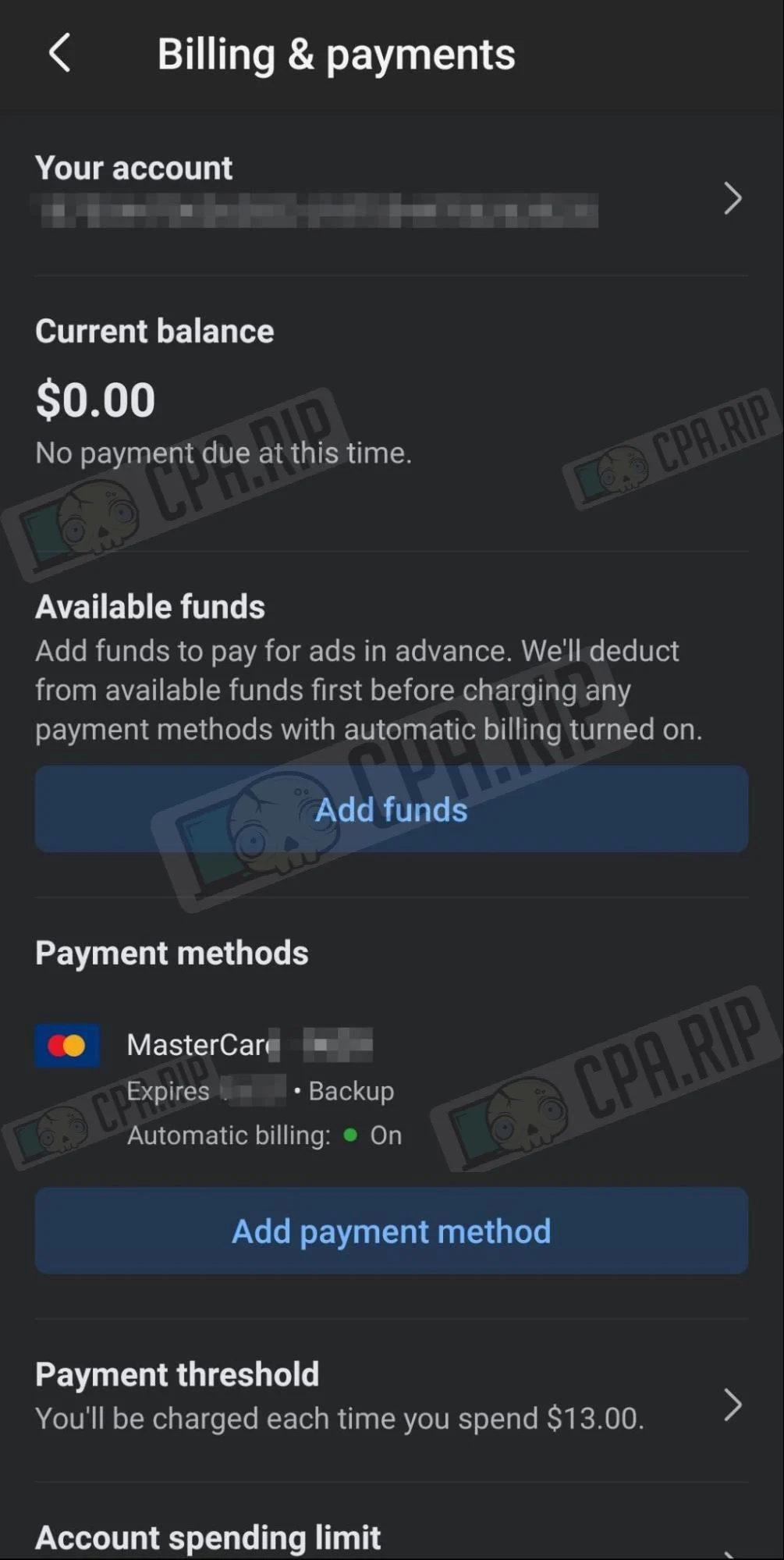
Tapping the gear icon in the upper right corner opens the app’s settings menu:
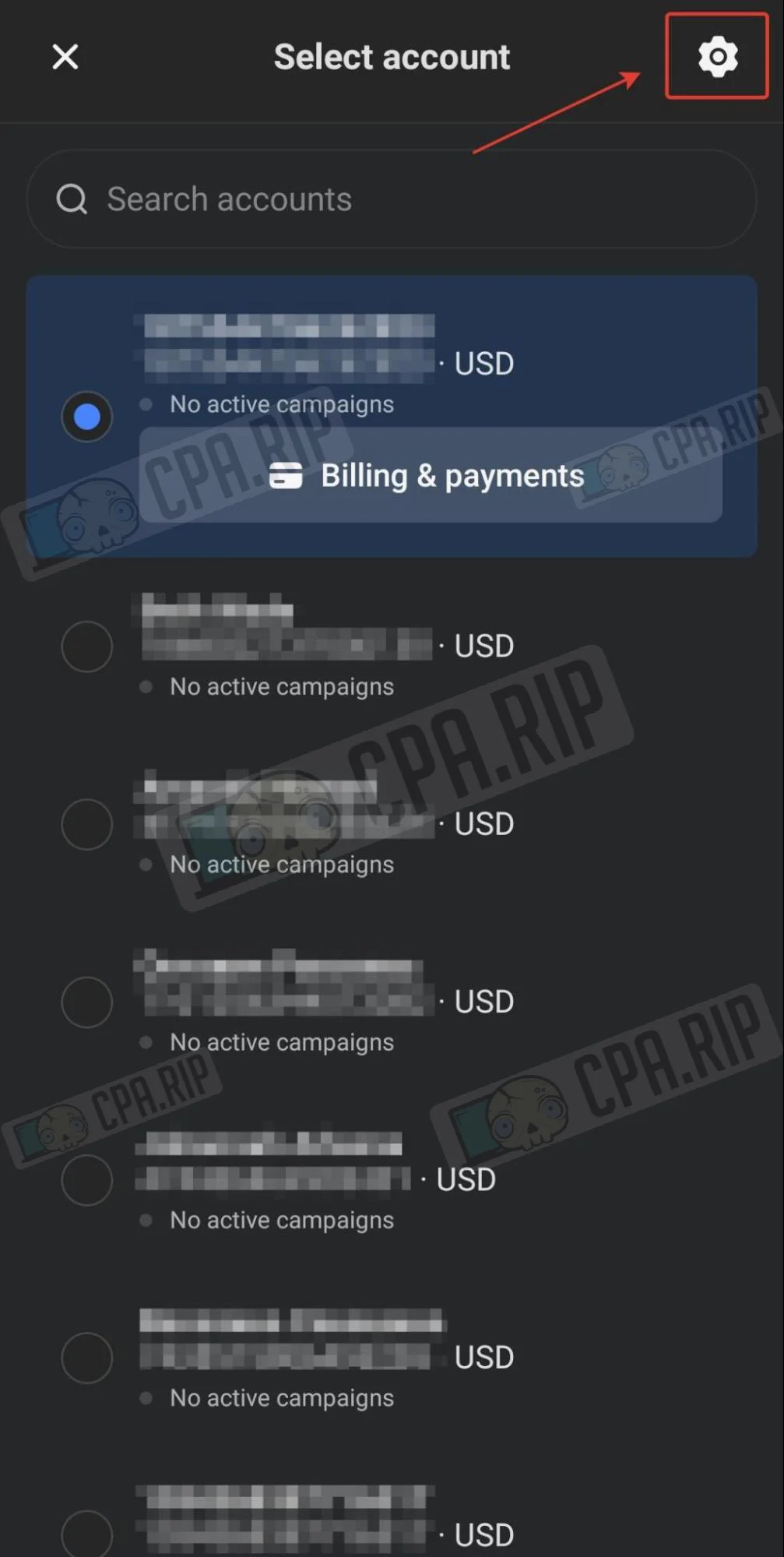
In this menu, you can also go to the “Billing payments” section, set up the necessary notifications that will be sent in the form of pop-up messages, and change other settings.
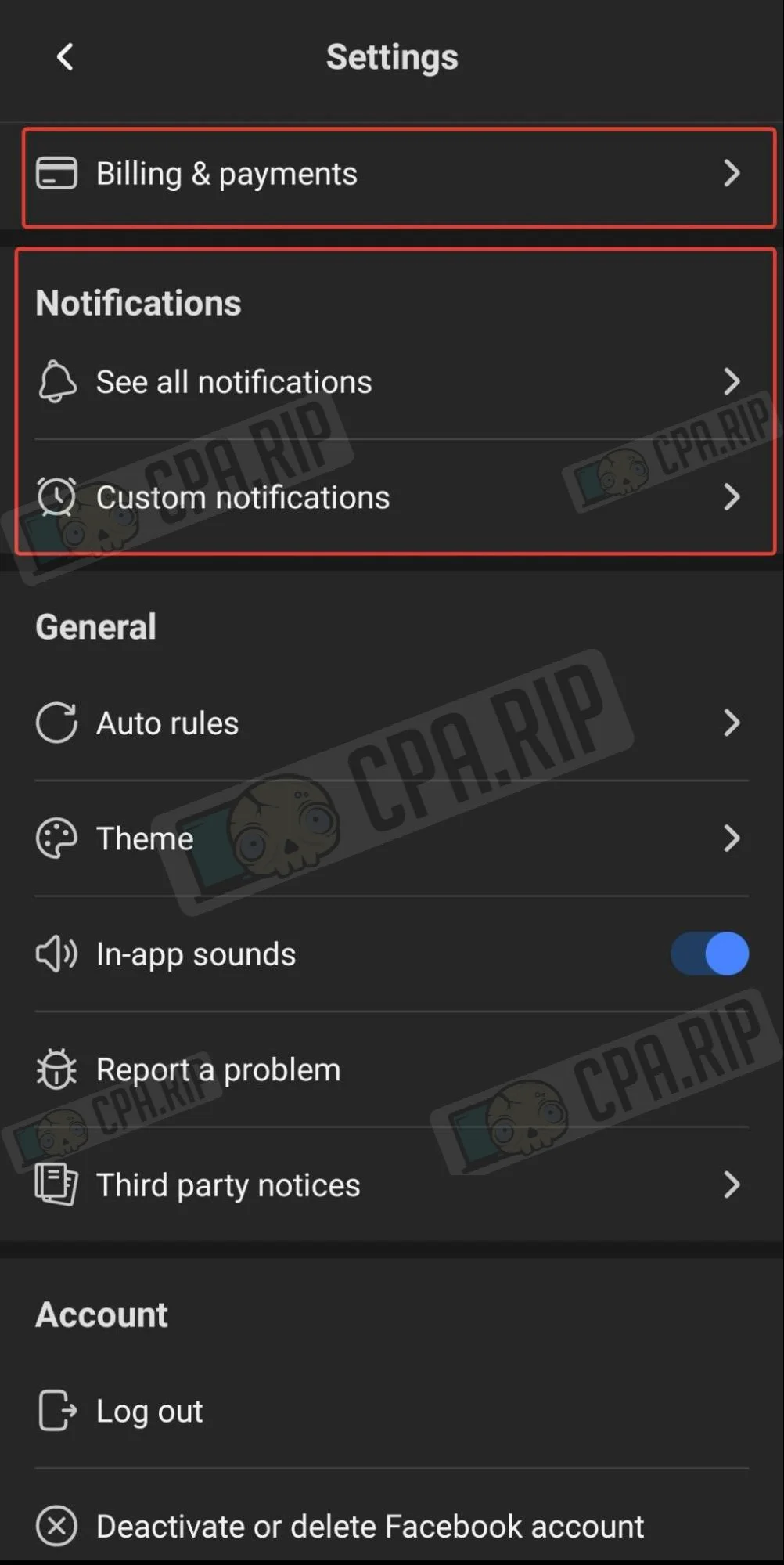
Example of notifications:
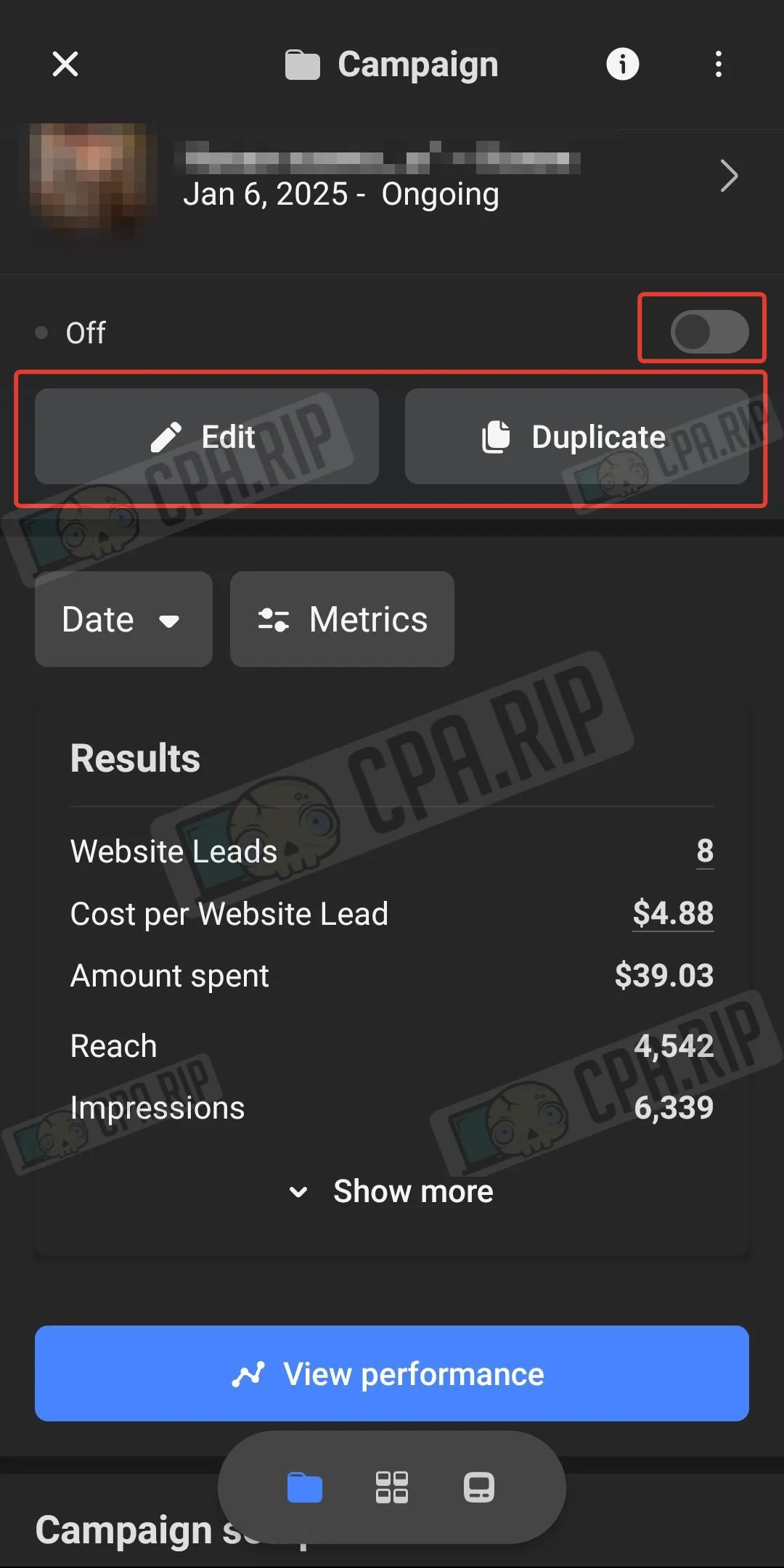
Managing advertising campaign
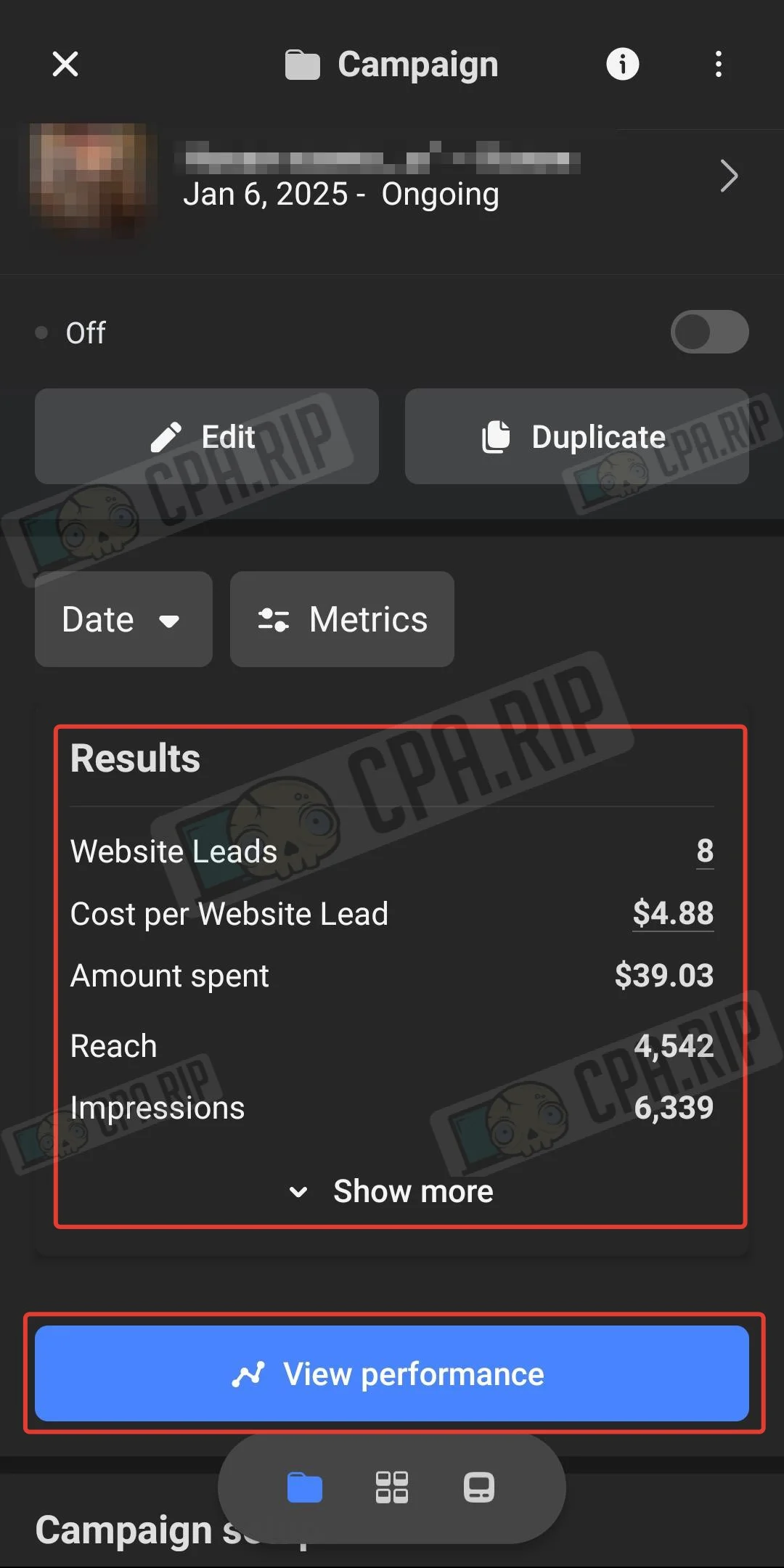
Click on the campaign to visit its page. Here you can enable/disable the campaign, edit, and duplicate it.
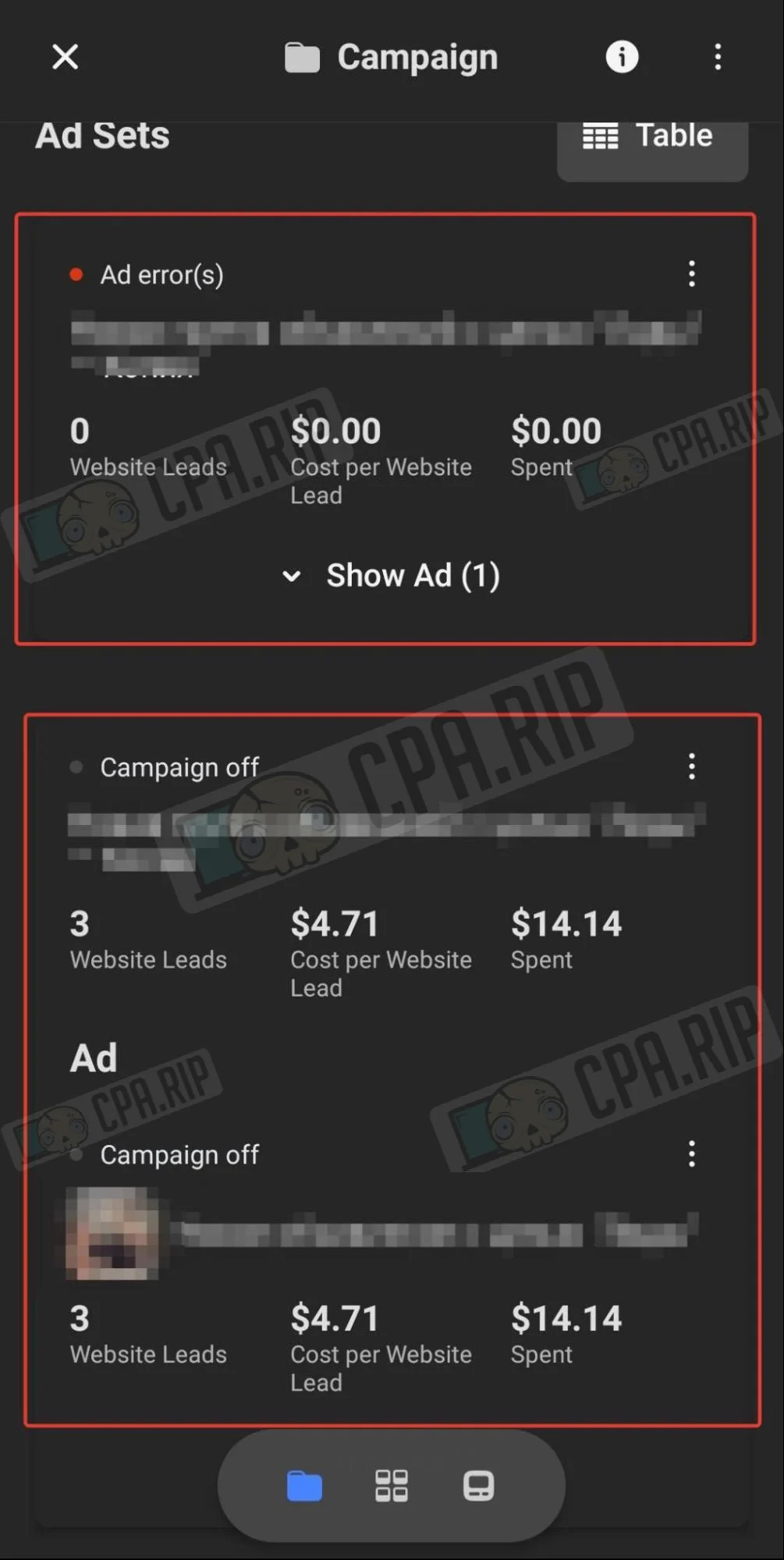
You can scroll down and select Ad Set or Ad, here it is possible to edit, enable/disable, or duplicate the desired item.
Statistics
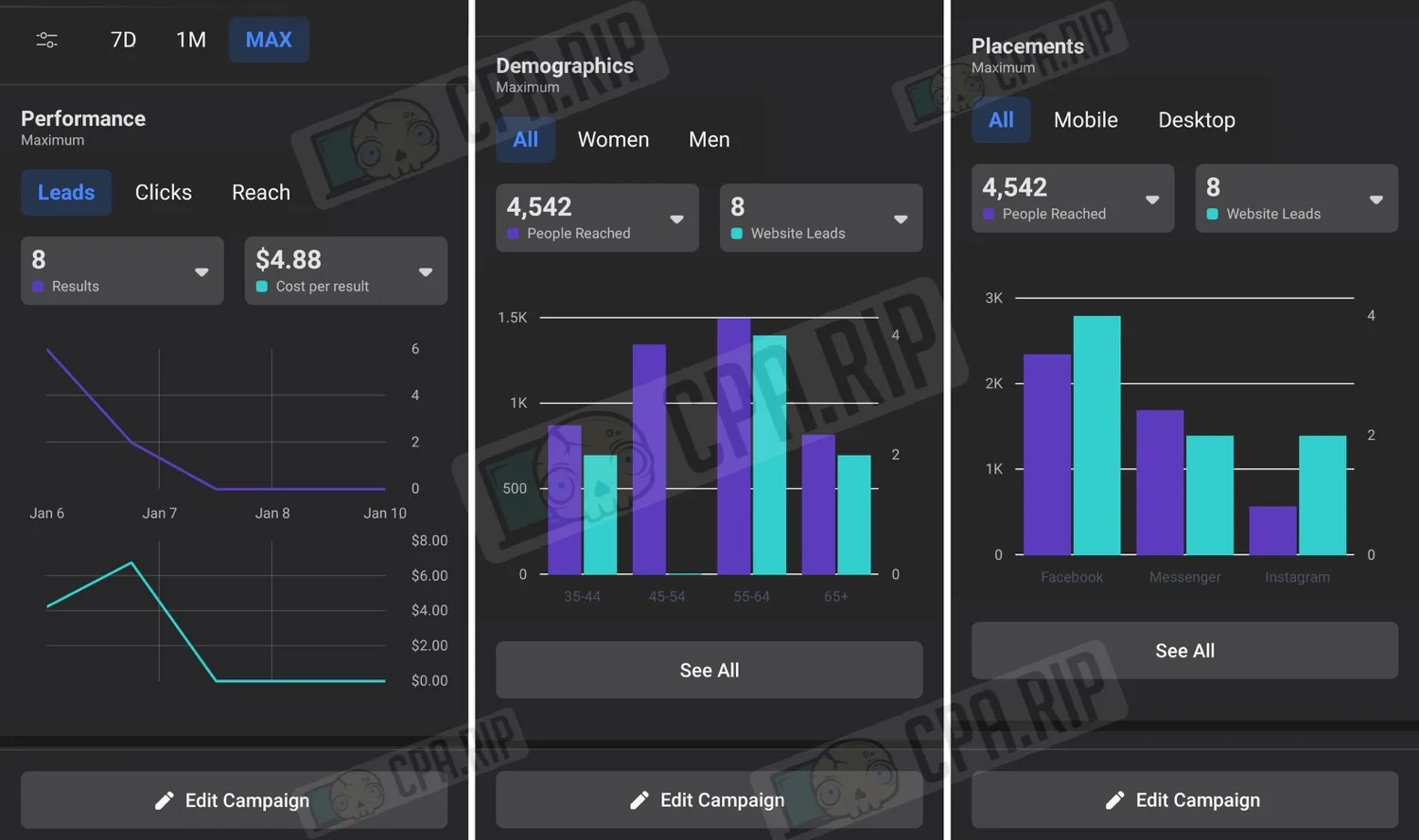
On the campaign page, the “Results” block displays a general summary. To view detailed statistics, you should click “View performance”.
The app displays quite convenient and informative statistics:
Creating ad campaign
In the Meta Ads Manager app, you can work not only with existing campaigns but also create new ones.
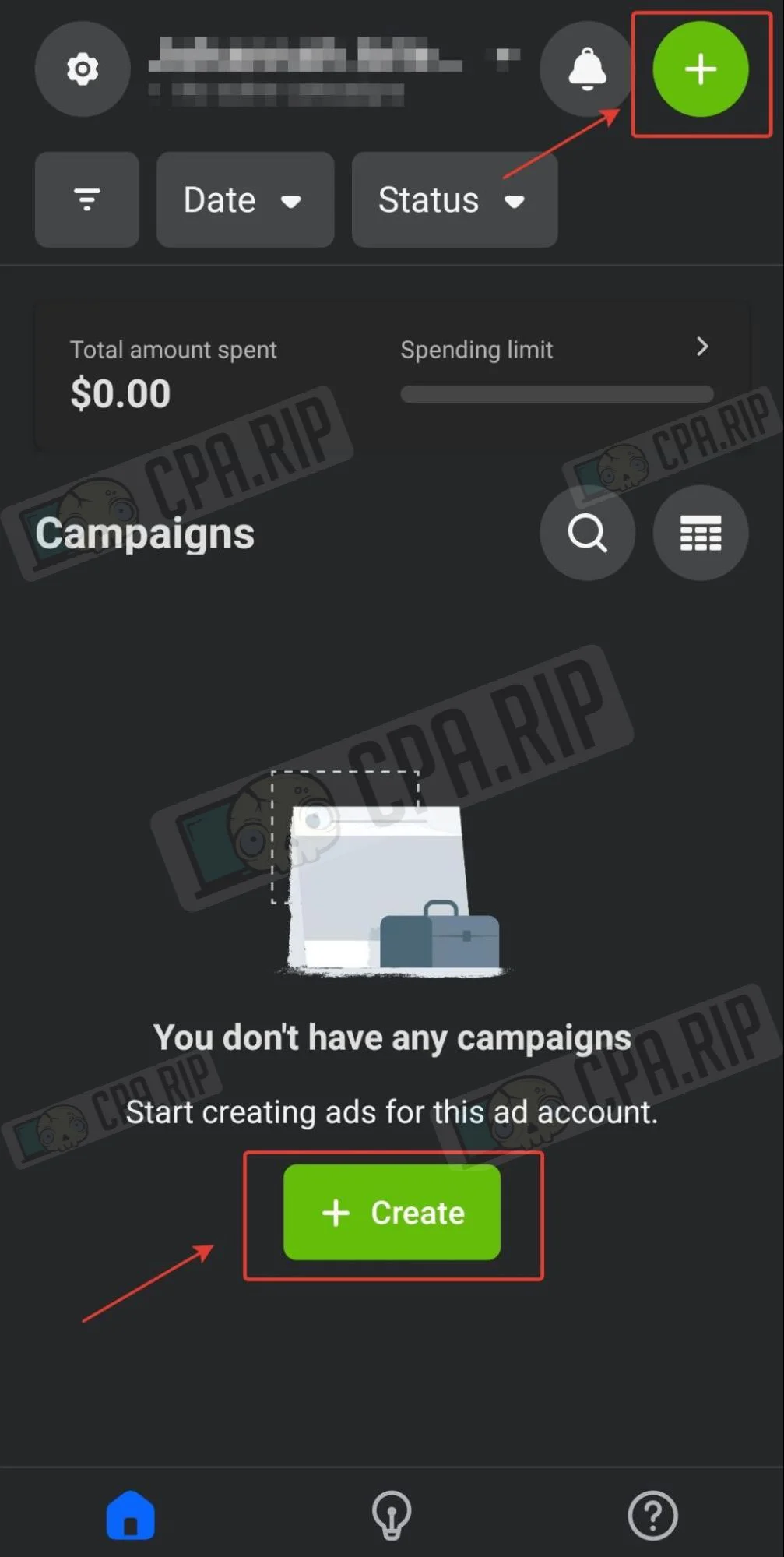
- To create an advertising campaign, click “Create” or the green plus sign in the upper right corner:
- Next, select the objective of the ad campaign:
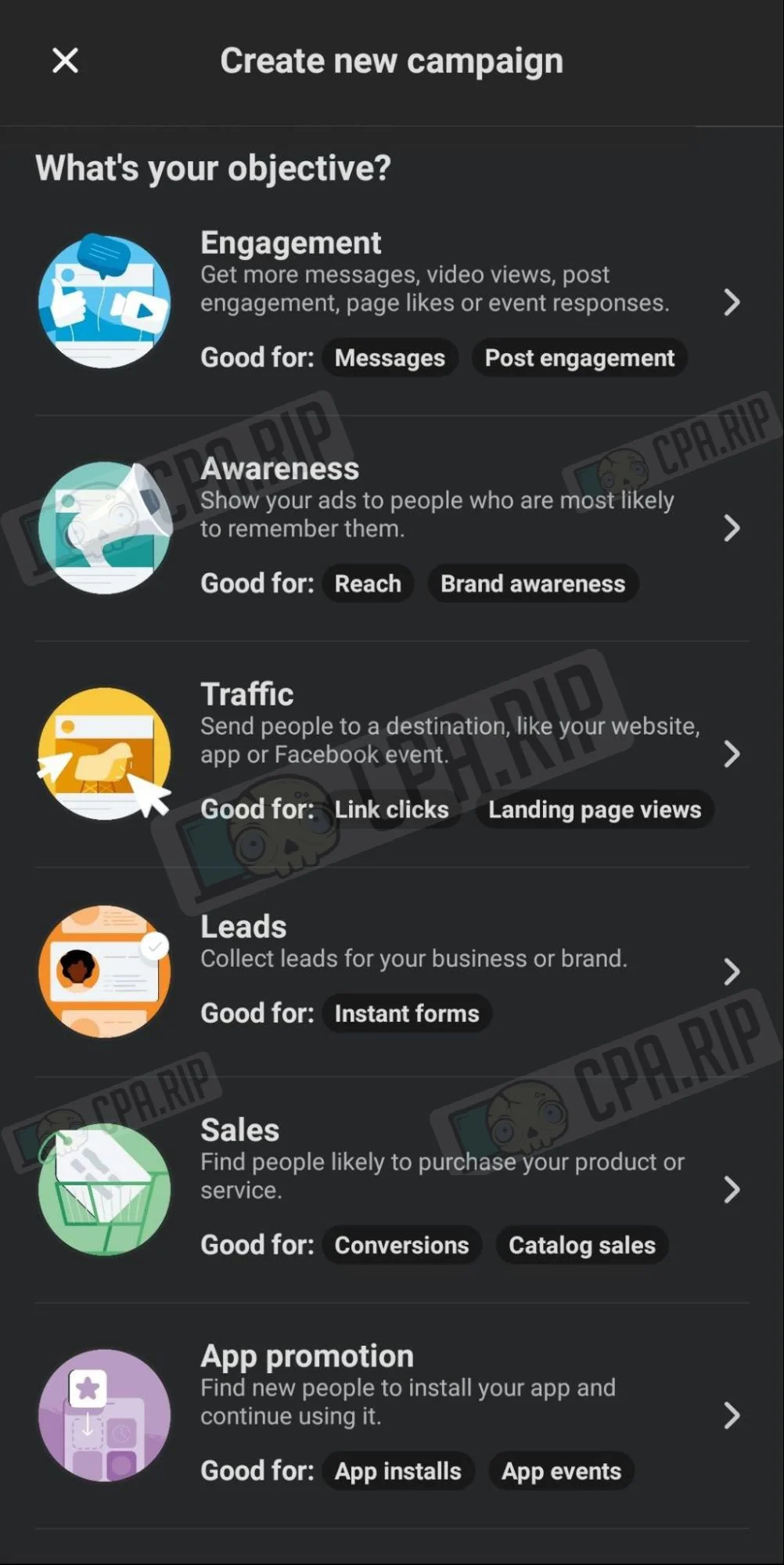
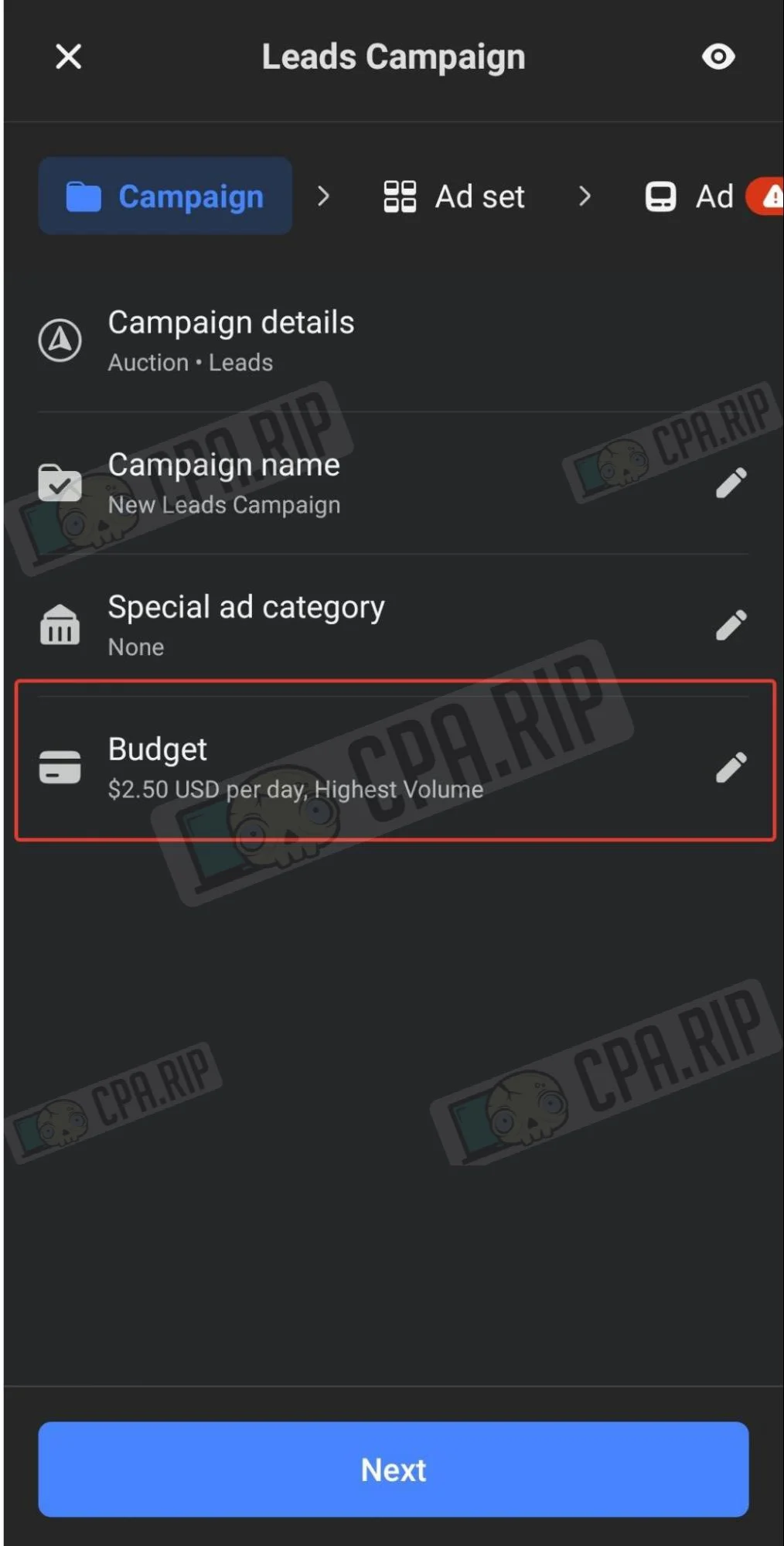
Important! In the app, it is only possible to set the budget at the campaign level. Other parameters are set up in the same way as in the web version.








Comments