






A review of the free, open-source AliasMode antidetect browser. We tested fingerprint quality, profile functionality, and the capabilities of its AI agent.
AliasMode supports two proprietary engines: Firefox and Chromium. Each profile has separate cookies, storage, a proxy, and a digital fingerprint, with parameters synchronized at the browser engine level. AliasMode source code is open, but different project components use different licenses. The desktop application, Local API, and MCP server are distributed under Apache-2.0, the AliasMode Firefox engine under MPL-2.0, and AliasMode Chromium under GPL-3.0.
CPA.RIP

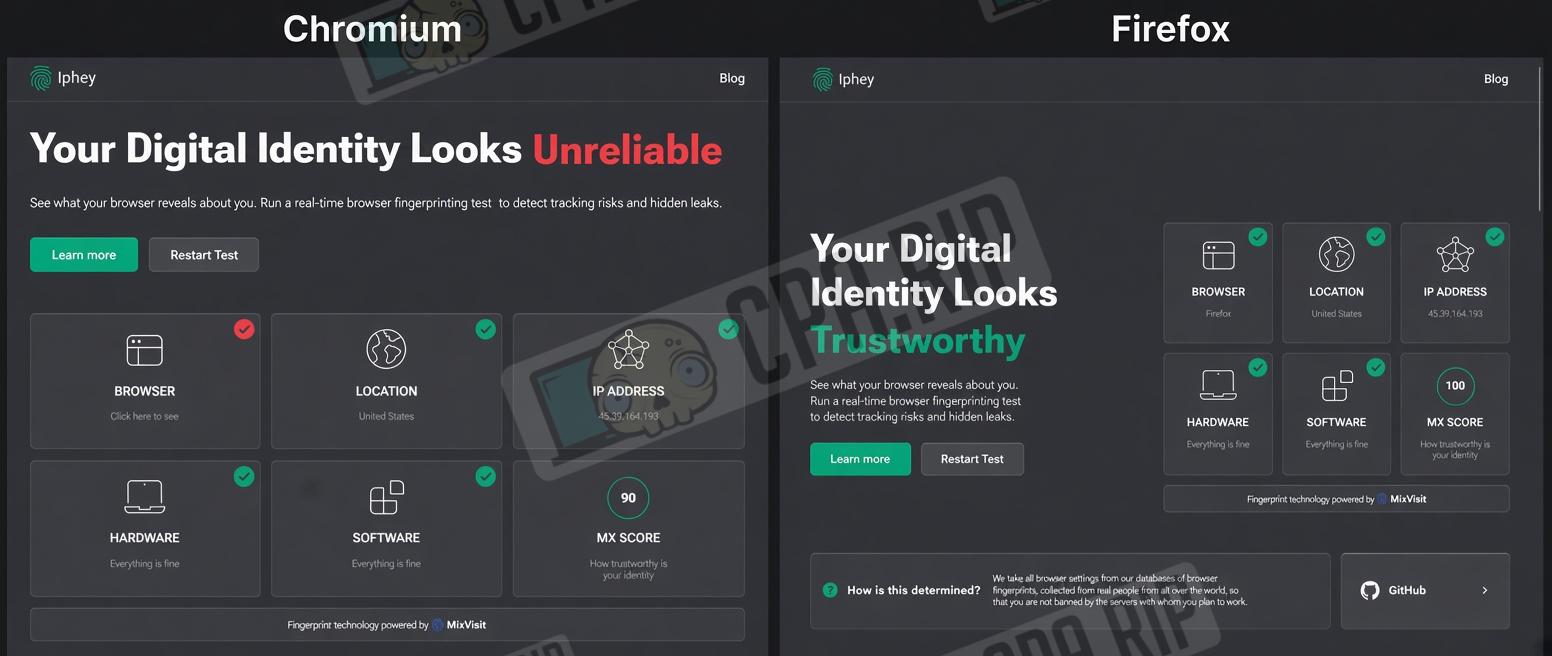
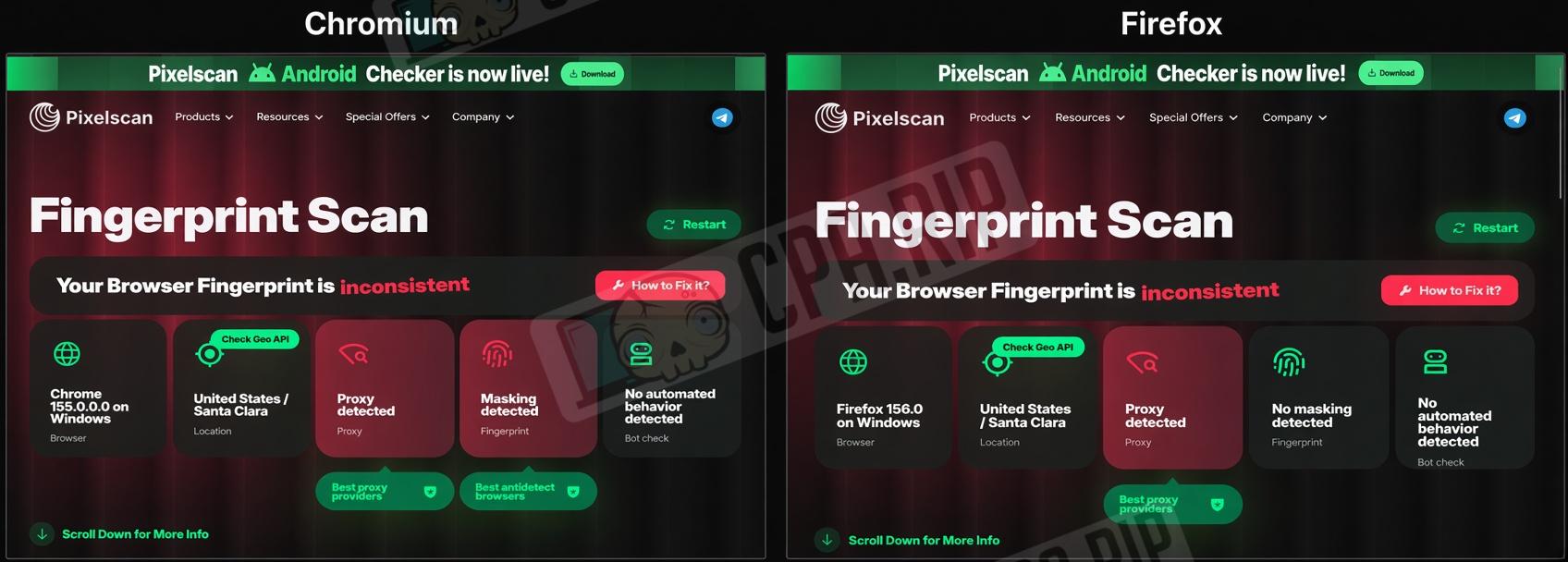
“You can already use AliasMode to work with multiple accounts, but fingerprint quality depends on the browser engine. On Iphey, the Firefox profile received a Trustworthy rating, while Chromium was rated Unreliable. Pixelscan detected proxy-related inconsistencies in both profiles. Overall, Firefox delivered cleaner results across all tested services. Notable features include the built-in AI agent and MCP support, which lets you control the browser through external AI clients.”
CPA.RIP editorial opinion:
- Download: https://aliasmode.com
- Windows x64;
- macOS (Apple Silicon);
- Linux.
Our selection of antidetect browsers: https://cpa.rip/services/antidetect-browser/
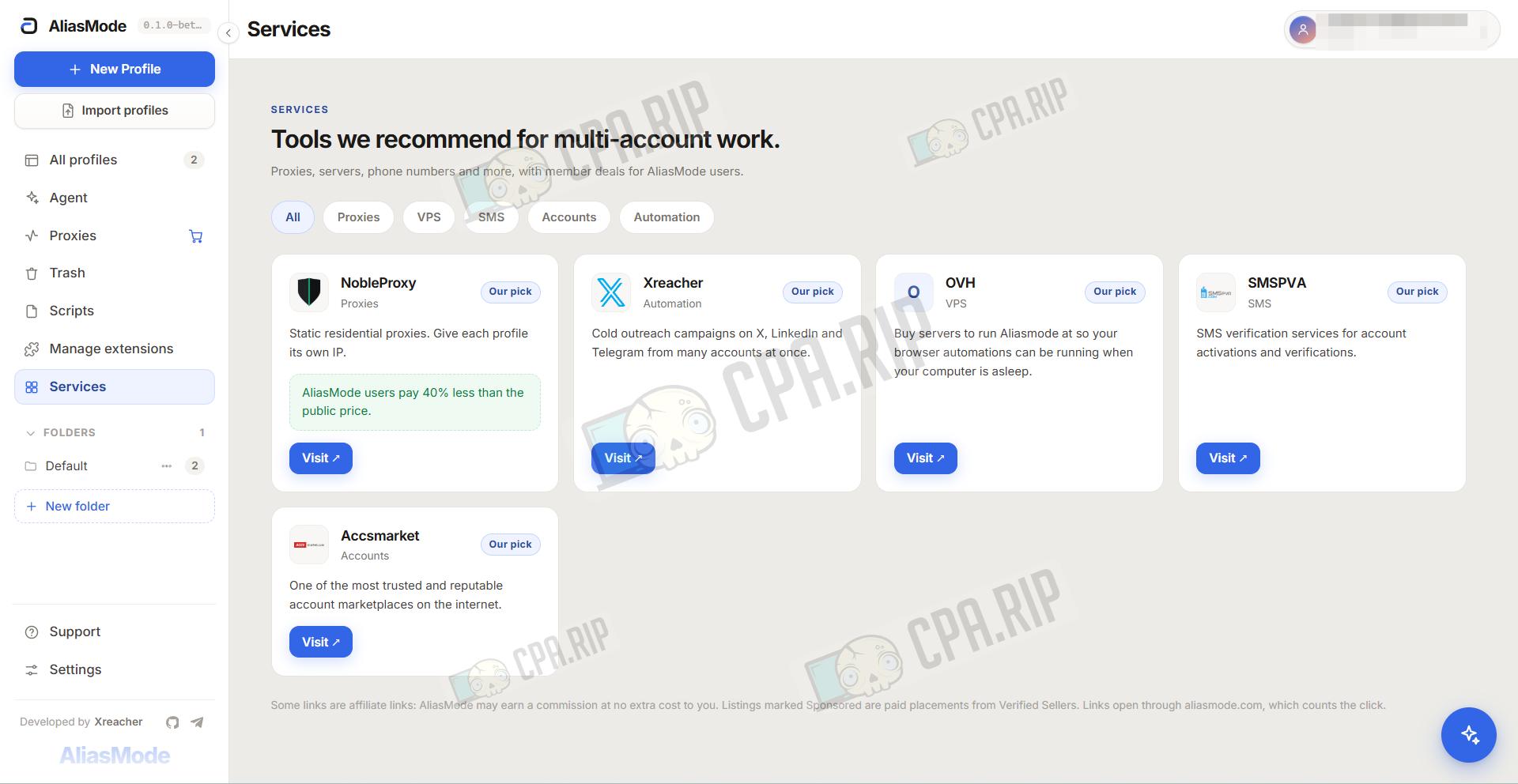
Interface
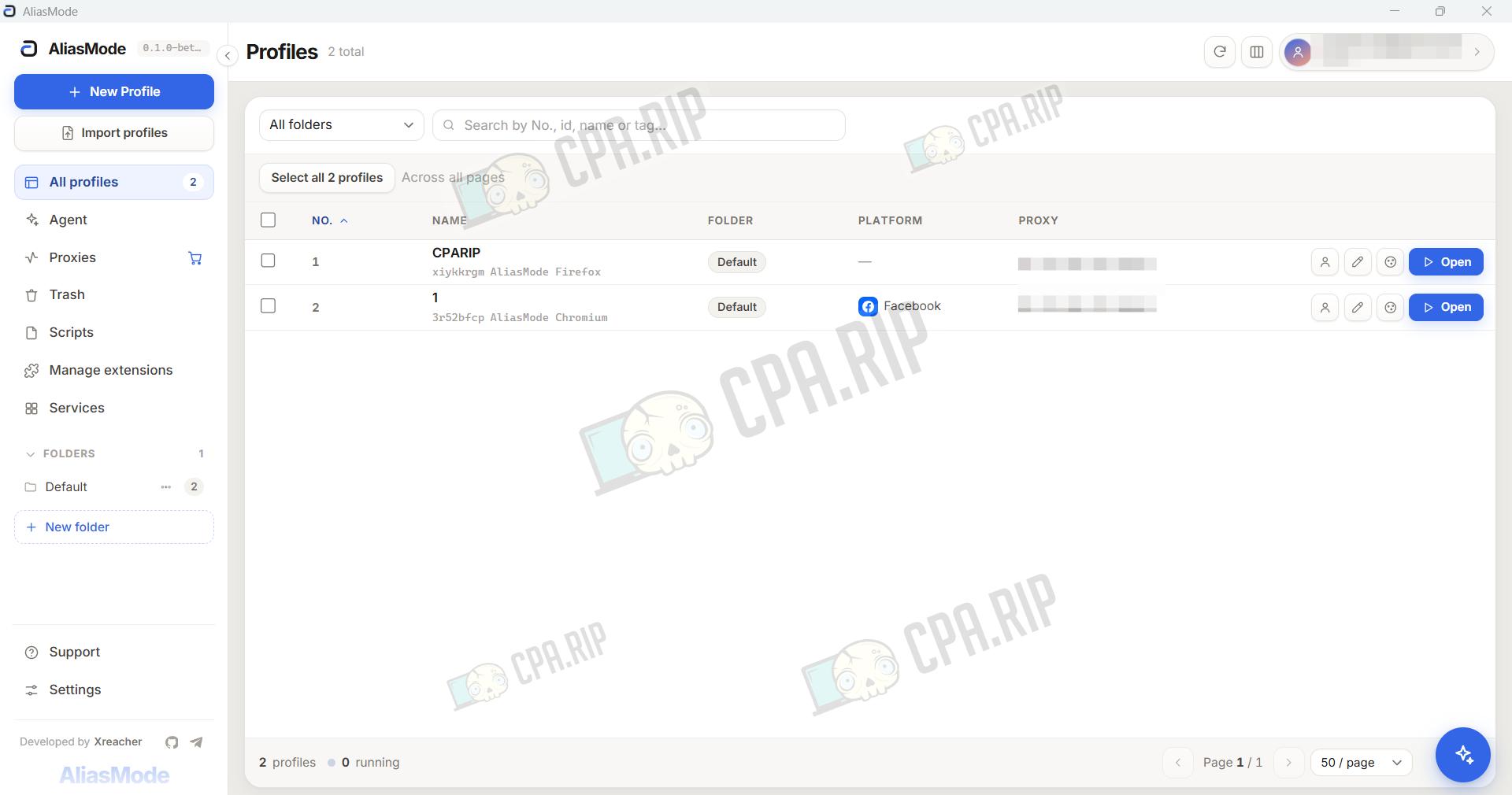
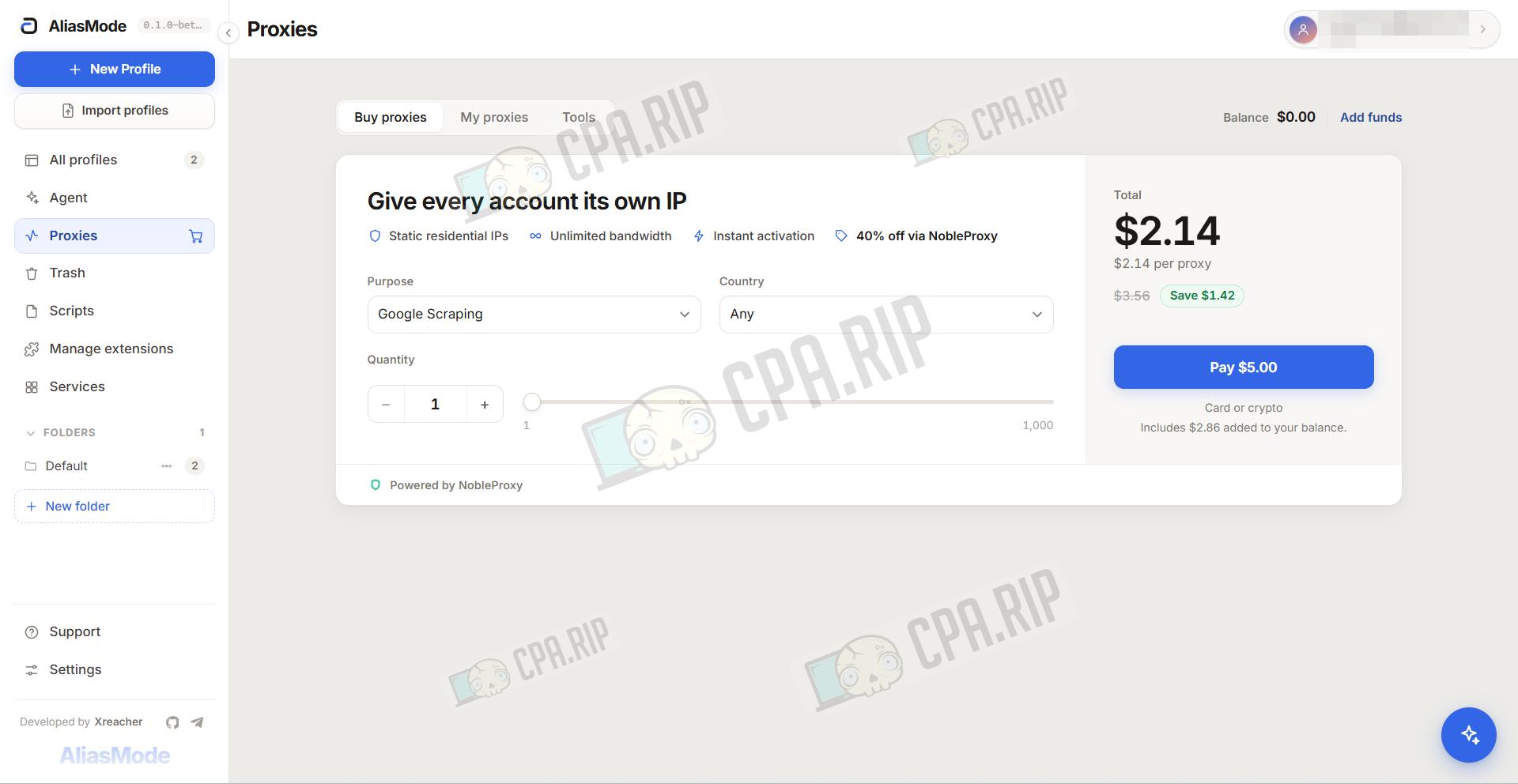
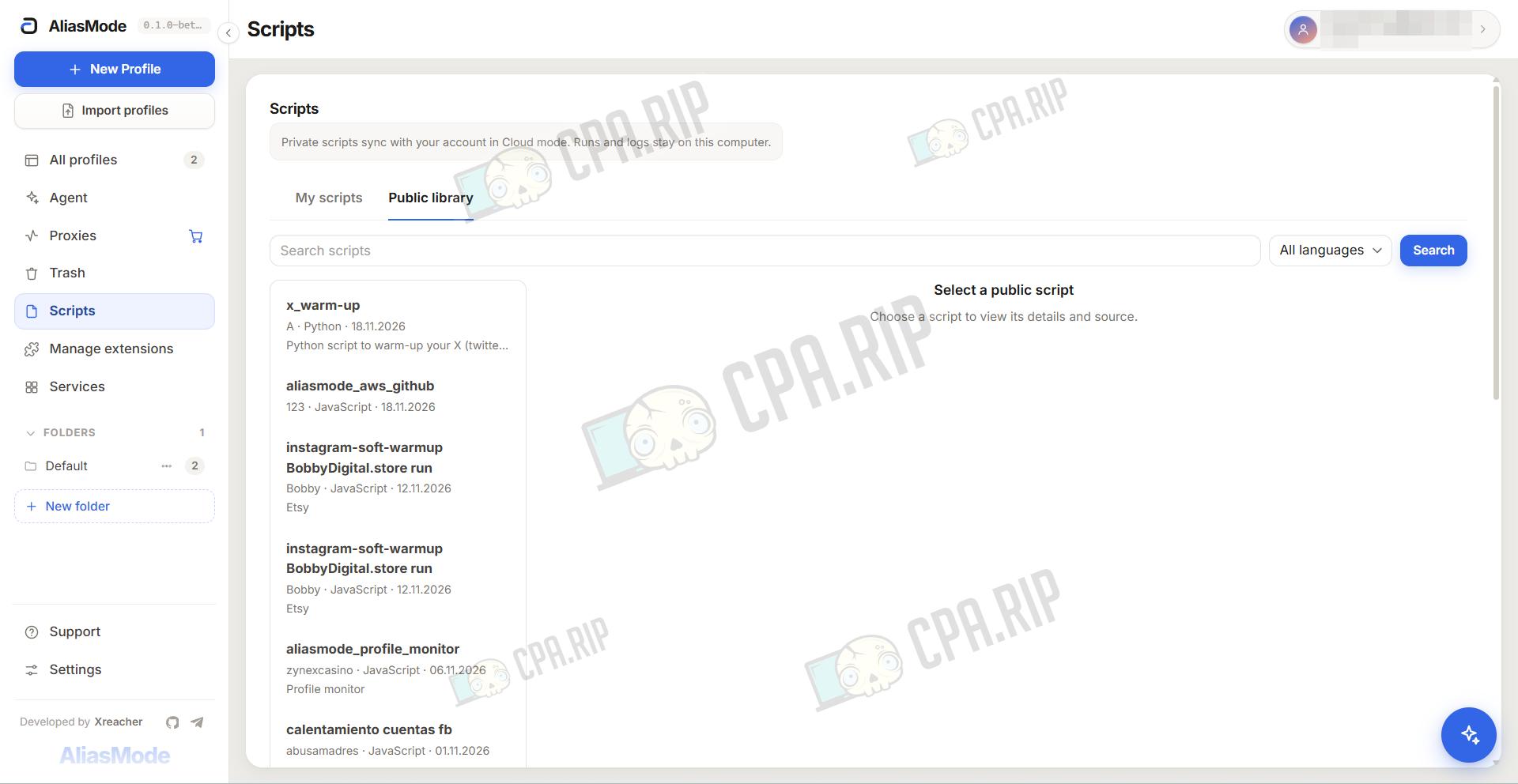
Antidetect Browser Test
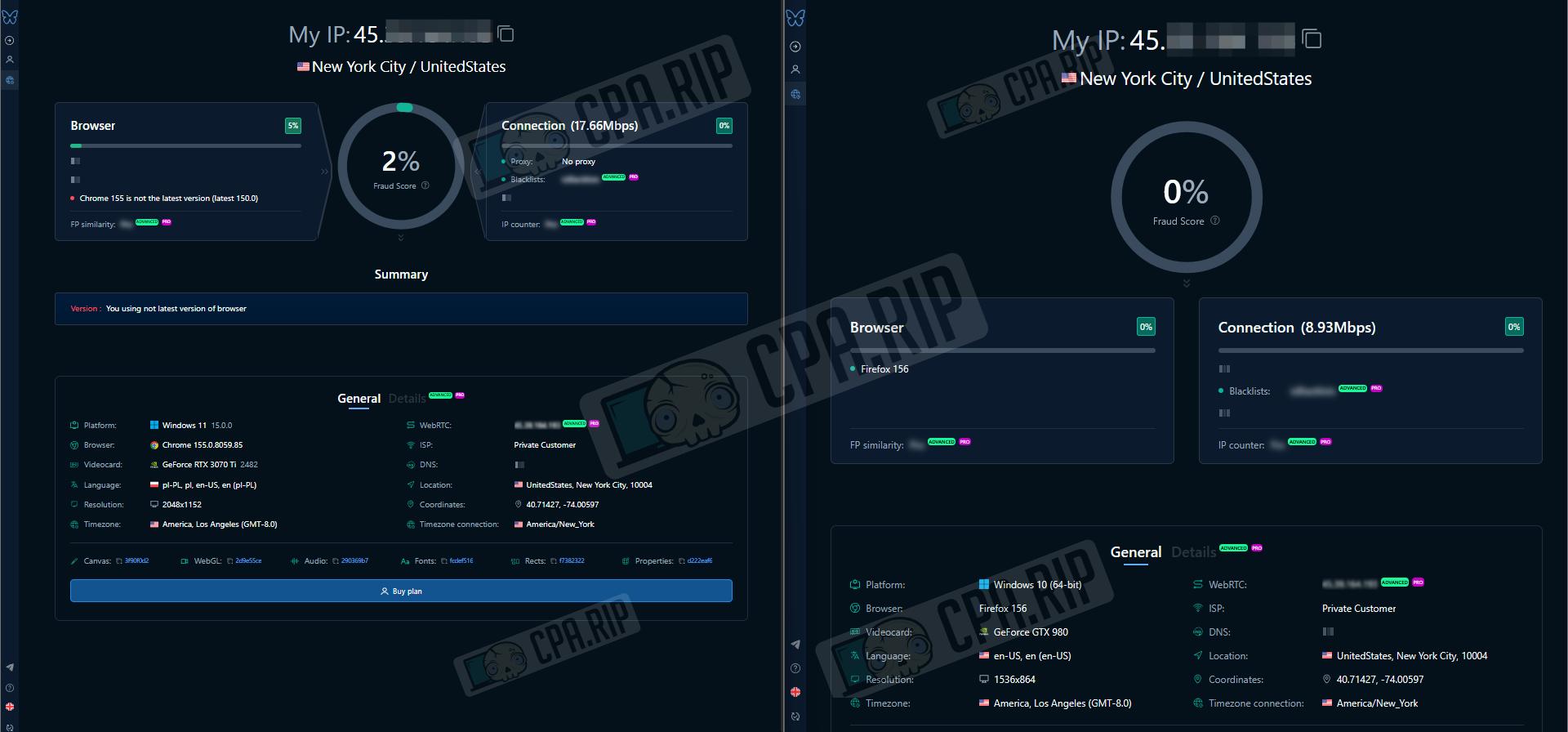
Summary tables of anonymity and digital fingerprint parameters:
Chromium
| Parameter | Pixelscan.net | IpHey.com | fv.pro |
| My IP | – | 45.**.***.193 | 45.**.***.193 |
| Location | United States / Santa Clara | United States | New York City / United States |
| ISP | – | – | Private Customer |
| DNS | – | – | – |
| Hostname | – | – | – |
| OS | Windows | – | Windows 11 15.0.0 |
| Browser | Chrome 155.0.0.0 on Windows | Chrome (Unreliable) | Chrome 155.0.8059.85 |
| Proxy | Proxy detected | – | No proxy |
| Anonymizer | – | – | – |
| Blacklist | – | – | Clean (green) |
| Masking | Masking detected | – | – |
| Bot | No automated behavior | – | – |
| Fraud Score | – | – | 2% |
| Status | Inconsistent | Unreliable (MX 90) | Browser version is not the latest |
Firefox
| Parameter | Pixelscan.net | IpHey.com | fv.pro |
| My IP | – | 45.39.164.193 | 45.39.164.193 |
| Location | United States / Santa Clara | United States | New York City / United States |
| ISP | – | – | Private Customer |
| DNS | – | – | – |
| Hostname | – | – | – |
| OS | Windows | – | Windows 10 (64-bit) |
| Browser | Firefox 156.0 on Windows | Firefox | Firefox 156 |
| Proxy | Proxy detected | – | – |
| Anonymizer | – | – | – |
| Blacklist | – | – | Clean (green) |
| Masking | No masking detected | Everything is fine | – |
| Bot | No automated behavior | – | – |
| Fraud Score | – | – | 0% |
| Status | Inconsistent | Trustworthy (MX 100) | Clean |
Fake vision: Both profiles have a low Fraud Score: Chromium, 2%, and Firefox, 0%. The 2% was likely assigned due to the Chrome version mismatch or browser signals related to it.
Iphey: Chromium is marked as Unreliable due to browser fingerprint issues (a red X next to Browser). MX Score is 90. Firefox is rated Trustworthy with the maximum score of 100.
Pixelscan: Both profiles are identified as inconsistent because of the proxy. Chromium additionally triggers “Masking detected,” while no masking is detected in Firefox.
Key Features
- AliasMode runs on modified Chromium and Firefox engines, with parameter spoofing performed directly at the browser level;
- A separate environment is created for each profile, with its own cookies, logins, proxy, settings, and digital fingerprint;
- In local mode, profiles are stored on your computer, so you can use the browser without registering or sending data to the cloud;
- If needed, you can sync profiles across devices and share them with other team members;
- The browser supports HTTP and SOCKS5 proxies, configured separately for each profile;
- Through the local HTTP API, you can programmatically create, launch, stop, and configure profiles;
- You can assign tasks to the built-in AI agent in plain text, after which it independently opens websites and performs actions in the selected profile;
- You can also connect external AI tools to the browser via MCP, including Claude, ChatGPT, and Codex.
- To automate actions on websites, you can run Playwright scripts within the selected profile;
- The source code of the main components is published on GitHub;
- Project components are distributed under different licenses: Apache-2.0 for the application, MPL-2.0 for Firefox, and GPL-3.0 for Chromium.
AI Agent and MCP
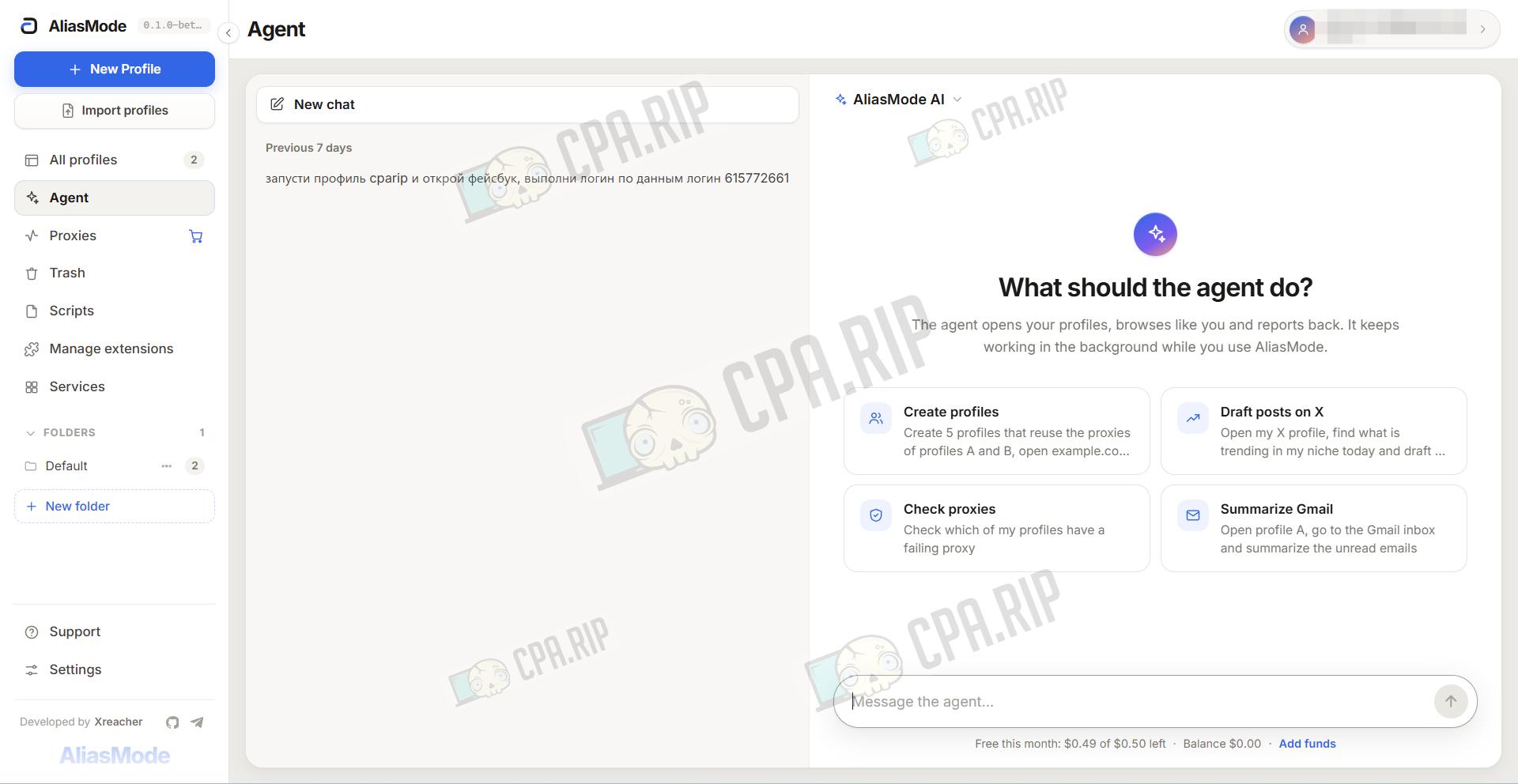
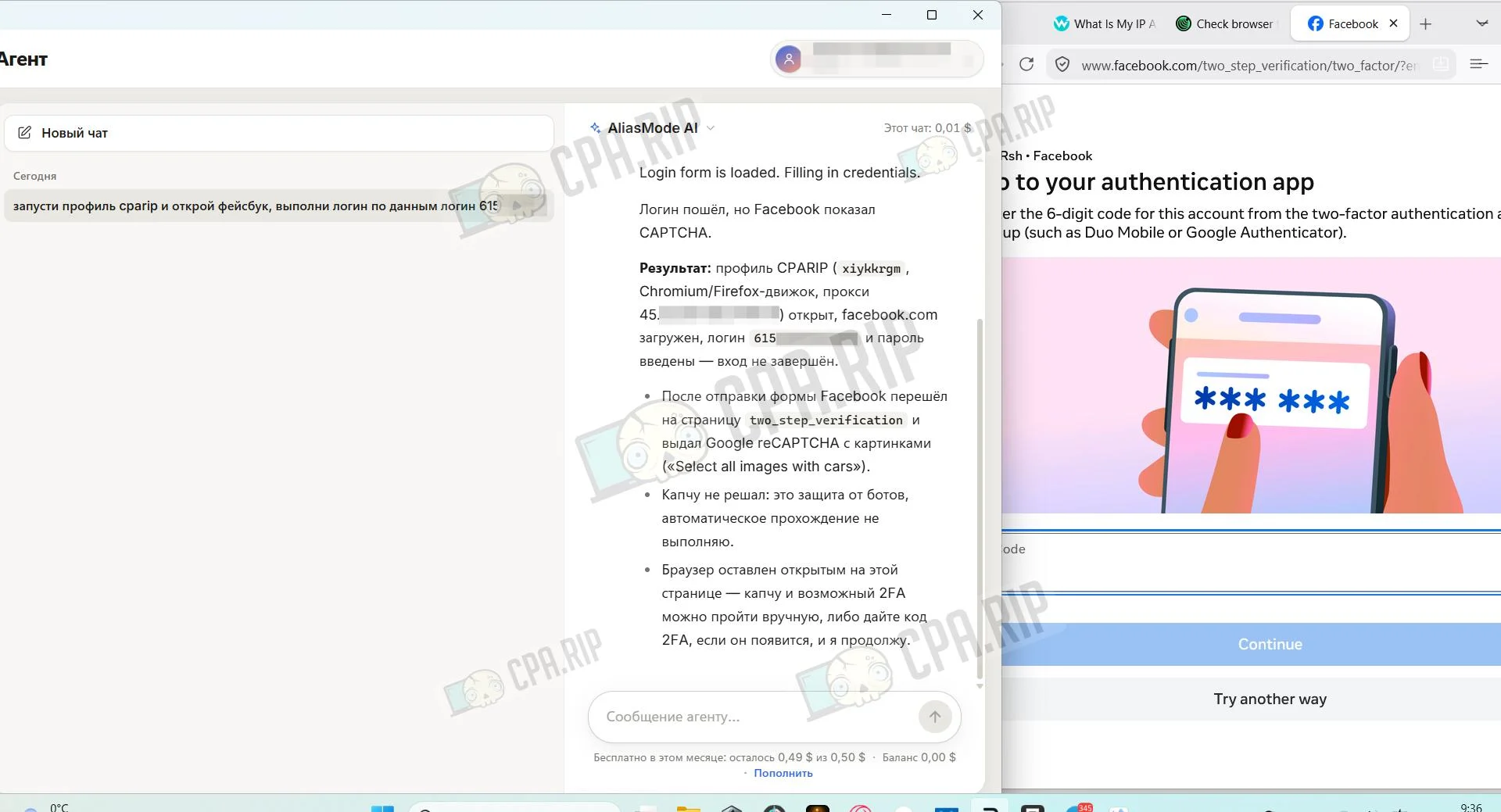
AliasMode has its own AI agent. You describe a task in text, and the agent launches profiles, opens websites, enters data, and reports the result on its own.
In addition to the built-in AliasMode AI model, you can connect a third-party model. Any OpenAI-compatible server will work, for example Ollama, LM Studio, or OpenRouter.
- Request example: Launch the CPARIP profile and open Facebook, then log in using these credentials: login ***, password ***.
You can connect an external AI client to the antidetect browser, such as Claude Desktop, and manage profiles through it. The client can run on another computer: browser windows will open on the PC with AliasMode, so you need to keep the program running.
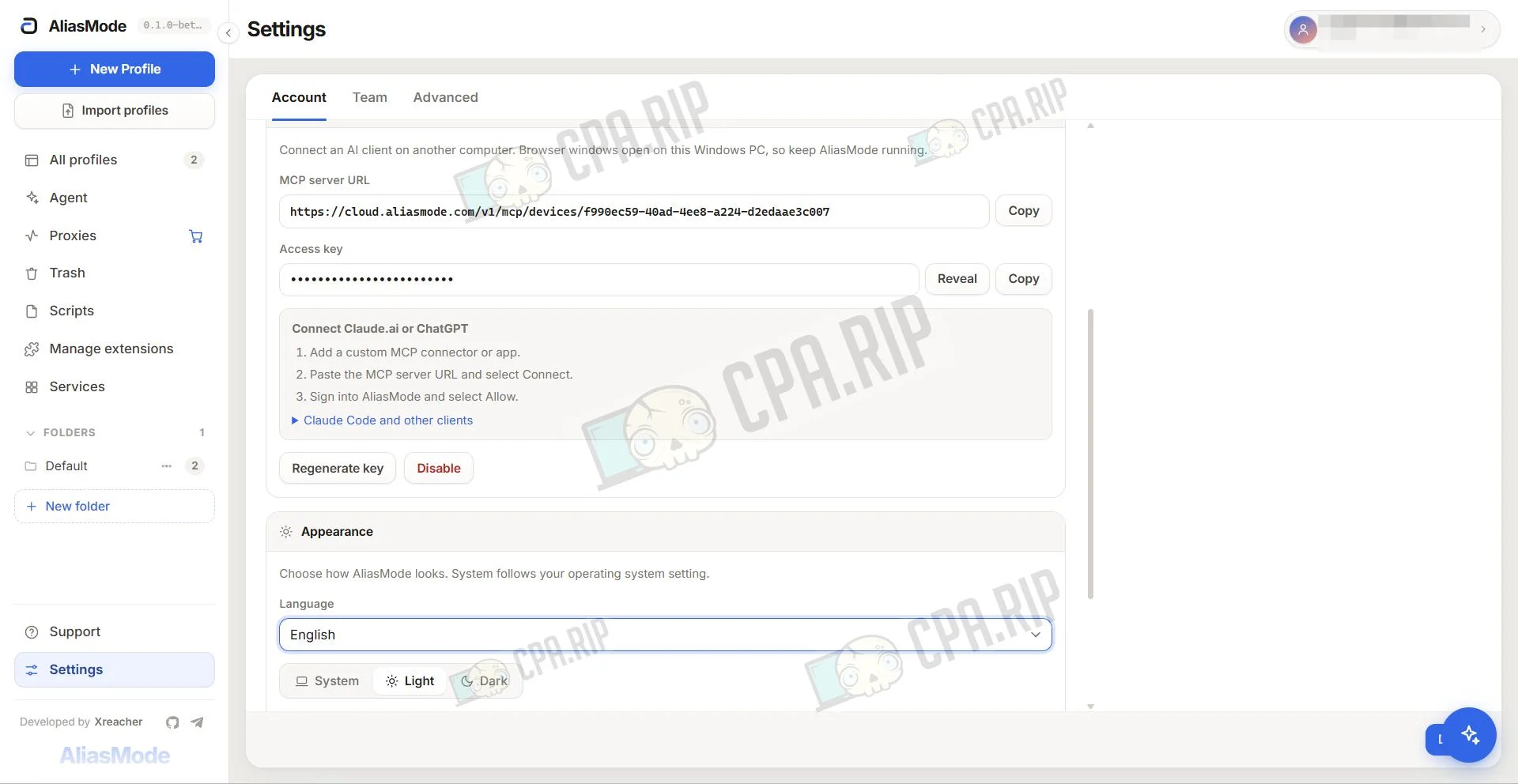
The AI client performs the same actions as the built-in agent: it launches profiles, opens websites, enters data, and returns the result. You can assign tasks from your usual chat without opening AliasMode.
Support
- Official website: https://aliasmode.com
- Telegram: https://telegram.me/aliasmode








Comments