

![[FBM] CARDS](https://cpa.rip/wp-content/uploads/cr-a1/fbm-cards-v1/fbm-cards-logo.svg)




In some Facebook Ads accounts, a new “Conversations” section has appeared at the ad level, allowing advertisers to set up automatic replies based on keywords.
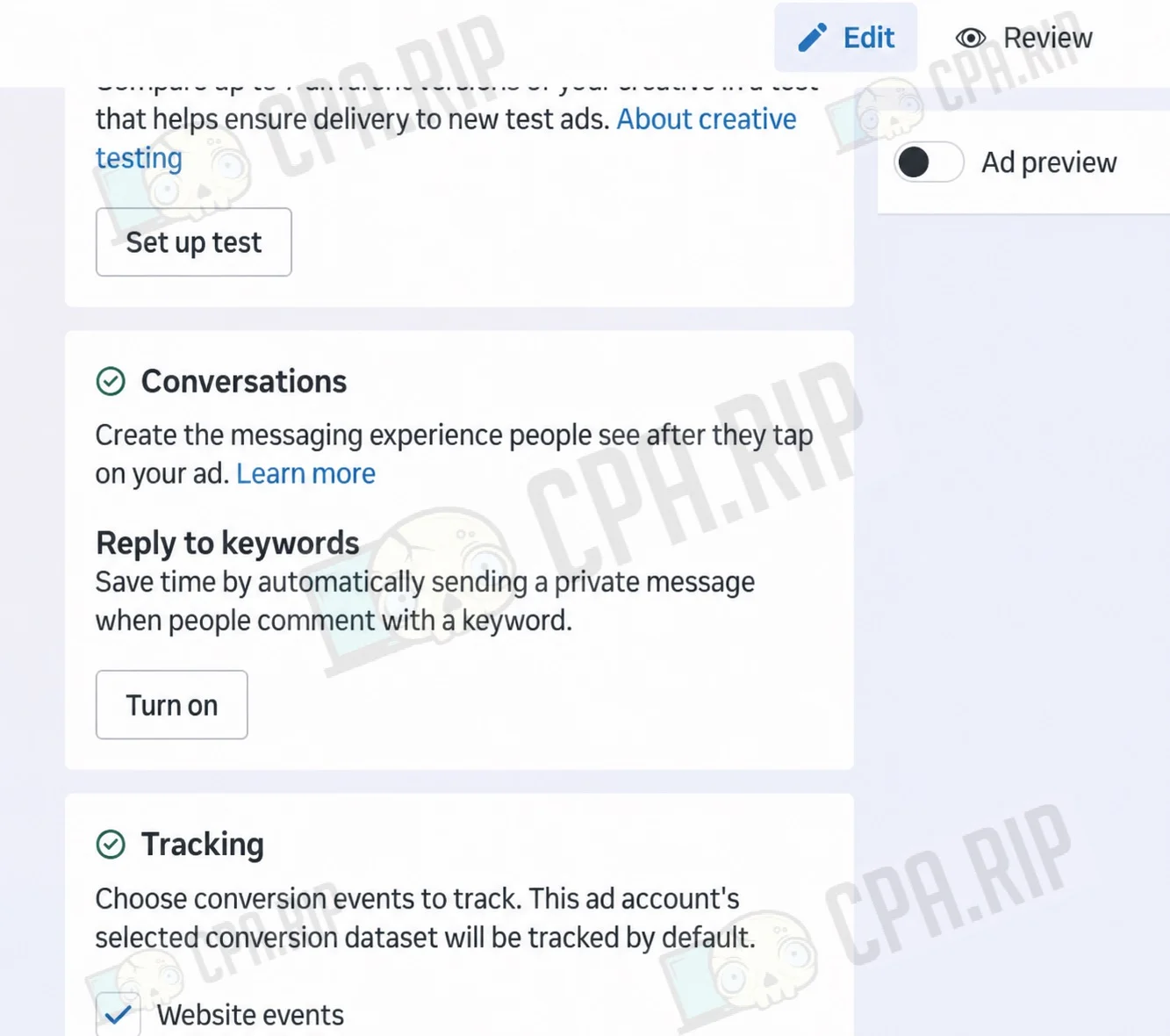
This feature lets you configure the automatic sending of a direct message to a user who leaves a comment under the ad containing a specified word or phrase.
In the settings, you can add up to five keywords or phrases and prepare your own reply text. When one of them appears in a comment, the user will automatically receive a direct message.
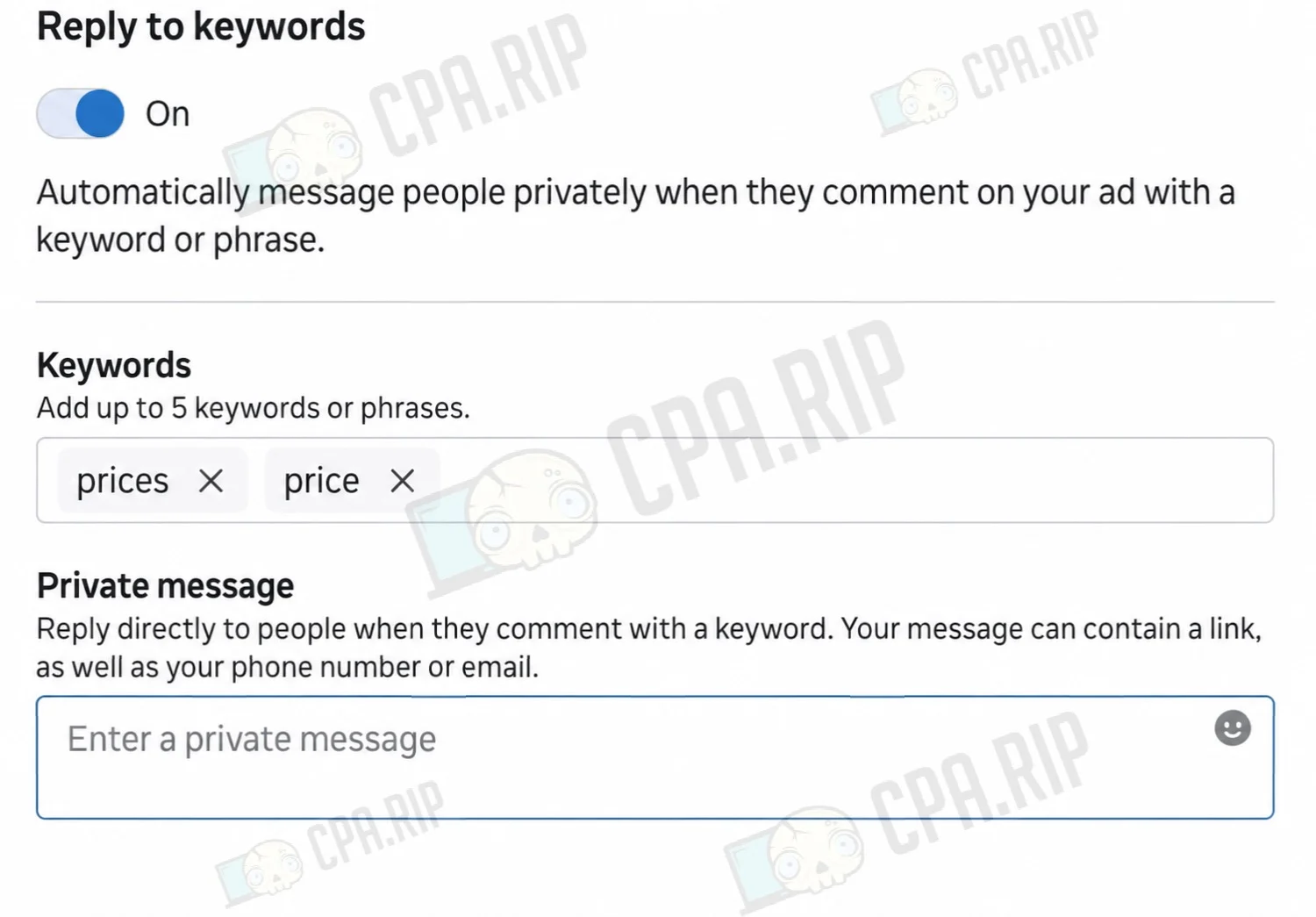
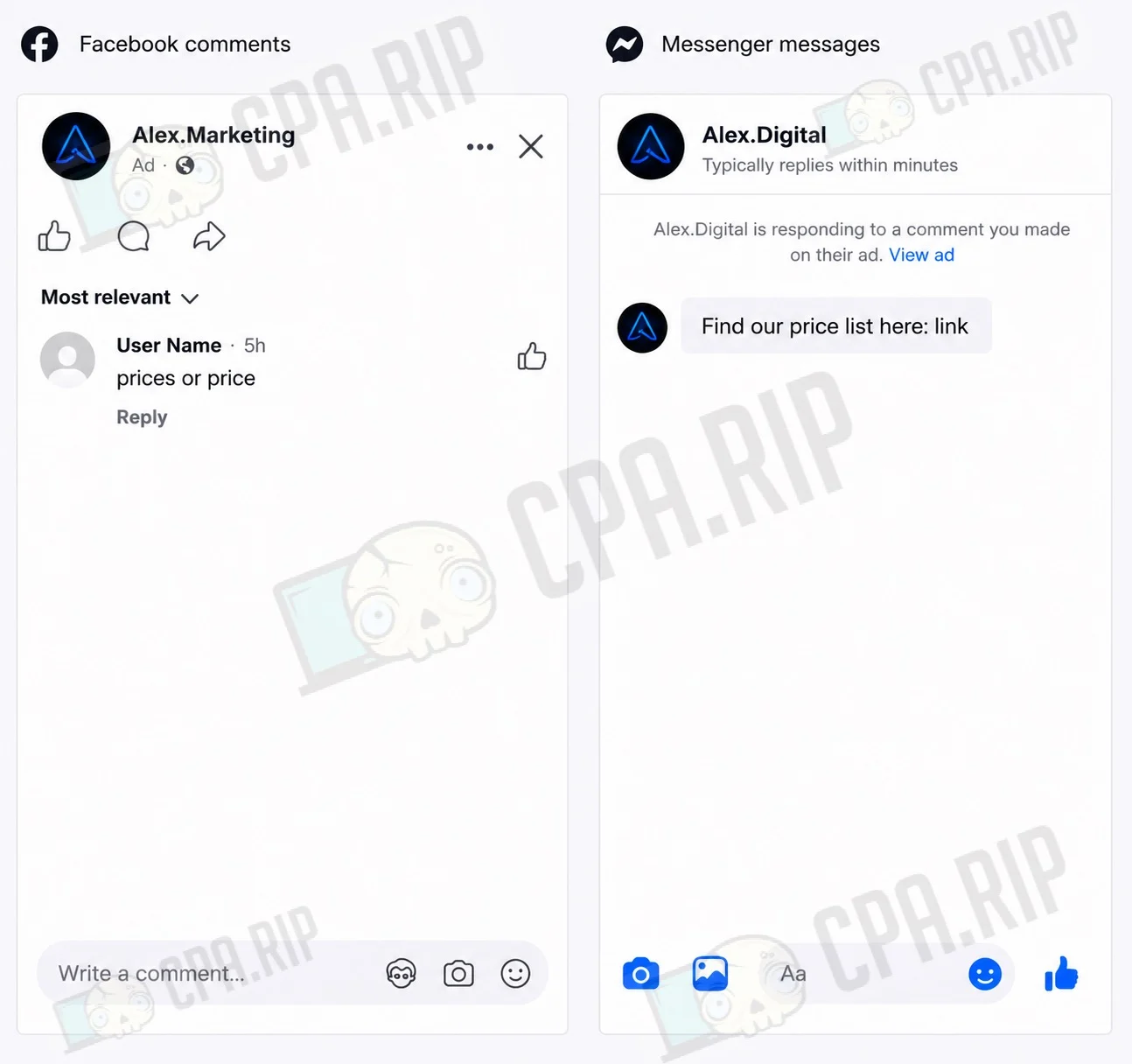
You can include a link, phone number, or email address in the message. For example, you could send a demo link after a comment saying “Demo,” pricing information after the word “Prices,” or a promo code after a comment like “Discount” or “Offer.”
We previously covered working with comments on Facebook in detail, including manual commenting, automatic hiding, and setting up auto-replies: https://cpa.rip/facebook/comment-management/








Comments